
If you don’t want your Mac to advertise its existence on any network you join, then there’s a simple option you’ll turn off to prevent that. Depending on your settings, this could stop unauthorized guests from connecting to your computer—or it could just keep people from seeing what silly name you’ve given your Mac. Both outcomes are good!
Tips

macOS: Stop Spotlight Indexing Certain Folders or Drives
Spotlight is a tool that lets you search through your Mac for files, folders, and other information.

watchOS: Use your Apple Watch as an Apple TV or iTunes Remote
Apple has a Remote app you can install on your Apple Watch so you can use it as an Apple TV or iTunes Remote.
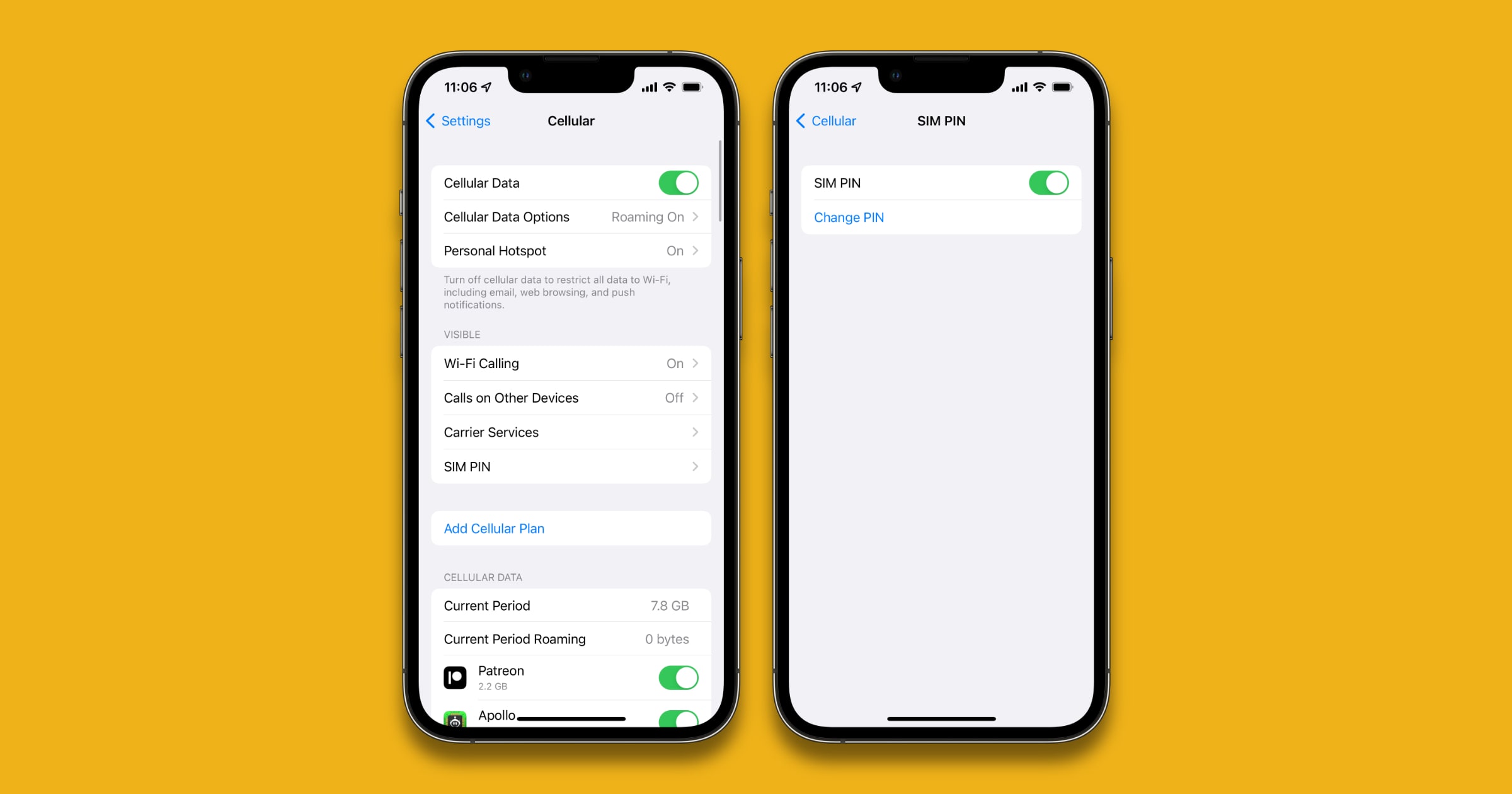
iOS: Create an iPhone SIM PIN to Further Safeguard Your Device
It’s a good preventative measure that can be included as part of our stolen iPhone guide.

How to Batch Convert Images with Preview
Got a bunch of JPEGs you need to convert to PNGs? Preview can do them all in one batch! In today’s Quick Tip, we’ll tell you how to change your preferences to make this possible.

macOS: How to See Your Mac Wake History
It lists all of the times your Mac has been woken up from sleep in chronological order.

Here's How to Make Alexa Remember Things for You
Amazon Alexa has a new feature called Remember This to help you keep track of whatever it is you need to remember. Read on to learn how.
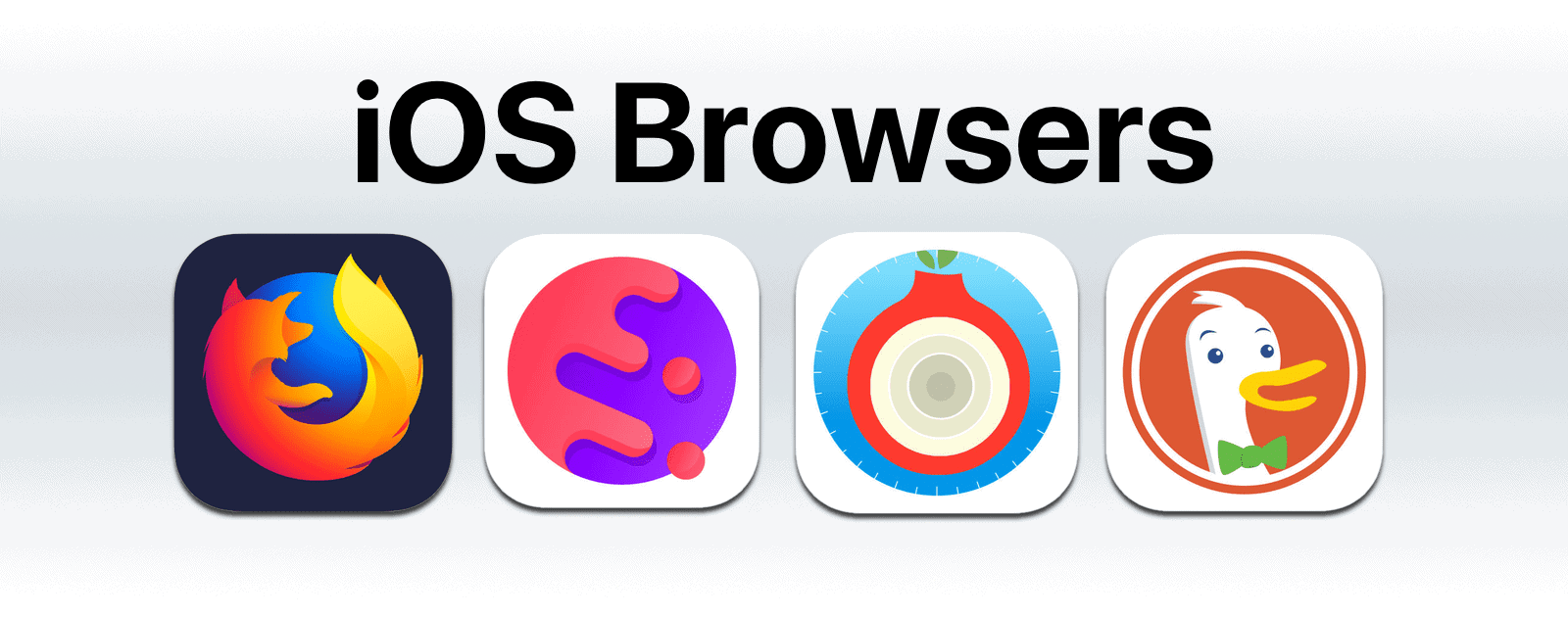
4 iOS Browsers To Use As An Alternative to Safari
iOS browsers use the same rendering engine as Safari, but they also come with other features.

How to Download Instagram Data, Including Photos and Comments
You’ll need a laptop or desktop to download your data; it’s not possible with the Instagram app.

How to Stop Video Autoplay in the iOS App Store
The iOS App Store on your iPad or iPhone may autoplay video demos of the apps you’re looking through; if you find that annoying (or don’t want such a thing eating up your cellular data!), come on in and learn what to do in today’s Quick Tip.
4 Heart Rate Monitor Apps For Your Apple Watch
Apple Watches have a heart rate sensor, and there’s a heart rate monitor built in. But there are also heart rate monitor apps from other developers, and we’ll take a look at four of them.
macOS: Use Finder Keyboard Shortcuts to Navigate Through Folders
It may not be much faster than using the mouse, but it can be useful if your mouse or trackpad isn’t working.

iOS: How to Delete iOS Mail All At Once
Whether you want to achieve Inbox Zero or just want to delete a large amount of emails at once, this tip is for you.

4 Hot Games to Celebrate Avengers: Infinity War, Plus a Bonus
Avengers Infinity War is here, so go see it in theaters. There are also plenty of Marvel iOS games to get in the spirit.
iOS: Stop Third-Party Apps From Accessing iOS Contacts
This will stop new apps you install from accessing iOS contacts, and lock the current app settings.
There's a New Way to Add Money on iOS and macOS
This method is basically iTunes gift cards without actually buying a gift card.
How to Remove the New Mac Flash Malware 'Crossrider'
This strain of Crossrider comes in the form of a fake Adobe Flash Player installer.

Outlook for Mac: Configuring (and Disabling!) Swipes
There’s something Microsoft Outlook does better than Apple Mail (gasp!): It’ll allow you to customize and disable swipes on messages to archive them, delete them, flag them, and so on. In today’s Quick Tip, we’ll tell you how! And we may end up having to apologize to Apple for giving them a hard time.

How to Block Memories in Photos
In both Photos on the Mac and on your iOS devices, you can actually block the types of memories you don’t want to see—holidays, for example, specific dates, or even a person. Getting those memories with bad associations out of your face is the subject of today’s Quick Tip!

macOS: Quickly Open a Link in a Safari Private Window
Private browsing protects your private information and blocks some websites from tracking your search behavior.

What's the Difference Between a Data Backup and an Archive?
These are two different methods and we’ll explain the differences, as well as which method is best for your needs.

Stolen iPhone Guide: What You Can Do if Your iPhone is Stolen
If you’re the victim of an iPhone theft, there are steps you can take after to try to get it back. But there are also preventative steps to take before it happens.

What's the Best Method to Manage PDFs on Apple Devices?
Right now, there are several ways to manage PDFs: iBooks, iCloud Drive, and Apple Notes.

Synology RT2600ac and RT1900ac: Your Apple AirPort Extreme Replacement
These days, many Apple users are looking to improve and update their home Wi-Fi connections. With Apple seemingly having abandoned any true hardware updates to their AirPort router line, Apple users are looking to third-parties to fill the gap for an AirPort Extreme replacement. To that end, Synology is among the cream of the crop in the standalone router market and provides many features never found in Apple’s offerings. Updated April 18, 2018 with lowered prices on Amazon. The RT2600ac is now available for less than an AirPort Extreme, with a lot more features and range.