

Screen recording with webcam integration is essential for tutorials, presentations, and professional content creation. Mac users benefit from tools that combine high-quality video capture with webcam overlays, editing features, and audio recording. Choosing the right software ensures smooth performance and polished results. Below are five of the best options available today for macOS users.
Table of contents
Best Mac Screen Recorders With Webcam
1. EaseUS RecExperts
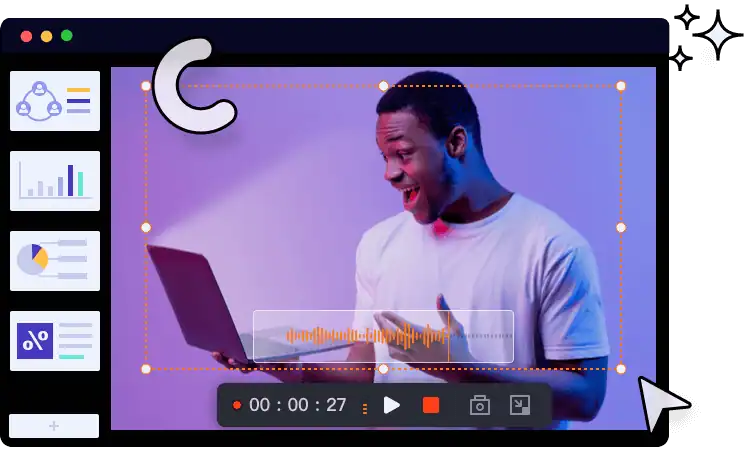
EaseUS RecExperts is a versatile choice for Mac users who want reliable screen and webcam recording. It supports picture-in-picture mode, allowing you to overlay your webcam while capturing the screen. The software includes options for virtual backgrounds, adjustable camera sizes, and multiple output formats. EaseUS is ideal for tutorials, vlogs, and professional presentations.
2. OBS Studio

OBS Studio is a free, open-source solution that offers advanced customization. It allows simultaneous recording of screen, webcam, and audio, making it popular among streamers and educators. OBS supports multiple scenes, transitions, and plugins, giving users flexibility to create professional-quality videos. While the learning curve is steeper, its robust features make it a top choice for advanced users.
Don’t miss the best of The Mac Observer
Set us as a preferred source and our Apple reporting ranks higher in your Google Search results and Discover feed — one tap, no account changes.
3. ScreenFlow

ScreenFlow is designed for Mac users who want both recording and editing in one package. It captures screen activity and webcam video with excellent clarity. The built-in editor enables trimming, annotations, and transitions, making it perfect for polished tutorials or marketing videos. ScreenFlow also supports exporting in various formats, ensuring compatibility across platforms. For broader comparisons, check out this guide to recording software for Mac.
4. QuickTime Player

QuickTime Player comes pre-installed on macOS and offers basic screen and webcam recording. While it lacks advanced editing tools, it is a convenient option for quick recordings. Users can capture both screen and camera input without installing additional software. QuickTime is best suited for simple tasks or one-time recordings when ease of use is the priority. If you need more advanced features like internal audio capture, explore this list of the best screen recorders with internal audio for Mac.
5. Riverside

Riverside is a browser-based recorder that captures screen and webcam in high resolution. It supports 1080p screen recording and 4K webcam video, making it ideal for professional interviews, podcasts, and presentations. Riverside also offers cloud storage, ensuring recordings are safely backed up. Its intuitive interface makes it accessible for beginners and professionals alike. For those who also record on mobile, here’s a roundup of the best iPhone apps for recording audio.
FAQ
QuickTime Player is the easiest option for beginners due to its simplicity and built-in availability.
Yes, tools like EaseUS RecExperts and OBS Studio allow internal audio recording alongside webcam overlays.
OBS Studio is a free option with advanced features, though it requires some learning to use effectively.
ScreenFlow and OBS Studio provide editing capabilities, while QuickTime Player requires external tools for editing.
Best Mac Screen Recording Choice for Professionals
Selecting the right screen recorder depends on your needs. EaseUS RecExperts and ScreenFlow are excellent for polished tutorials, while OBS Studio suits advanced users. QuickTime Player is best for quick tasks, and Riverside excels in high-quality online recordings. For more detailed comparisons, explore this guide to recording software for Mac.


Discussion