
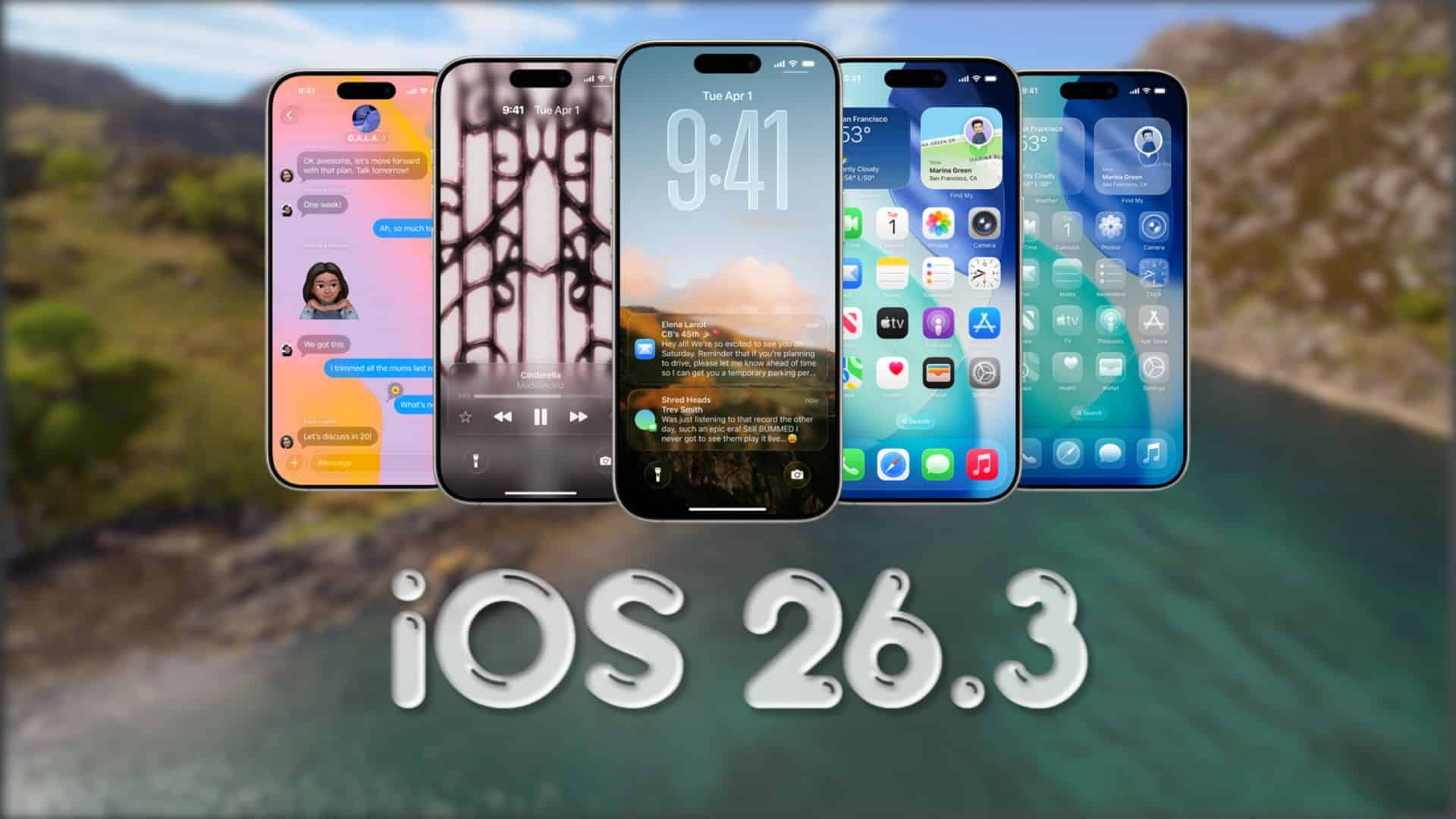
Apple pushed out iOS 26.2 on Friday, December 12, and it did not take long for the next beta cycle to begin. iOS 26.3 beta 1 is now available for iPhone, giving developers an early look at what Apple plans to ship next.
iOS 26.2 shipped as build 23C55. The first iOS 26.3 beta arrives as build 23D5089e. If you test betas, those build numbers matter because Apple often tweaks things between betas without changing the version name.
This is a developer beta, so it is aimed at testing, not stability. If your iPhone is your main device, back up first and expect bugs, battery drain, and app issues, especially in the first build of a new point release.
Don’t miss the best of The Mac Observer
Set us as a preferred source and our Apple reporting ranks higher in your Google Search results and Discover feed — one tap, no account changes.
How to update
- Open Settings
- Tap General
- Tap Software Update
- Tap Beta Updates
- Choose the iOS 26 developer beta option linked to your Apple ID, then return and install
After the install, you can confirm the version and build in Settings > General > About.
Changes in iOS 26.3 beta 1
Apple has not published a full public change list for iOS 26.3 beta 1 yet, and early betas often focus on bug fixes and performance work rather than headline features. That means you may see small UI tweaks, stability improvements, and behind-the-scenes changes that only become obvious after a few days of testing.
If you spot a noticeable change, it helps to note your device model and the exact build number 23D5089e when you share feedback or compare results with other testers.
Let us know in the comments if you installed iOS 26.3 beta 1 and what changed first on your iPhone.




Discussion