
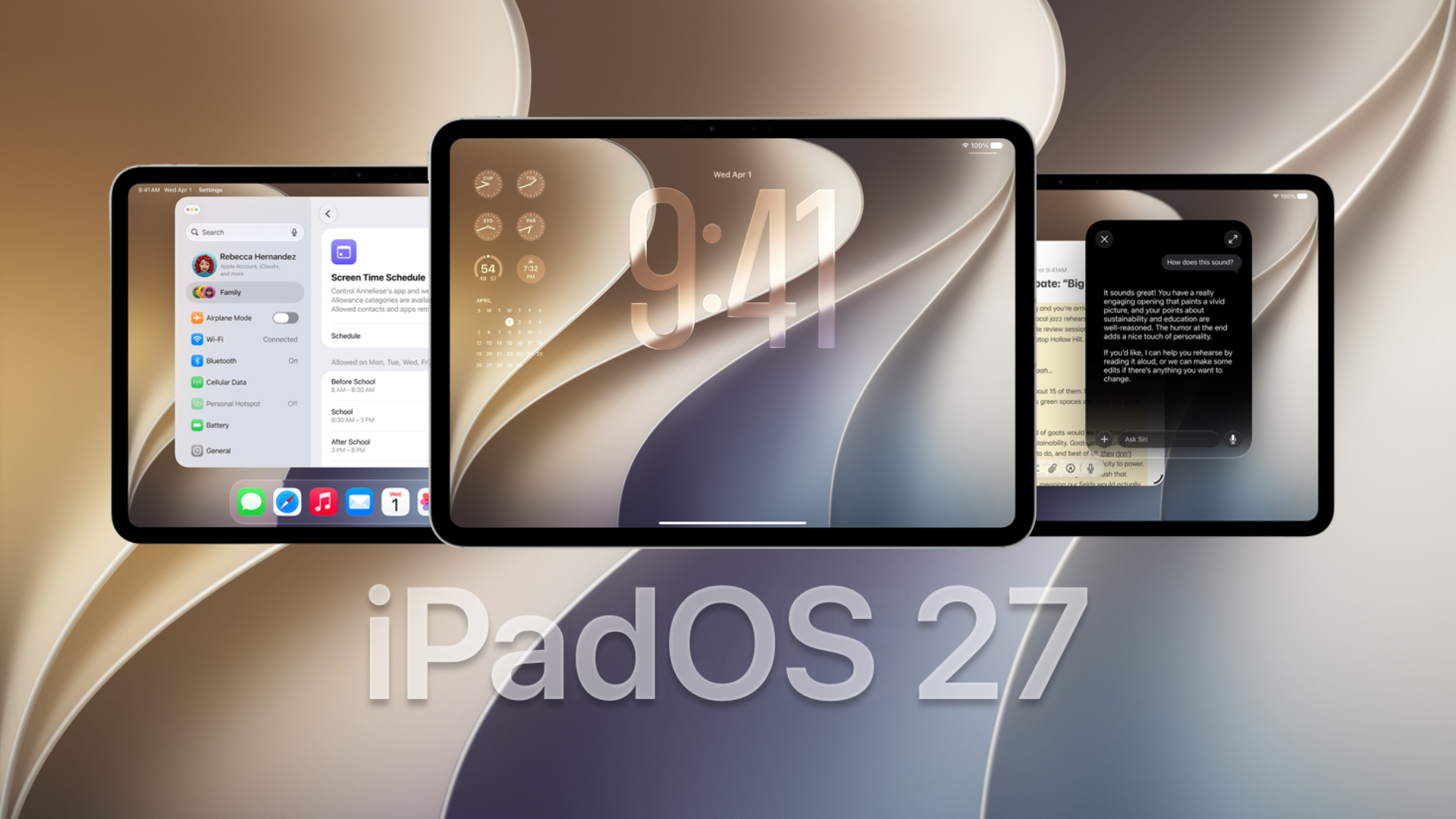
Apple has released the first iPadOS 27 public beta, giving iPad users an early look at Siri AI, faster system performance, new Apple Intelligence tools, improved parental controls, and several useful app upgrades. The public beta is free, but users should create a backup before installing it because early software can contain bugs and affect battery life.
How to Install the iPadOS 27 Public Beta
Before updating, back up your iPad through iCloud or a Mac or PC. Apple also recommends testing beta software on a secondary device whenever possible.
- Visit the Apple Beta Software Program website.
- Select Sign Up or Sign In.
- Use the same Apple Account connected to your iPad.
- Accept the program terms and enrol your device.
- Open Settings on your iPad.
- Go to General > Software Update > Beta Updates.
- Select iPadOS 27 Public Beta.
- Return to the Software Update page and tap Update Now.
The first public beta matches the revised third developer beta released on July 13. Apple’s beta program is free and includes the Feedback Assistant app for reporting problems.
Don’t miss the best of The Mac Observer
Set us as a preferred source and our Apple reporting ranks higher in your Google Search results and Discover feed — one tap, no account changes.
Everything New in the iPadOS 27 Public Beta
- Siri AI: Apple’s redesigned assistant supports natural conversations, follow-up questions, personal context, onscreen awareness, web searches, and actions across supported apps. A dedicated Siri app stores conversations and lets users continue chats across Apple devices. Siri AI requires an iPad with an M1 chip or newer, or an iPad mini with the A17 Pro chip.
- Write with Siri: Siri can create drafts, improve existing text, and offer feedback in apps where users type. In Mail and Messages, it can also match the user’s writing style, punctuation, and tone.
- Visual Intelligence on iPad: Users can ask questions about anything displayed on the screen. They can tap an object with a finger or circle it using Apple Pencil to search for more information or take an action.
- Smarter Notes tools: Siri can work with typed and handwritten notes. It can organise bullet points, create an agenda, summarise information, or turn handwritten lecture notes into a study guide.
- Apple Intelligence in apps: Photos, Safari, Messages, Calendar, Shortcuts, and other Apple apps receive new AI features. Photos adds improved editing tools, while Safari can organise tabs and help users find information more quickly.
- Faster system performance: Apple has improved memory use, CPU scheduling, search, display rendering, and system responsiveness. Files should also handle large folders and external drives more efficiently, especially on newer iPad Pro models.
- Liquid Glass improvements: iPadOS 27 refines the Liquid Glass design introduced with iPadOS 26. Updated controls, clearer backgrounds, stronger visual separation, and improved icon details should make the interface easier to read.
- New child safety controls: Parents receive a redesigned dashboard for checking device activity and changing access quickly. Ask to Browse lets children request permission before opening restricted websites, while contact approval controls cover communication with new people.
- Improved Shared Albums: Friends and family using Android or Windows can join albums and upload pictures through iCloud.com. Shared Albums also support full-resolution photos, reactions, filters, and additional invitation options.
- Smarter Home features: Apple Intelligence can group related security camera notifications, describe recorded activity, and search clips using natural language. Compatible HomeKit Secure Video cameras can also stream and record in 4K with an eligible iCloud+ plan.
iPadOS 27 Compatible Devices
The iPadOS 27 public beta supports the following models:
- iPad Pro 12.9-inch, 4th generation and newer
- iPad Pro 11-inch, 2nd generation and newer
- iPad Air, 4th generation and newer
- iPad, 9th generation and newer
- iPad mini, 6th generation and newer
However, Siri AI and other Apple Intelligence features require an iPad with an M1 chip or later, or the iPad mini with A17 Pro. Some advanced voice features require an M4 iPad with at least 12GB of unified memory.
Apple will continue updating the iPadOS 27 beta throughout the summer before releasing the final version later this year. Since this remains early software, users may experience app crashes, reduced battery life, heating, or compatibility problems.
If you’ve already installed the update, let us know your experience in the comments.




Discussion