
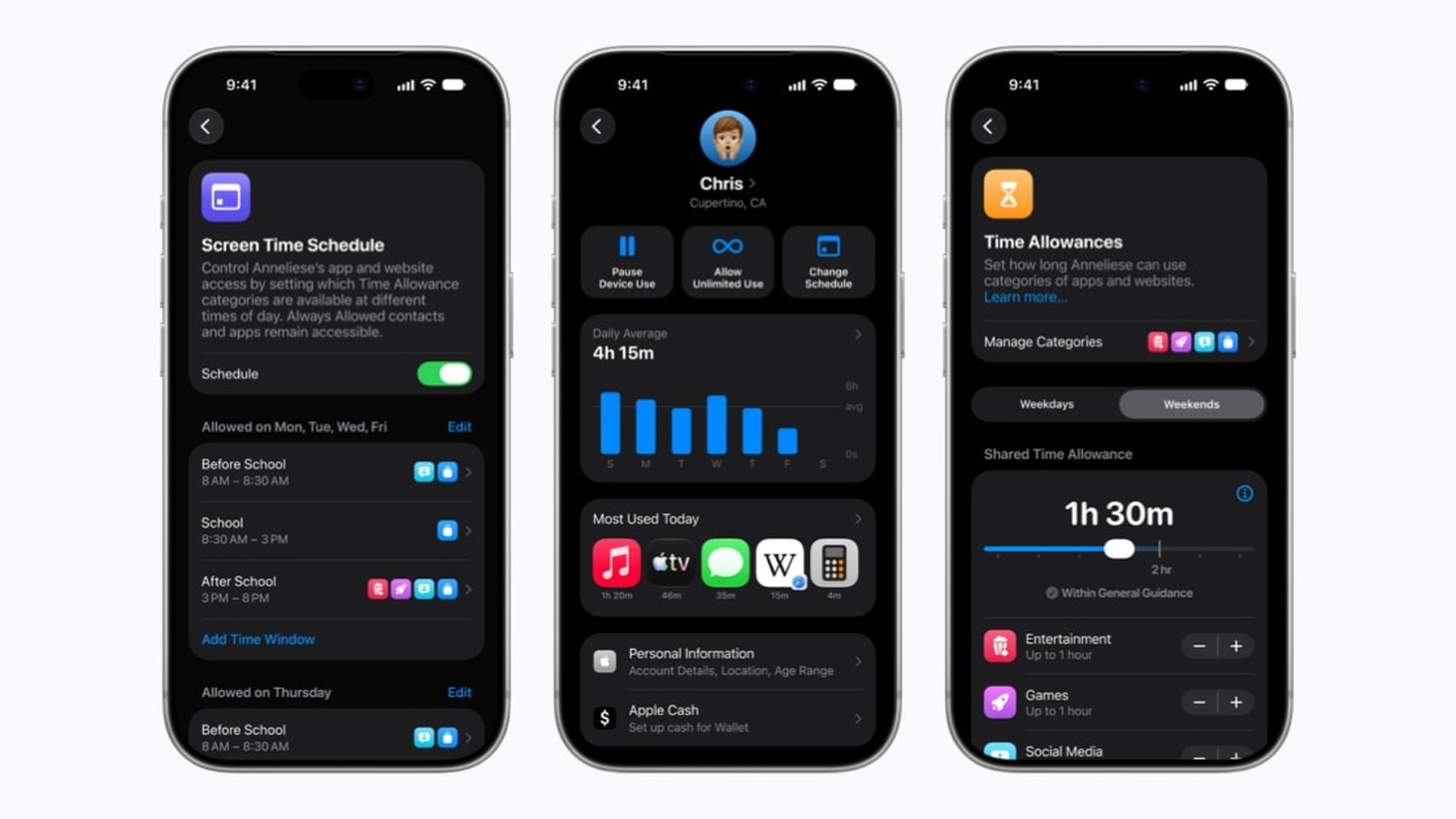
Apple has released an animated video explaining how Child Accounts and the latest Screen Time tools work across iPhone, iPad and Mac. The video covers app access, website approvals, communication controls and new ways to manage a child’s daily device time.
Apple’s official child-safety announcement says the controls are available with the Screen Time update in iOS 27, iPadOS 27 and macOS 27. Some features vary by region, language and device model.
The controls Apple highlights
The setup begins with a Child Account, which lets parents choose essential, recommended or custom sets of apps during device setup. Ask to Buy remains available for approving downloads, while Ask to Browse extends the approval flow to new websites opened in Safari.
Don’t miss the best of The Mac Observer
Set us as a preferred source and our Apple reporting ranks higher in your Google Search results and Discover feed — one tap, no account changes.
Apple also shows parents approving new contacts and using Communication Safety. The feature already handled nudity and now adds interventions for gore and violent content detected in shared images or videos. Apple says the analysis happens on the device.
Time Allowances let parents set limits across categories including Entertainment, Games and Social Media. Schedules control which apps are available at different times of day, while the redesigned Screen Time view summarizes usage and provides faster access to adjustments.
Our complete iOS 27 parental-controls guide compares where each feature works. Families should also note that the new setup requires compatible software across the Family Sharing group. The steps for updating family devices and enabling the controls explain that prerequisite.
The video is an overview rather than a substitute for choosing settings for an individual child. Parents still decide which apps, contacts, websites and time limits are appropriate, and Apple’s age thresholds can differ by country or region.
Families using older software may continue to see the previous Screen Time interface until every required device and the family settings have been updated. Apple recommends reviewing the controls again after upgrading instead of assuming earlier limits transferred exactly.




Discussion