
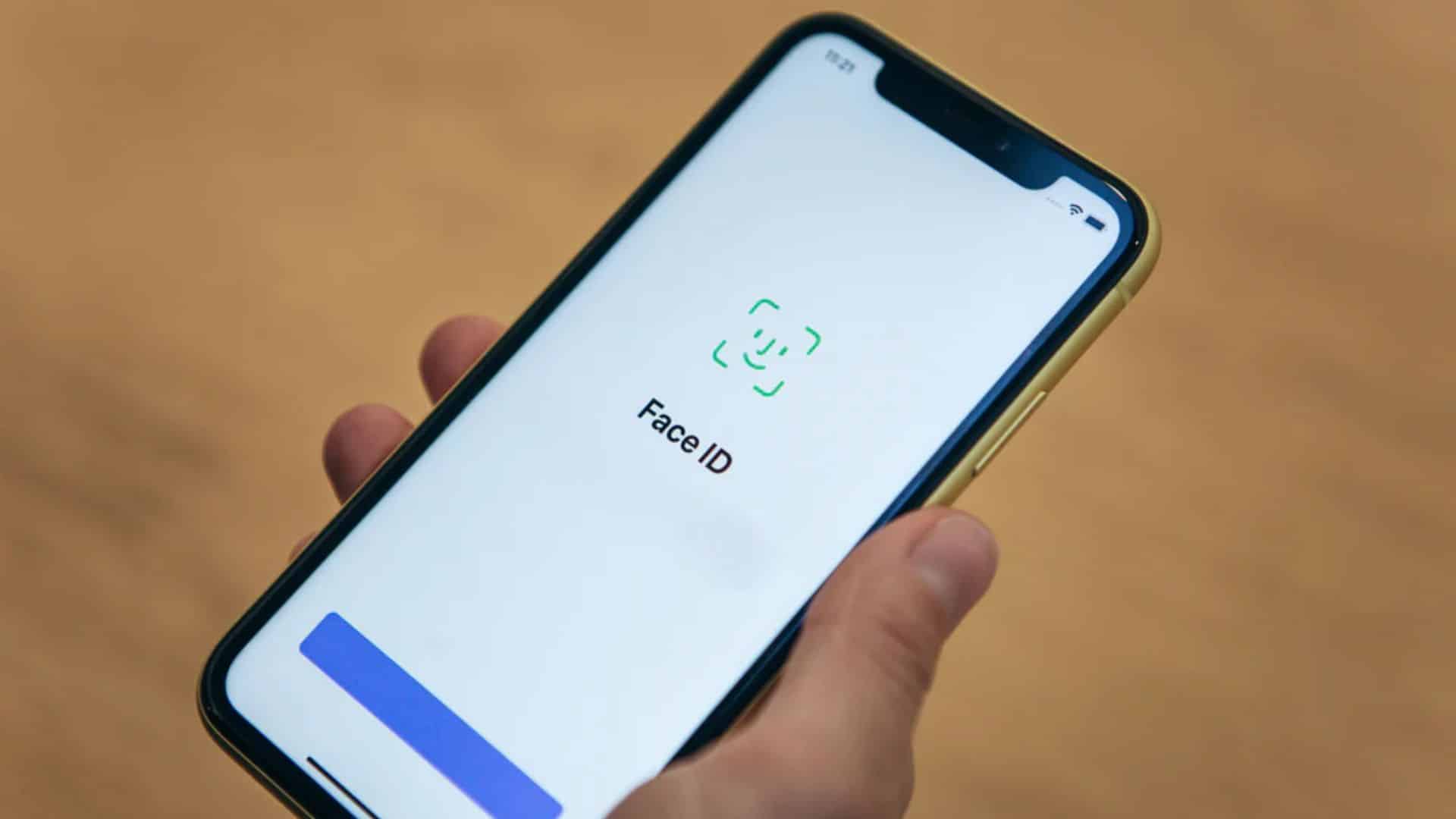
Apple’s latest iOS 26 update is drawing criticism from iPhone users over a problem that should have been solved years ago: Face ID reliability. Reports from across the community suggest that facial recognition has become noticeably slower and far less consistent since the update rolled out, forcing users to rely on passcodes or awkward workarounds.
Users say Face ID is failing more often
Users began reporting problems shortly after Apple released iOS 26 and its follow-up patch, iOS 26.0.1. Many say Face ID, which once unlocked their devices instantly, now fails repeatedly even when they hold the phone in the same position.
A Reddit thread on r/iphone with hundreds of interactions gives a clear picture of the frustration. The original poster shared that Face ID failed three out of five attempts after the update. “I literally need to hold up the phone for it to work. Imagine trying to use Wallet for public transport where the scanner is at chest height, and now you have to lift your phone to your face while a queue builds behind you,” they wrote.
Don’t miss the best of The Mac Observer
Set us as a preferred source and our Apple reporting ranks higher in your Google Search results and Discover feed — one tap, no account changes.
Dozens of others reported the same experience. One user said they rarely needed to adjust their phone before the update, but now Face ID “just doesn’t work” unless they “pull it to their face and lock in.” Another described the software as “glitchy” and said iOS 26 felt “disappointing” overall, even on a newer iPhone 16 Pro Max.
Slower detection and inconsistent performance
Some users aren’t dealing with outright failure but say Face ID has become noticeably slower. “There’s a delay now between when it detects my face and when it unlocks,” one commenter wrote, adding that they could even see the Face ID animation appear in the Dynamic Island.
Others have seen more unusual side effects. A few said apps that rely on Face ID stopped working entirely until they performed forced updates from the App Store. One user even reported their phone rebooting during a Face ID check inside an app.
Potential fixes and community suggestions
While the complaints are widespread, the experience isn’t universal. Some users report no issues on iOS 26 or 26.0.1, suggesting the problem might be linked to specific devices or settings. Those who resolved it shared a few troubleshooting tips:
- Reset Face ID: Deleting and setting it up again fixed the problem for some users, though others said it made no difference.
- Disable “Require Attention”: Turning off this feature reportedly improved reliability for several users.
- Clean the sensor area: A dirty or scratched sensor can cause detection problems.
- Update apps manually: Refreshing apps that use Face ID restored functionality for certain users.
- Set up Express Transit: For Wallet use, this bypasses Face ID altogether, preventing delays at scanners.
A few users even rolled back to iOS 18.7 when it was still possible, saying the issue disappeared immediately.
Bottom Line
Face ID has been a flagship feature since its debut on the iPhone X in 2017, and its reliability has long been one of Apple’s selling points. The current wave of complaints, however, shows how software updates can undermine user experience even on mature features.
Apple has not publicly commented on the reports. Until it does, the best course for affected users is to try the community’s suggested fixes or wait for another patch. For a feature that’s supposed to “just work,” the current situation shows how even small regressions can erode trust especially when they affect something as fundamental as unlocking your phone.




I’ve noticed this on my iPhone 16 Pro Max with iOS 18.7.1.