
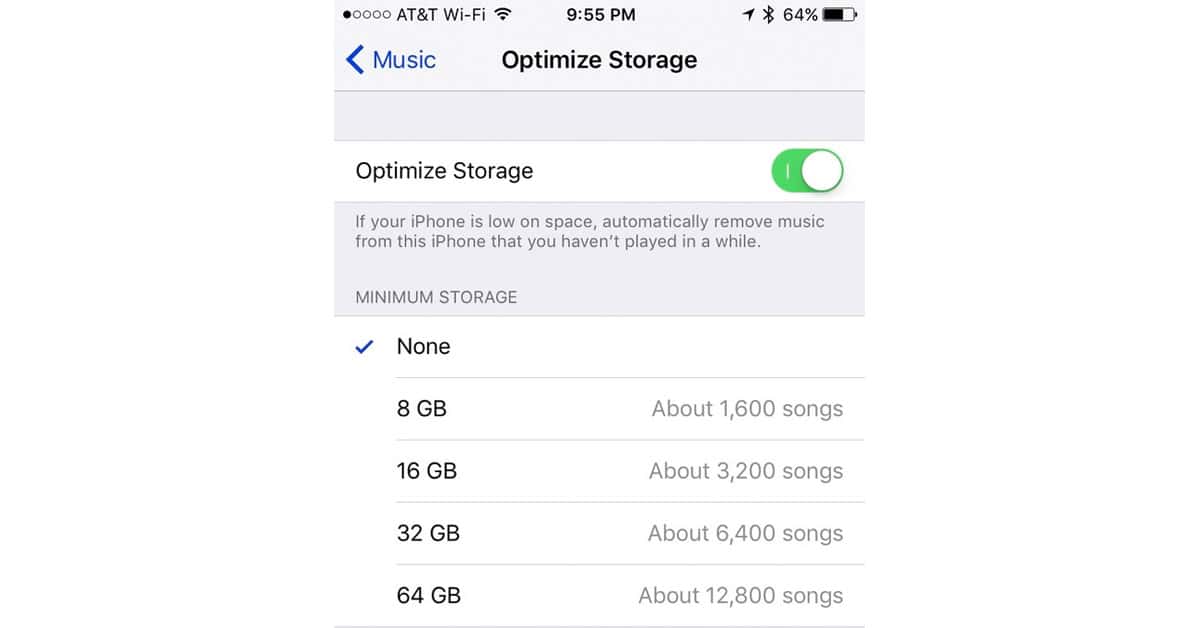
One of the many new features in iOS 10 is the ability to “Optimize Storage” of the locally-cached data from your iCloud Music Library. When turned on by the user, this feature instructs your iPhone or iPad to remove local copies of your music if your device gets low on storage space. Don’t worry, only the local copies of those songs are removed. They still remain in the cloud.
This feature only works if you have iCloud Music Library enabled. If you don’t, you won’t have the options shown in the screenshots below.
To turn on Optimize Storage, go to Settings > Music and tap Optimize Storage.
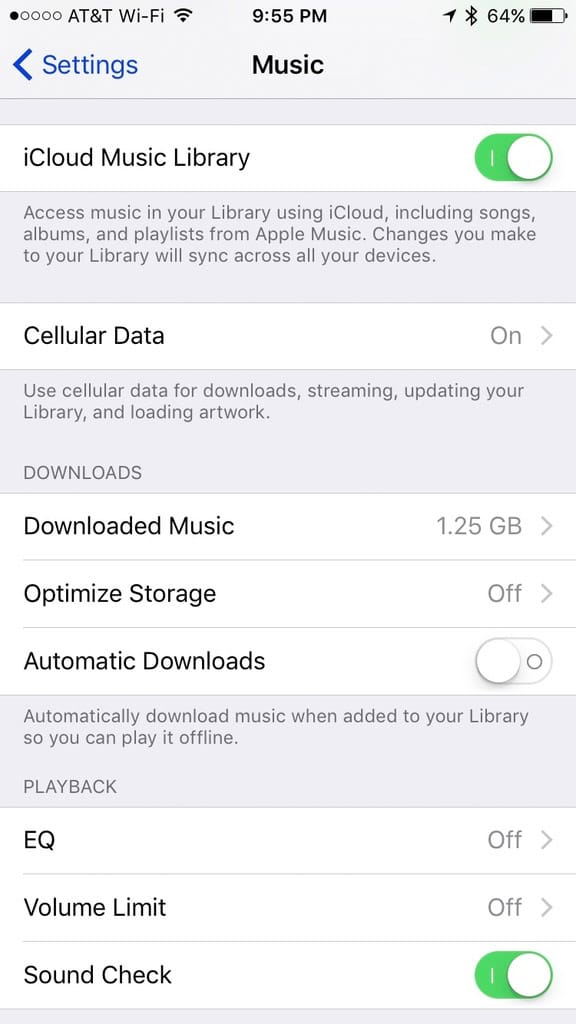
Optimize Storage
The Optimize Storage Settings shown below allow you to control exactly how aggressive you want your device to be. When you begin to get low on storage, iOS will free up space by removing the local copies of songs you haven’t played “in a while.”
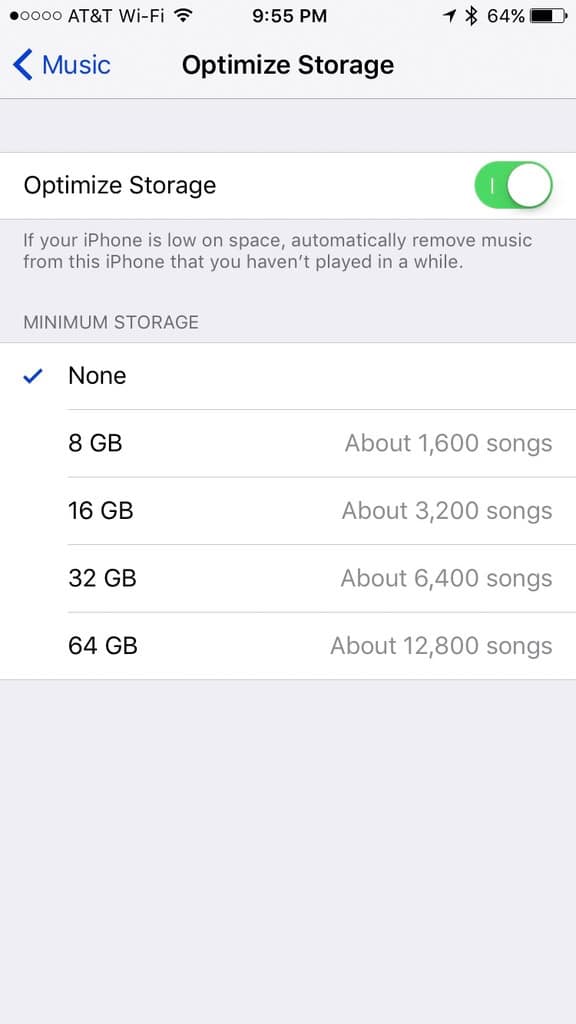
Set it and forget it, just like you forgot the tunes that aren’t being played.
Don’t miss the best of The Mac Observer
Set us as a preferred source and our Apple reporting ranks higher in your Google Search results and Discover feed — one tap, no account changes.




Discussion