
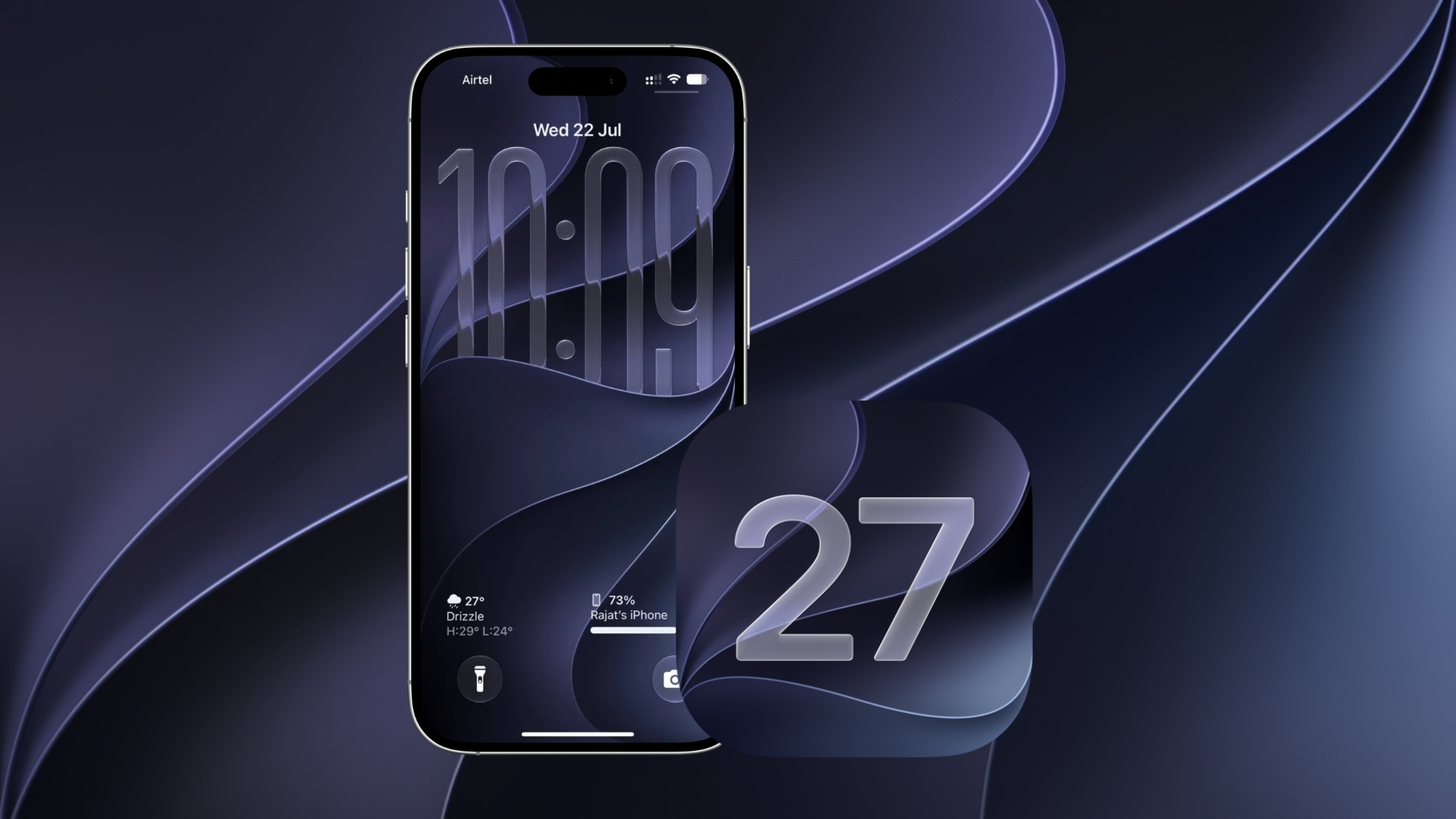
Some iPhone users say the iOS 27 download screen briefly showed an iOS 26.7 label instead, creating confusion about which update their device was installing. Reports suggest that refreshing Software Update or completing the installation corrected the label for some people, but not for everyone.
The reports come from Reddit and have not been confirmed by Apple. If the labels on your iPhone do not match the update you selected, it is sensible to pause and verify the version before proceeding.
Users report two different iOS 26.7 situations
In one Reddit report, a user said the download status for an iOS 27 update displayed “iOS 26.7.” After refreshing the Software Update page, the label changed back to iOS 27. Several commenters said they saw the same mismatch, and some said their iPhones ultimately restarted on iOS 27.
Don’t miss the best of The Mac Observer
Set us as a preferred source and our Apple reporting ranks higher in your Google Search results and Discover feed — one tap, no account changes.
However, the discussion does not establish that every large download labelled iOS 26.7 is actually iOS 27. One commenter said a separate 26.7 update installed while that person was still enrolled in iOS 26 beta updates. Another said the version number continued to look wrong even after a refresh.
A second thread describes a possible update loop
A separate Reddit thread described a different outcome. Users said selecting the option to upgrade to iOS 27 led to a larger iOS 26.7 download. One person said 26.7 installed and the iOS 27 upgrade option remained below it, while another described being sent back to the 26.7 download.
Those accounts cannot confirm what is happening on every device. They do show that the update screen may be presenting two distinct releases in a way that is difficult for some users to understand. Apple’s own software update instructions direct users to Settings > General > Software Update, where the available update and its version should be shown before installation.
Check the installed version after restart
If the wording changes while an update is downloading, refresh the Software Update page and read the version number again. After the iPhone restarts, open Settings > General > About and check the iOS Version field. That is a clearer way to confirm the software installed than relying on an in-progress download label.
Apple has not published a support notice acknowledging an iOS 27 label being replaced by iOS 26.7 in Software Update. Until it does, the available evidence is limited to individual user reports, and anyone concerned about the download should wait for the screen to display the intended version clearly.

Discussion