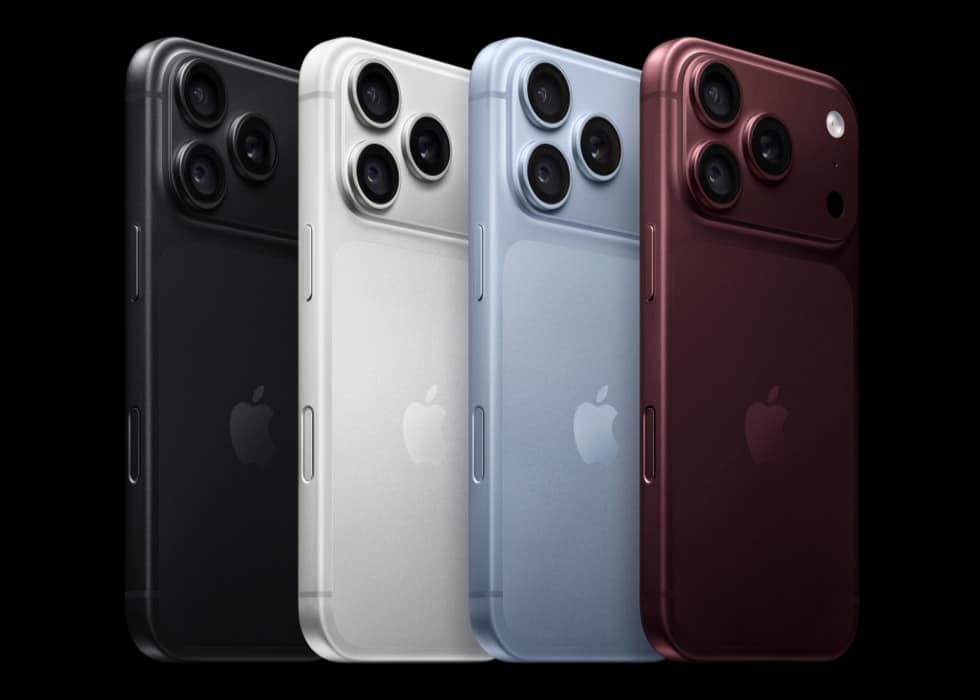
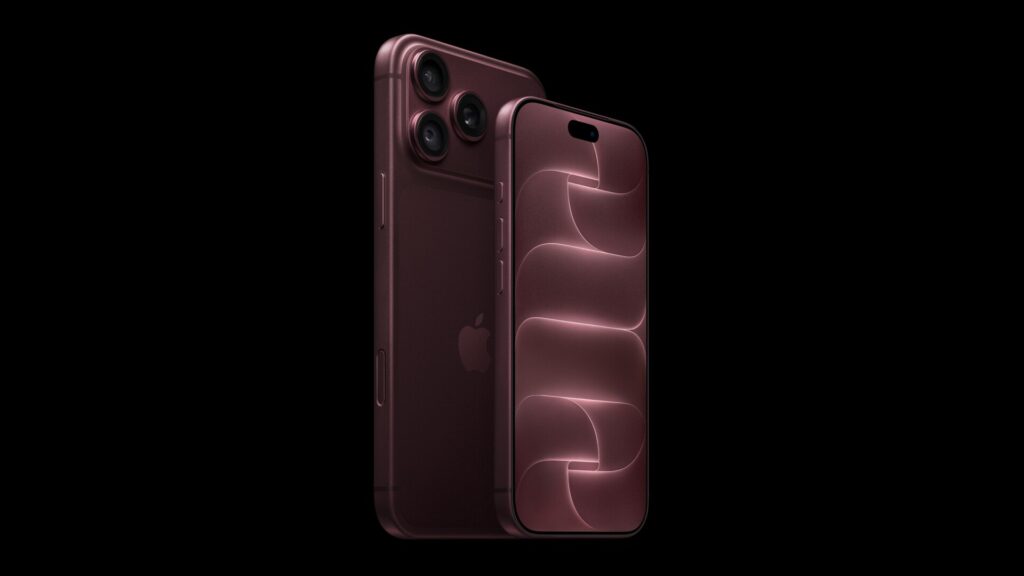
iPhone 18 Pro ships without a physical SIM tray in the United States and eleven other countries and regions, which means eSIM activation is not an optional extra for most American buyers, it is the only way the phone gets service at all. Apple documents six separate ways to put an eSIM on the phone, and its own carrier list names exactly which US carriers support the fastest of them.
| Fact | What Apple publishes |
|---|---|
| No SIM tray in | The US and 11 other countries and regions, per Apple’s press release |
| eSIM Quick Transfer supports (US) | AT&T, T-Mobile, US Cellular and Verizon, per Apple’s carrier list |
| eSIM Carrier Activation supports (US) | AT&T, Boost Mobile, Cricket, Metro by T-Mobile, T-Mobile, US Cellular, Verizon and Virgin Mobile |
| Quick Transfer requirement | Both iPhones on iOS 18.4 or later, signed into the same Apple Account, Bluetooth on |
| Dual eSIM capacity | Two active lines at once, eight or more stored, per Apple’s tech specs |
Six ways Apple lists to activate an eSIM
| Method | Where it happens |
|---|---|
| During setup | An onscreen prompt appears while Quick Start or the manual setup flow runs |
| After setup | Settings, then Cellular, then Set Up Cellular or Add eSIM |
| Carrier notification | Tap the Carrier Cellular Plan Ready to Be Installed alert, then Continue, then place a test call |
| QR code | Settings, Cellular, Use QR Code, or scan the code with the Camera app |
| Carrier app | Download the carrier’s app from the App Store and activate or transfer through it |
| Manual entry | Settings, Cellular, Add Cellular Plan, Enter Details Manually |
A seventh option exists for anyone still on a physical SIM elsewhere: Apple’s guide says supported carriers can convert an existing physical SIM to an eSIM on the same device, without needing the new iPhone at all.
eSIM Quick Transfer, and which carriers actually support it
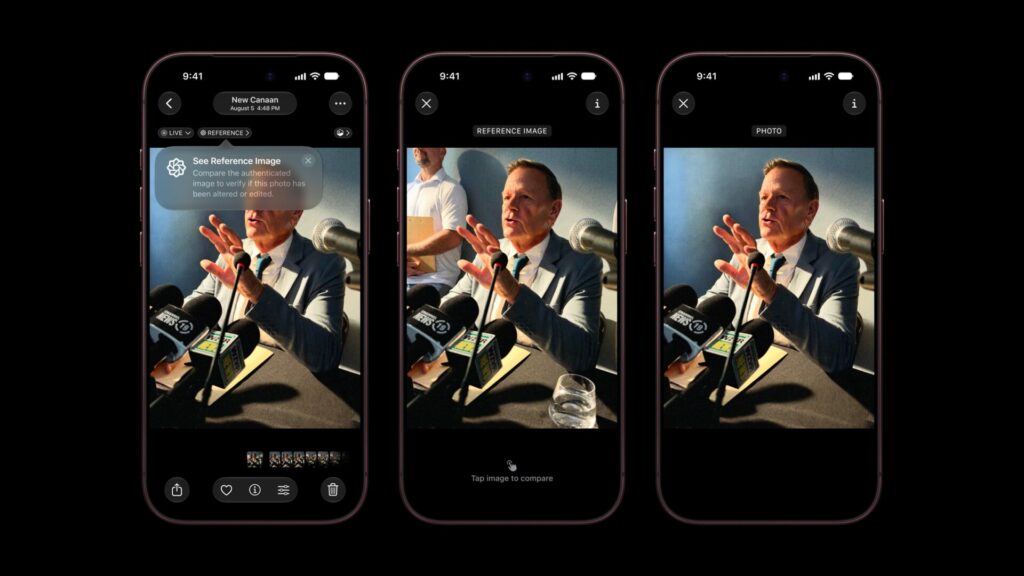
Quick Transfer is the method that moves your number from an old iPhone to the new one without contacting the carrier, and Apple’s own wording is direct: it lets you transfer your phone number from your previous iPhone to your new iPhone, and also convert a physical SIM to an eSIM in the process. In the United States, Apple’s carrier list names AT&T, T-Mobile, US Cellular and Verizon as the carriers that support it, a shorter list than the eight carriers Apple names for the notification-based Carrier Activation method. Both devices need iOS 18.4 or later, the same Apple Account signed in, and Bluetooth turned on before the prompt appears.
Don’t miss the best of The Mac Observer
Set us as a preferred source and our Apple reporting ranks higher in your Google Search results and Discover feed — one tap, no account changes.
The carrier choice still waiting at checkout
None of this replaces the carrier decision made when ordering. Apple’s US buy page presents four connectivity choices at checkout, AT&T, T-Mobile, Verizon or connecting on your own later, and its own disclosure is that connectivity discounts are reflected in the advertised price for buyers who connect with a carrier at the time of purchase. That is the mechanic behind iPhone 18 Pro’s carrier-versus-unlocked pricing split: $1,199 for 256GB with a carrier selected, $1,299 to buy the same phone unlocked. Whichever choice is made at checkout, the eSIM activation steps above apply the same way once the phone is in hand.
Dual eSIM once the phone is set up
iPhone 18 Pro’s tech specs list dual eSIM with two lines active simultaneously and storage for eight or more eSIMs at once, useful for anyone keeping a work and personal number, or a travel eSIM alongside a home line. Apple has not published a step list specific to managing multiple eSIMs beyond the general Cellular settings menu referenced above. Our iPhone 18 Pro overview and A20 Pro breakdown cover the rest of what shipped alongside this connectivity on September 9.
What has not been confirmed
Apple’s carrier list does not extend Quick Transfer support to every US carrier, and it has not published which international carriers, beyond the general list of countries and providers on its eSIM support page, offer Quick Transfer rather than the slower QR code or app-based methods. If a specific carrier is not named on Apple’s own list for a given activation method, treat that method as unconfirmed for that carrier rather than assuming it works.
Confirm eSIM support with your specific carrier before iOS 27’s Monday release arrives on Friday, since Apple’s carrier list is the authoritative source and it can change between now and setup day.