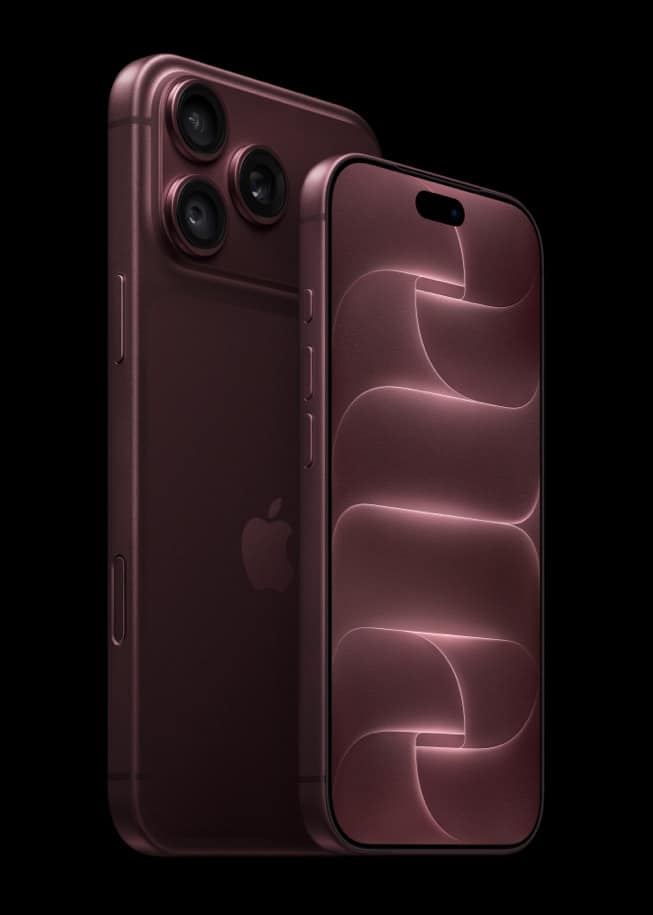
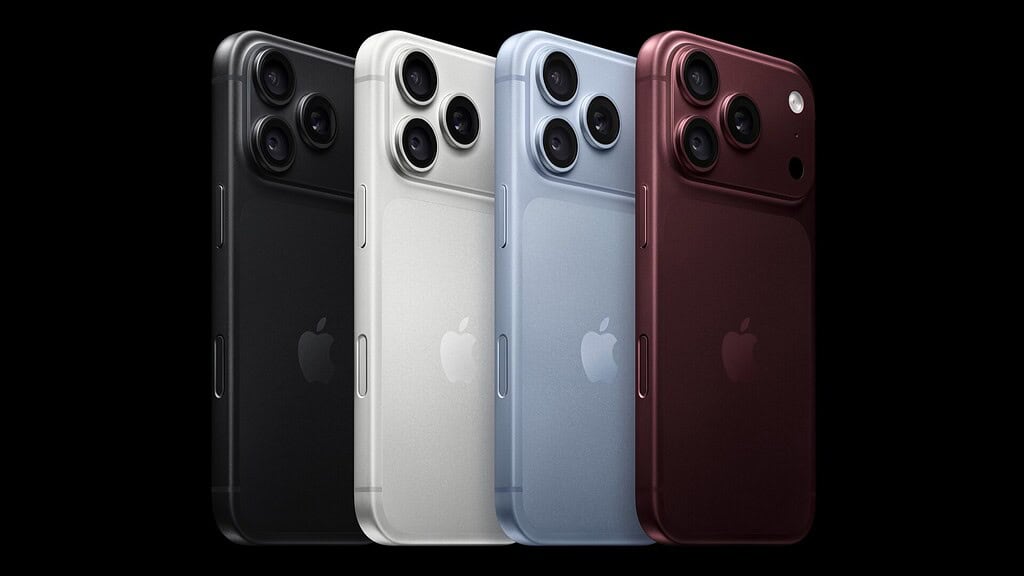
If you bought iPhone 18 Pro without AppleCare, you haven’t missed your chance. In the US, Apple gives you 60 days after purchase to add a plan, and you do it on the phone itself in Settings > General > AppleCare & Warranty.
Apple’s AppleCare page says it directly: “For 60 days after a new Apple purchase, you can get a new plan through the Settings app on your iPhone, iPad, or Mac.” Its support article on getting coverage, published September 14, gives the same window for both plans an iPhone owner can pick.
How to add AppleCare in Settings
Apple’s steps work on an iPhone, iPad, Mac or Apple Vision Pro associated with your Apple Account. The new iPhone is the obvious place to start.
Don’t miss the best of The Mac Observer
Set us as a preferred source and our Apple reporting ranks higher in your Google Search results and Discover feed — one tap, no account changes.
- Open Settings.
- Tap General.
- Tap AppleCare & Warranty.
- Tap your iPhone 18 Pro, then follow the onscreen steps to add coverage.
You can also check your options online at checkcoverage.apple.com. Once you’ve bought a plan, go back to AppleCare & Warranty and tap your iPhone to see the coverage and its expiration date.
Which plan you can add
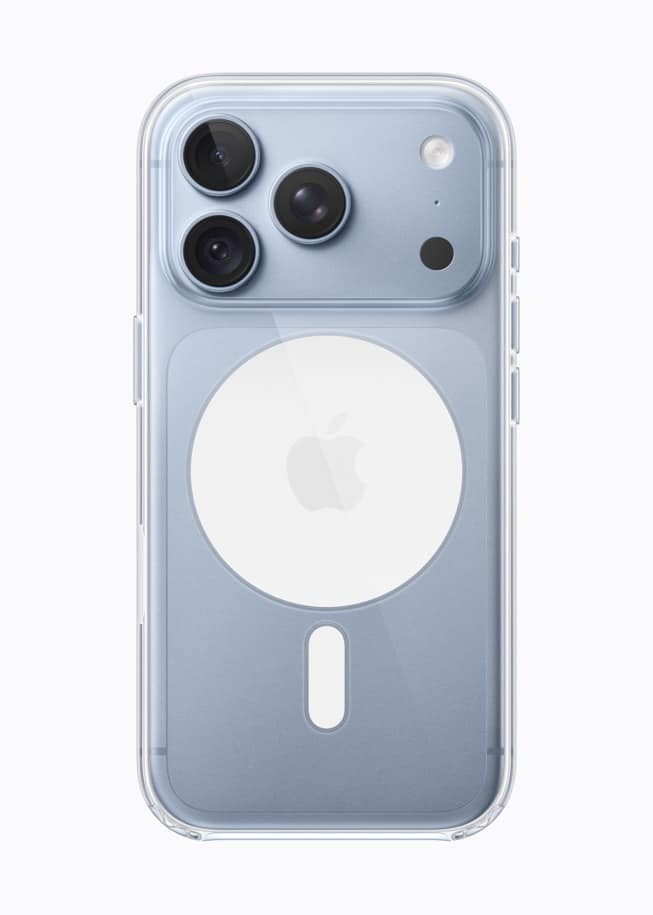
Apple’s US support article lists two choices for an iPhone inside that 60-day window.
- AppleCare+ with Theft and Loss covers one iPhone, with coverage “that renews monthly or annually.” Apple’s AppleCare page lists unlimited repairs for accidents like drops and spills, theft and loss coverage up to twice in 12 months, and 24/7 priority support.
- AppleCare One covers several products under one plan. Apple’s AppleCare page lists AppleCare One Individual at up to three products starting at $19.99 a month, with more products at $5.99 a month each, and AppleCare One Family at $49.99 a month for all your family’s eligible products. Theft and loss coverage for iPhone, iPad and Apple Watch is capped at three claims a year on Individual and six on Family. Apple says Family is available only in the US.
Each accident repair carries a service fee and each theft or loss claim a deductible. Apple lists those amounts on its AppleCare Service Fees and Deductibles page.
AppleCare One is worth a look if the iPhone wasn’t your only purchase. If an Apple Watch or AirPods arrived around the same time, one plan can cover them together. Apple says the plan can include recently purchased products, other Apple devices less than four years old and in good condition, and headphones less than a year old, and that adding a device may require an inspection and a diagnostic check.
When the 60 days run out
Apple’s US article counts the window from purchase and doesn’t define whether that means the day you ordered or the day the phone arrived.
Once the window closes, the article doesn’t describe a way to add a first plan to a new device. The one later route it mentions applies to lapsed coverage: if an AppleCare plan expires, you might be able to buy new coverage within 45 days after it ends.
Outside the US
The window varies, so choose your country in Apple’s support article before relying on it. The UK, Canada, India and many other countries list 60 days. In Australia you can buy starting four days after the device ships or is picked up from Apple, and within 60 days of purchase. Japan allows 30 days.