Apple’s documented instructions for an iOS install are about power and connection, not about whether you can keep using the phone. Nowhere does Apple say it is fine to browse, message or shoot photos while the progress bar under the Apple logo is moving, and nowhere does it say the phone must sit untouched either. Its published advice is narrower than either claim: stay on power, stay connected, and let the process finish.
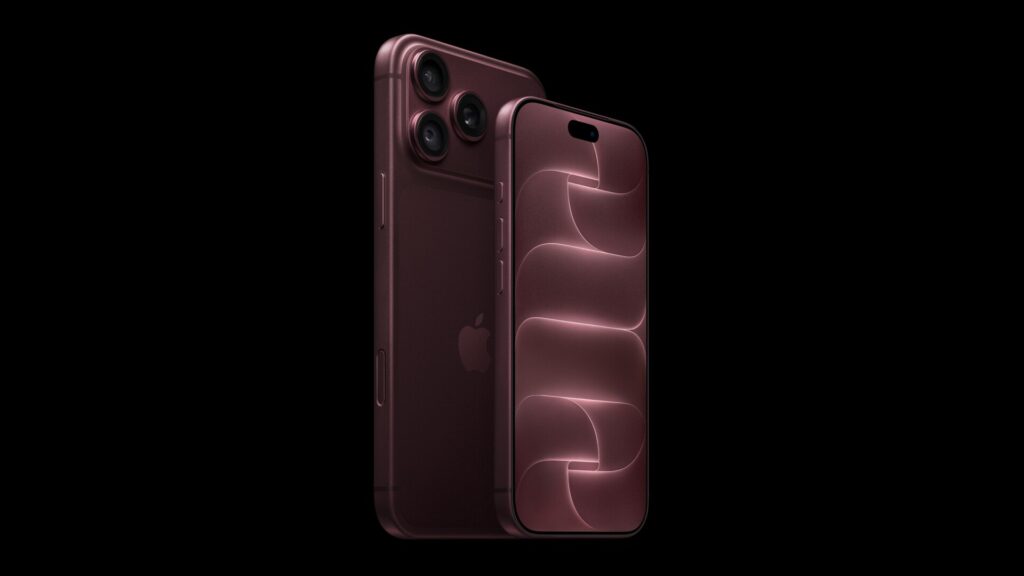
That distinction matters on Monday, September 14, when iOS 27 becomes available for every eligible iPhone, one of the features Apple detailed at its September 9 event. Here is exactly what Apple documents about the install itself, separate from the download that comes before it.
Key facts on using an iPhone during an iOS install
| Question | Apple’s documented answer |
|---|---|
| Does Apple say not to touch the phone during install? | Not directly. Apple’s instructions focus on power and connection, not on interaction. |
| Should the device stay on power? | Yes. Apple says to ensure it is connected to a power source so it does not run out of power. |
| Is a slow or static progress bar a failure? | No. Apple says it “may move slowly or appear static,” and that duration varies. |
| Should you disconnect from a computer mid-download? | No. “Don’t disconnect your device from your computer until the download completes.” |
| What if the device seems stuck? | Apple says pressing a button may help, and if an “updating” message appears, it is still working. |
What Apple actually documents about the install itself
The clearest Apple statement on this comes from its support article on the Apple logo and progress bar after updating or restoring: “The progress bar may move slowly or appear static, but it’s important to let the device complete the process, which can vary in duration based on the number of files and the type of operation being performed.” That sentence is Apple’s own explanation for why there is no safe moment to assume something has gone wrong, and no number of minutes after which you should intervene.
Don’t miss the best of The Mac Observer
Set us as a preferred source and our Apple reporting ranks higher in your Google Search results and Discover feed — one tap, no account changes.
Two more lines from the same article carry over directly to install day: keep the device connected to a power source so it does not run out of power mid-process, and if it still shows the Apple logo and progress bar well after you would expect it to finish, “you might need service.” Apple does not put a time on that either.
Before the progress bar even starts
Earlier in the process, Apple’s core update article is specific about the download stage: “plug your device into power and connect to the internet with Wi-Fi.” A separate document, covering errors when updating through a computer, adds one more rule for that route: “Don’t disconnect your device from your computer until the download completes.” Apple has not published a version of either instruction that says it is fine to skip power or unplug early, on any iPhone including the new iPhone 18 Pro, which arrives with iOS 27 already installed rather than going through this process at all.
If it seems to hang
| Documented step, in order | Source |
|---|---|
| Leave the device connected and powered | Apple logo with progress bar after updating or restoring |
| Press a button to check for an “updating” message | Apple logo with progress bar after updating or restoring |
| If unresponsive, force the device to restart | Apple logo with progress bar after updating or restoring |
| If the Apple logo and progress bar persist afterward, contact Apple for service | Apple logo with progress bar after updating or restoring |
Notice what is absent from that sequence. There is no step that names a third-party tool, and no step that recommends interacting with the phone to speed anything up. The four rows above are the entire documented escalation, and they apply the same way whether the update in question is this week’s iOS 27 or a routine point release covered in our recap of the September 9 event where iOS 27 was first detailed.
What Apple has not said
Apple has not said whether using the phone during an install can cause a failure, and has not said it cannot. It has not published a duration for the install, a duration for how long the progress bar can reasonably sit still before force restarting, or any statement about which specific actions are safe mid-update. What it has published is where the process starts, what keeps it running, and where its own troubleshooting ends: at a request for service.
The safest reading of Apple’s own words, ahead of Monday, September 14, is the narrow one: keep the iPhone powered and connected, and treat a slow bar as normal rather than broken, exactly as Apple’s documentation describes it.