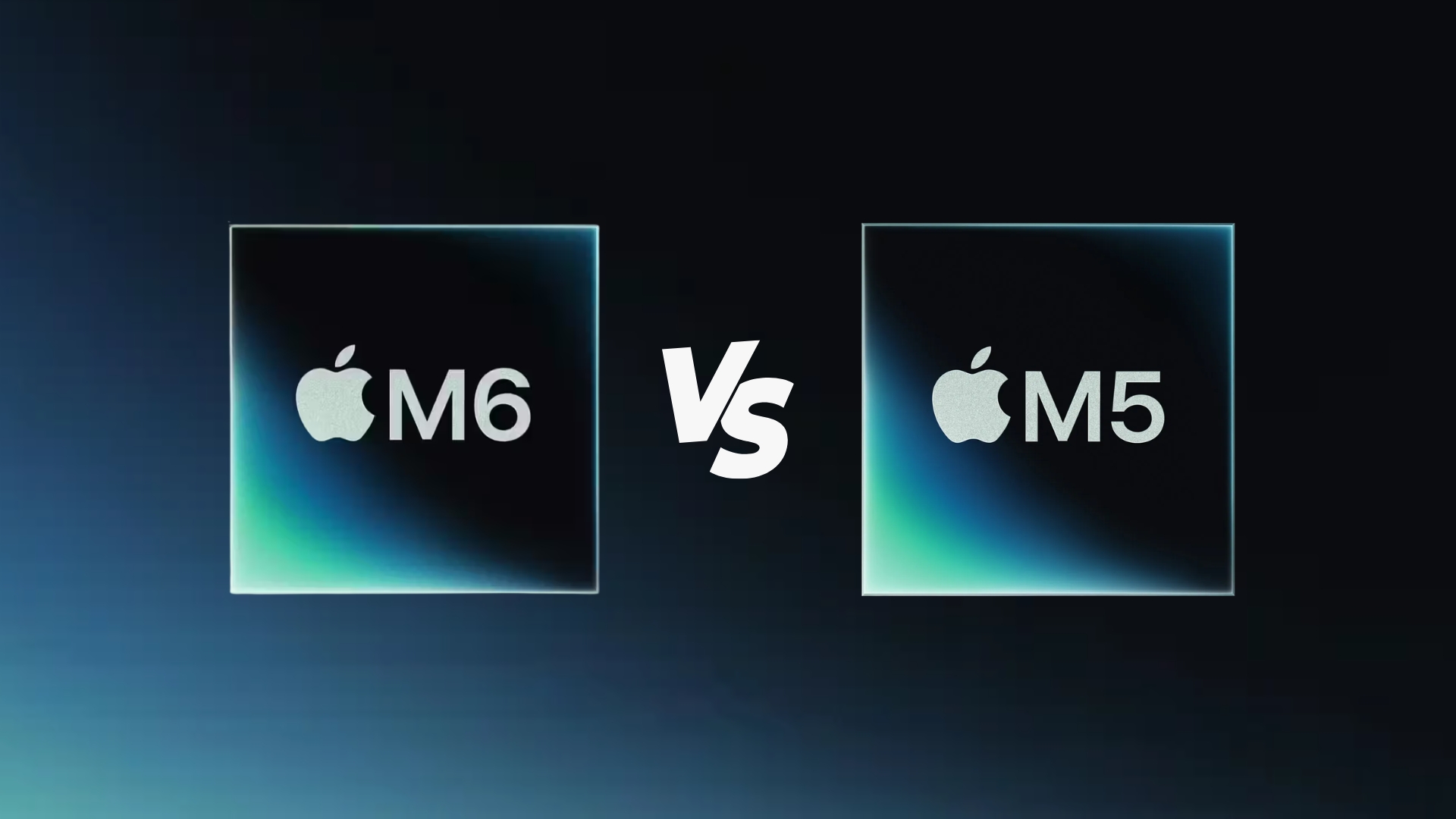
macOS 27 Golden Gate becomes a free update on Monday, September 14, and Apple’s own compatibility page draws the line at Apple silicon, not at a specific chip generation. A Mac mini or MacBook Air from 2020 running M1 gets the same Liquid Glass redesign, the same Siri AI beta and the same Photos tools as a Mac Studio running M5 Max, with one narrow exception Apple spells out by chip and memory, not by product name.
Key facts
| Item | Detail |
|---|---|
| Release | Monday, September 14, 2026, free update |
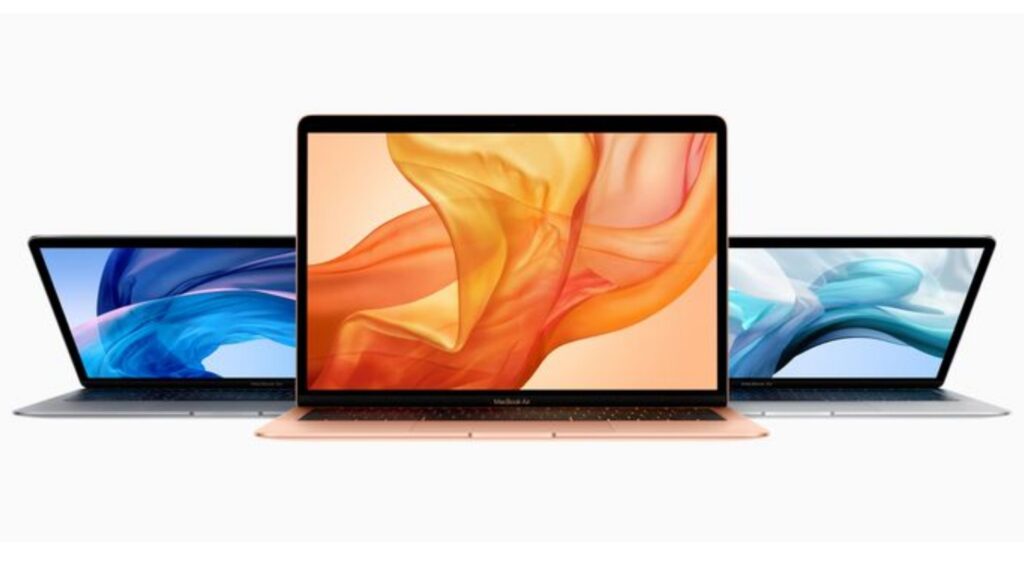
| Oldest compatible Macs | MacBook Air and MacBook Pro with Apple silicon (2020), iMac (2021), Mac mini (2020) |
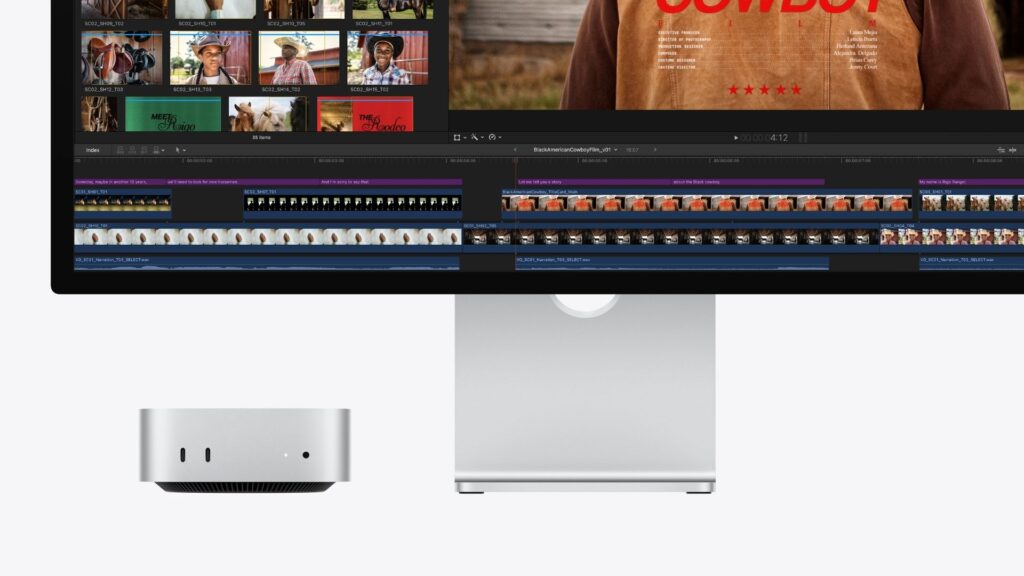
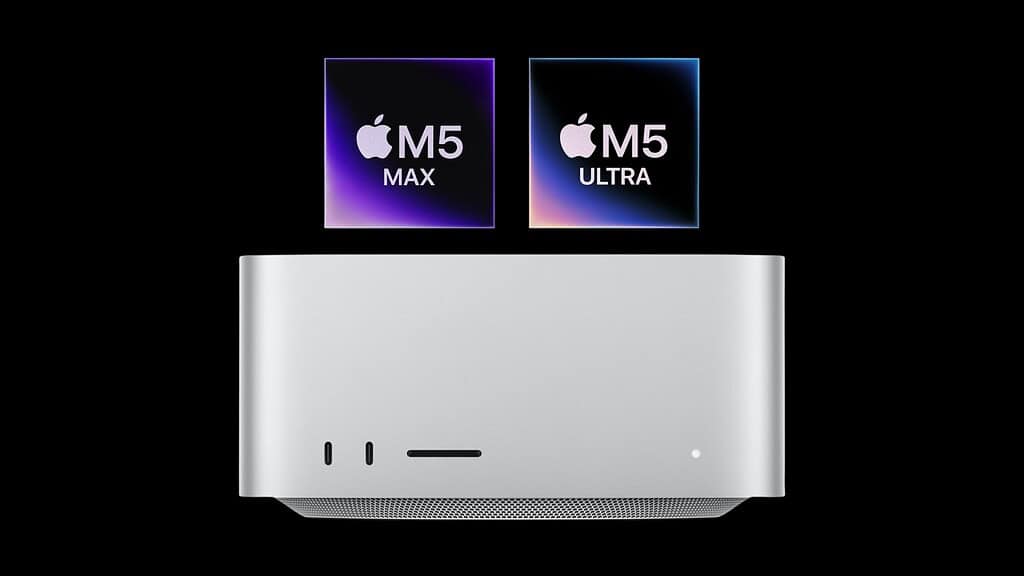
| Newest Macs it ships on | Mac Studio (M5 Max, M5 Ultra) and Mac mini (M6, M5 Pro), both from September 22 |
| Chip-and-memory gate | M3 or later with at least 12GB unified memory, for two Siri AI features only |
| Intel Macs | Not on Apple’s compatibility list for macOS 27 |
What every Apple silicon Mac gets on Monday
Apple’s own macOS 27 page lists the redesign, an adjustable Liquid Glass tint slider, Tab Topics and Notify Me in Safari, an enhanced Clean Up tool and Spatial Reframing in Photos, description-based Shortcuts and Calendar events, Call Context during calls, and faster AirDrop and network file browsing as features of the release itself, not of any particular chip. Apple lists them once, on one compatibility footnote, and the footnote names the Mac models above rather than singling out M1, M2, M3, M4 or M5.
- Siri AI in beta, in English, with the redesigned Siri app that syncs conversations across a person’s Apple devices
- The Liquid Glass tint slider, from ultra-clear to fully tinted, and sharper app icons
- Photos tools: Spatial Reframing, Extend, and an enhanced Clean Up with more realistic infill
- Swipe to refresh in Safari, Mail, News, Podcasts and Calendar, plus video podcasts with Picture-in-Picture on Mac
The one feature Apple gates by chip and memory
Apple’s own wording is specific: Siri voice customization (adjusting pitch, speed, tone and accent) and the improved on-device Dictation model both require “Mac (M3 or later) with 12GB or more unified memory.” That single footnote is the entire distinction between an M1 or M2 Mac and a newer one on macOS 27. Everything else on the OS page, including the Siri AI beta itself, applies across the whole compatibility list.
Don’t miss the best of The Mac Observer
Set us as a preferred source and our Apple reporting ranks higher in your Google Search results and Discover feed — one tap, no account changes.
| Feature | M1 / M2 Mac | M3 or later Mac (12GB+ memory) |
|---|---|---|
| Siri AI beta (English) | Yes | Yes |
| Liquid Glass redesign and tint slider | Yes | Yes |
| Siri AI available in the EU | Yes | Yes |
| Siri voice customization (pitch, speed, tone, accent) | No | Yes |
| Improved on-device Dictation model | No | Yes |
Why M1 and M2 Macs still get Siri AI in the EU
One detail favors older Macs over newer iPhones and iPads: Apple’s Siri AI beta is “not initially available in the EU” on iOS, iPadOS or watchOS, but it is available on Mac and Apple Vision Pro in the EU “when set to a supported language.” An M1 Mac from 2020 running macOS 27 in France or Germany gets Siri AI in beta on Monday; an EU-based iPhone user does not, regardless of how new that iPhone is. The event recap and the iOS 27 release date piece cover the iPhone side of that split in more detail.
A note on displays and the newest Macs
macOS 27 also adds support for “higher resolutions on ultrawide displays, such as 5K at 120Hz,” which is a software capability rather than a chip requirement on Apple’s page. In practice it is most visible on the newest hardware: Apple states that a Mac Studio with M5 Max can drive up to four Studio Display XDR units at 5K and 120Hz at once, a configuration no M1 or M2 Mac was built to reach. Chip explainers for the new silicon, including the A20 Pro breakdown for the equivalent phone chip, cover why generational jumps in memory bandwidth matter for that kind of multi-display math.
What Apple has not said
Apple has not published a separate list of which specific older Mac models cross the 12GB unified memory threshold, since 8GB configurations of M1 and M2 Macs were sold new. Apple also has not said whether Siri AI’s French, Japanese, Korean, Portuguese and Spanish expansion in October changes anything about the M3-and-memory requirement for voice customization.
Mac owners can check their own eligibility today: Apple menu, About This Mac, lists the exact chip and memory installed. The update itself arrives Monday, September 14, and the live blog from launch week is a reasonable place to watch for anything Apple adds once the release is public.