
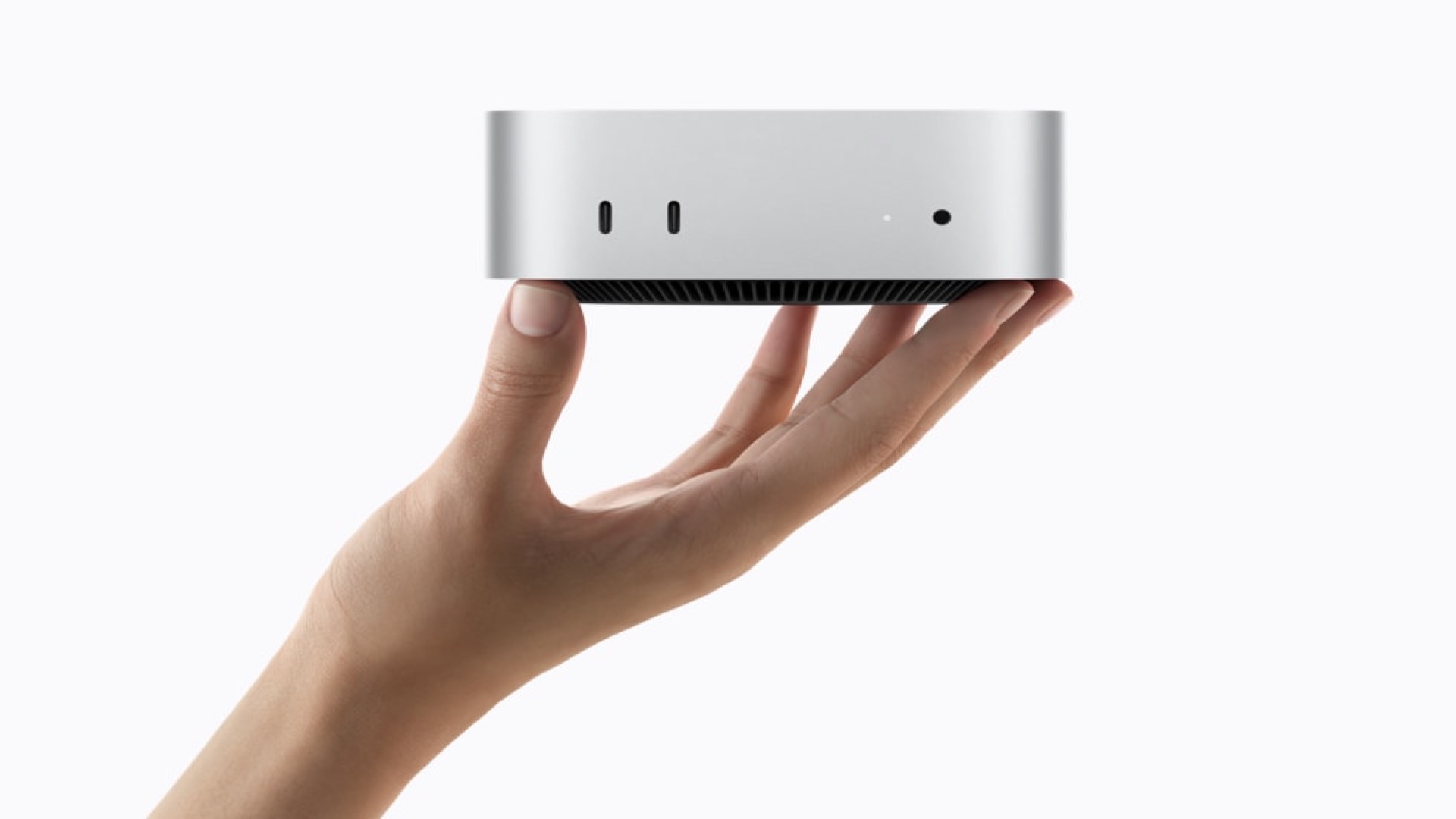
Apple’s latest Mac mini brings M6 and M5 Pro options, but buyers considering the entry-level storage tier have two reasons to look closely before ordering. Independent testing and teardown reporting indicate that the new model’s internal SSD is not removable and that the 256GB configuration uses a single NAND chip.
Apple’s August 25 Mac mini announcement confirms the new M6 and M5 Pro models and lists storage performance among their improvements. However, Apple does not describe an owner-upgrade path for the SSD. The specialist site Expand Mac mini, which sold upgrade modules for the prior M4 generation, says the new storage is soldered to the logic board.
That means the economical strategy available to some M4 Mac mini owners, buying a smaller Apple configuration and fitting a larger compatible module later, appears unavailable on the new machines. Storage capacity should therefore be chosen at the point of purchase, especially for buyers expecting to keep the desktop for several years.
Don’t miss the best of The Mac Observer
Set us as a preferred source and our Apple reporting ranks higher in your Google Search results and Discover feed — one tap, no account changes.
Why the 256GB option needs a closer look
Independent benchmark results cited by the report indicate that 256GB configurations use one NAND package, while higher-capacity versions use two. That design can reduce sequential read and write throughput compared with a 512GB model, although everyday work may not make the difference obvious.
It is important to separate Apple’s confirmed specifications from the upgrade and component findings. Apple markets the M6 Mac mini as offering faster storage overall, but it has not published a detailed NAND-package breakdown or a statement about third-party SSD replacement for every configuration.
For buyers who need maximum storage performance or expect to work with large media libraries, stepping up to 512GB at checkout is the safer choice based on the available reporting. Those with lighter workloads may still find the 256GB model adequate, but should treat it as a fixed capacity rather than an upgradeable starting point.



Discussion