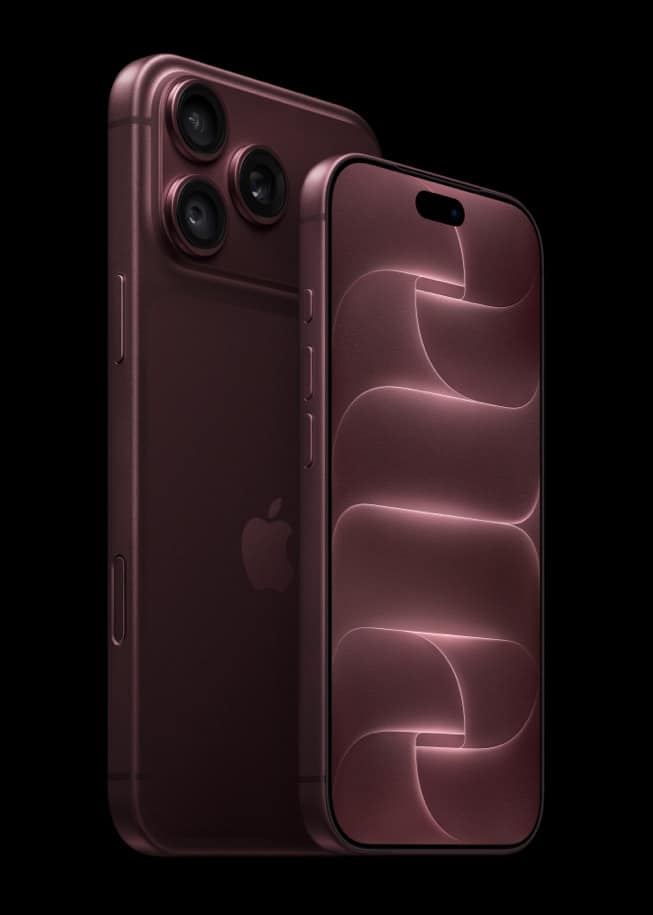
Siri AI’s Expressive Voices, which let you change how fast and how animated Siri sounds, work on five iPhones: iPhone 17 Pro, iPhone 17 Pro Max, iPhone Air, iPhone 18 Pro and iPhone 18 Pro Max. That is Apple’s own list, from a footnote in its iOS 27 iPhone User Guide.
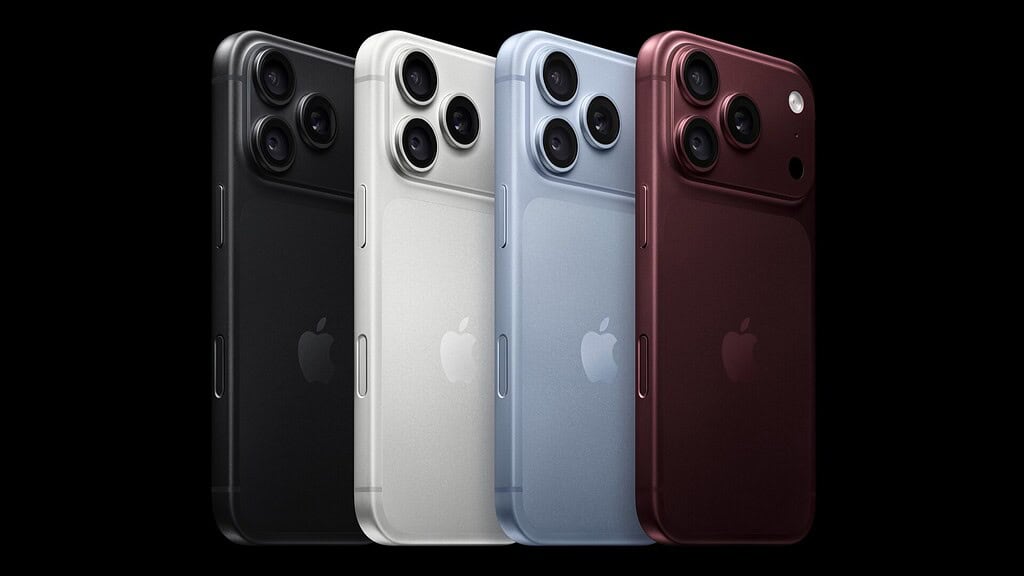
Every other Siri AI iPhone gets the new assistant without them. That includes iPhone 15 Pro, iPhone 15 Pro Max, the iPhone 16 models and, less obviously, the standard iPhone 17 and iPhone 17e. The voices also need American or British English.
Why the cut-off falls where it does
The reason is an on-device model. Apple’s “How to get Siri AI” support document says Expressive Voices “Requires a device with the AFM Core Advanced on-device model,” and lists iPhone Air, iPhone 17 Pro and iPhone 17 Pro Max “or later” among the devices that have it. The guide’s footnote names the two iPhone 18 Pro models as well.
Don’t miss the best of The Mac Observer
Set us as a preferred source and our Apple reporting ranks higher in your Google Search results and Discover feed — one tap, no account changes.
Siri AI itself asks for less. The same document lists iOS 27 on “iPhone 15 Pro, iPhone 15 Pro Max, iPhone 16 models or later, and iPhone Air.” So the assistant reaches back to iPhone 15 Pro, while the voice controls reach only the newest Pro models and iPhone Air. Apple’s wording attaches a 12GB unified memory minimum to the iPad and Mac entries, not to iPhone, and the document doesn’t explain why iPhone 17 misses out.
| iPhone | Siri AI | Expressive Voices |
|---|---|---|
| iPhone 15 Pro, iPhone 15 Pro Max | Yes | No |
| iPhone 16 models | Yes | No |
| iPhone 17, iPhone 17e | Yes | No |
| iPhone Air, iPhone 17 Pro, iPhone 17 Pro Max | Yes | Yes |
| iPhone 18 Pro, iPhone 18 Pro Max | Yes | Yes |
The table follows Apple’s support document for Siri AI and the guide’s list of five models for Expressive Voices. On any of them, you first need Siri AI itself, which means joining the Siri AI waitlist with your device and Siri language set to English.
English, and only two kinds of it
Apple’s feature availability page lists Siri AI: Expressive Voices for English (United Kingdom) and English (United States) only. The iPhone User Guide says the same thing another way: “Pace and Expressivity adjustments are currently available for American and British voices.”
So even on a supported iPhone, the Pace and Expressivity controls appear only for American and British voices, and Apple’s page doesn’t list Australian, Canadian or other English variants. Siri AI itself is English only for now, and Apple hasn’t said whether its five October languages will bring Expressive Voices with them.
What you get without them
Owners of the other models aren’t stuck with one voice. Apple’s guide still lets any iPhone change Siri’s variation and voice under Settings > Siri > Voice. What’s missing is the Pace and Expressivity controls that change how quickly and how animatedly Siri speaks.
How to adjust an Expressive Voice
On a supported iPhone with Siri AI turned on, Apple’s steps are:
- Go to the Settings app on your iPhone.
- Tap Siri.
- Tap Voice, then adjust Voice, Pace, and Expressivity settings until they sound just right to you.
If the Pace and Expressivity options aren’t there, check three things: that Siri AI has finished downloading, that your iPhone is one of the five models, and that you picked an American or British voice.
A known issue on the fastest setting
Apple’s iOS 27 release notes list one Siri problem tied to these settings. “Siri might cut off the end of words during navigation,” Apple says, and its workaround is: “Reduce voice expressivity from the fastest pace, or turn off expressive voices.” If turn-by-turn directions sound clipped, turn Pace down from its fastest setting. That entry is one of several Siri issues in Apple’s notes, which we listed with every workaround on September 13.
The same notes mark as fixed an earlier bug in which you couldn’t change Pace or Expressiveness in Settings after turning Expressive Voices on. If the controls wouldn’t respond during the beta, try them again on the release version.