
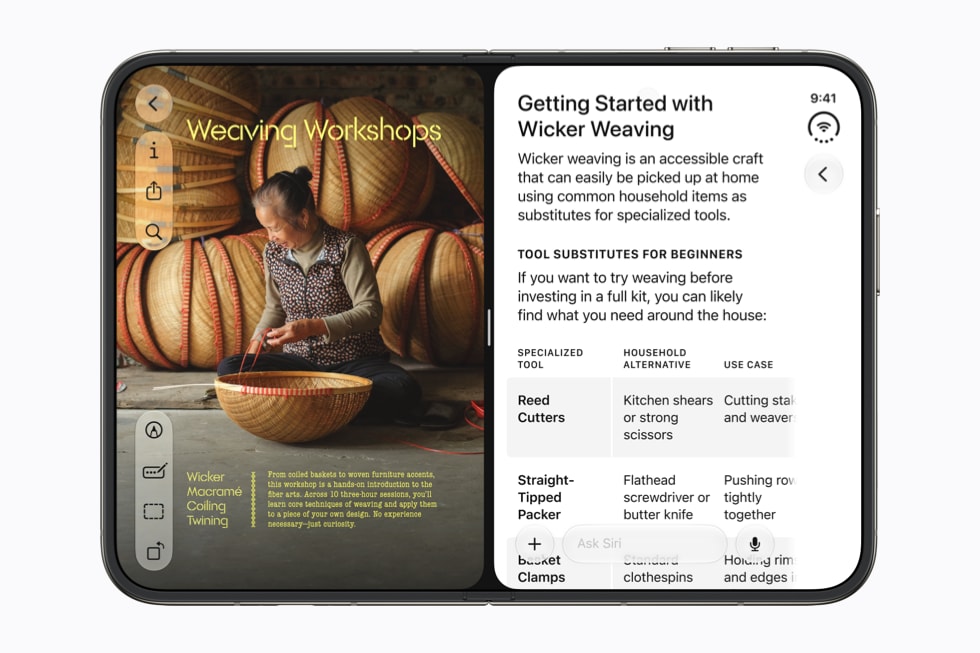
Installing iOS 27 doesn’t switch on the new Siri. Open Settings, tap Siri, then tap Try Siri AI (Beta) and follow the setup screens, which put you on a waitlist until Siri AI downloads.
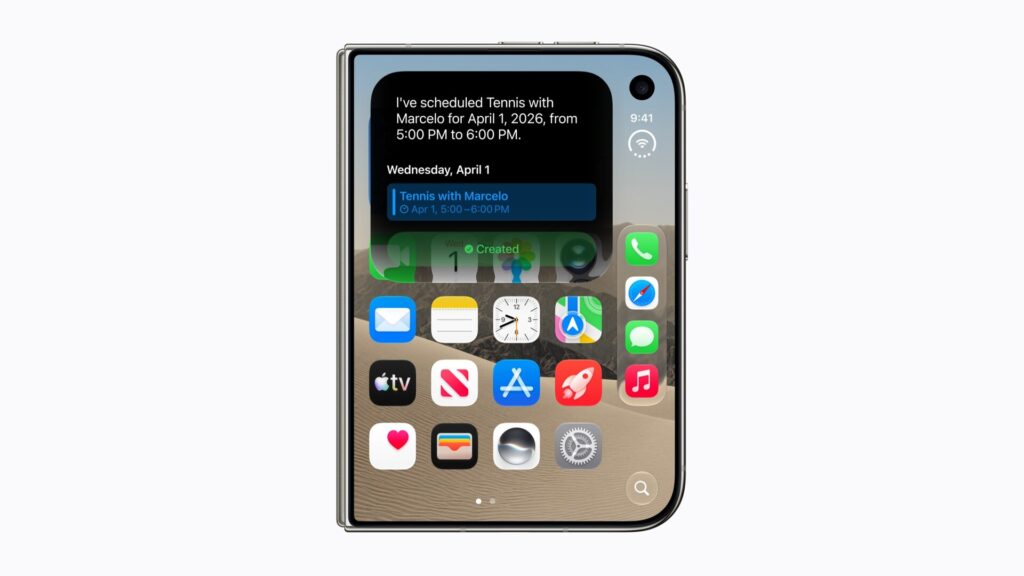
Apple gives no estimate beyond “wait times can vary,” and says Siri AI “will begin to download automatically when your wait is complete.” Check that your iPhone, languages and account qualify before you start, because some owners can’t join at all.
Check three things first
Siri AI asks for far more than iOS 27 does. The update runs on iPhone 11 and later, but Siri AI needs an Apple Intelligence iPhone set up the right way.
Don’t miss the best of The Mac Observer
Set us as a preferred source and our Apple reporting ranks higher in your Google Search results and Discover feed — one tap, no account changes.
- An eligible iPhone. Apple lists iPhone 15 Pro, iPhone 15 Pro Max, iPhone 16 models or later, and iPhone Air, all running iOS 27. That includes the iPhone 17 family and iPhone 18 Pro. iPhone 15 and iPhone 15 Plus don’t qualify.
- Matching languages. Your device language and Siri language must be the same supported language, and Siri AI is English only for now. Set Siri’s language in Settings > Siri > Language, and the device language in Settings > General > Language & Region.
- An eligible Apple Account region. Apple ties Siri AI to the region of your Apple Account. The region setting on the iPhone itself is a separate thing.
Sort out the language before anything else. Apple warns that if you change Siri’s language, Apple Intelligence “might become unavailable until the new Siri language fully downloads and matches the device language.” Siri AI is also not available to users under 13.
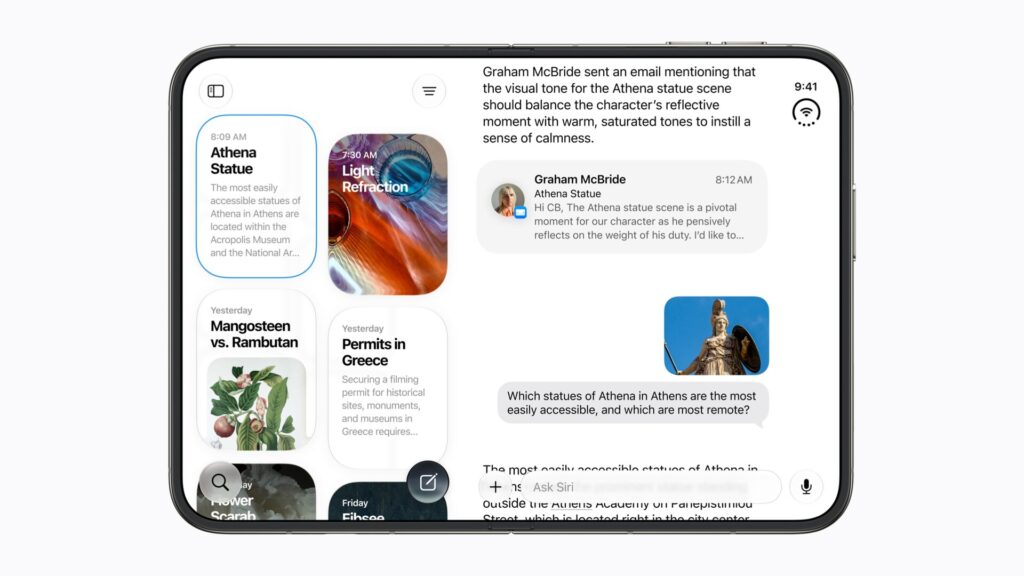
How to join the Siri AI waitlist
- Update to iOS 27 in Settings > General > Software Update, if you haven’t already.
- Open the Settings app and tap Siri.
- If Siri is turned off, tap Turn On Siri first.
- Tap Try Siri AI (Beta).
- Follow the onscreen instructions to pick a voice, complete voice enrollment, and review your privacy settings.
Finishing those screens adds you to the waitlist. Apple lists no further step: when your turn comes, the download starts on its own.
The voice you pick isn’t permanent. You can change it later in Settings > Siri > Voice. On iPhone Air, iPhone 17 Pro models and later, Siri AI’s Expressive Voices add Pace and Expressivity controls, which Apple currently offers for American and British voices.
While you wait
The dedicated Siri app belongs to Siri AI. Apple’s iPhone User Guide says you have the app “when you turn on Siri AI (Beta),” so if you can’t find it after updating, Siri AI most likely hasn’t reached your iPhone yet.
Reports from users describe waits ranging from a few minutes to most of a day, and Apple hasn’t said how it orders the list. When Siri AI does arrive, remember it is a beta, and Apple says usage limits may apply.
Region rules, travel and the EU
Your Apple Account region is what counts, not where you are. Once Siri AI is on, Apple says “it will continue to work when you travel to other regions.”
Two places are excluded. In the European Union, Siri AI is not available for iOS, iPadOS or watchOS, so an EU account can’t get it on iPhone, iPad or Apple Watch. It does work on macOS 27 Golden Gate and visionOS 27 with an EU Apple Account region, as long as the device language and Siri language are both English. In mainland China, Apple says Siri AI “will not currently work” if your Apple Account region is set there.
The UK isn’t on that list. Apple’s feature availability page excludes only the EU and China mainland for Siri AI, and it lists Expressive Voices for English (United Kingdom) alongside English (United States). If English isn’t your language, Apple says French, Japanese, Korean, Portuguese and Spanish are coming in October.
Apple Watch follows your iPhone. Siri AI works on Apple Watch Series 9 or later, Apple Watch Ultra 2 or later and Apple Watch SE 3 running watchOS 27, when the watch is paired with an Apple Intelligence iPhone nearby.
If you change your mind
Joining isn’t a one-way door. Apple’s guide documents a route back to the previous assistant, which it calls Siri Classic, from the same Siri settings screen. For everything else in the update, see our iOS 27 guide.



