
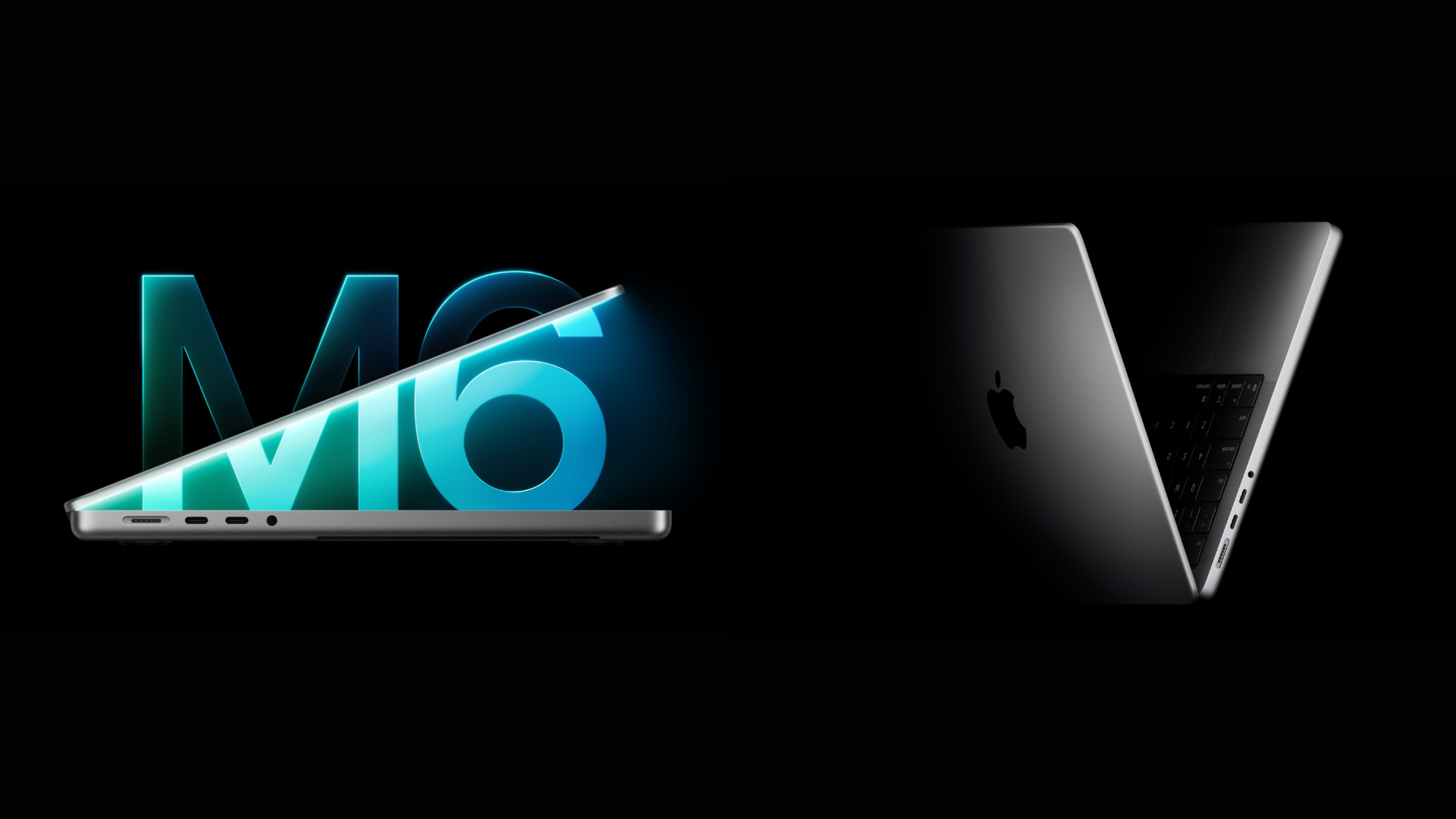
Apple has introduced the 14-inch MacBook Pro with the M6 chip, bringing faster CPU and GPU performance, improved AI processing, and upgraded wireless connectivity. The new model starts at $1,999 and replaces the M5 MacBook Pro, which launched in October 2025. However, both laptops share the same design, display, battery life, and most hardware features.
The biggest difference comes from Apple’s new 2nm M6 processor, which promises up to 20% faster multithreaded CPU performance and nearly 30% higher peak GPU compute for AI compared to the M5. If you’re considering an upgrade, here’s how the M6 MacBook Pro vs M5 MacBook Pro comparison looks across performance, memory, display, connectivity, and pricing.
M6 MacBook Pro vs M5 MacBook Pro: Specifications Compared
| Feature | M6 MacBook Pro | M5 MacBook Pro |
|---|---|---|
| Display | 14.2-inch Liquid Retina XDR | 14.2-inch Liquid Retina XDR |
| Processor | M6, 2nm | M5, 3nm |
| CPU | 12 cores | 10 cores |
| GPU | 12 cores | 10 cores |
| Neural Engine | Dual 16-core, 32 cores total | 16 cores |
| Unified memory | 16GB, 24GB, 32GB | 16GB, 24GB, 32GB |
| Memory bandwidth | 153GB/s or 170GB/s | 153GB/s |
| Storage | 1TB to 4TB | 512GB to 4TB, depending on configuration |
| Refresh rate | Up to 120Hz ProMotion | Up to 120Hz ProMotion |
| Battery life | Up to 24 hours | Up to 24 hours |
| Wireless | Wi-Fi 7, Bluetooth 6 | Wi-Fi 6E, Bluetooth 5.3 |
| Ports | 3 Thunderbolt 4, HDMI, SDXC, MagSafe 3 | Same |
| Starting price at launch | $1,999 | $1,599 |
The M5’s starting price later increased to $1,999, while the M6 starts with 1TB of storage. The M6’s higher 170GB/s memory bandwidth applies to its 24GB and 32GB configurations.
Don’t miss the best of The Mac Observer
Set us as a preferred source and our Apple reporting ranks higher in your Google Search results and Discover feed — one tap, no account changes.
Performance: How Much Faster Is the M6 Chip?
The biggest upgrade is Apple’s move from the M5’s 3nm manufacturing process to a more advanced 2nm architecture. The M6 also introduces a new CPU layout with two super cores, four performance cores, and six efficiency cores, compared with the M5’s 10-core arrangement.
According to Apple’s official M6 announcement, the newer processor delivers several improvements over its predecessor:
- CPU: Up to 20% faster multithreaded performance.
- GPU: Two additional graphics cores, with improved shader architecture and Dynamic Caching.
- Graphics: Up to 50% higher geometry processing rates for complex scenes.
- AI: Nearly 30% higher peak GPU compute for AI workloads.
- Neural Engine: Up to twice the peak compute capability.
- Memory bandwidth: Up to 170GB/s with 24GB or 32GB memory, compared with 153GB/s on the M5.
These improvements should benefit developers compiling large projects in Xcode, creators working with demanding graphics applications, and users running local AI models.
However, Apple’s published 20% CPU improvement comes from testing an M6 Mac mini against an M5 MacBook Pro. Independent laptop-to-laptop benchmarks are still needed to establish the exact performance difference under sustained workloads.
For everyday browsing, documents, video calls, and light editing, the M5 already offers excellent performance, so most users will notice relatively small improvements.
AI and Graphics: M6 Has a Clear Advantage
Both processors include Neural Accelerators within their GPU cores, allowing compatible applications to accelerate AI tasks through Apple’s graphics architecture.
The M6 expands this design with a 12-core GPU and a Dual 16-core Neural Engine, which can improve image generation, local language-model processing, and AI features in supported applications.
The newer GPU also introduces improvements to hardware-accelerated ray tracing and Dynamic Caching, making it better suited for graphics-intensive games and 3D rendering.
Still, users primarily working with Final Cut Pro, Photoshop, or other creative applications should consider memory capacity alongside processor performance. A 24GB or 32GB M5 configuration can be more practical for memory-heavy projects than a base M6 with 16GB.
For additional background, Apple’s M5 chip improvements introduced the GPU Neural Accelerators that the M6 continues to develop.
Display, Design, and Battery Life Remain Unchanged
Apple has retained the familiar MacBook Pro design for the M6 model, including its aluminum enclosure, Liquid Retina XDR display, and existing port arrangement.
Both laptops offer:
- A 14.2-inch Mini-LED display with a 3024 × 1964 resolution.
- ProMotion technology with adaptive refresh rates up to 120Hz.
- Up to 1,600 nits peak HDR brightness.
- An optional nano-texture display.
- A 12MP Center Stage camera and six-speaker audio system.
- Up to 24 hours of video streaming battery life.
- Fast charging to approximately 50% in 30 minutes with a compatible adapter.
The M6 also retains three Thunderbolt 4 ports, HDMI, an SDXC card slot, MagSafe 3, and a headphone jack. Apple has added Wi-Fi 7, Bluetooth 6, and its N1 wireless networking chip, giving the newer laptop an advantage when paired with compatible networking equipment.
Neither model introduces an OLED touchscreen, which remains associated with Apple’s separately reported MacBook Pro redesign plans.
Price and Availability: Is the M6 Worth More?
Apple has priced the M6 MacBook Pro at $1,999, with 16GB of unified memory and a 1TB SSD as standard. Preorders begin October 28, 2026, with availability starting November 6.
The original M5 MacBook Pro launched at $1,599 with 512GB of storage, although Apple subsequently increased its price and made 1TB the standard configuration.
That means the purchasing decision largely depends on how much you can save on a discontinued M5 configuration.
M6 MacBook Pro vs M5 MacBook Pro: Which Should You Buy?
The M6 is the better choice for someone buying a new MacBook Pro at full price, particularly if they need faster CPU performance, improved AI processing, and newer wireless connectivity.
However, the M5 remains a capable option, especially when available at a meaningful discount.
- Buy the M6 MacBook Pro if you’re upgrading from an Intel Mac or an older M-series machine and want the latest entry-level MacBook Pro.
- Choose the M5 MacBook Pro if you find a discounted configuration with sufficient memory and storage for your workload.
- Keep your existing M5 if it already handles your daily applications, development projects, and creative tasks comfortably.
- Consider an M5 Pro or M5 Max model if your work requires substantially more GPU performance, memory bandwidth, or higher memory capacity.
Overall, the M6 delivers a worthwhile generation-over-generation improvement, particularly in processing and AI capabilities. For existing M5 owners, however, the identical design, display, and battery life make upgrading difficult to justify unless their current workloads genuinely benefit from the extra performance.



Discussion