
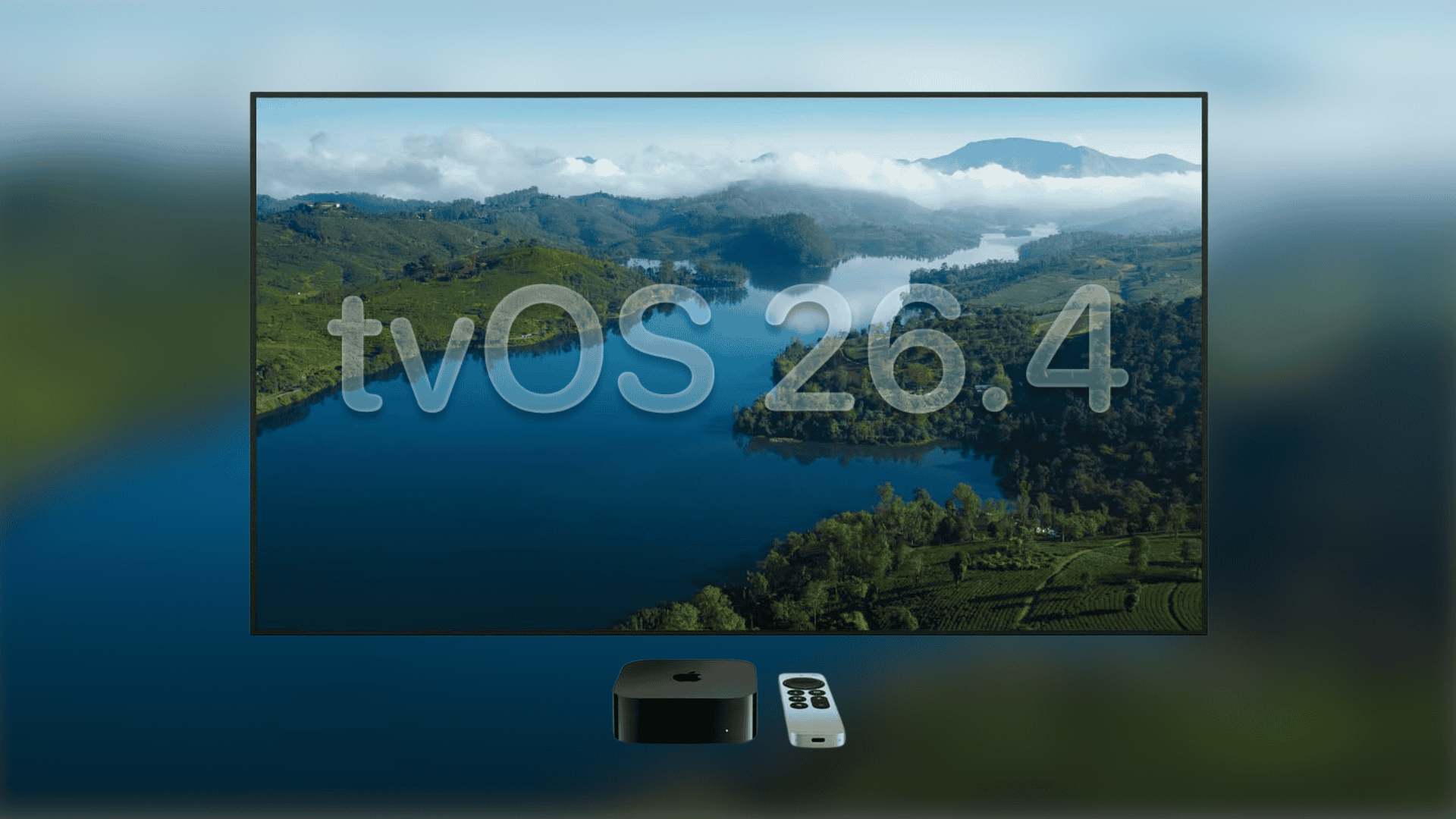
If you own an Apple TV 4K, you might have noticed some weird sound glitches lately. These audio hiccups usually happen when your device switches between different sound formats, like moving from a standard stereo show to a movie mixed in Dolby Atmos.
Apple just released the new tvOS 26.4 software update to solve this exact problem, so those jarring audio drops should finally be gone.
Here’s how to fix the audio sync issues on your Apple TV device
Apple noted in its release details that the update specifically targets playback bugs during format transitions. If you have been dealing with these audio drops, you can download the fix right now. Just open the settings app on your television, navigate to the system menu, and look for software updates. Once you install version 26.4, your hardware will handle the switch between different audio types much better.
Don’t miss the best of The Mac Observer
Set us as a preferred source and our Apple reporting ranks higher in your Google Search results and Discover feed — one tap, no account changes.
The company also added an optional continuous audio connection setting. If you still hear weird pops after installing the update, you can try turning this feature on under the video and audio menu.
Finding something new to watch is easier than ever in the new tvOS update
While the audio fix is the main reason to upgrade, the software patch brings a few other useful additions. The company included a new Genius Browse tool right inside its main Apple TV application. It helps suggest new movies and shows, giving you a faster way to figure out what to put on next.
This makes it much easier to jump right into a movie instead of scrolling through menus for an hour.

Discussion