
Did you know you can shake your iPhone to undo many of your most-recent tasks? The reality is that many of us do know this, but everyone I’ve talked to—including me—forgets it. Some people will find it handy, though, so let’s take a look at it. For those who don’t like it, Bryan Chaffin will show you how to turn it off.
iOS
iOS 10 Maps: Adding Pit Stops Along Your Route
Today’s Quick Tip is about how to use the redesigned Maps app to get directions along your route, so you can stop at a gas station or grab coffee when you’re already navigating somewhere. This feature will even help you figure out how much time making a pit stop will add to your trip, so come find out how to use it!
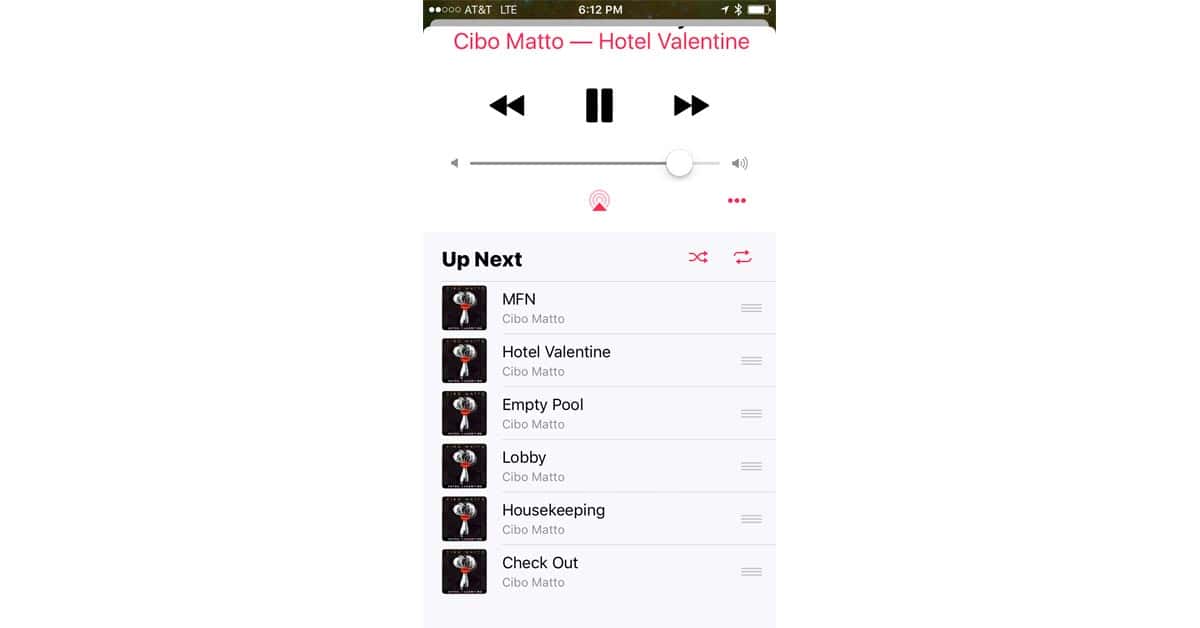
How to Turn Off Music Auto-Shuffle in iOS 10
Did the Music app in iOS 10 start auto-shuffling your albums? It’s easy to fix, but you have to know where to look. Bryan Chaffin walks you through it.

iOS 10.2: How to Disable Always On Live Photo
If the iOS 10.2 beta is any indication, Apple thinks every iPhone pic we take should be a Live Photo. Live Photo is on by default and reactivates itself every time you launch the Camera app, but there is a way to force it to stay off. Read on to learn how.
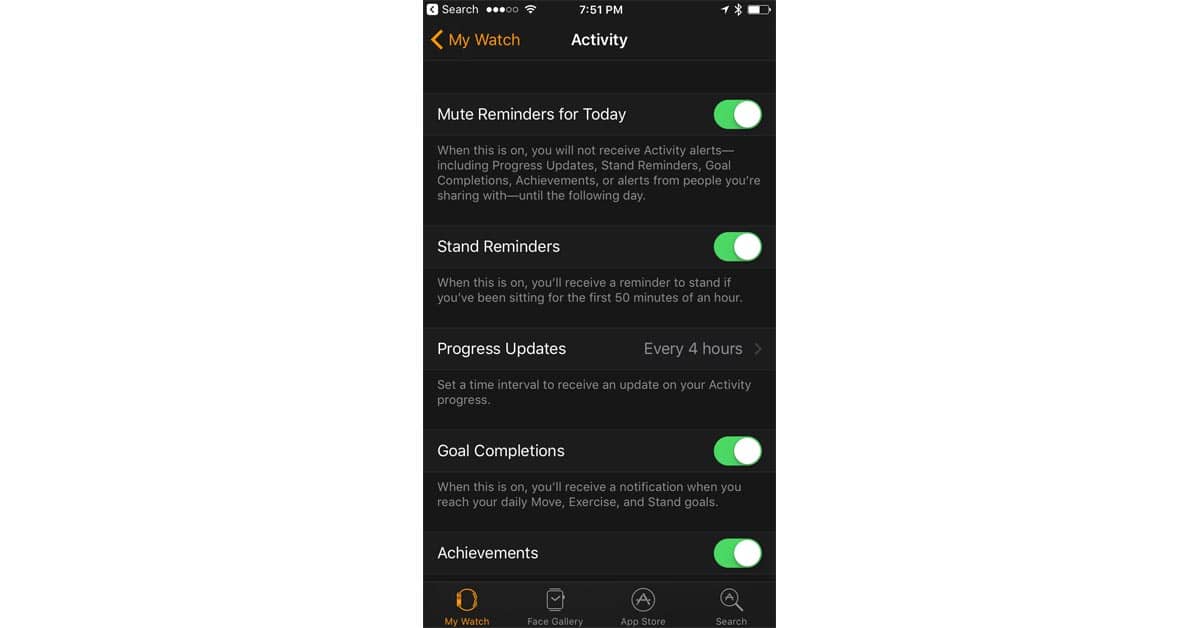
Mute/Unmute Apple Watch Activity Reminders in watchOS 3
Apple Watch Activity Reminders are great, but sometimes you just need to mute them—or to unmute them. That setting is hidden in the Watch app in iOS 10, and Bryan Chaffin shows you how to use it.
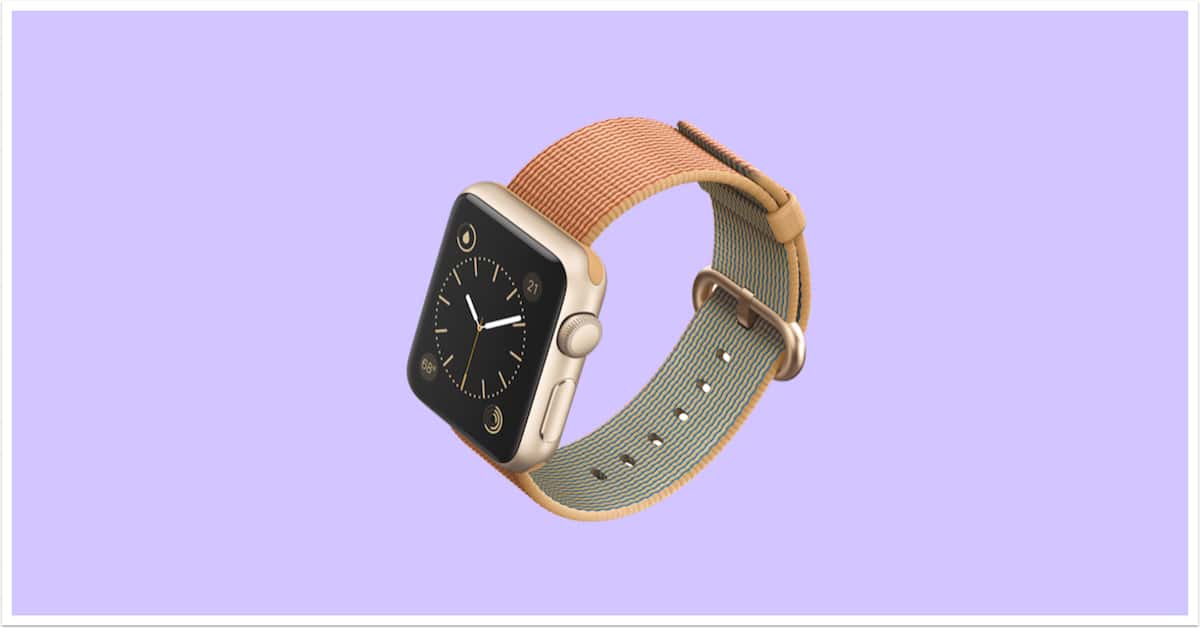
Customizing Apple Watch Faces on Your iPhone
Today’s Quick Tip is all about using the Apple Watch app on the iPhone to customize your faces. If you don’t wanna fiddle with colors and complications on your itty bitty Watch, there’s now an easier, faster way to do so!
iOS 10.1: Turning Off Duplicate Portrait Mode Images
This Quick Tip is about the spankin’-new Portrait Mode available on the iPhone 7 Plus, which’ll let you take shots with a special depth effect applied. However, if you don’t want your iPhone to keep an additional version of each of your Portrait Mode images, come read this article and find out how to turn that off!
Apple Releases iOS 10.1 with Portrait Camera for iPhone 7 Plus, Replay iMessage Effects, More
Apple released iOS 10.1 to consumers on Monday. The update includes beta support for Portrait Camera on iPhone 7 Plus, as well as the ability to replay iMessage bubble and full-screen effects. There are also new features for Apple Watch, transit-related features in Maps, and other improvements to camera functionality and the Photos app.
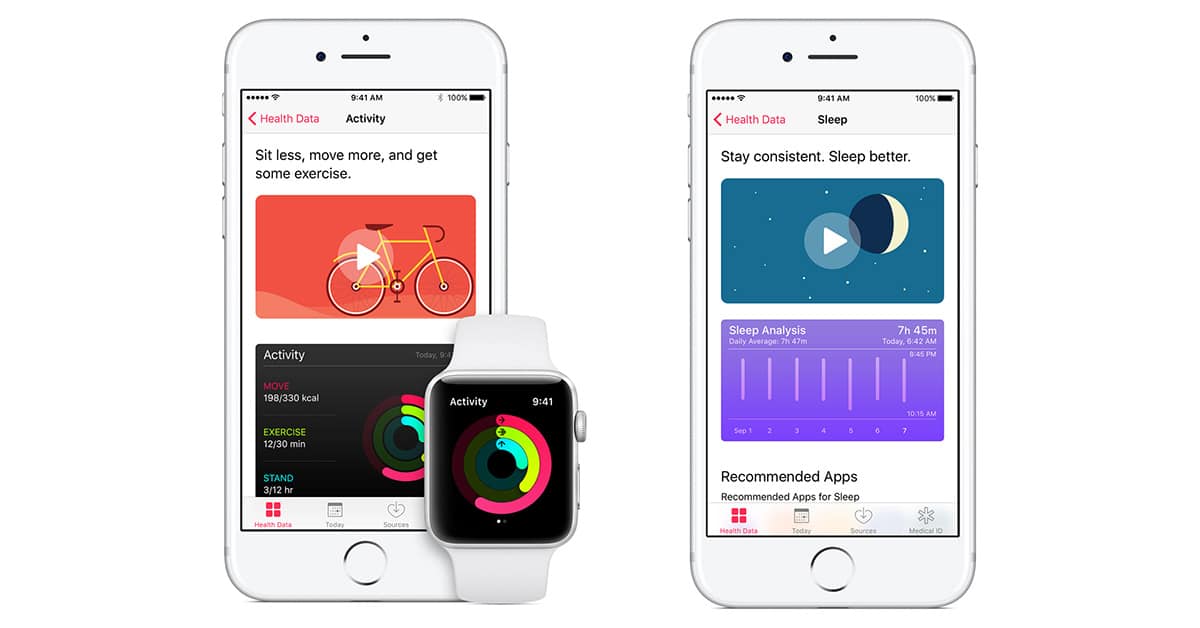
TMO's HealthKit, Health, and Activity FAQ
Apple wants to be the hub for your health and fitness world, so HealthKit was introduced with iOS 8. That grew into a whole ecosystem that can be kind of confusing until you understand what’s going on with the different apps Apple gave us. Read on to get the lowdown on HealthKit, Health, and Activity.
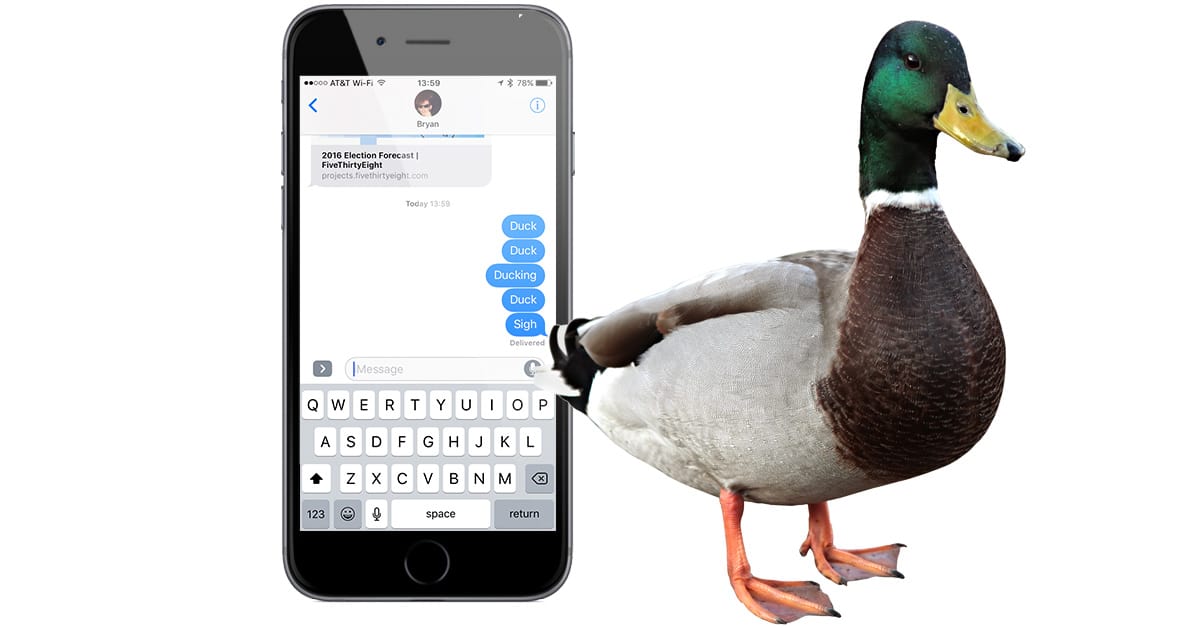
iOS: How to Convince Ducking Autocorrect You Don't Mean Duck
Our iPhones are great at making our lives easier, but sometimes autocorrect just gets it wrong. So ducking wrong, in fact, that it’s really ducking annoying. Turns out there’s a workaround that lets you trick your iPhone or iPad into leaving the word you really typed instead of changing it to “duck.”
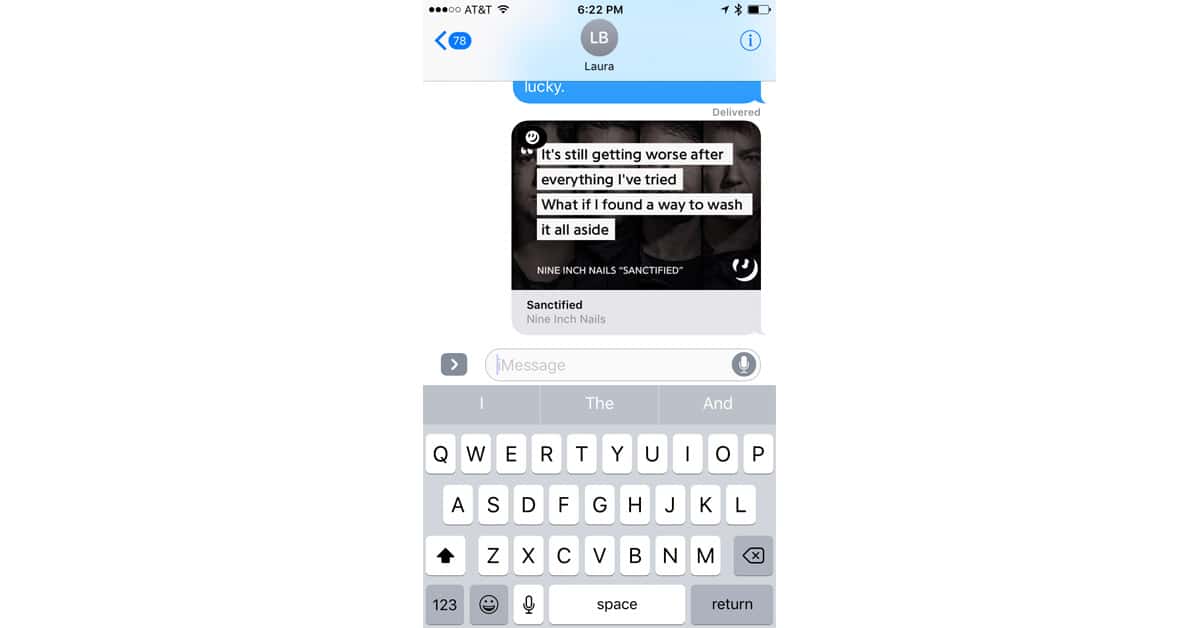
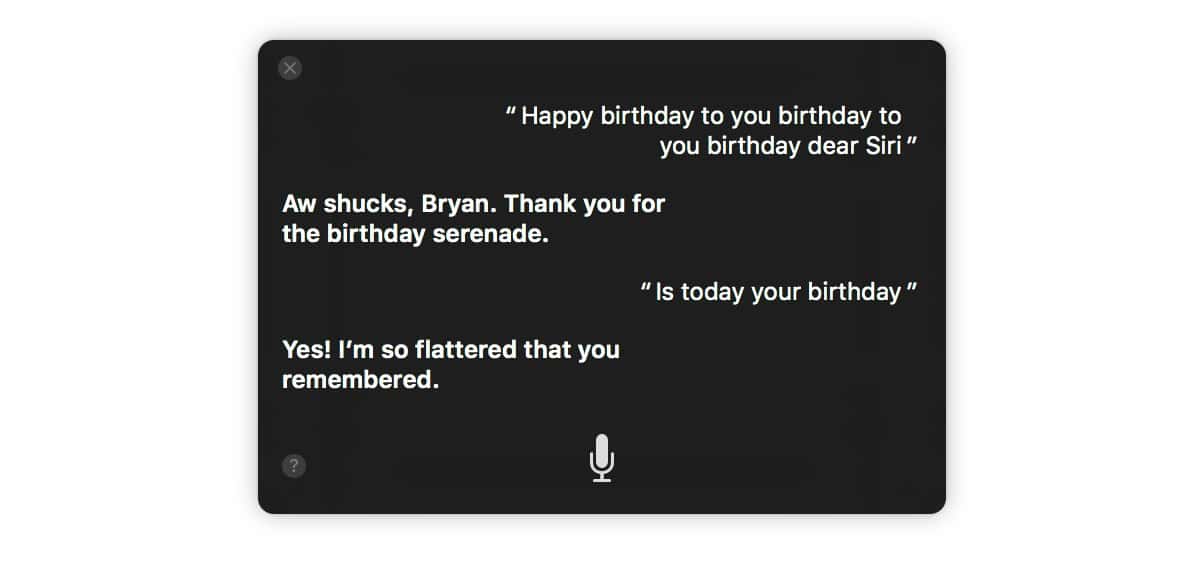
Siri Turns 5 Years Old, Feel Free to Sing to Her
Siri turned five years old Tuesday, having been launched on October 4th, 2011. She’s changed a lot in that time, grown up a bit. But she’s not too old to appreciate us singing to her.
New Apple Touch ID Patent Hints at iPhone Home Button's Demise
A just published Apple patent shows Touch ID sensors embedded throughout a device display, which means iPhone and iPad users could potentially touch anywhere on their screen to unlock with their finger print. Touch to unlock is currently a Home button feature, but if this patent finds its way into shipping products, it could be the demise for our little clickable friend.
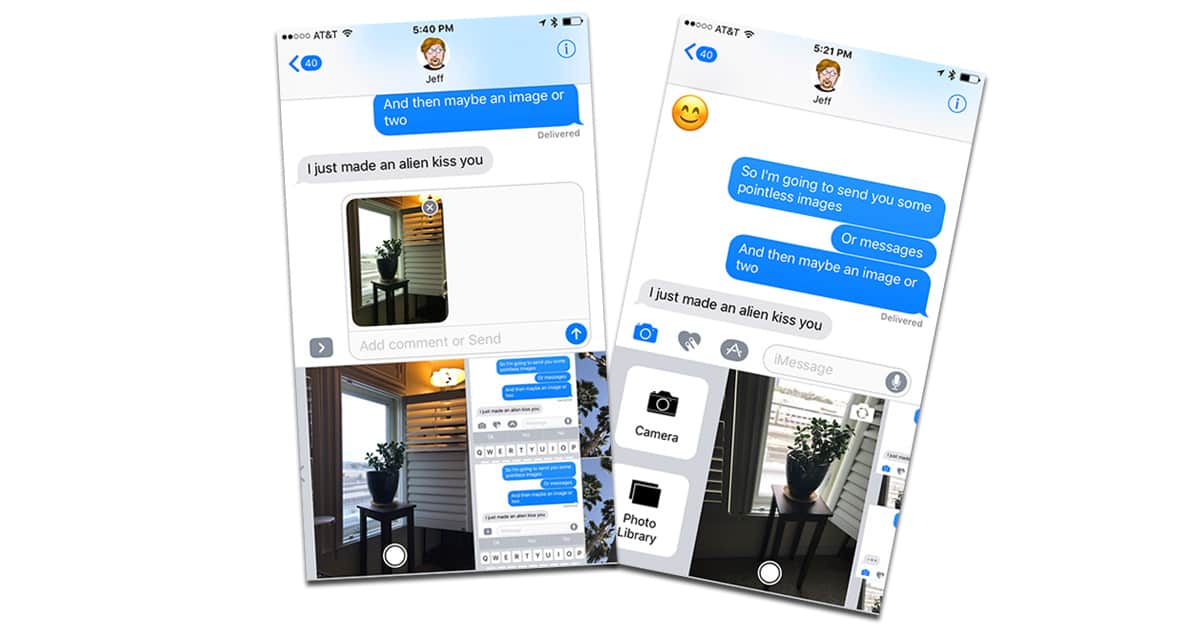
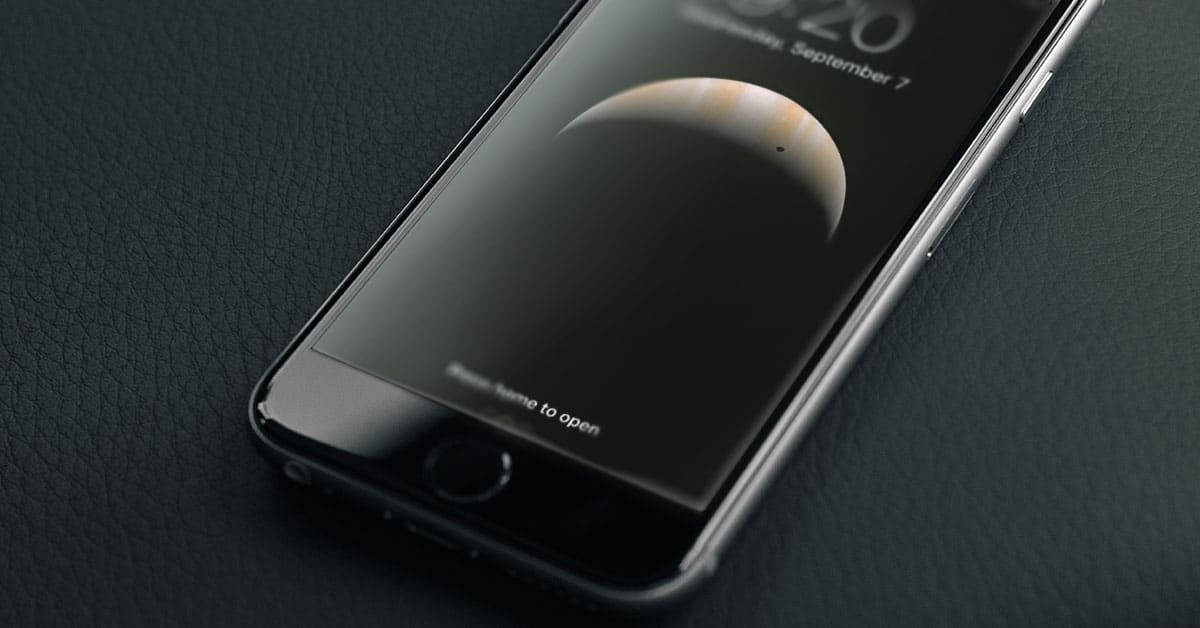
iOS 10: Turning Off "Raise to Wake"
This Quick Tip is about the new “Raise to Wake” feature in iOS 10. It’s cool, it’s handy, but if you get notifications that are private or potentially offensive, it’s less than ideal. Wanna turn it off? We’ll tell you how.
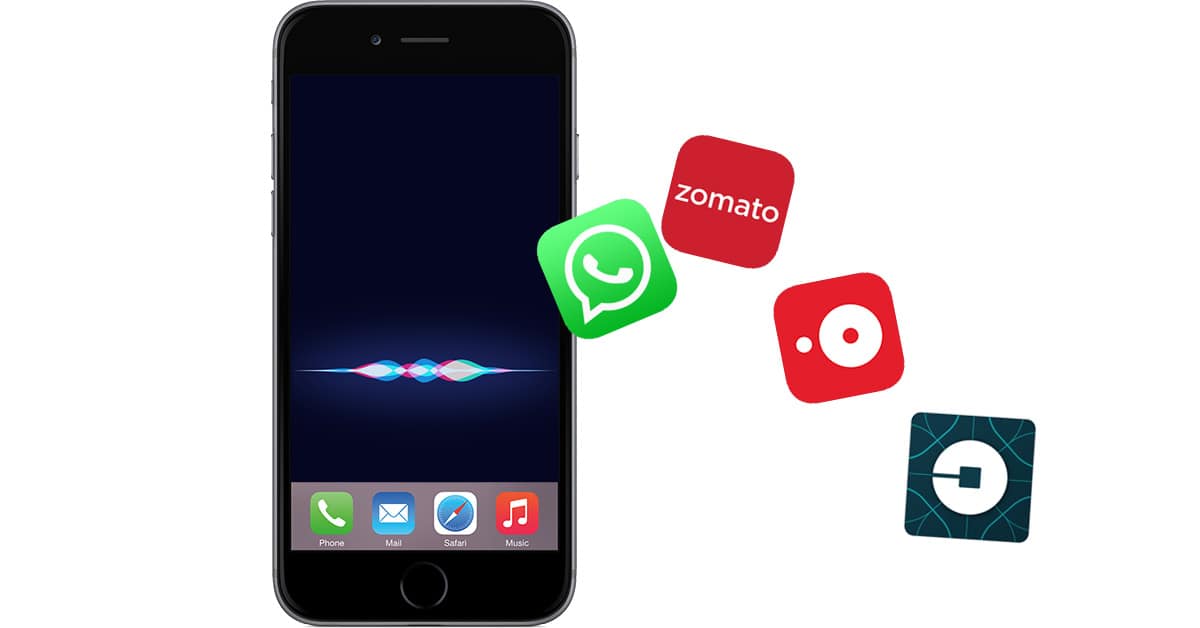
iOS 10: Managing Siri's Third Party App Voice Control
iOS 10 opens Siri to third party apps so you can say things like, “Hey Siri, get me an Uber.” If you don’t want Siri calling rides for you—or Siri says it can’t—it’s time for a trip to your iPhone’s Settings to manage which apps Siri can control. Read on to learn how.

iOS 10: Save a File as PDF to iBooks
In iOS 10, you can now Print to PDF, just as we’ve been doing with OS X/macOS. But there’s also another nice trick in the Sharing option. “Save PDF to iBooks.” It’s simple and fast. John likes this feature a lot.

iOS 10: Print to PDF With and Without 3D Touch
One of the new features in iOS is the ability to natively print to PDF, similar to what you can do with macOS. It’s relatively simple, but not necessarily obvious. It involves getting the print preview up on the screen, and then switching to share mode in order to generate a PDF. We’ll show you the steps!
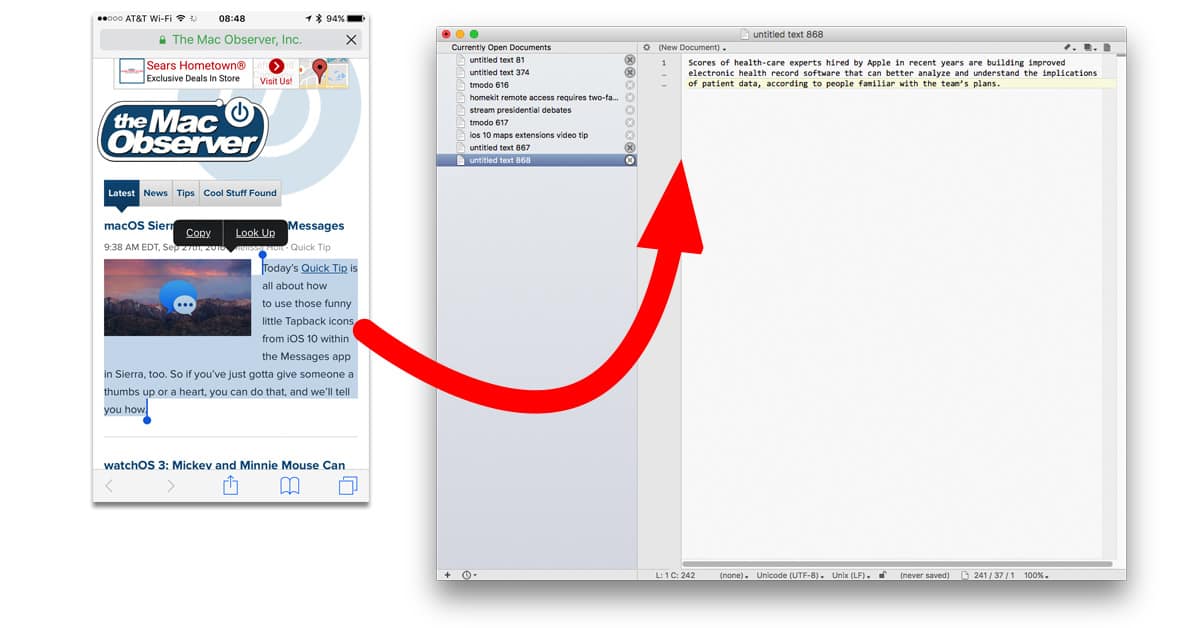
How to Set Up Universal Clipboard for Your Mac and iOS Devices
iOS 10 and macOS Sierra support a new feature called Universal Clipboard that lets you copy text or graphics on one device and paste them into documents on another. It really is as simple as copy-and-paste—assuming everything is configured correctly. Read on to learn how to make sure you’re set up to use Universal Clipboard.
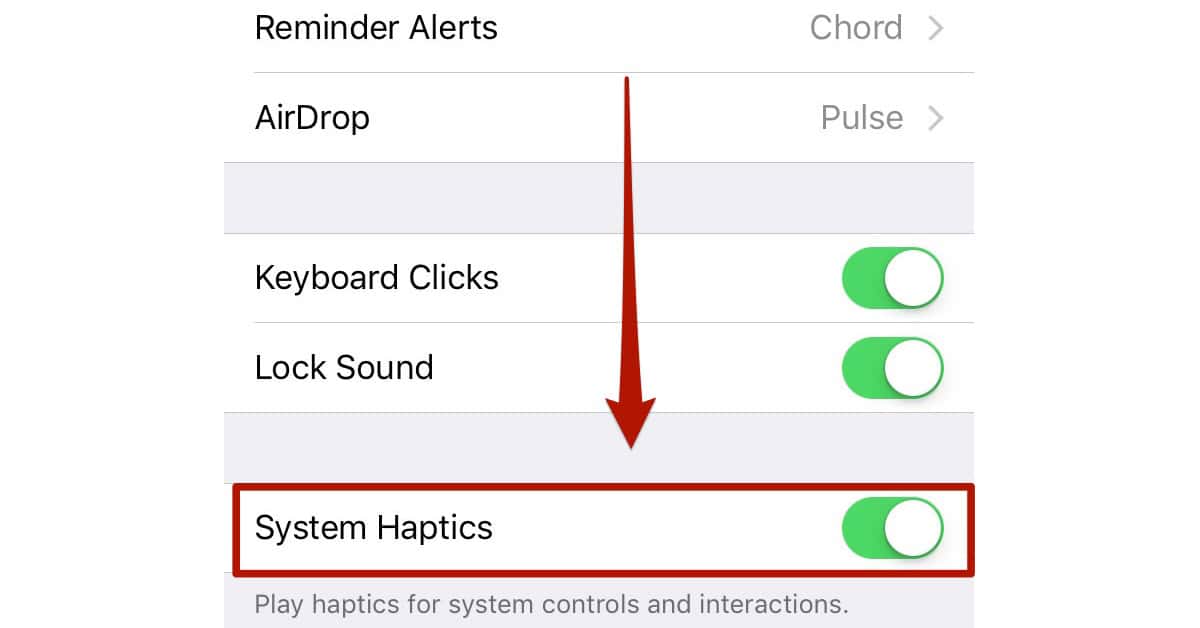
iOS 10: How to Disable (Some) Haptic Feedback on iPhone 7
iPhone 7 includes more haptic feedback than previous iPhones, including vibrations for buttons and wheels. You can turn some of these vibrations off. Bryan Chaffin shows you how.
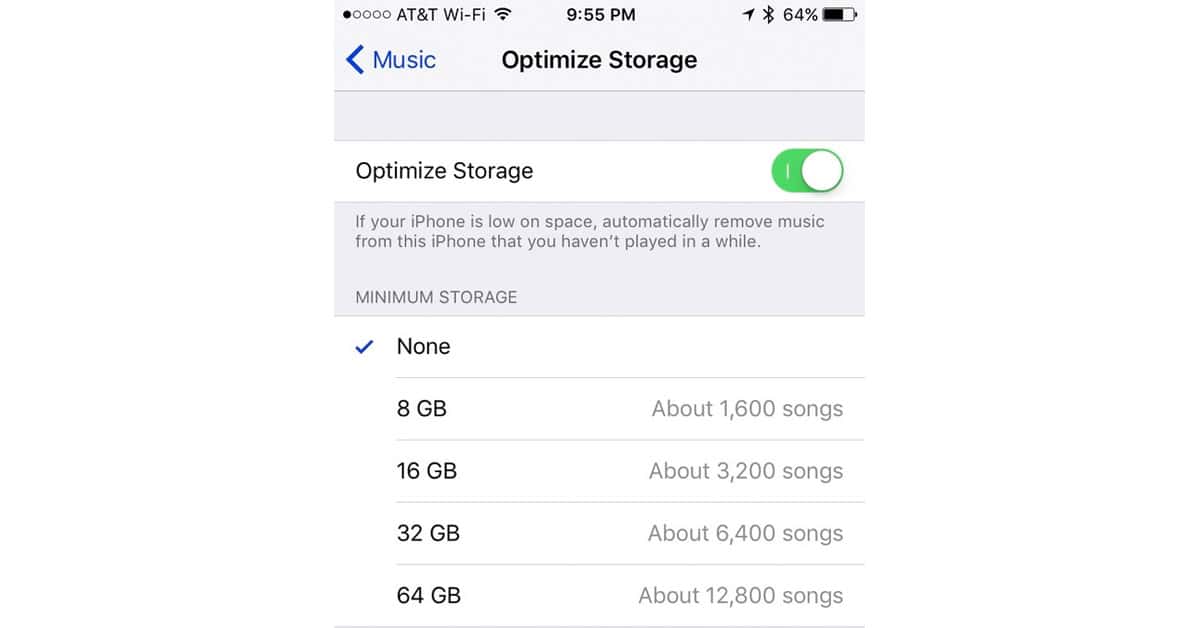
iOS 10: How to Optimize Downloaded Music Storage
One of the many new features in iOS 10 is the ability to “Optimize Storage” of the locally-cached data from your iCloud Music Library. When turned on by the user, this feature instructs your iPhone or iPad to remove local copies of your music if your device gets low on storage space. Don’t worry, only the local copies of those songs are removed. They still remain in the cloud.

iOS 10.0.2 Fixes Headphone Audio Controls, More
Apple released iOS 10.0.2 Friday. The headline feature is a fix for an issue that kept some headphone audio controls from working. A Photos bug was also fixed, as well as a problem with app extensions.
Apple Hates Music Lovers Who Want to Own Their Music
John Kheit is in a frothing-at-the-mouth rage about iTunes in iOS and macOS Sierra. From missing ratings to iCloud downloads for songs that should be local, he’s fighting mad.