

A draining iPhone battery can derail your day, but iOS 26’s Adaptive Power feature changes that. This AI-driven tool smartly adjusts performance based on your habits, extending battery life without sacrificing usability. Ideal for busy users, it predicts high-drain moments, such as navigation or video calls, and conserves power intelligently.
Table of contents
What is Adaptive Power in iOS 26?
Adaptive Power goes beyond basic Low Power Mode by learning your patterns. It tweaks background tasks and screen brightness during peak usage, adding hours to your charge. Exclusive to iPhone 15 Pro and later (default on iPhone 17), it shines in scenarios like all-day outings or overnight holds, combating issues such as battery draining overnight.
How to Enable and Use Adaptive Power
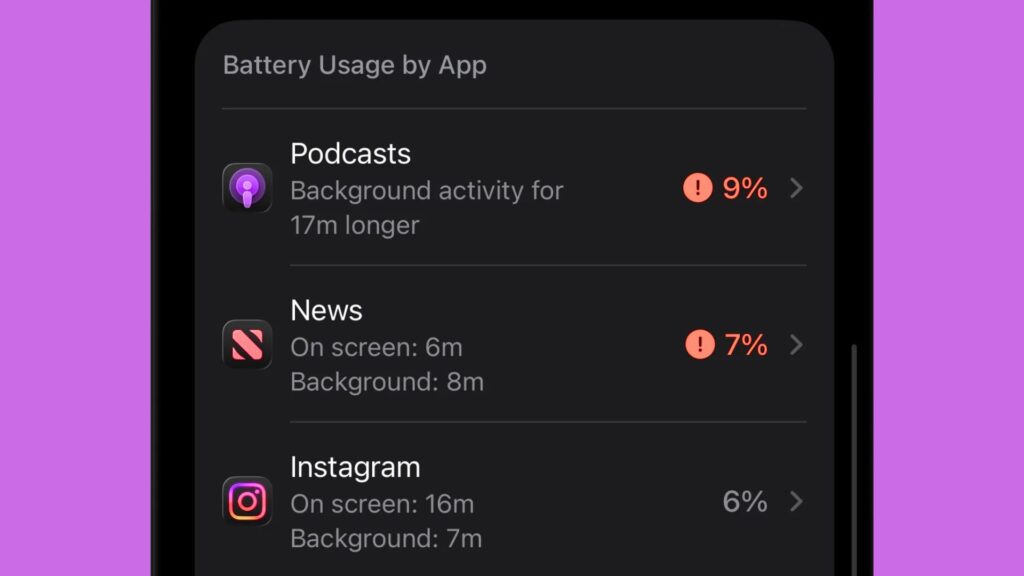
Activating Adaptive Power is simple—just a few settings tweaks let it run seamlessly. Monitor its effects via battery stats for personalized insights.
Don’t miss the best of The Mac Observer
Set us as a preferred source and our Apple reporting ranks higher in your Google Search results and Discover feed — one tap, no account changes.
- Open Settings.


- Tap Battery.
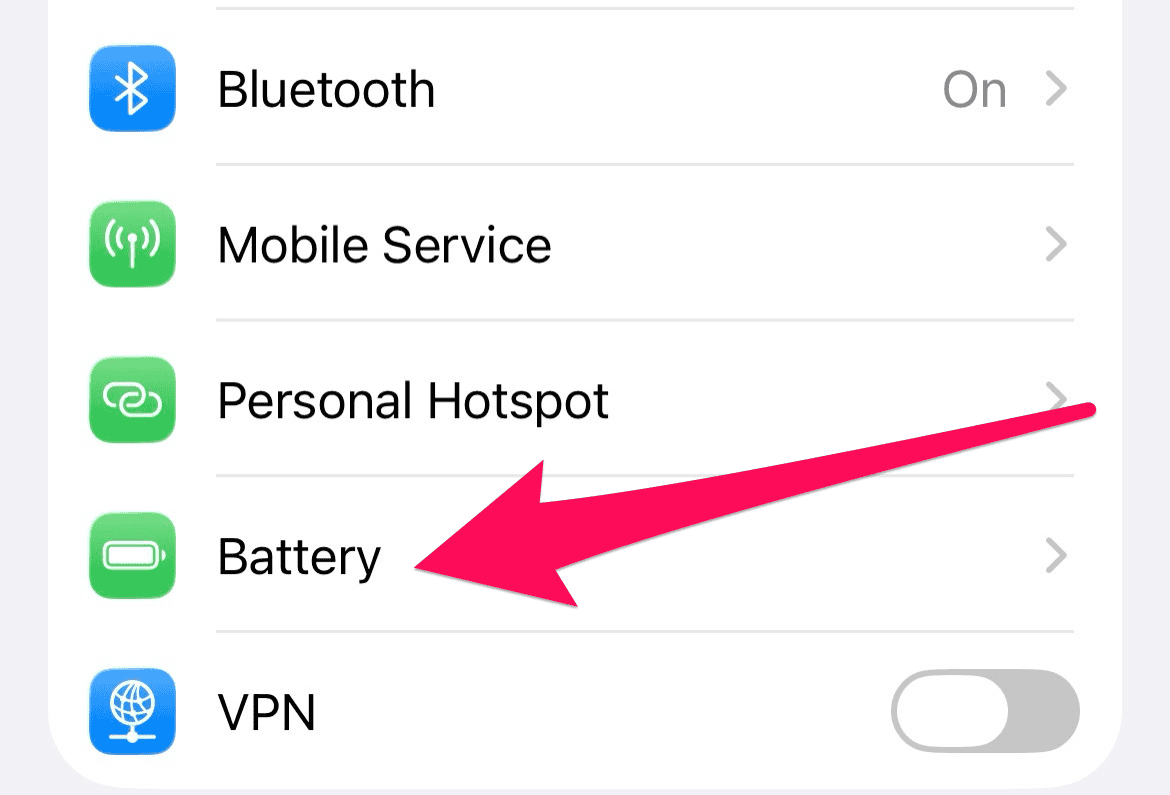

- Tap Power Mode.
- Toggle Adaptive Power.
These quick steps help you maximize battery life effortlessly.
FAQ
No, only iPhone 15 Pro and newer.
Minimal impact; it skips demanding apps.
Adaptive Power complements tips to prevent battery health from draining too much, extending overall device longevity
Harness Adaptive Power Today
iOS 26’s Adaptive Power redefines iPhone endurance, offering proactive tweaks for longer-lasting power. Update now to sidestep common drains and keep battery health at 100%. Your device—and your day—will thank you.


Discussion