
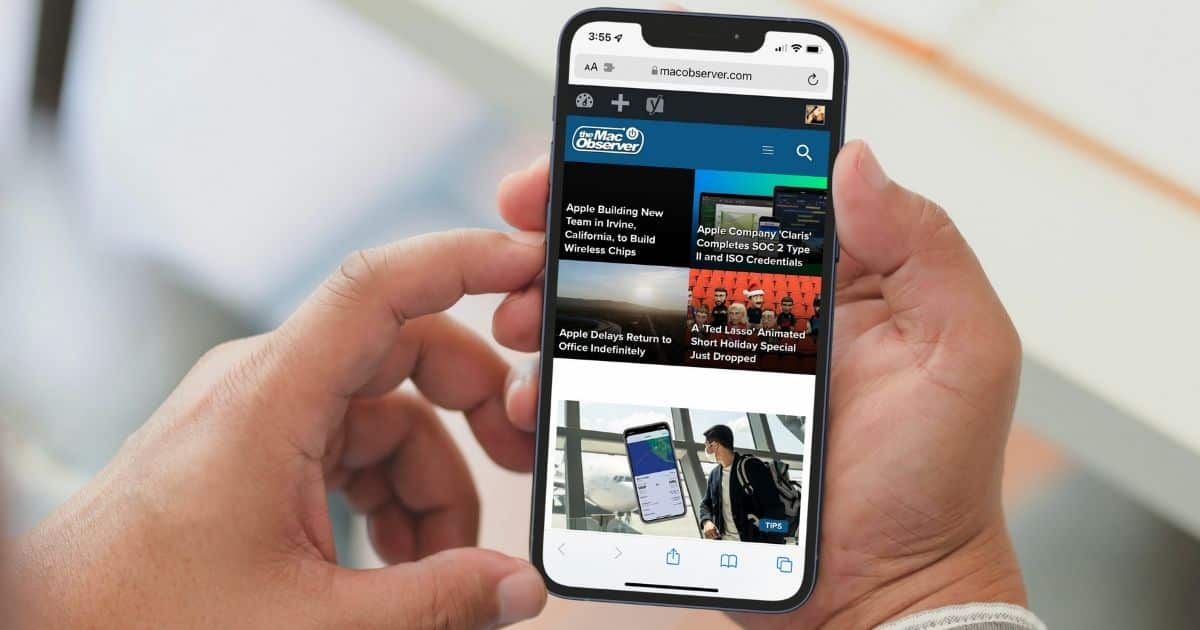
When Apple moved Safari’s address bar to the bottom of the screen, it caused quite a stir. Complaints about the change filled the internet, so Apple made it possible to choose your preferred location for the address bar. Here’s how you can restore Safari’s top address bar, without even launching Settings.
Safari’s Somewhat Hidden Preferences Icon
When you look at the address bar in Safari, you’ll notice an icon with a capital ‘A’ and a lower-case ‘a’ to the left. That icon, mainly used for zooming in and out of a page, also allows you to quickly get to some of Safari’s preferences. For example, you can check the Privacy Report, or request a web page’s desktop or mobile site.
Other options allow you to manage Safari extensions, show the Reader view, or configure settings for a particular web page. You can also use this menu to change your Safari layout.
Putting Back Safari’s Top Address Bar
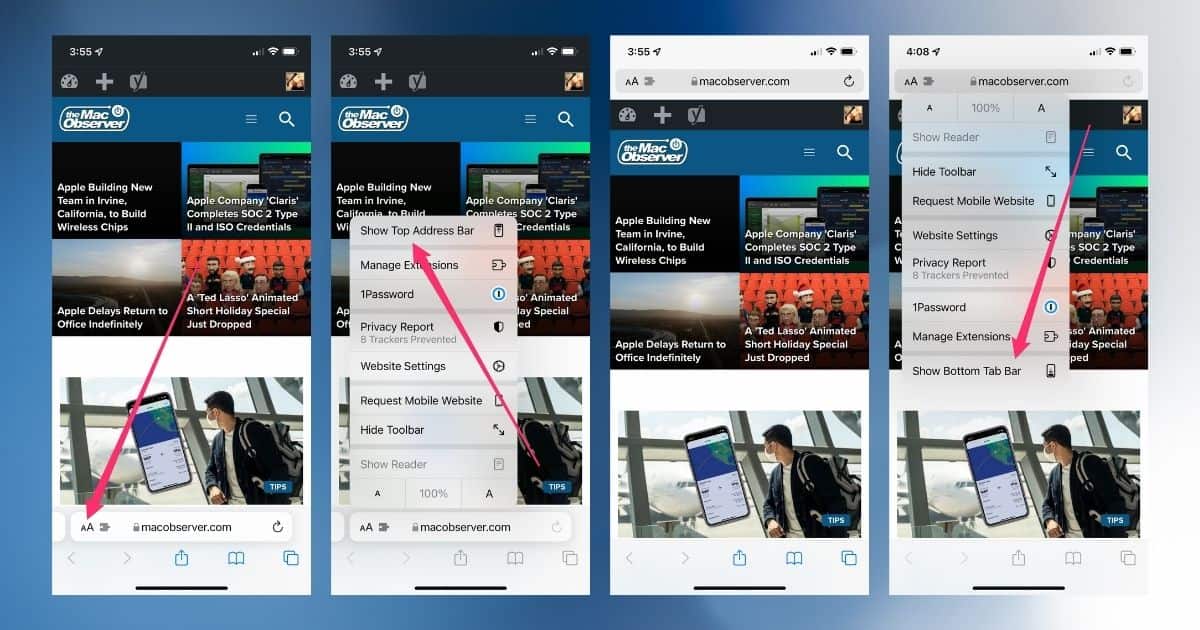
After you tap the zoom icon in the address bar, look at the top of the menu. Tap on “Show Top Address Bar,” and hey presto! Safari’s back the way you like it.
If you want to resume bottom-bar browsing, just follow the same steps. At the bottom of the menu, tap “Show Bottom Tab Bar”. It’s quick, it’s easy, and you don’t even have to navigate the Settings app to do it.
Don’t miss the best of The Mac Observer
Set us as a preferred source and our Apple reporting ranks higher in your Google Search results and Discover feed — one tap, no account changes.




Thanks!
New question. How do I get rid of the 3 dots at the top of the screen?
Which 3 dots, Lee? Can you email me a screenshot? I’ll try to figure it out. You can reach me via jeffb (at) macobserver (dot) com or @clefmeister on Twitter.
It is the multitasking button. I have muscle memory for scrolling to the top that now touches button. It should be a user setting that we can toggle on or off.
https://www.apple.com/ipados/ipados-15/
Hi Lee, as far as I know those three dots can’t be moved or changed, they’re just part of the UI.
Poor design. Yes, I did send them feedback.