
If you recently purchased a new iPhone or received one as a gift, this is the guide for you. These steps will help make your transition to the new device easy.
Preparing Your iPhone
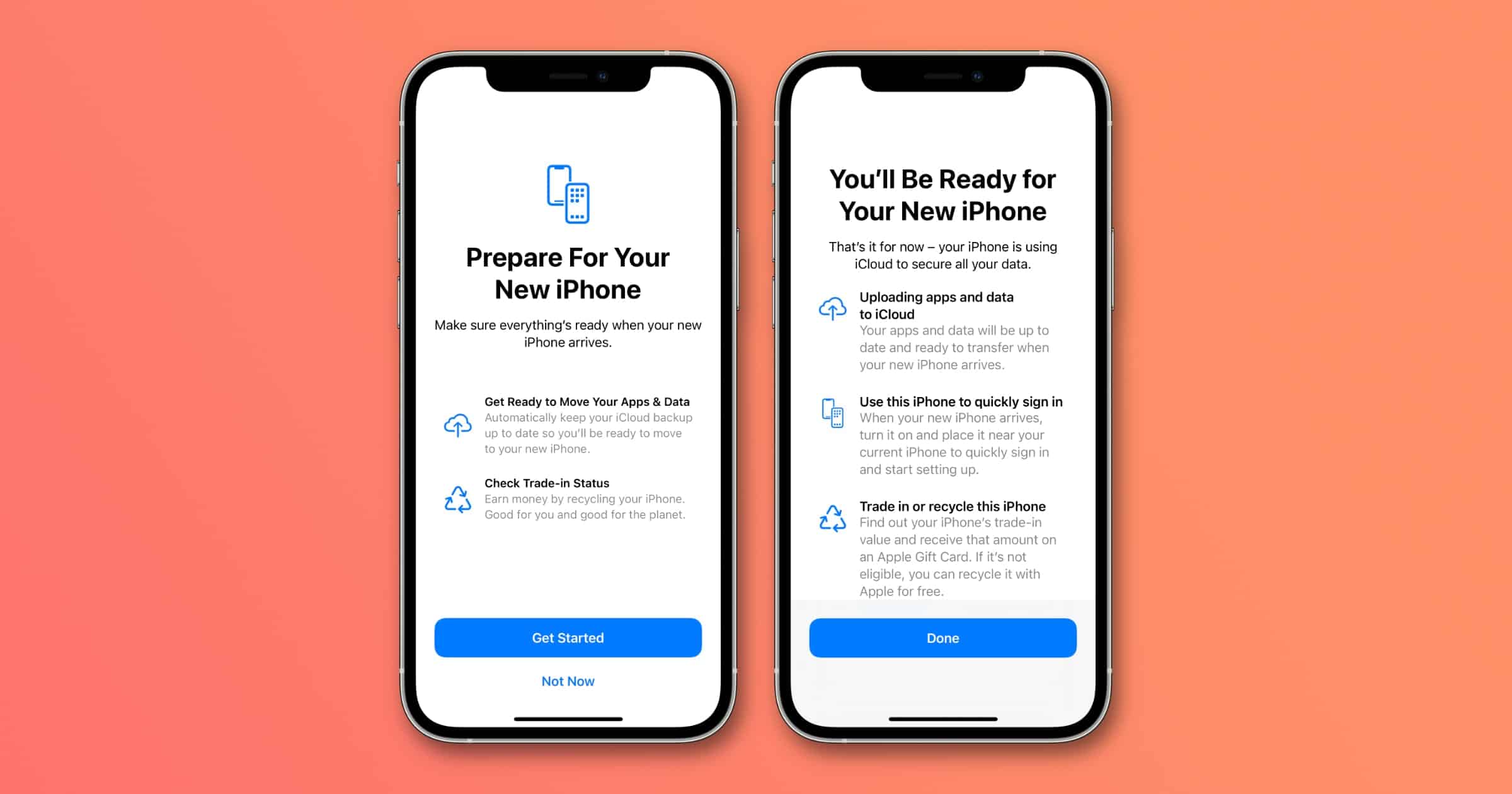
So easy, in fact, that I saw a notification on my iPhone earlier that walks me through the steps when I preordered a new iPhone.
- It makes sure your apps are properly backing up to iCloud
- It notifies you that you can quickly transfer your data to the new iPhone
- Reminds you to trade-in or recycle your current iPhone. You can trade-in directly with Apple when you preorder, use a third-party service, or sell it yourself on eBay or another platform
Starting with iOS 15, existing iPhone users can temporarily back up data to iCloud, even without a subscription, to transfer their data to a new iPhone. Apple will make sure you have the temporary iCloud storage space you need for your data.
You’ll also want to make sure you have two-factor authentication enabled on your Apple ID. This is required to use certain features across Apple’s platforms, and of course adds an extra layer of security on your account.
Don’t miss the best of The Mac Observer
Set us as a preferred source and our Apple reporting ranks higher in your Google Search results and Discover feed — one tap, no account changes.




Discussion