

The iShare iOS Wireless HDMI Display Adapter promises something a lot of iPhone and iPad users want but rarely get without friction: an easy way to mirror your screen to a TV or monitor without cables, apps, or complicated setup. It’s a small dongle that plugs into your display’s HDMI port and connects to your iPhone over Wi Fi, letting you throw photos, videos, presentations, or apps onto a bigger screen in seconds.
Here’s the thing. Wireless display adapters live or die by how simple they are. iShare mostly gets that right.
How It Works
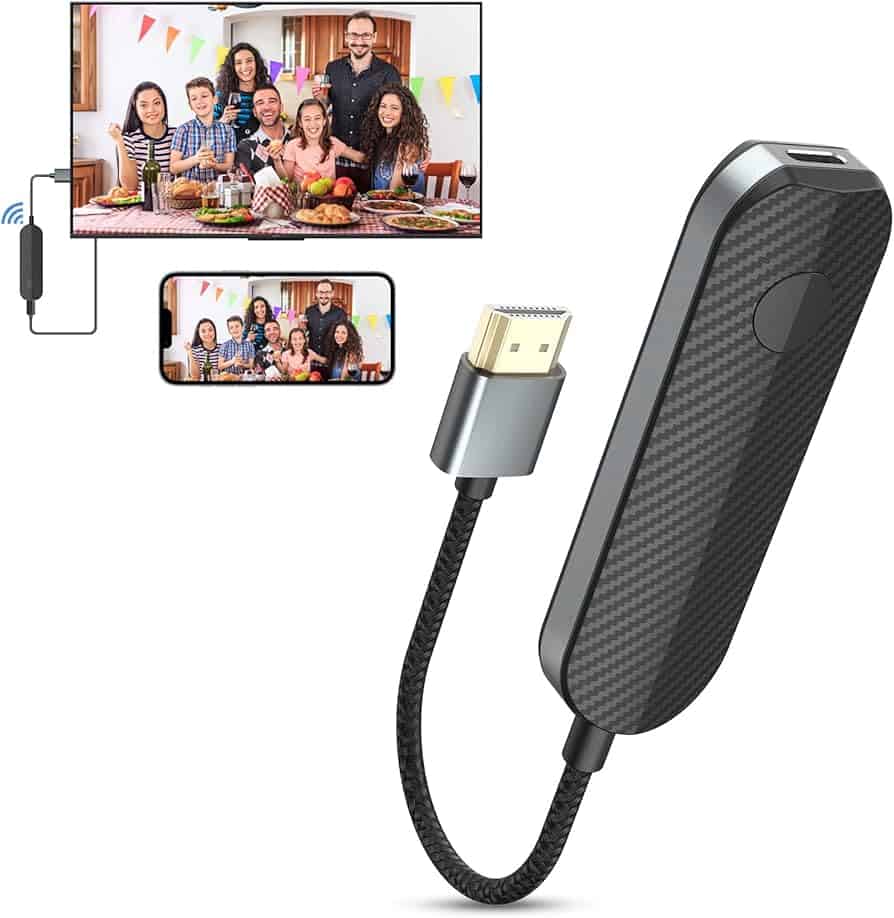
Setup is straightforward. You plug the adapter into an HDMI port on your TV or projector, power it with USB, and select the correct HDMI input. The adapter creates its own Wi Fi signal. On your iPhone or iPad, you connect to that signal and enable screen mirroring from Control Center.
Don’t miss the best of The Mac Observer
Set us as a preferred source and our Apple reporting ranks higher in your Google Search results and Discover feed — one tap, no account changes.
No App Store downloads. No account creation. No pairing gymnastics.
Once connected, whatever is on your iOS screen appears on the display. That includes photos, Safari, presentations, YouTube, and many third party apps. For casual mirroring, it feels natural and responsive.
Performance and Limitations
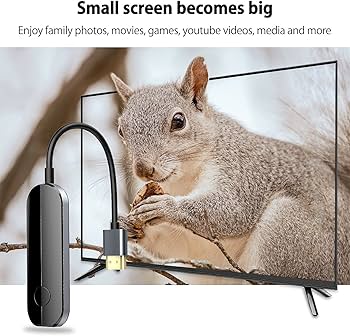
For everyday use, the performance is solid. There is a slight delay, which is normal for wireless mirroring. You notice it when scrolling fast or watching videos, but it’s not distracting for presentations, browsing, or sharing media with friends.
Streaming apps are where things get complicated. Some services with strict DRM, like Netflix or Disney Plus, may block wireless mirroring. That’s not an iShare problem specifically. It’s a platform limitation. YouTube usually works fine. Local videos and photos work every time.
Audio stays in sync well enough for casual viewing. If you’re trying to game or edit video on a mirrored display, this isn’t the right tool. That’s not what it’s built for.
When iShare Makes Sense

The iShare adapter shines in simple, practical situations. Showing vacation photos on a hotel TV. Giving a presentation without hunting for cables. Sharing a video with family on a living room screen. It’s also handy in classrooms or small offices where multiple people need to connect quickly.
If you want absolute reliability for streaming services or zero latency, a wired Lightning or USB C adapter is still the safer bet. But if convenience matters more than perfection, iShare earns its place.
Bottom Line
The iShare iOS Wireless HDMI Display Adapter does one job and mostly does it well. It’s small, simple, and easy to use. For casual screen sharing without cables, it’s a practical tool that gets out of your way and lets your screen do the talking.




Discussion