
Here’s a quick, handy tip that I learned last night from The Mac Observer’s Bryan Chaffin. It’s a way to clear text formatting when you copy and paste text between applications.
Clear Formatting From Clipboard
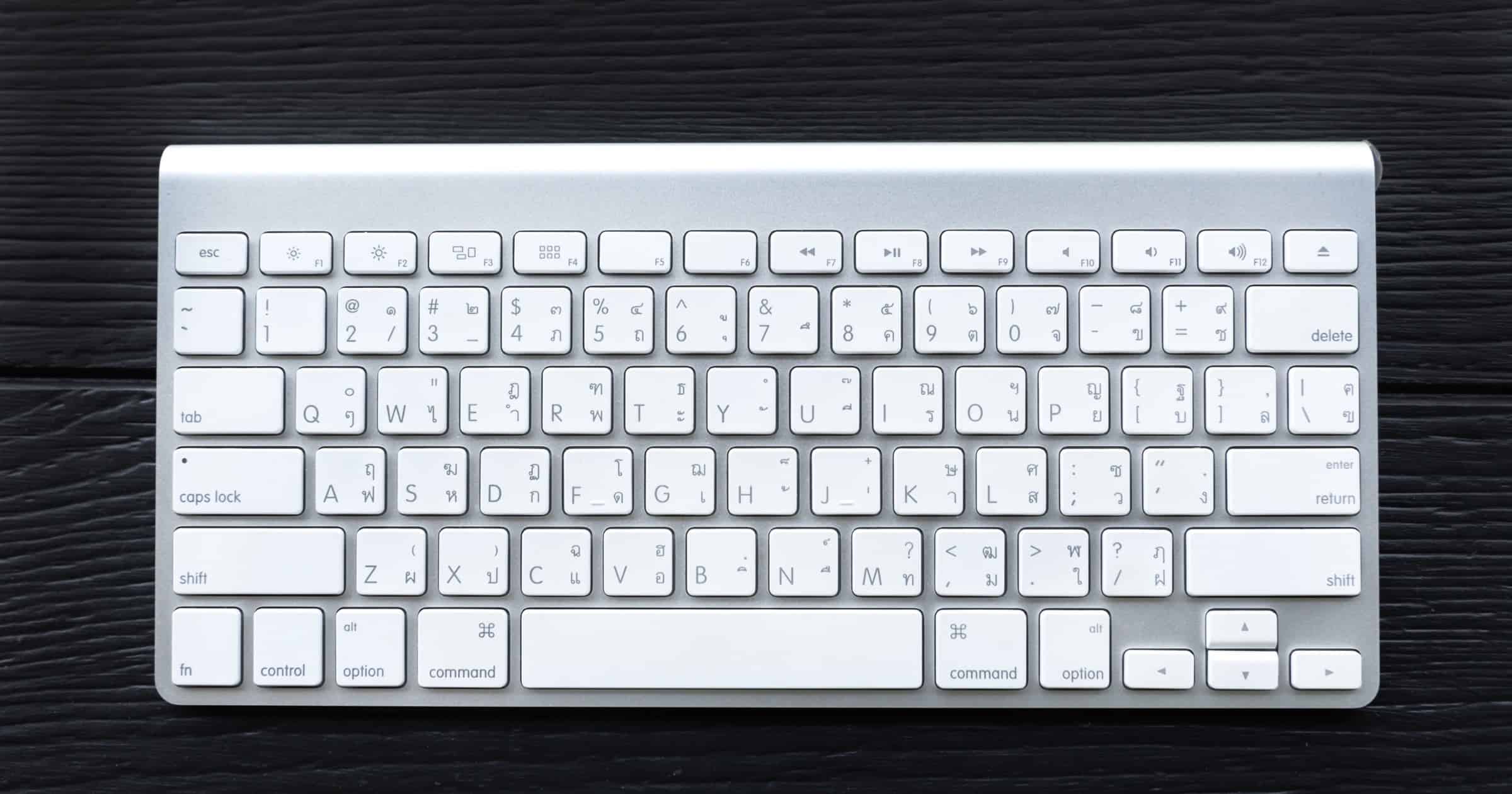
Instead of fiddling with a “clear formatting” GUI button (if your app has that) or pasting first to a plain text document and then to your intended destination, press Shift + Option + Command (⌘) + V, as opposed to regular paste which is Command (⌘) + V. Check out some of the best ways to copy and paste on a Mac.
This works on both the Mac and iPad. And that’s it!
Don’t miss the best of The Mac Observer
Set us as a preferred source and our Apple reporting ranks higher in your Google Search results and Discover feed — one tap, no account changes.




This is wrong, it doesn’t work for me on newest macOS.
Thanks for letting us know. We will test and see about updating the article. It is 2 years old, after all.
Nice. Thanks. I also use CopyPaste Pro, which is awesome.
https://plumamazing.com/product/copypaste-pro-for-mac