Apple’s September 14 security updates for the Mac covered macOS Golden Gate 27, macOS Tahoe 26.7 and macOS Sequoia 15.8, and nothing for macOS Sonoma. Safari 27, released the same day, is listed for Sequoia and Tahoe only, so a Mac on Sonoma got neither a system update nor a browser update.
Apple hasn’t said Sonoma support is over, and none of its pages says so. What they do show is that the newest security release for Sonoma is still macOS Sonoma 14.8.9 from August 6, and the newest Safari listed for it is 26.6.1 from August 18.
What Apple’s security releases page shows
Apple’s security releases index lists every update with its own “Available for” line. Here are the September 14 Mac rows, with the most recent entries that include Sonoma:
Don’t miss the best of The Mac Observer
Set us as a preferred source and our Apple reporting ranks higher in your Google Search results and Discover feed — one tap, no account changes.
| Release | Date | Available for |
|---|---|---|
| macOS Golden Gate 27 | September 14 | Macs with Apple silicon |
| macOS Tahoe 26.7 | September 14 | macOS Tahoe |
| macOS Sequoia 15.8 | September 14 | macOS Sequoia |
| Safari 27 | September 14 | macOS Sequoia and macOS Tahoe |
| Safari 26.6.1 | August 18 | macOS Sonoma and macOS Sequoia |
| macOS Sonoma 14.8.9 | August 6 | macOS Sonoma |
The Safari line is the telling one. Every Safari 26 security release on the page, from Safari 26 in September 2025 through 26.6.1 in August, names Sonoma and Sequoia. Safari 27 swaps Sonoma for Tahoe.
None of the September 14 pages says any of the fixed flaws was exploited. The Sequoia 15.8 page lists fixes for 154 CVEs, and our release report covers what Tahoe 26.7 and Sequoia 15.8 bring. Apple doesn’t say how many of those issues also affect Sonoma.
Apple did the same to Ventura a year ago
The same page shows this pattern once before. On September 15, 2025, the day macOS Tahoe 26 shipped, Apple released macOS Sequoia 15.7 and macOS Sonoma 14.8, and nothing for Ventura. Safari 26 arrived that day for “macOS Sonoma and macOS Sequoia”, while Safari 18.6 in July 2025 had been listed for “macOS Ventura and macOS Sonoma”.
Ventura never got another entry. Its last release on the page is macOS Ventura 13.7.8 from August 20, 2025, and Apple’s table of the latest version of each macOS still shows 13.7.8 for Ventura a year later. That history is a precedent, not a promise: Apple could still ship a Sonoma update, and nothing it has published rules one out. For a sense of how Apple treats older branches, see what a security-only software branch still gets.
Check what your Mac is running
- Choose Apple menu > About This Mac. Apple says the window always shows the name and version number of the macOS in use. If it reads 14.8.9, you have the newest Sonoma Apple lists.
- Choose Apple menu > System Settings, click General in the sidebar, then click Software Update. Apple says Software Update shows only software compatible with your Mac model, so any upgrade offered there will run on it.
Safari updates come through the same place. Apple’s update page says macOS updates include built-in apps such as Safari.
Which Sonoma Macs can move on, and which can’t
Apple’s advice is to use “the latest macOS that is compatible with your Mac.” Comparing Apple’s Sonoma and Sequoia compatibility lists gives a clear split.
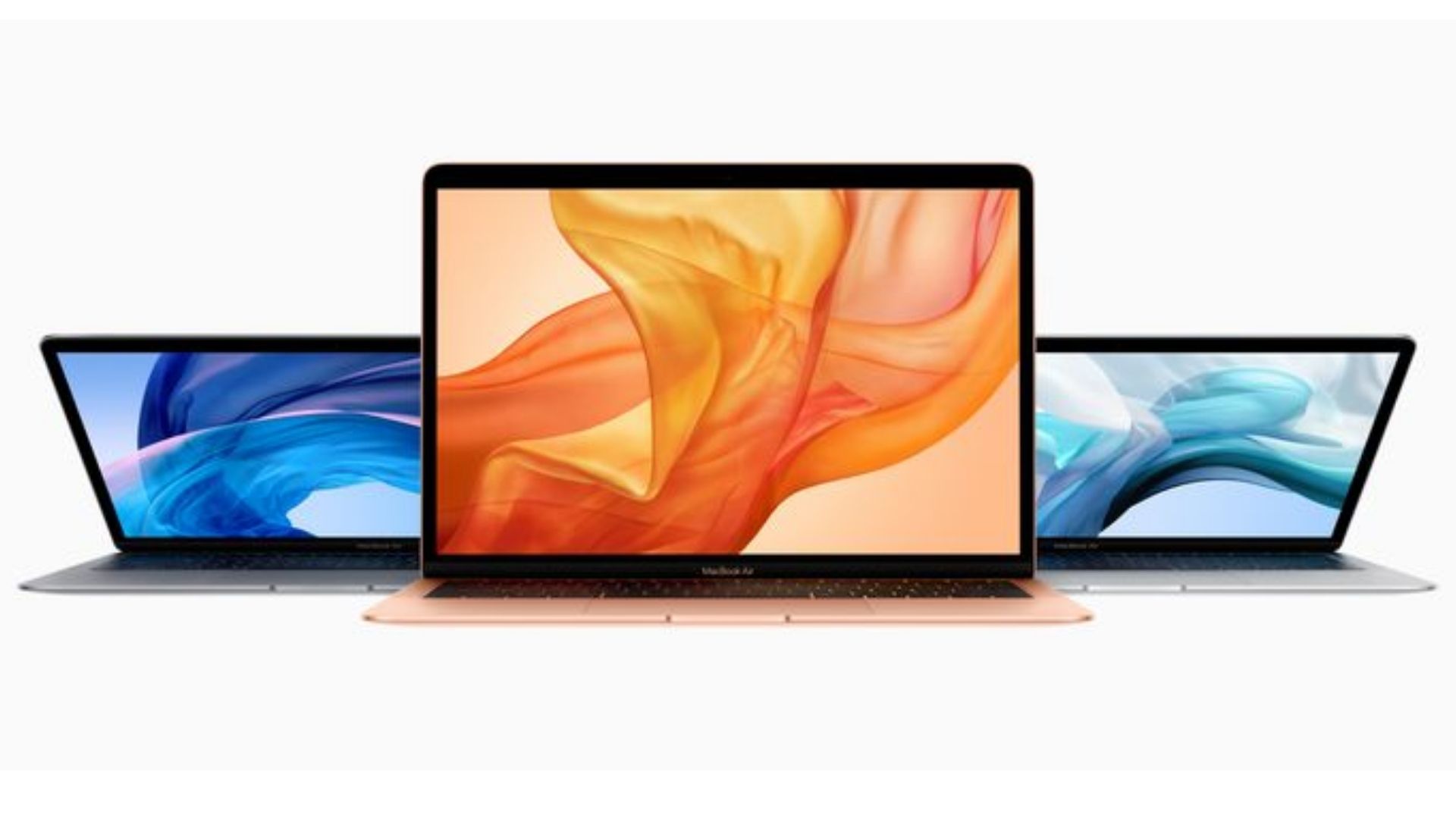
- Stuck on Sonoma: MacBook Air (Retina, 13-inch, 2018) and MacBook Air (Retina, 13-inch, 2019). They are the only two Macs on Apple’s Sonoma list that are missing from its Sequoia list, so Sonoma 14.8.9 is the newest macOS Apple offers them.
- Can install Sequoia: every other Mac that runs Sonoma. Sequoia received 15.8 and Safari 27 on September 14.
- Can install Tahoe: Apple’s Tahoe 26 entry lists Mac Studio (2022 and later), iMac (2020 and later), Mac Pro (2019 and later), Mac mini (2020 and later), MacBook Pro (16-inch, 2019), MacBook Pro (13-inch, 2020, Four Thunderbolt 3 ports) and every MacBook Air and MacBook Pro with Apple silicon.
- Can install macOS 27 Golden Gate: any Mac with Apple silicon. Apple’s compatibility page says: “If you have a Mac with Apple silicon, you can upgrade to macOS 27.” Intel Macs can’t.
If you own one of those two MacBook Air models, make sure 14.8.9 is installed and watch Apple’s security releases page for any further Sonoma entry. Everyone else on Sonoma has at least Sequoia available. Before a major upgrade, Apple says “it’s a good idea to back up your Mac”, and our checklist for backing up and cleaning up a Mac walks through it. Check that the apps you rely on support the version you choose.