
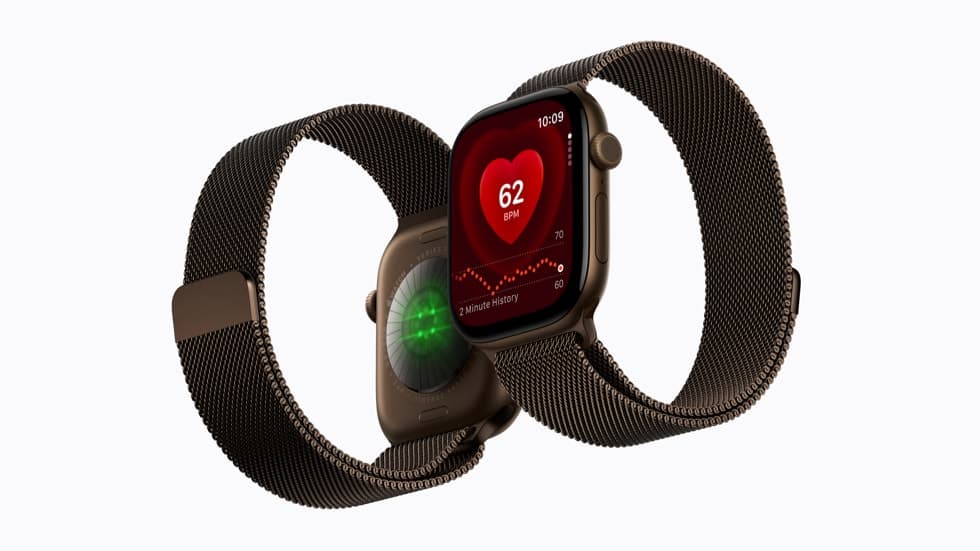
Double tap is the first thing most people try on a new Apple Watch, and when it does not fire the cause is almost always a setting rather than the hardware. Apple republished its checklist on September 14, 2026, days before Apple Watch Series 12 and Ultra 4 reach buyers on September 18.
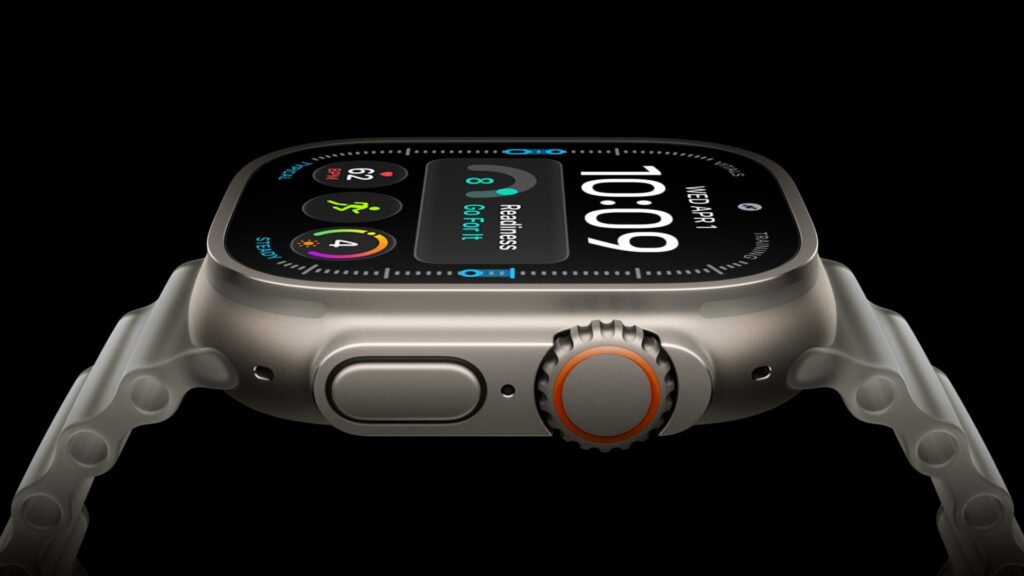
The document covers Apple Watch Series 9 or later, Apple Watch Ultra 2 or later, and Apple Watch SE 3, which takes in both new models. There are four settings to check and four modes that switch the gesture off entirely.
The gestures, and what each one does
Apple’s separate buttons and gestures page defines both. Double tap means tapping your index finger and thumb together twice to perform common actions on the watch, including answering a call, replying to a message, and scrolling the Smart Stack. Wrist flick means quickly turning your wrist away from you and back, to dismiss notifications, timers and calls.
Don’t miss the best of The Mac Observer
Set us as a preferred source and our Apple reporting ranks higher in your Google Search results and Discover feed — one tap, no account changes.
Both are available on Apple Watch Series 9 and later, Apple Watch SE 3, and Apple Watch Ultra 2 and later. Apple does not claim either gesture is improved on Series 12 or Ultra 4, and does not tie them to the new chip.
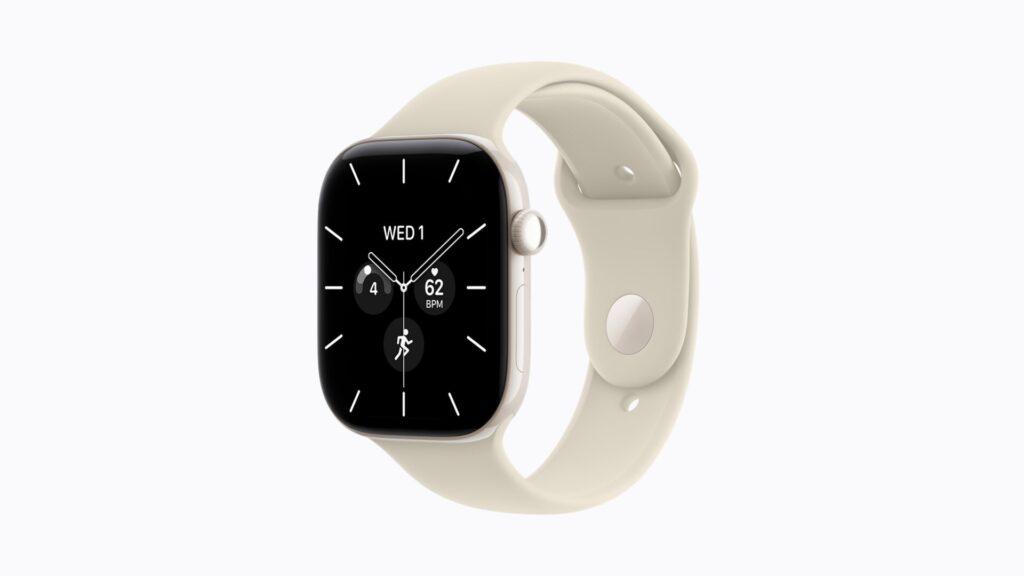
Four settings, and Wrist Detection is in two places
You can check all of these from the Settings app on the watch or from the Apple Watch app on your iPhone. In Apple’s wording:
- Select Gestures, then make sure Gestures is turned on.
- Select Gestures, select Tap Gestures, then make sure Tap Gestures is turned on.
- Select Passcode, then make sure Wrist Detection is turned on.
- Select Display & Brightness, then make sure Wrist Detection is on.
The last two are the ones that catch people. Wrist Detection appears under both Passcode and Display & Brightness, and Apple asks you to confirm it in each. If you switched it off during setup to avoid entering a passcode, you switched off double tap at the same time.
Four modes that block the gesture
Apple lists these as states to turn off from Control Center, because the gesture does not fire while any of them is active:
- Low Power Mode
- Sleep Focus
- Theater Mode
- Water Lock
Water Lock is the one worth remembering. Apple states in a separate document that double tap and wrist flick gestures are not available when Water Lock is on, so a gesture that stops working after a swim is expected behavior, not a fault.
How you are wearing it matters
The rest of Apple’s checklist is about fit and technique, and it is more useful than it sounds on a watch you have worn for two days.
- Make sure the watch is unlocked and fits snugly on your wrist.
- Raise your wrist to wake the screen before trying the gesture.
- To double tap, tap your index finger and thumb together twice, and Apple gives the pace: “at the same pace as double clicking a mouse”. A single tap is one pinch.
- Perform gestures while stationary rather than while walking.
- If you have a tattoo on that wrist, try the watch on the other wrist.
- Check whether the watch was set up using Apple Watch For Your Kids, a configuration in which the gesture does not apply.
Apple does not explain why a tattoo interferes, so take that one as an instruction rather than a diagnosis. The pace note is the most useful line in the document. Two deliberate, slow pinches are not a double tap as far as the watch is concerned, and that alone accounts for a lot of gestures that never fire.
If it still will not fire
- Update your Apple Watch.
- Restart your Apple Watch.
- Turn Gestures off and back on.
- Open Settings > General > Orientation and confirm the watch knows which wrist you wear it on.
The orientation check is the one worth doing on a watch that has never responded to a gesture since setup, since both gestures depend on the watch knowing which wrist it is on. Apple does not say what a wrong setting does, only that you should confirm it.
Before you decide it is broken
Run the four settings checks first, then the four blocking modes, then give the mouse-click pace an honest attempt. That order resolves nearly everything on a watch fresh out of the box. Our iOS 27 release coverage covers the software the paired iPhone needs to be on first.



