
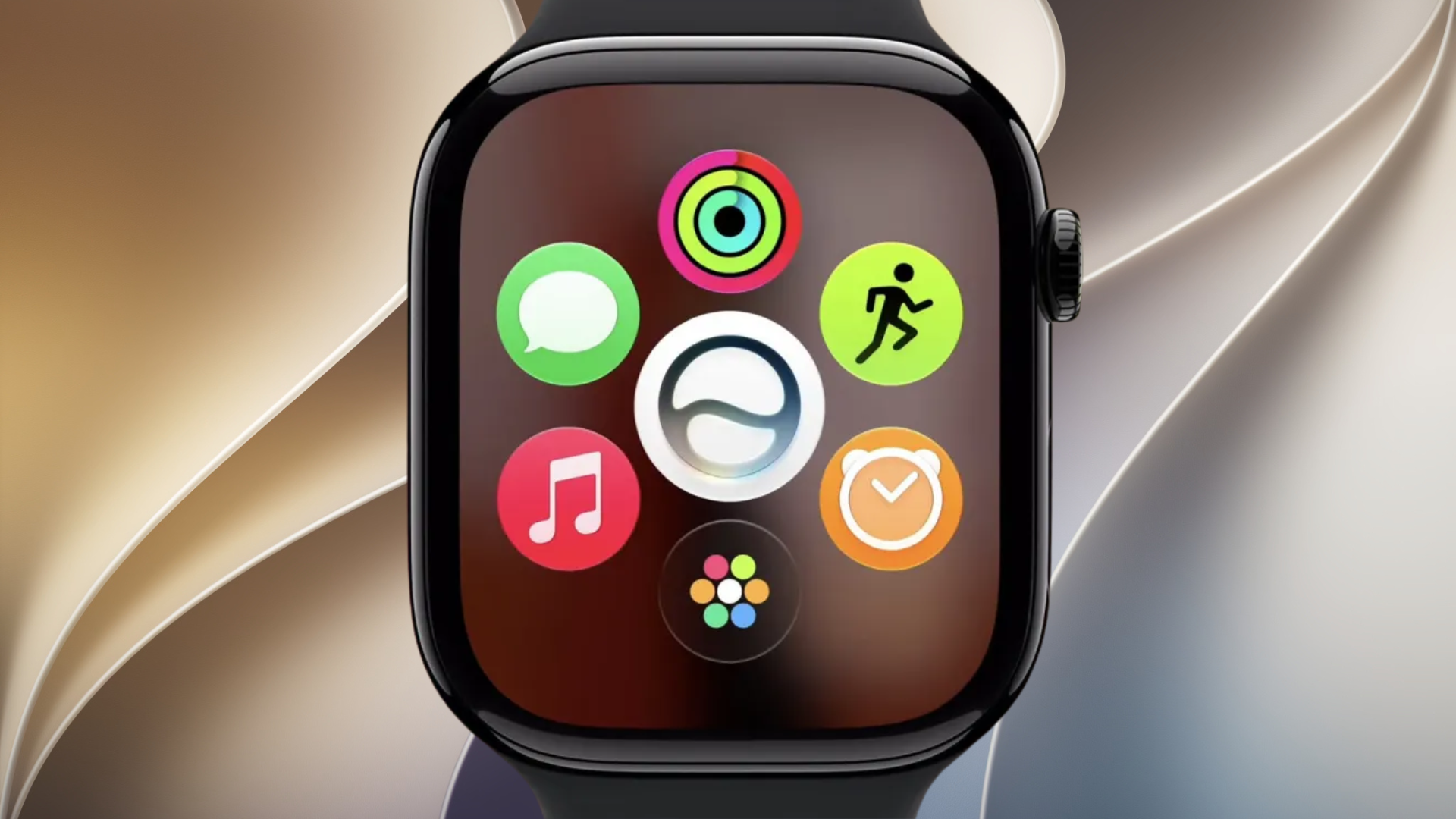
Apple released watchOS 27.2 beta 2 to registered developers on September 21, 2026. The Apple Watch update carries build number 24S5091f and follows the first watchOS 27.2 developer beta.
Apple confirms the build and date on its official Developer Releases page. The company’s current watchOS 27.2 release notes do not provide a beta-2-specific change list, so testers should not assume undocumented new features are included.
Release notes focus on StoreKit Testing
The current notes list three resolved StoreKit Testing issues. Apple says clearing transactions now resets introductory-offer eligibility, storefront and locale changes propagate correctly, and developers can again disable purchase dialogs for automated testing.
Don’t miss the best of The Mac Observer
Set us as a preferred source and our Apple reporting ranks higher in your Google Search results and Discover feed — one tap, no account changes.
One StoreKit Testing issue remains documented. A subscription that belongs to a bundle may incorrectly allow the customer to unbundle it. This concerns the development testing environment and does not establish a problem with ordinary App Store purchases.
Apple does not list a new watch face, health feature, interface change, or other consumer-facing addition for this seed. Beta 2 may still include fixes that are not itemized, but Apple has not published details for them.
That makes this release primarily a testing update based on the information Apple has published. Any claims about battery life, performance, or new health capabilities would be premature without documentation or repeatable evidence.
How to install the developer beta
Developers with an enrolled Apple Watch can open the Watch app on the paired iPhone, choose My Watch > General > Software Update > Beta Updates, and select the developer beta. Keep the watch on its charger during installation and back up the paired iPhone first.
Because watchOS beta software can contain errors, it is best suited to a secondary device. Report reproducible problems through Feedback Assistant. Before updating, owners can also check which Apple Watch models support watchOS 27 and review the recommended iPhone and Apple Watch update order.


Discussion