
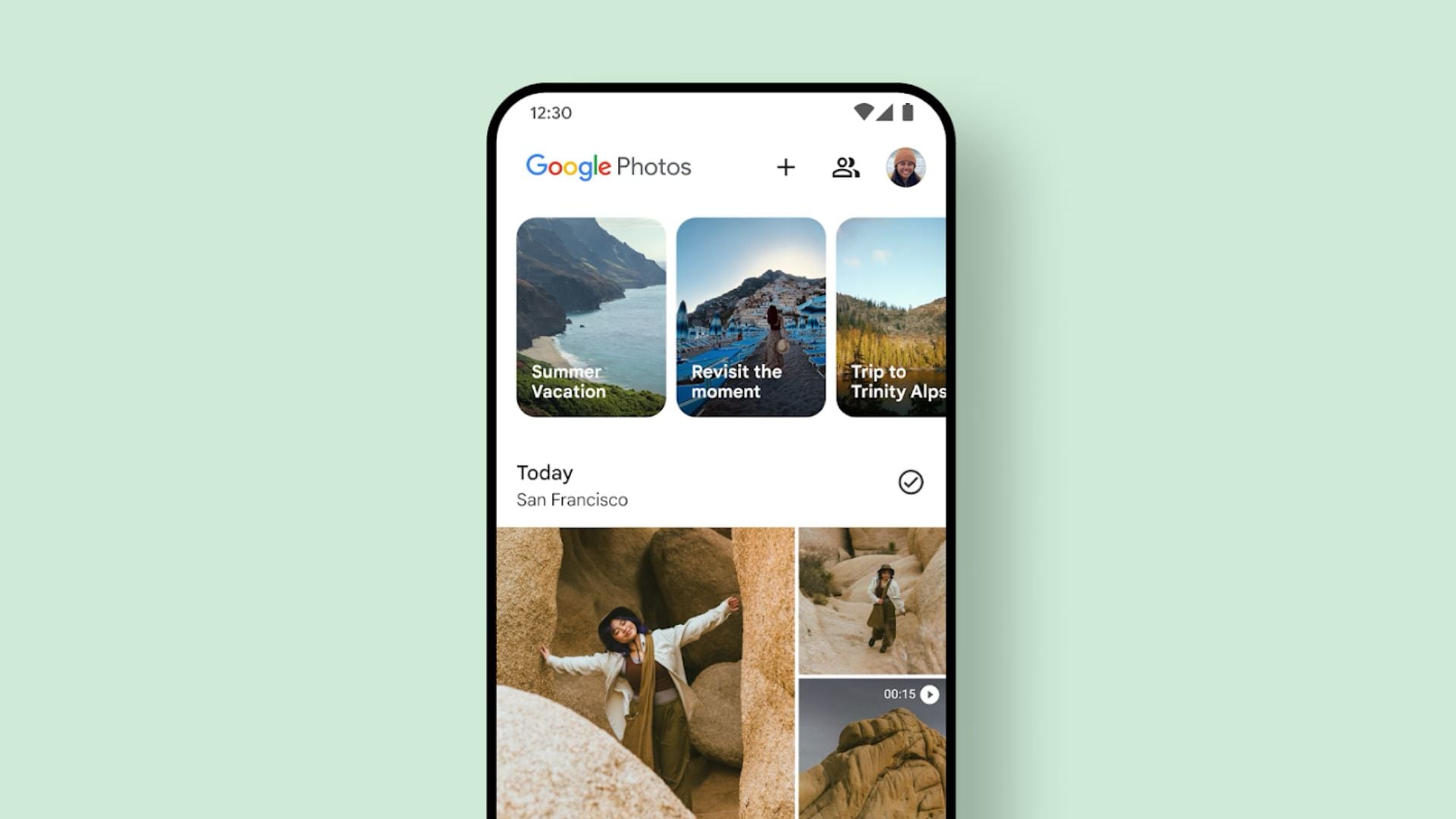
Opening up an old photo collection can sometimes bring unexpected and unwanted sound. For years, Google has automatically added instrumental audio tracks to the automated collections it builds for users. This feature often clashed with the mood of the pictures on the screen. Now, a much requested update is finally giving users the power to silence these auto-generated albums for good.
Users can now disable random tracks through the settings menu
The tech company recently confirmed it is rolling out a brand new toggle to solve this very specific problem. The update lets anyone using the service easily switch off the auto-generated background music.
To find the new option, you just need to open the Google Photos application on your smartphone. From there, head into the settings menu, tap on your memory preferences, and look for the music toggle. Turning this off means the app will stop playing random instrumental beats over your photo collections.
Don’t miss the best of The Mac Observer
Set us as a preferred source and our Apple reporting ranks higher in your Google Search results and Discover feed — one tap, no account changes.
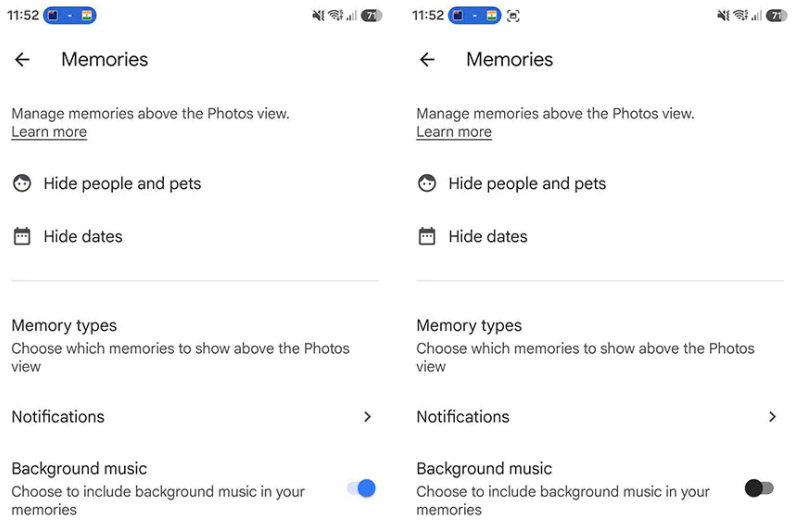
This change applies across the board. If you flip the switch, it will silence the standard daily collections as well as the big End of Year Recap presentations. However, the system is smart enough to handle video files properly. If your collection includes a video clip, you will still hear the original audio recorded in that specific video, even with the music toggle turned off.
For those who actually enjoy pairing their pictures with sound, the recent update also brings some improvements. The development team added new track options to the built-in audio library. This means you can still manually select and apply music to your collections if you want to create a specific vibe.
This update appears to be rolling out from the server side, so it might take a few days to reach every single Android device. If you want to check your memory settings, make sure your application is updated to the newest version available.
By adding this simple toggle, the software team is giving people much more control over how they look back at their digital history. You no longer have to worry about a loud, upbeat song ruining a quiet or serious collection of personal pictures.




Discussion