
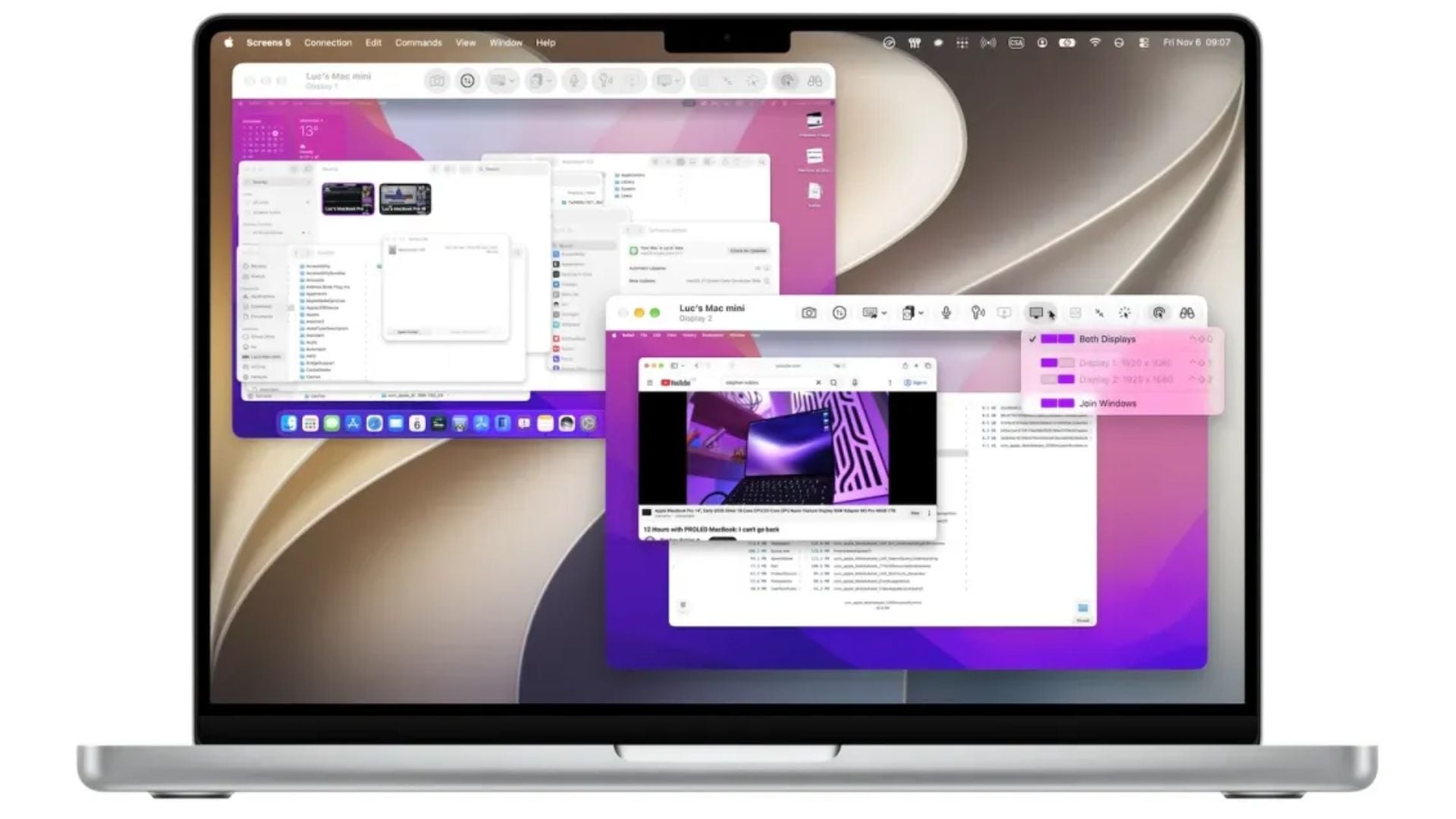
The popular remote desktop application Screens is getting a huge upgrade this week with its latest release. Version 5.10 introduces two highly requested tools that make controlling your computer from far away much easier. Available for iPhone, iPad, and Apple Vision Pro, this new update takes full advantage of high performance screen sharing technology. You can finally hear what is playing on your remote machine and stop worrying about mismatched screen resolutions.
Listen to remote audio and automatically resize your desktop view
People have been asking for these additions for a very long time. The developers at Edovia built version 5.10 around Apple hardware and its high performance screen sharing framework. This means the app now taps directly into system level capabilities to deliver a smoother connection. If you connect to a modern Mac running macOS Sonoma or later, you unlock these new tools automatically.
Here is what you get in this update:
Don’t miss the best of The Mac Observer
Set us as a preferred source and our Apple reporting ranks higher in your Google Search results and Discover feed — one tap, no account changes.
- Remote Mac audio: You can now stream sound directly from your distant computer to your local device. Whether you need to listen to an audio file, check a video edit, or hear system alerts, the sound plays clearly through your phone or tablet.
- Automatic desktop resizing: The app now dynamically changes the resolution of your remote machine to perfectly fit the screen of the device you are holding. You no longer have to squint at tiny text or scroll around a massive desktop that spills past your device borders.
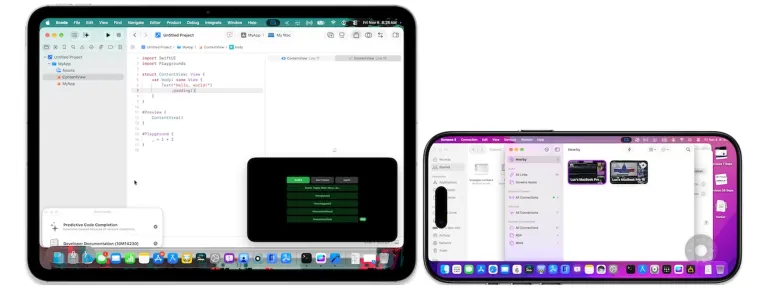
Update your devices to get the best screen sharing connection
To use these new features, you need to make sure your hardware meets the requirements. High performance mode requires a computer with custom silicon inside. Older Intel machines will still work with the app, but they will not support dynamic resizing and direct audio streaming.
You also need a fast and stable internet connection with low latency to keep the video and audio streaming smoothly. The update brings other small improvements too, like a refreshed interface carousel, better cursor handling, and numerous bug fixes to keep things stable. Version 5.10 is out now on the App Store as a free download, though you need a subscription or a lifetime purchase to use all the tools.
This release shows that the developer is paying attention to what users actually need when working from a distance or managing multiple computers on the go.




Discussion