
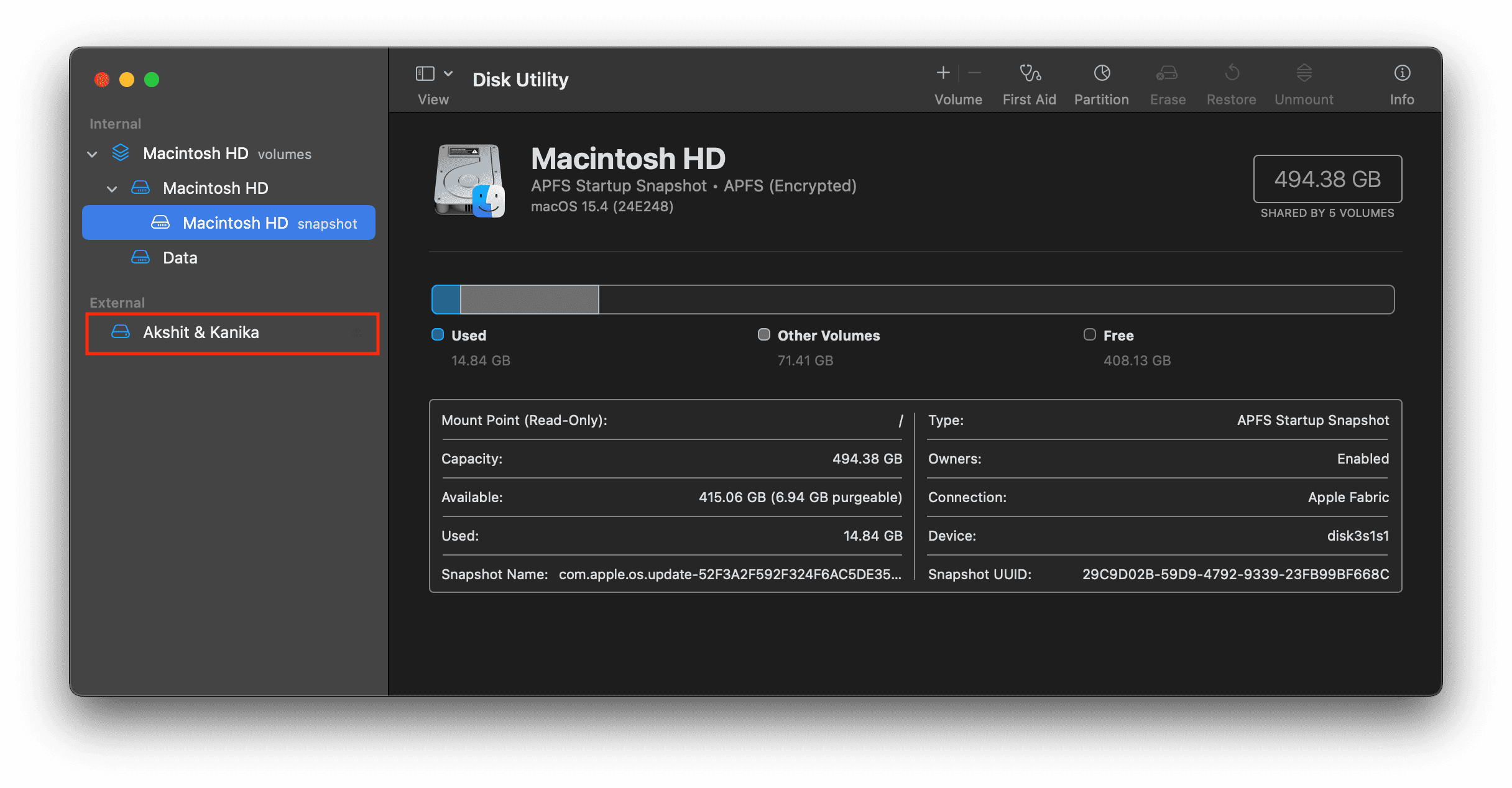
If you want to send another Mac user a finished set of documents, Disk Utility can package the folder as a single read-only disk image. The recipient opens the DMG in Finder and can copy out a file to edit. The version inside the mounted image stays as you packaged it.
Build the image from the finished folder
- In Finder, open the source folder and check what will go into the handoff. Remove drafts you don’t intend to share. For a set of instructions with linked illustrations, keep the illustrations in their usual subfolder.
- Open Disk Utility using Spotlight. In the menu bar choose File > New Image > Image from Folder. Select the folder itself and click Open.
- Give the disk image a recognizable name, ideally including a revision or date. Save it somewhere outside the source folder so it won’t be included if you package that folder again.
- Under Image Format, choose Read-only image (UDRO). Apple also offers Read-only Compressed (ULFO) if you want Disk Utility to compress the contents. Encryption is a separate choice. Leave it off for materials you intend any recipient to open.
- Click Save, then Done. Disk Utility creates the image file and mounts a volume in Finder.
Check the file you will actually send
Eject the mounted volume in the Finder sidebar. Double-click the saved DMG to reopen it, then open a document from the mounted volume. If that document depends on another file in the folder, follow the link there. This catches a missing attachment before someone else discovers it.
Send the .dmg file. The mounted volume is how Finder shows its contents. Read-only keeps that copy consistent, but anyone who can open it can take a copy of a document. When the materials change, edit your original folder and create a new image with a new revision name.
Apple’s guide to disk image formats and creating an image from a folder
Featured image: Disk Utility on Mac. Credit: TMO archive.
Don’t miss the best of The Mac Observer
Set us as a preferred source and our Apple reporting ranks higher in your Google Search results and Discover feed — one tap, no account changes.
Discussion