
Select your table in Numbers and choose Table → Transpose Rows and Columns from the Mac menu bar. The first row becomes the first column, the second row becomes the second column, and so on. This is useful when a report was built with months across the top but the receiving team expects one month per row.
Decide whether you need to turn the whole table
If all you need is to put the Total column beside Budget, select its column letter, hold it until it lifts, and drag it beside Budget. Transpose changes both axes of the entire table. A worksheet with three independent tables allows you to select just the one you want to change.
- If the table feeds a deliverable or contains formulas, make a separate copy of the spreadsheet first. Identify one value you can check, such as March’s total of 240.
- Select the table and use Table → Transpose Rows and Columns. The top header row becomes a header column. Footer rows move to the far right, and rows and columns return to their default dimensions.
- Find the same March total at the intersection of its new row and column. Check formula warnings and any charts that depend on the table. Numbers updates many formulas and adjusts chart references, but some formulas may need attention. A merged header can also be unmerged by the operation.
When the command is unavailable
Apple rules out two cases: a table used as a pivot table’s source, and a spreadsheet shared with other people. In a collaborative project, decide whether the team actually needs its working table rearranged or whether you only need a separate, transposed deliverable. For the latter, create an independent, unshared file and place a copy of the data there. If a pivot depends on the original, leave that source in its existing orientation.
Transposing discards sorting and filtering rules. If the result is no longer a valid table for a linked form, Numbers unlinks that form. Recreate any rules you still need and check the form before relying on the rearranged data. Retain your original until the receiving team can use the rearranged copy.
Apple’s guide to rearranging and transposing tables
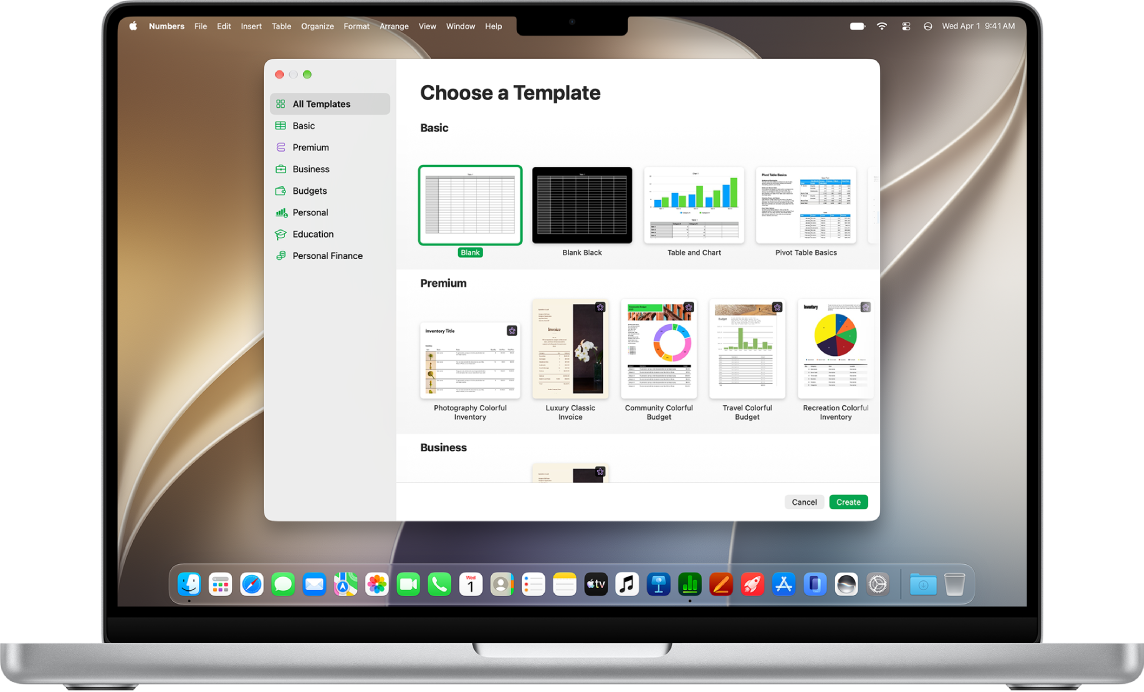
Featured image: Numbers template chooser on a MacBook Pro. Credit: Apple.
Don’t miss the best of The Mac Observer
Set us as a preferred source and our Apple reporting ranks higher in your Google Search results and Discover feed — one tap, no account changes.

Discussion