
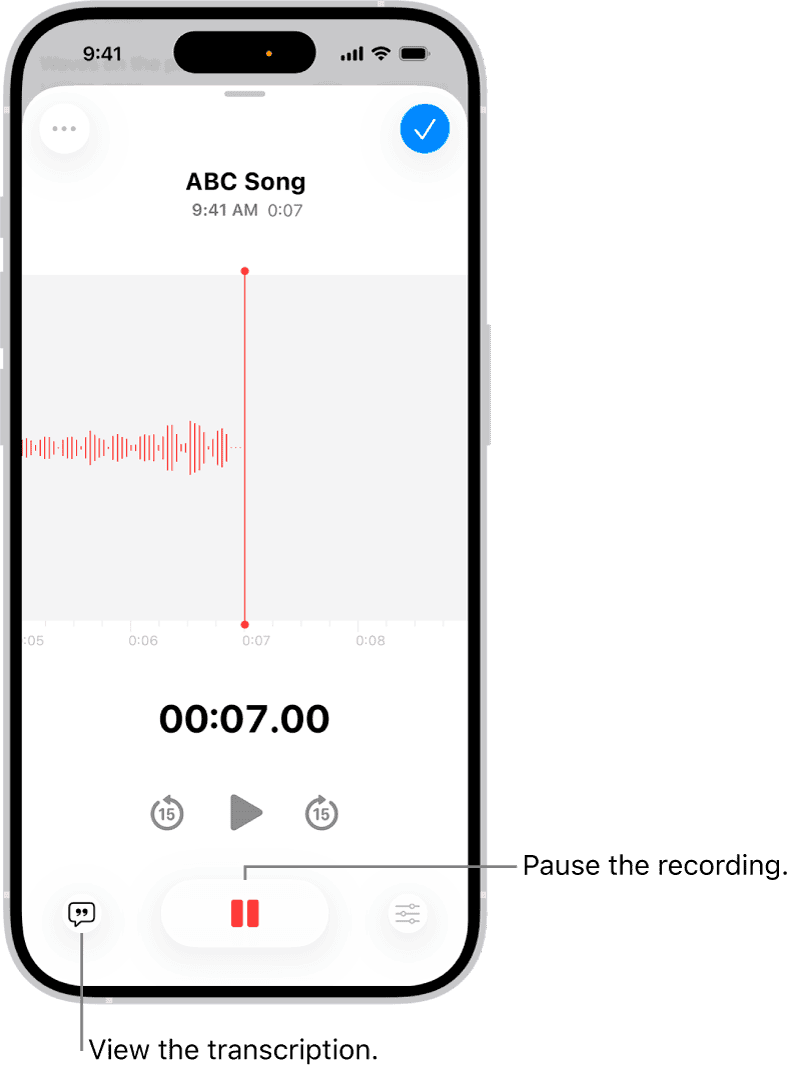
Give each project a folder and mark the takes you want to revisit as favorites. On iPhone, the Favorites folder gathers starred recordings automatically. That means you can keep your meeting interviews together and still have a shortlist of the clips worth transcribing.
Move existing recordings into a folder
- Open Voice Memos and go to the recording list. If your screen shows only the waveform of a single recording, return to the list before looking for selection controls.
- Tap Select above the recordings. Choose the clips for one project. If several are named after the same location, play them first and use their dates or durations to identify the right entries.
- Tap More > Move to Folder. Choose your project folder, or use New Folder, give it a descriptive name and save it. If you need to create it from the folders view, use the back or sidebar button to get there.
- Open the project folder and play a few seconds of a moved clip. Compare it with the recording you expected rather than relying on a filename such as New Recording 3.
A folder can hold the whole project. To flag one strong answer, tap that recording, open More Actions and choose Favorite. Return to the folder list and open Favorites. The recording should now be easy to find there even when you are looking across several projects.
Make the folder list easier to use
For a series of interviews, use names you can recognize out of context, such as the guest and recording date. Give folders the broader project name. That way a favorite still makes sense when it appears beside a clip from a different assignment.
When a current project sits far down the folders list, tap Edit above the folders and drag its reorder handle upward. Reordering lets you keep finished projects without deleting anything. Folders, favorites and renaming all organize the recordings already in Voice Memos. If you also need a copy outside the app, share or export the recording separately and check that the exported audio plays.
Apple’s Voice Memos folder instructions
Featured image: Voice Memos on iPhone. Credit: TMO archive.
Don’t miss the best of The Mac Observer
Set us as a preferred source and our Apple reporting ranks higher in your Google Search results and Discover feed — one tap, no account changes.

Discussion