
An iCloud shortcut link can outlive the message you sent it in. To stop new people from getting the shortcut through that link, open the shared link on your iPhone, return to Shortcuts from its webpage and use Stop Sharing there. The menu for your ordinary local shortcut is an easy place to look for the wrong control.
Open the shared version
- If you kept the original message, copy the shortcut’s iCloud link from it. Otherwise, open Shortcuts, tap the three dots on the shared shortcut to enter its editor, and open Share. Choose Copy iCloud Link, then Copy Link when prompted.
- Paste the link into Safari’s address field on the iPhone and open it. Check the name and description on the webpage so you do not revoke a similarly named shortcut.
- Swipe down from the center of the webpage if the Shortcuts Open button is hidden. Tap Open to take that shared item back into the Shortcuts app.
- Open the menu at the upper right, choose Stop Sharing and confirm. Leave your personal copy in your library if you still want to run it.
Check the link, not just the message
Ask a recipient who has not yet added the shortcut to reopen the original URL. The old link should no longer let them get it. An old Messages preview or an open Safari tab can still display the shortcut’s name, so a cached preview alone says little about whether a fresh download is available.
A recipient who previously tapped Get Shortcut already added a copy to their collection. Stopping the link controls access through that URL. It does not remotely remove a shortcut someone already saved, or recall a separate shortcut file you sent by email. If an old version contains a private address or an account-specific value, contact people who received it as well.
For the next release, review the actions and any prefilled text before creating another link. Sharing the shortcut distributes its workflow, so a recipient may be able to inspect a value even if it never appears on screen when the shortcut runs.
Apple’s shortcut sharing and revocation guide
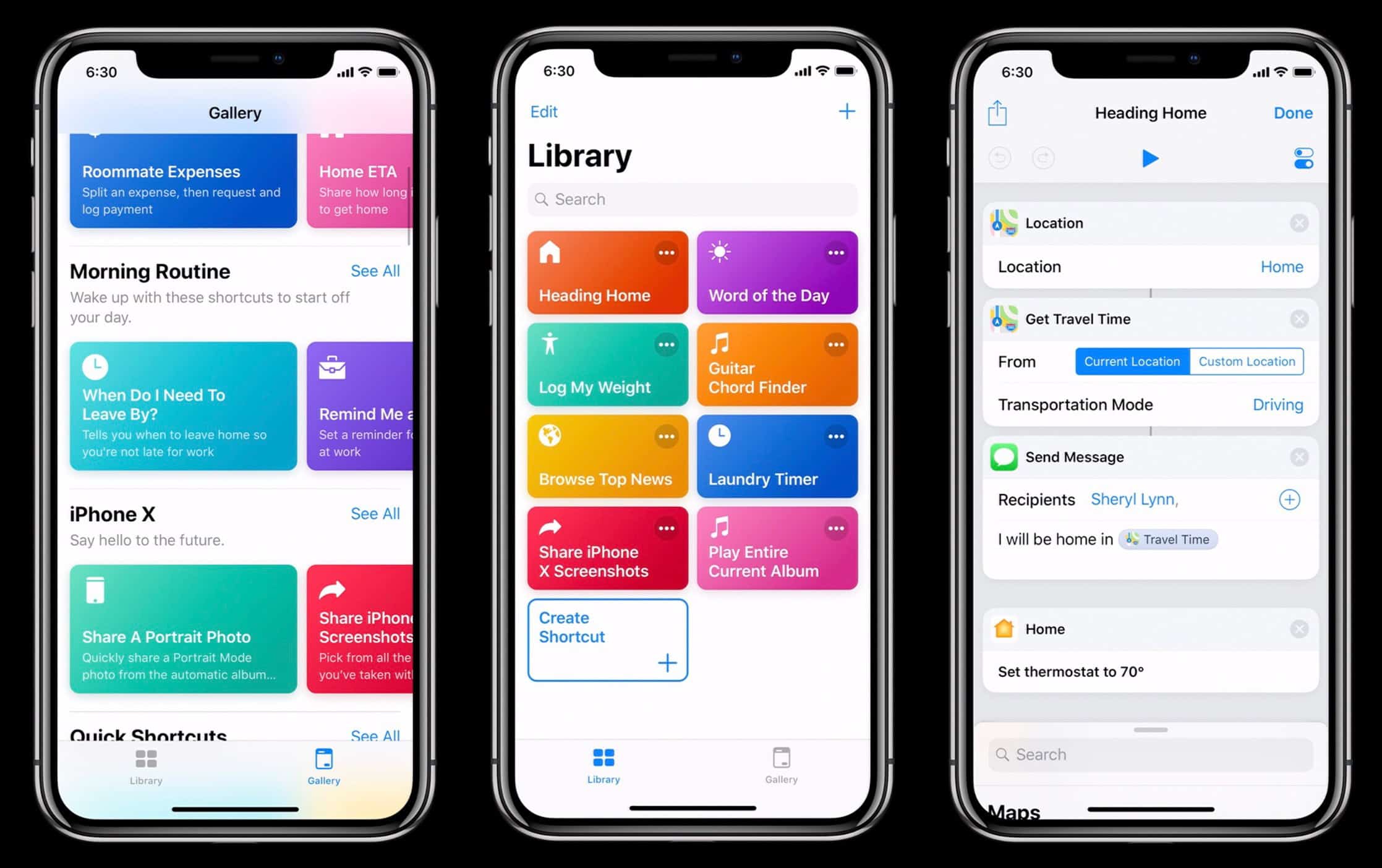
Featured image: An earlier version of Shortcuts on iPhone. Credit: TMO archive.
Don’t miss the best of The Mac Observer
Set us as a preferred source and our Apple reporting ranks higher in your Google Search results and Discover feed — one tap, no account changes.



Discussion