
In Numbers, a status dropdown is a cell format called Pop-Up Menu. Apply it to the cells where people record progress and decide whether an untouched row should stay empty. That choice matters: an empty row and a row somebody deliberately marked “Not started” can mean different things in a progress report.
Build the menu from blank cells
- Select the body cells in the Status column. Leave the column heading out so “Status” does not become one of the options.
- Open the Format sidebar, choose Cell, and set Data Format to Pop-Up Menu. Double-click the placeholder entries to rename them. Add or remove items until the list contains the choices your team uses, such as Queued, In review and Approved.
- Drag entries into the order people will look for them. Under the list, select Start with Blank if a new entry needs a deliberate decision, or Start with First Item if every new record genuinely starts in that state.
Convert an existing status column
If the selected cells already contain data, Numbers can make menu items from the existing values in up to 250 selected cells. Repeated values become one item, and cells keep their original selection. This saves retyping a consistent list, but it can preserve old spelling differences too. Look at the options for near-duplicates such as Review and In review before sharing the sheet. For a populated tracker, duplicate the sheet or file before standardizing labels.
Select a test row and try the menu. You can also open it with the Space bar, move with the arrow keys and press Space again to select. Then inspect a second row where nobody has made a choice. If that row already reads Approved, change the starting behavior or put a more suitable item first. Do the same check in the actual file format recipients will use if you plan to export beyond Numbers.
Apple’s guide to controls in Numbers cells
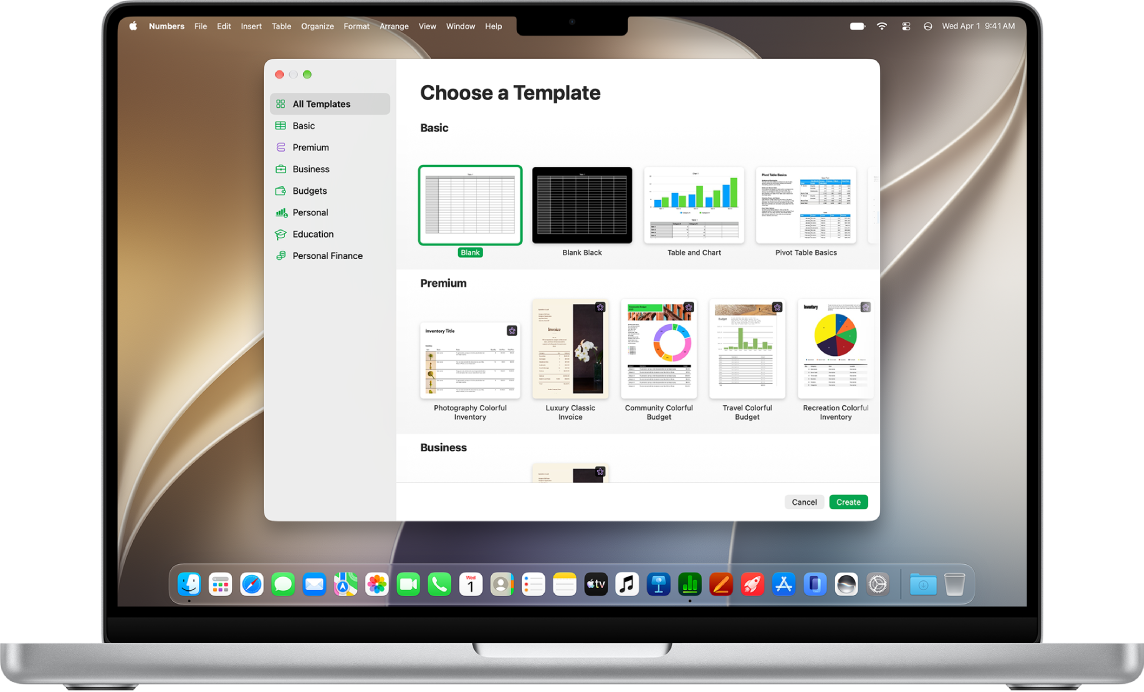
Featured image: Numbers template chooser on a MacBook Pro. Credit: Apple.
Don’t miss the best of The Mac Observer
Set us as a preferred source and our Apple reporting ranks higher in your Google Search results and Discover feed — one tap, no account changes.

Discussion