

Mac Geek Gab Stephan shared a neat tip with us. As it turns out, you can use the arrow keys in Mac Messages like you can in Terminal.
[How to Enable Messages in iCloud on iPhone, iPad, and Mac]
Previously Sent Texts
In the text field where you type your message, you can press Option + Up or Option + Down to browse through messages you’ve sent before. You can do the same in Terminal, although you don’t have to press Option.
Don’t miss the best of The Mac Observer
Set us as a preferred source and our Apple reporting ranks higher in your Google Search results and Discover feed — one tap, no account changes.
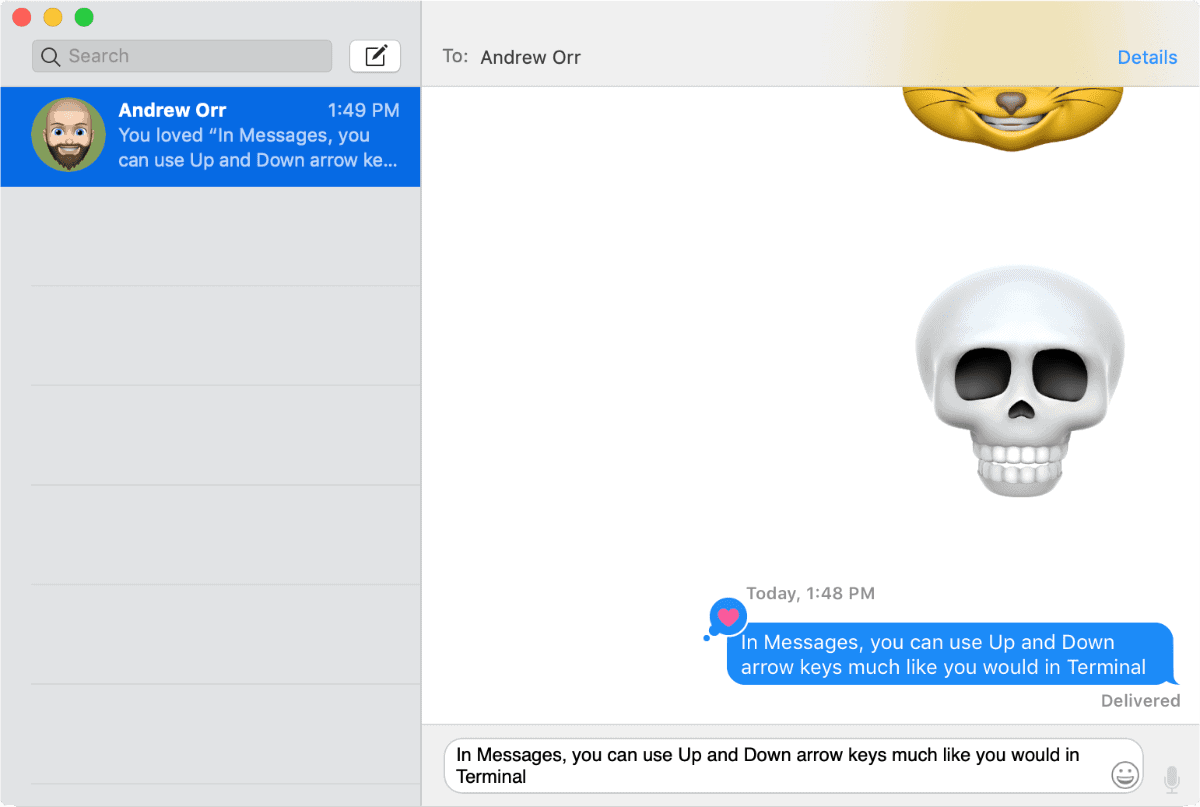
It’s a cool feature you could use if you need to correct a message you just sent, and you can use keys instead of copying and pasting.




Discussion