
If you’ve got the Starbucks app installed on your iPhone, you can actually send someone a gift card right from Messages (in just the same way you can send someone an Apple Pay Cash amount). Giving the gift of sweet sweet liquid energy has never been easier!
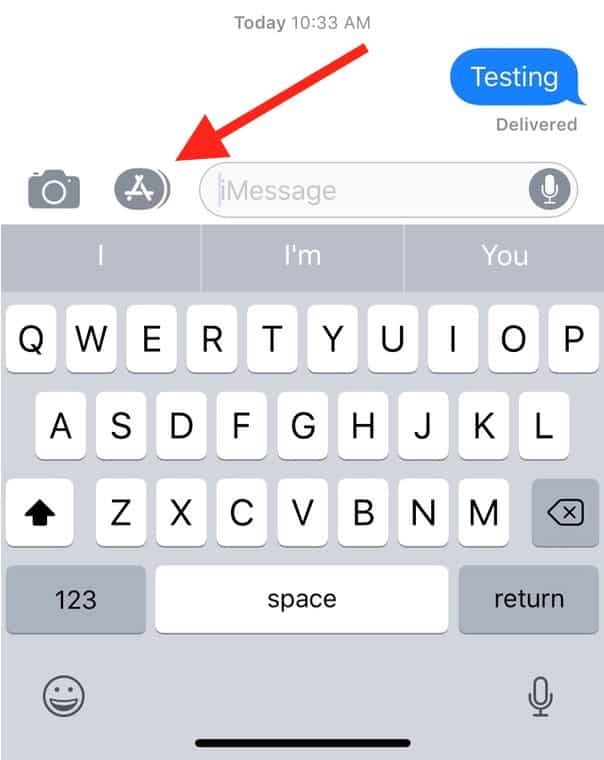
To configure this, first you’ll of course need to download the company’s app, but then, you should be able to open Messages and tap on the App Store icon in the conversation with the person you wanna send your gift to.
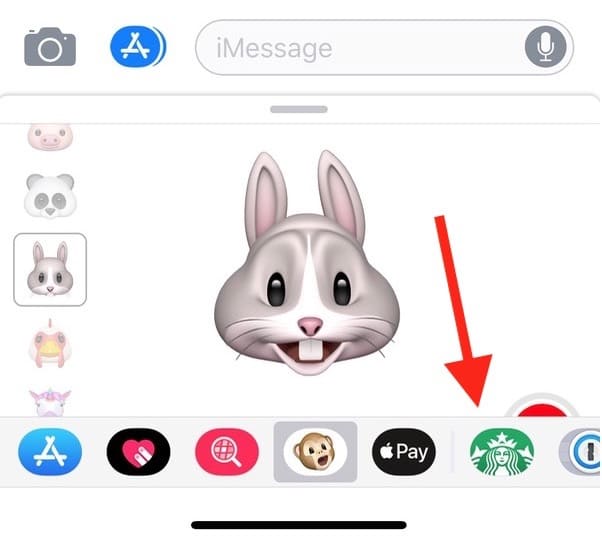
Once the so-called App Drawer shows up, scroll across its icons at the bottom until you find the Starbucks one.
Tap on that to launch it, and you’ll see the styles of gift cards you can send. Drag the little bar at the top up to view more…
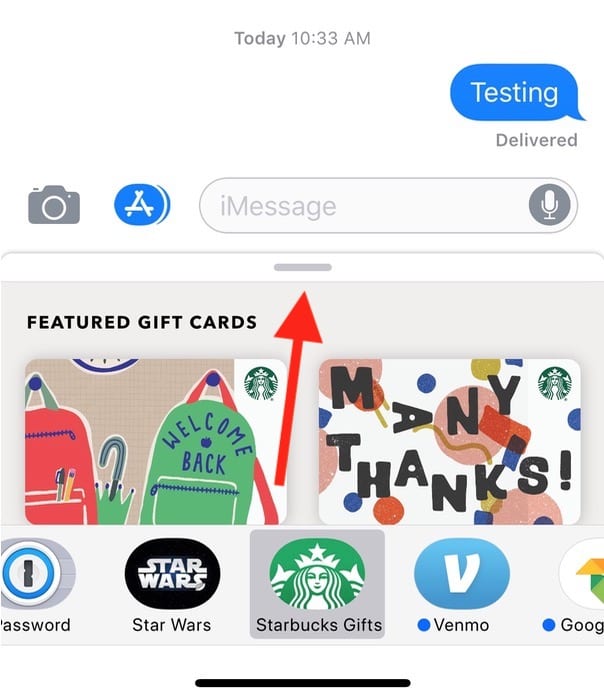
…like so:
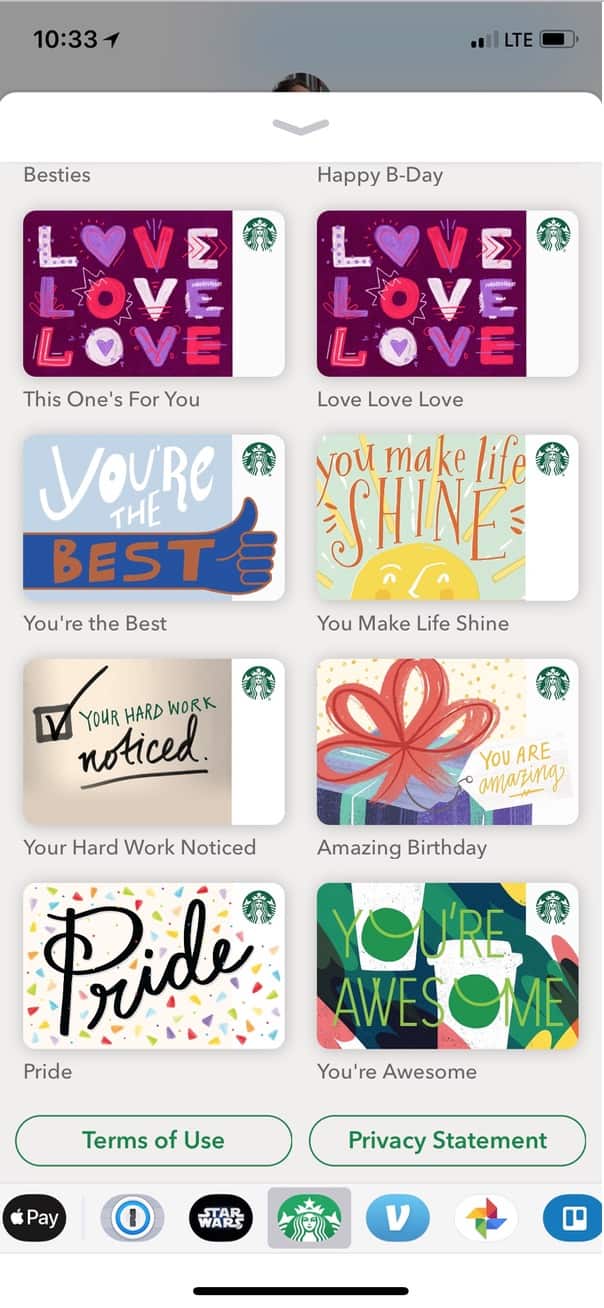
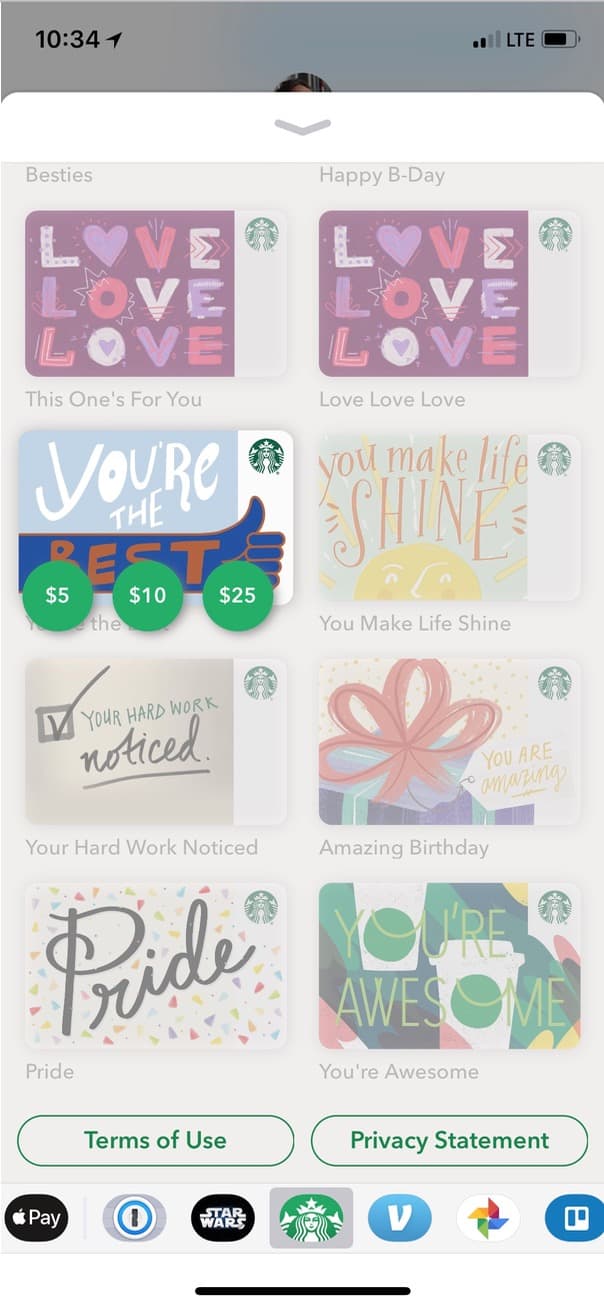
When you tap on the design you want, you can choose an amount for your gift: $5, $10, or $25.
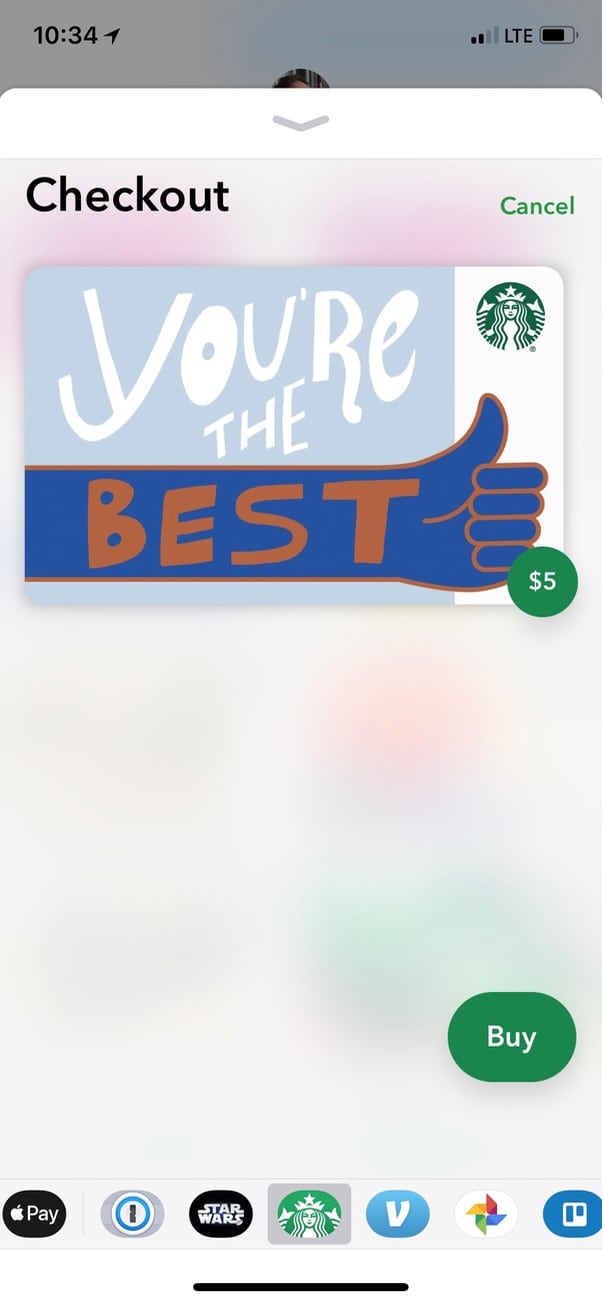
Tap “Buy” on the subsequent screen…
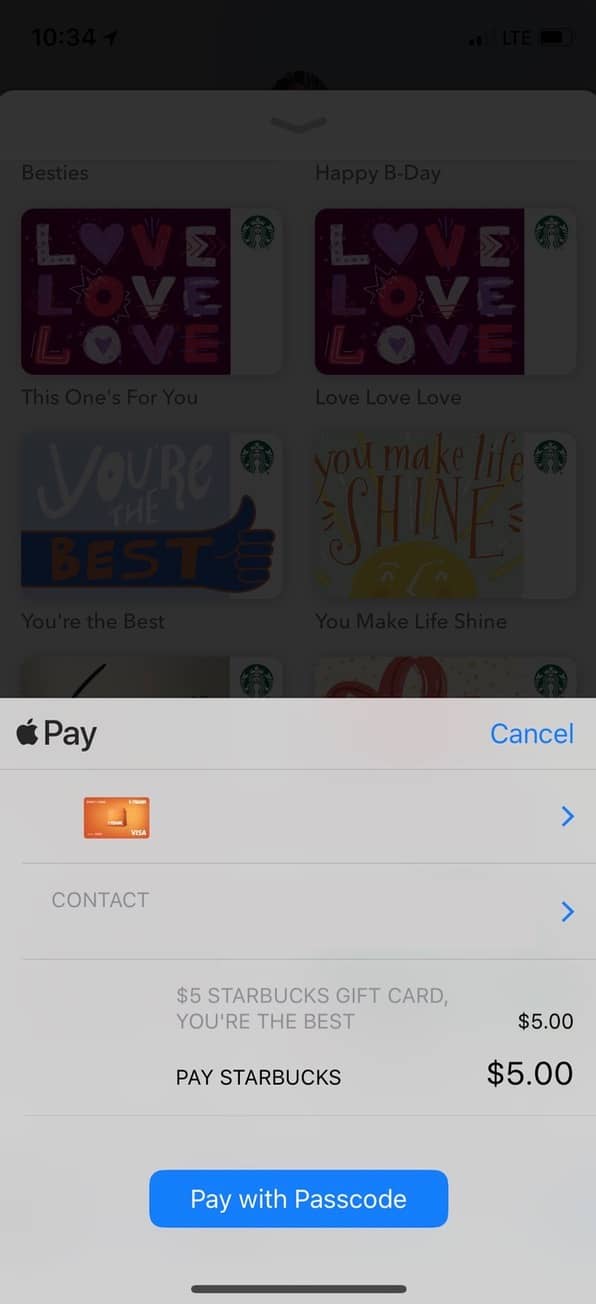
…and then you’ll use your Apple Pay credentials to actually authorize the funds transfer.
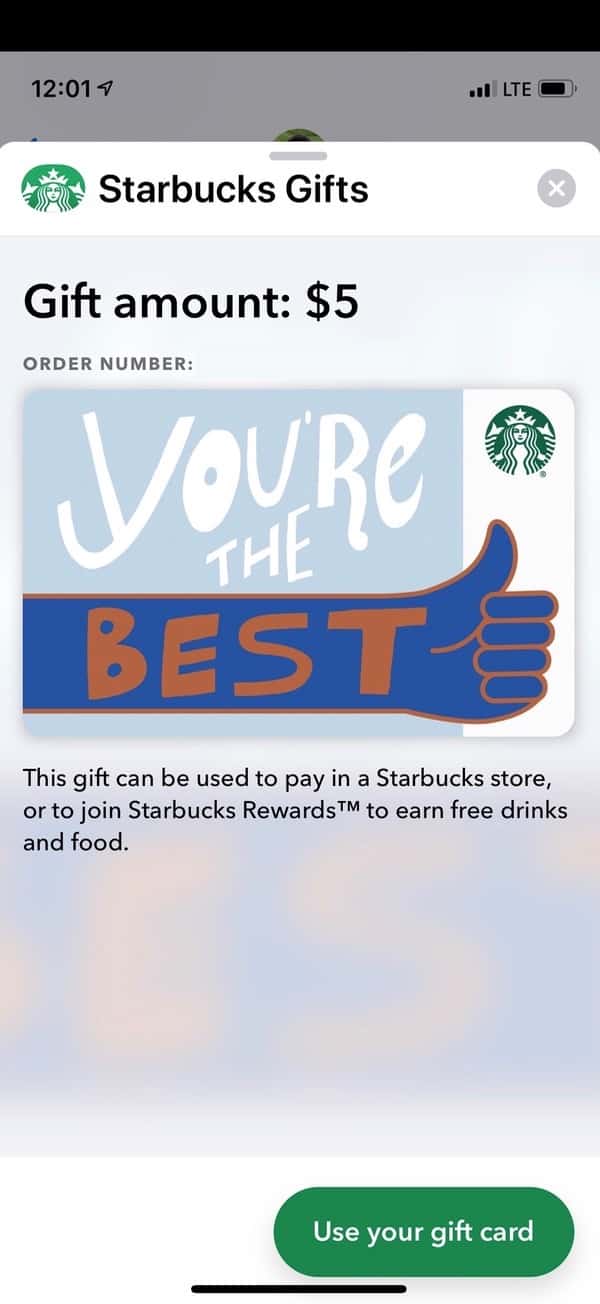
That’s all! Your gift card will be sent right within the Messages conversation, and your recipient can touch the image to redeem the money. The friend that I sent this to said that it made him download the Starbucks app onto his own device (of course it did), after which he saw this when he tapped on the picture of the gift card within Messages:
If you’re having trouble getting this to work, though, make sure your device meets the requirements, and if you’re not seeing the “Starbucks Gifts” icon within the App Drawer at all, check out this tip by TMO’s own John Martellaro that has a section on how to add something there. Finally, I’d also visit Settings > Wallet & Apple Pay to confirm that you have a valid form of payment configured.
And yes, I did actually send my friend a gift for the purposes of this tip. You guys made me be nice for you. Ugh.
Don’t miss the best of The Mac Observer
Set us as a preferred source and our Apple reporting ranks higher in your Google Search results and Discover feed — one tap, no account changes.




Discussion