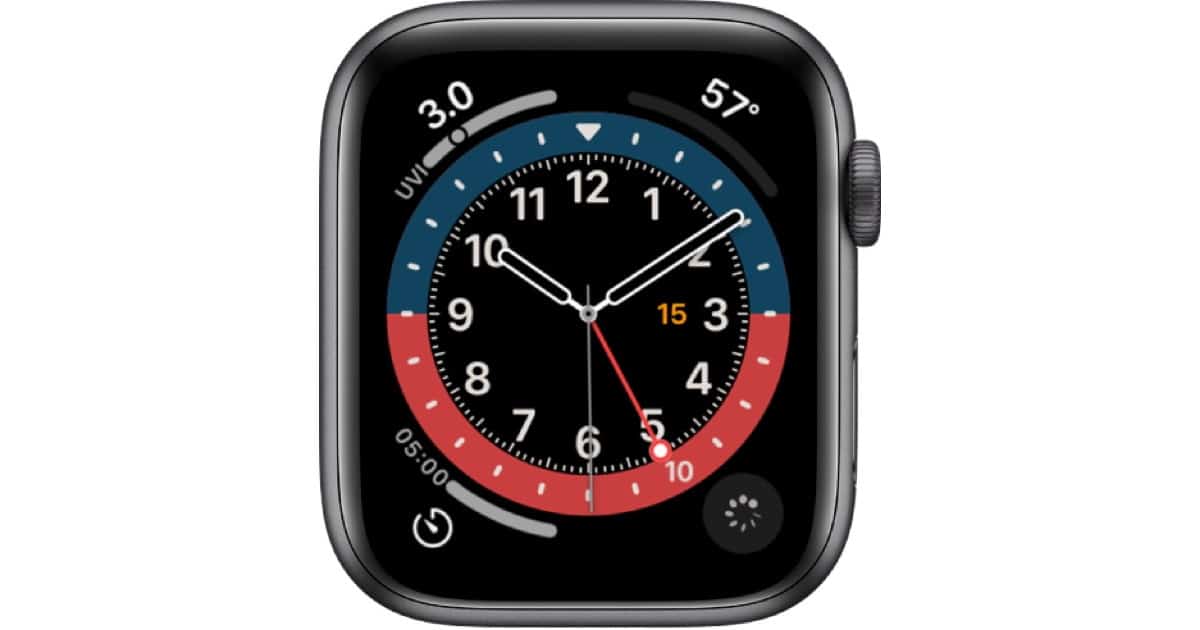
Apple’s new watchOS 7 introduces some new watch faces. One of them is called GMT. It’s about time we took a look at that one.
Tips
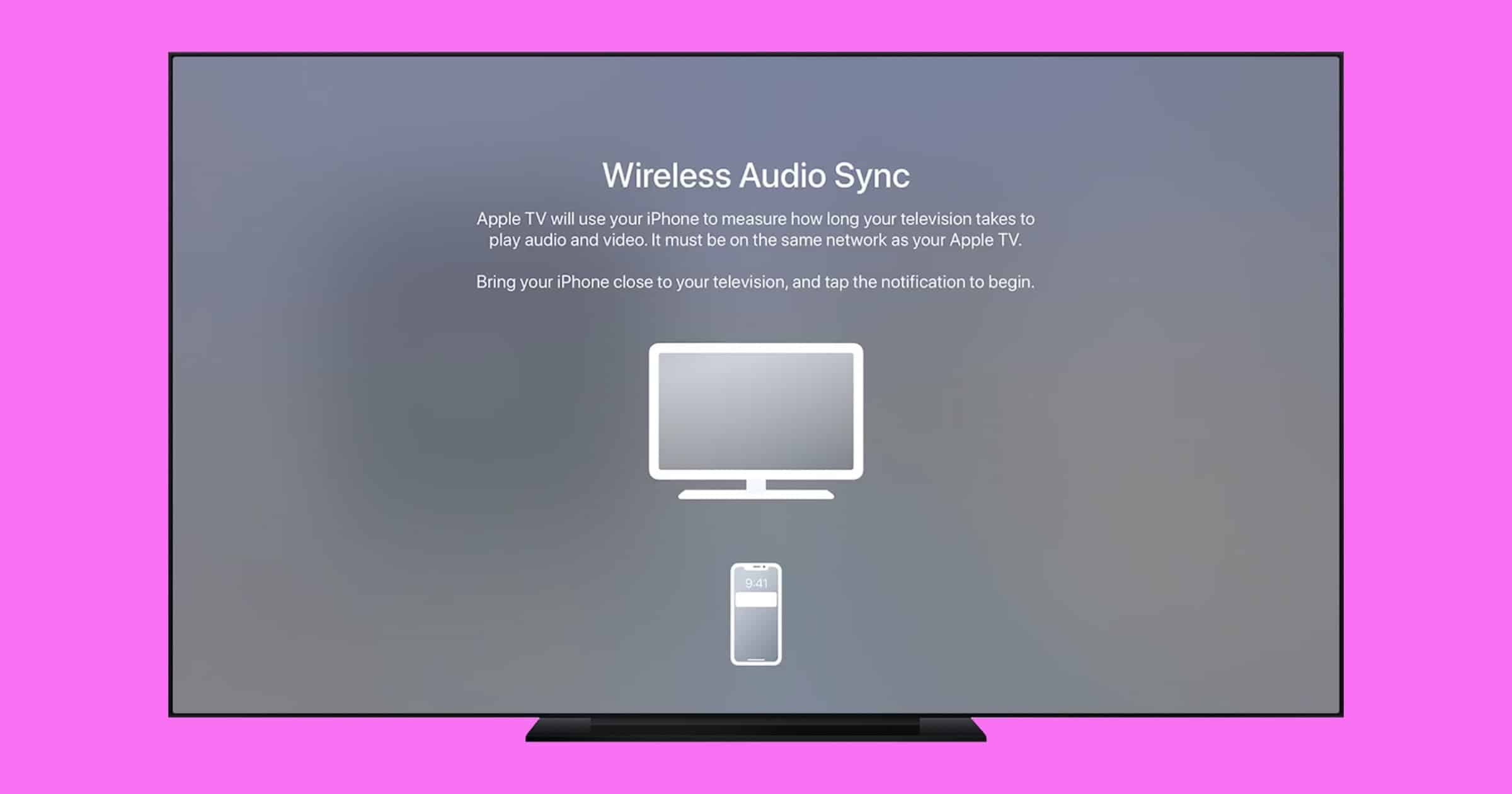
How to Set Up Wireless Audio Sync on Apple TV
You may want to set up wireless audio sync on Apple TV under certain conditions, and a Mac Geek Gab listener pointed us in the right direction.
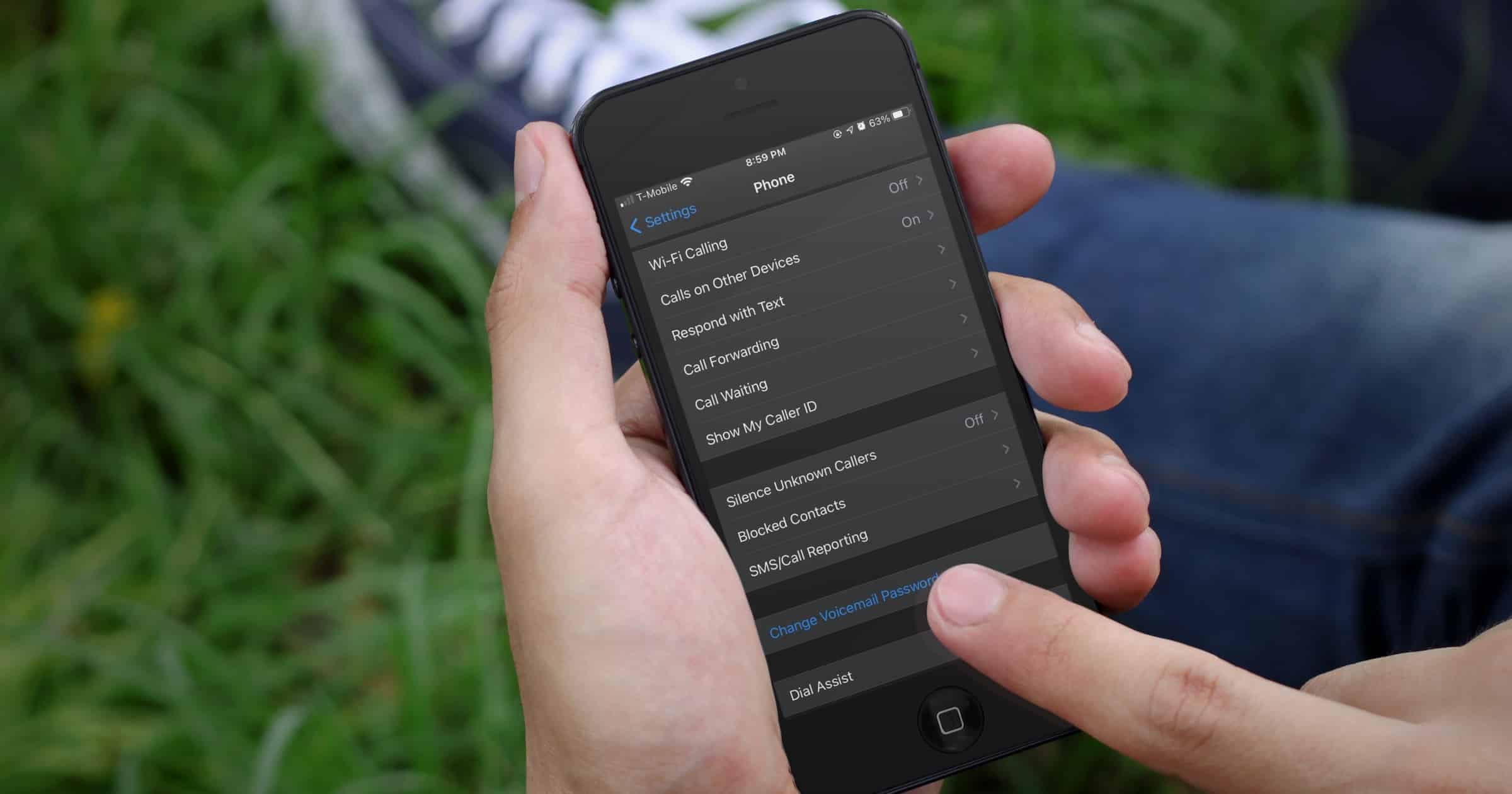
Kill Spam Calls with This iOS Feature
If you’re sick of people and companies you don’t know calling you all the time, here’s a way to kill spam calls for good.

Getting the Most Out of the Smart Stack Widget
With iOS 14, we have a new feature called a Smart Stack widget. Here are some tips on how to add it and make the most of its capabilities.
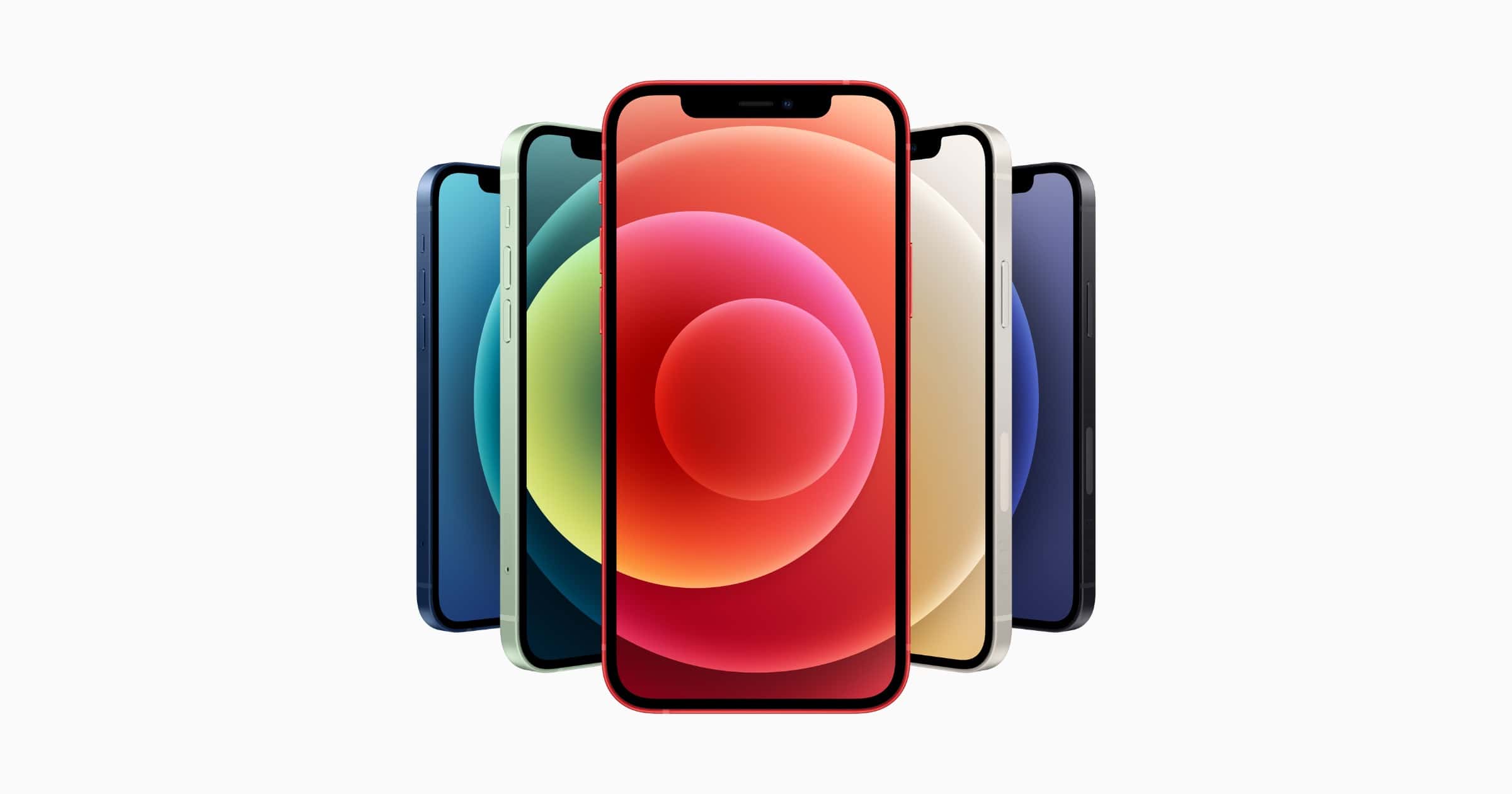
When is the iPhone 12 Available to Pre-Order?
The various iPhone 12 and iPhone 12 Pro models will become available for pre-order on different dates, starting October 16, 2020.

Here’s the iPhone 12 MagSafe Charger Compatibility List
Although older iPhones don’t have the magnets that the iPhone 12s do, they can still be charged with a MagSafe charger.

iOS 14: How to Copy and Paste Actions in Shortcuts
iOS 14 brought many improvements to the Shortcuts app, including a way to copy and paste actions and duplicate them.
How Much Does iCloud Storage Cost?
Every Apple user gets 5GB of iCloud storage at no cost, but for those that need a bit more, there are three paid options.
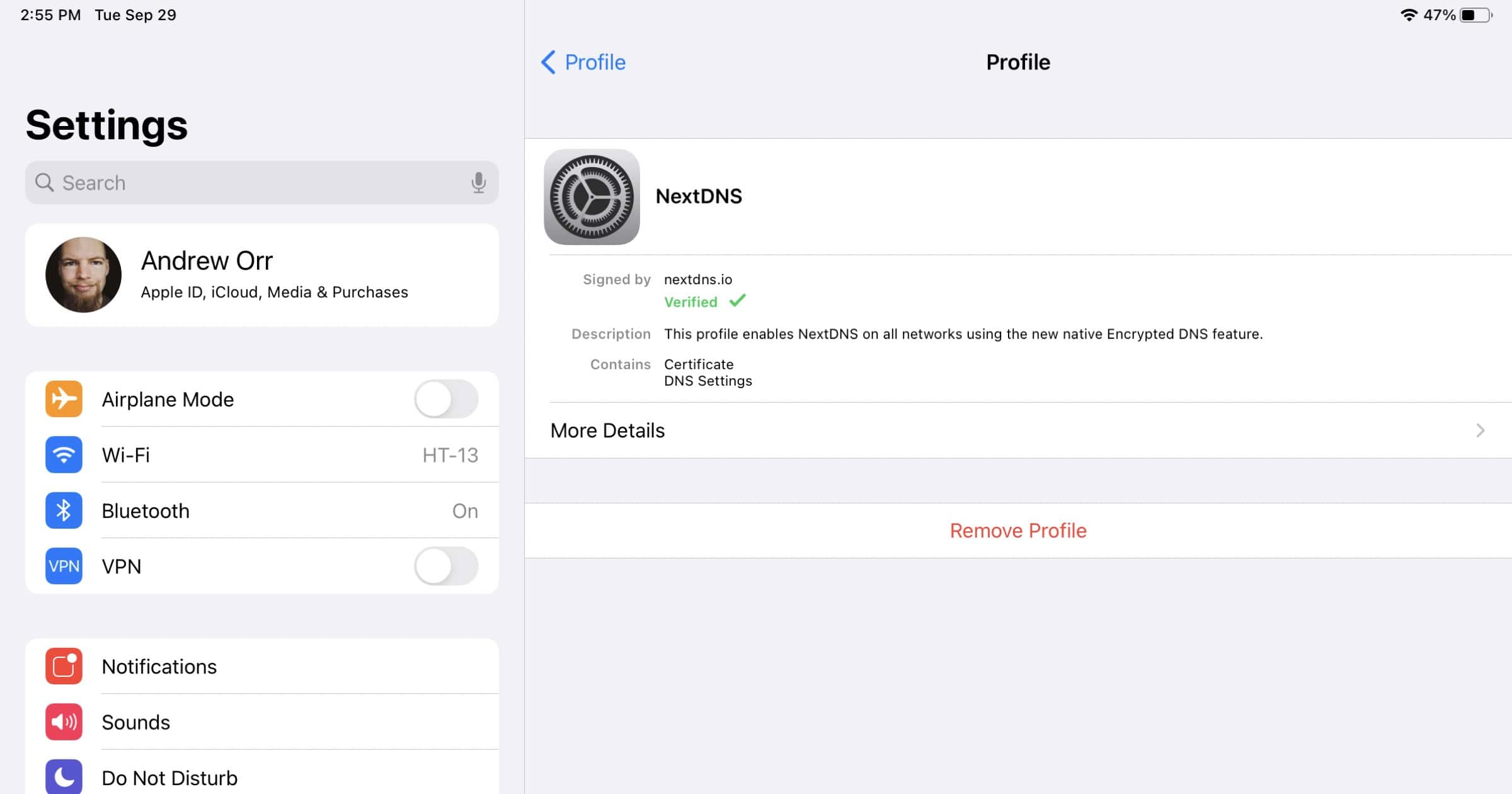
NextDNS Lets You Create Configuration Files for iOS 14 Encrypted DNS
NextDNS released a new tool on Tuesday that lets you generate a configuration profile to let you use iOS 14 encrypted DNS without needing the NextDNS app.

iPadOS 14: How to Fix iPad Books 2-Column Issue
Apple’s Books app in iPadOS OS 13 and iPadOS 14 has an interesting interface quirk that can display your book’s text in two narrow columns like a newspaper, and Bryan Chaffin has the quick fix.
iOS 14: Create Background Automations That Don’t Need Your Input
A welcome change in iOS 14 users involves Shortcuts. It’s now possible for certain automations to run entirely in the background.

There Are So Many VPN Apps. Which One Should You Choose?
With so many VPN apps on the market, which ones should you choose? Andrew has five VPN apps to share with his opinions.

iOS 14: How to Add Captions to Photos to Add Context
iOS 14 lets you add captions to photos and it’s a great way to add more information to them to save your memories.

How to See All Quote Tweets in Twitter For iOS and Safari
Twitte has now rolled out the ability to see all the different quote tweets related to a post across all platforms.
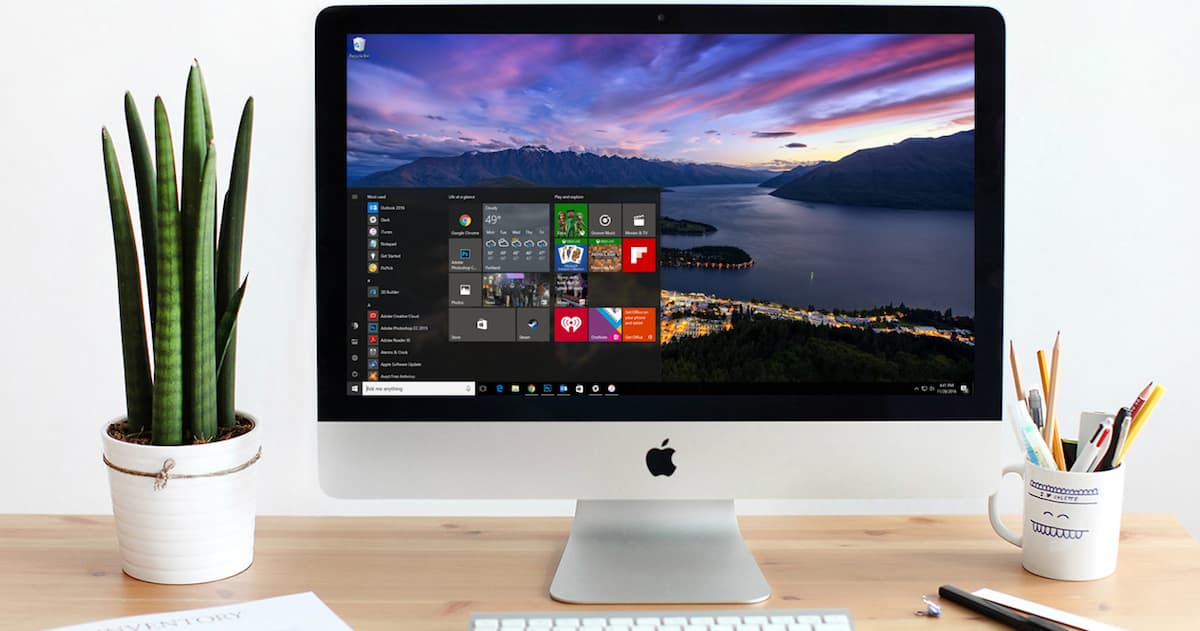
macOS: Getting Rid of the Windows EFI Boot Entry
When you delete a Windows partition, but don’t use Boot Camp Assistant to remove the installation, something pesky gets left behind. In this Quick Tip, Jeff Butts shows how to delete the leftover EFI Boot entry from when you dual-booted between macOS and Windows.
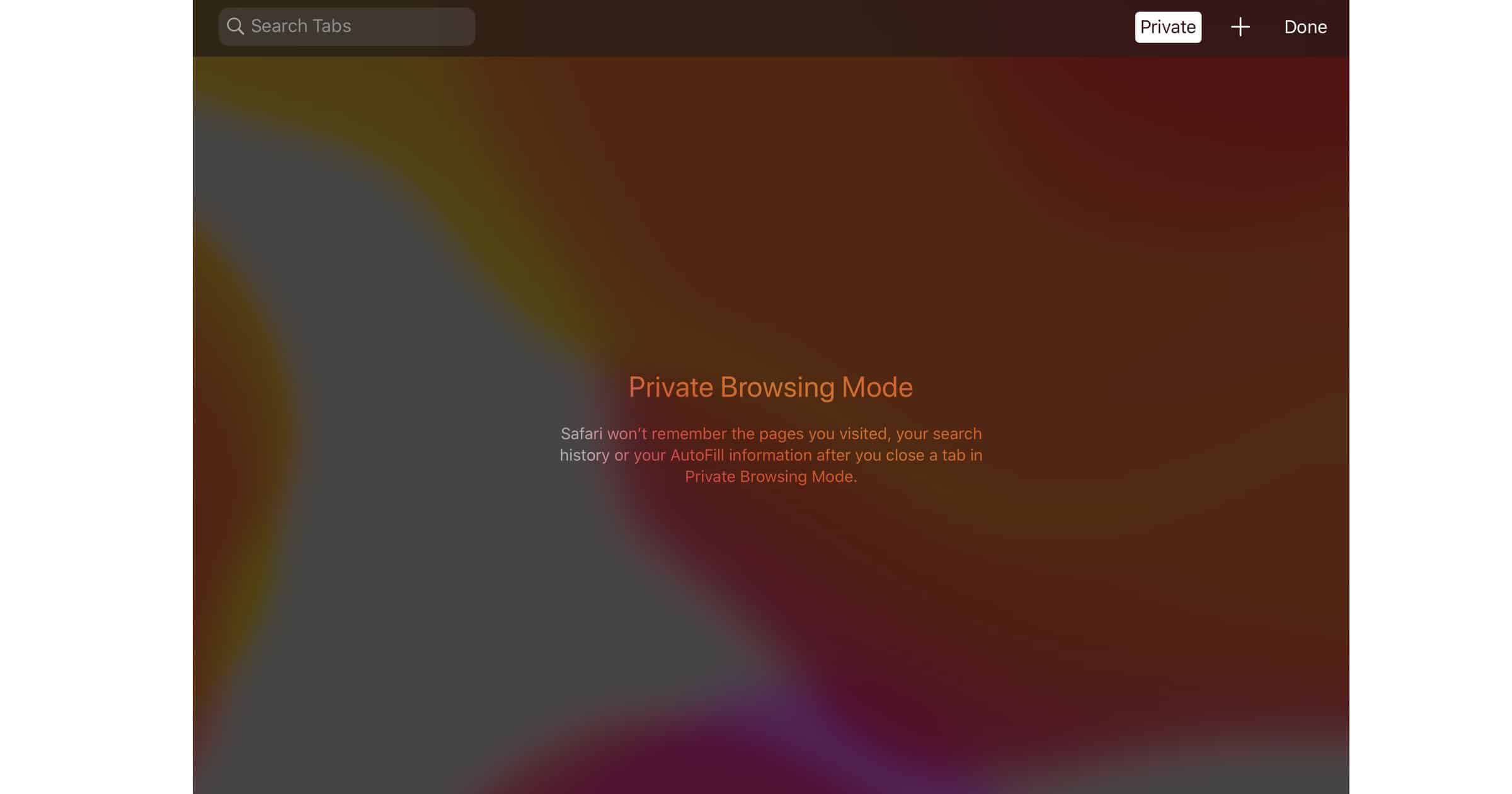
How to Use Safari Private Browsing on iPhone or iPad
Charlotte shows you how to use Private Browsing Mode in Safari on your iPhone or iPad (running iOS 13/iPadOS 13).

How to Get SHOWTIME Free with Apple TV+ and Existing CBSAA Subscription
If you are currently an Apple TV+ and CBS All Access subscriber, you can add SHOWTIME for free. John explains the slight trick involved.
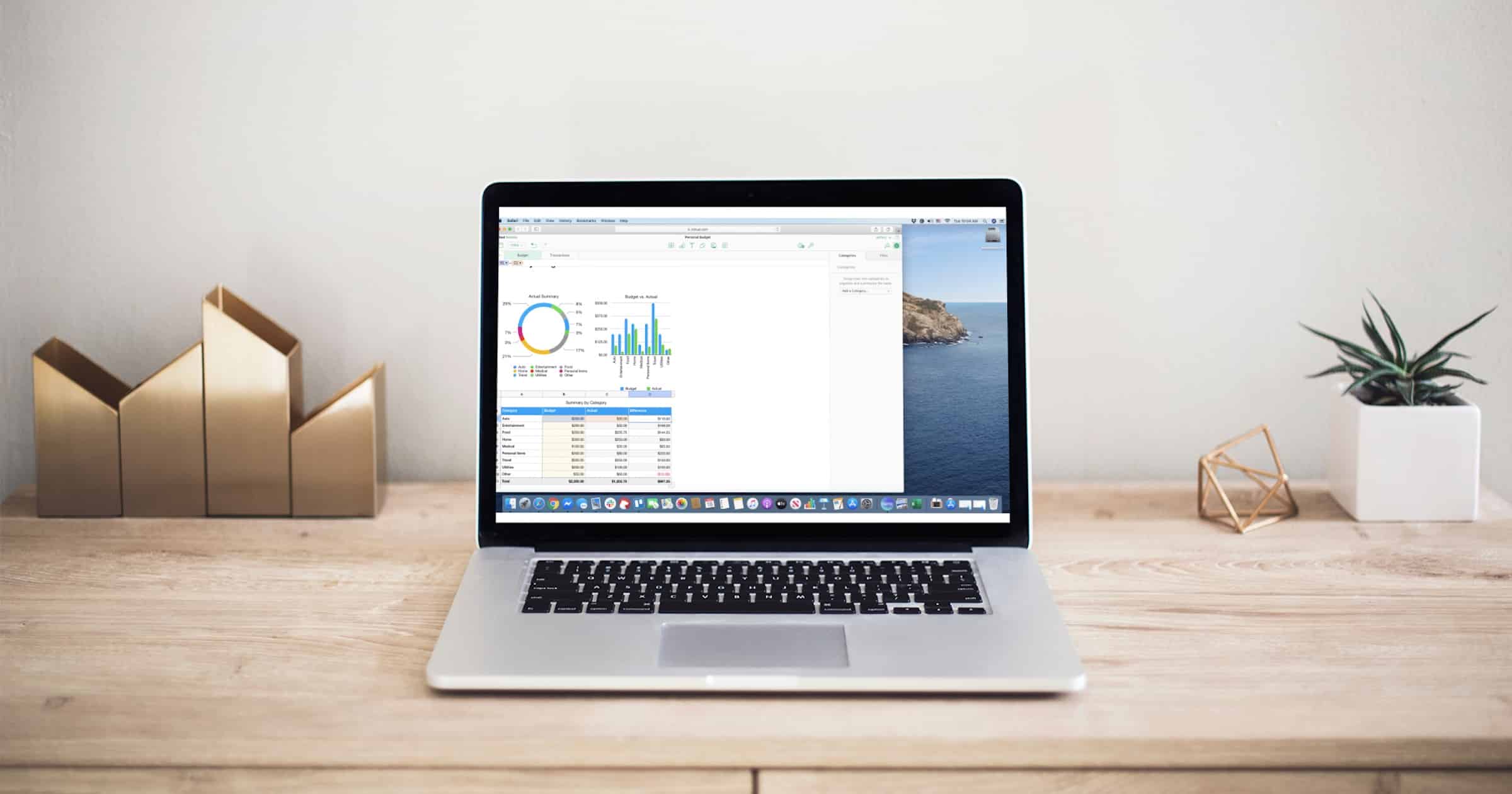
How to Use Numbers on iCloud
If you think your only options for beautiful spreadsheets is Excel, Jeff Butts has an excellent overview of how to use Numbers on iCloud
How to Use Pages on iCloud
If you’ve wondered how to use Pages on iCloud, Jeff Butts of The Mac Observer has done a deep dive to help you from start to finish.

Set an Alarm In the Revamped iOS 14 Clock App
An annoyance in how you set an alarm in the Clock app has been fixed. The rotating dial is gone, but the feature still isn’t perfect.

Encrypting Email With iOS 14 Mail - A How-To
One of the most frustrating tasks for iPhone and iPad users is figuring out how to get it to play nicely with encrypted email with iOS Mail. Jeff Butts decided to brave the frustration, scoured the Internet for tips, and developed a method that should solve your woes.

MacOS: Using Email Encryption in Apple's Mail
You’ve heard how easy it is to send and receive encrypted emails using Apple Mail. This is pretty important to set up, if you send sensitive data through email. In this article, Jeff Butts walks you through that configuration from beginning to end.

How to Use Setapp on Your iPhone
Setapp is now available on iOS and in a couple of steps you can access apps available through the subscription service on your iPhone.