
With these four plain text editors on iOS and iPadOS, you can create documents using a universal format that virtually all systems support.
Tips
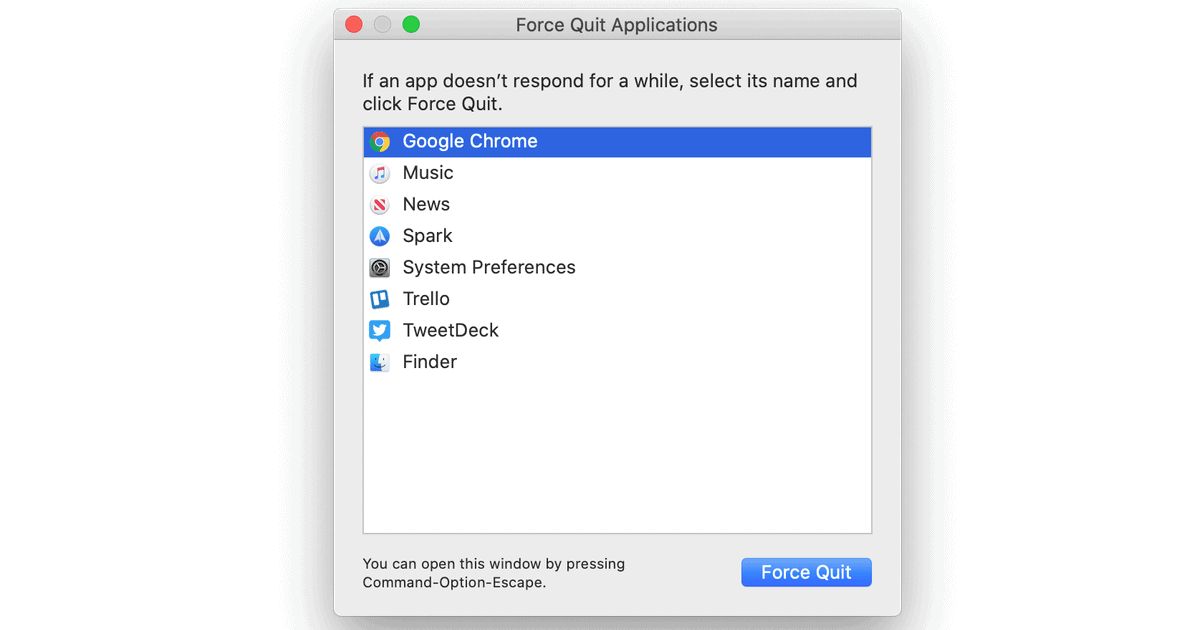
How to Force Quit on a Mac Running macOS Catalina
There are though three ways to Force Quit on a Mac if an application you are using stops working and becomes non-responsive.

How to Create Custom Icons for Home Screen Shortcuts
Last week Andrew shared how to add a shortcut to your home screen. Today he writes how to create custom icons for home screen shortcuts.

How to Update Apps on iPhone, iPad, Mac, and Apple Watch
Wondering how to update apps on your Apple devices? It’s easy to do manually and there’s an option to do it automatically.
Export Apple Card Transactions to Quicken and QuickBooks
Apple customers can now export Apple Card transactions as Quicken and QuickBooks formats. Here’s how to do this.
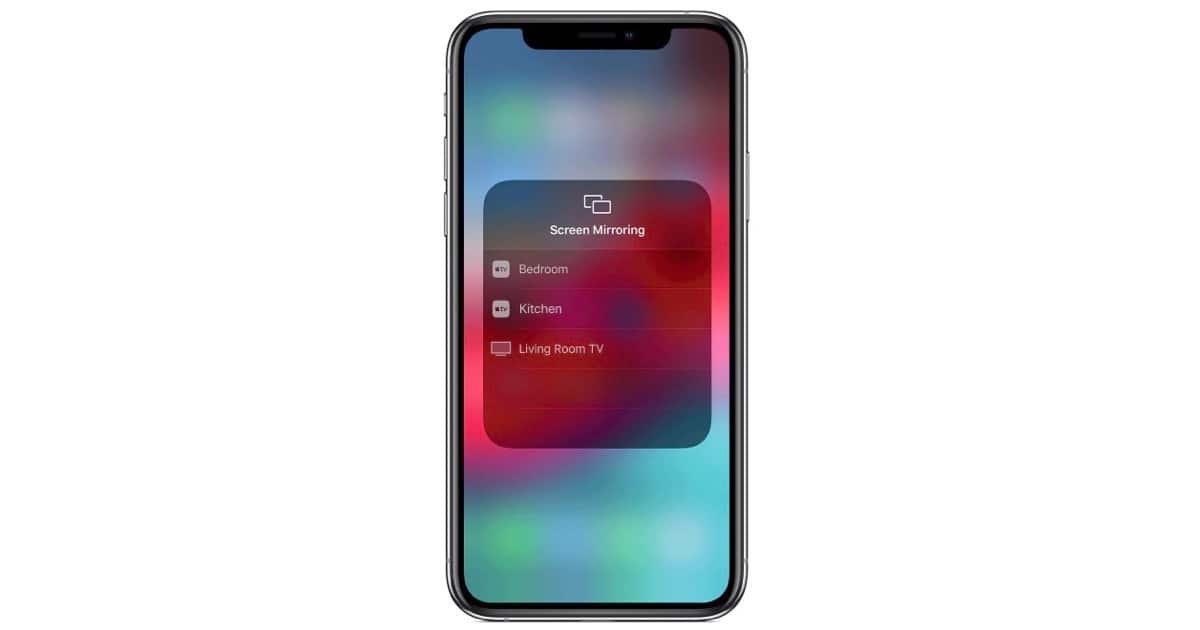
How to Mirror iPhone Display on Apple TV
There are times when you’d like to see an iPhone’s display on a big screen, HD/UHD TV via an Apple TV. John shows how to do it.
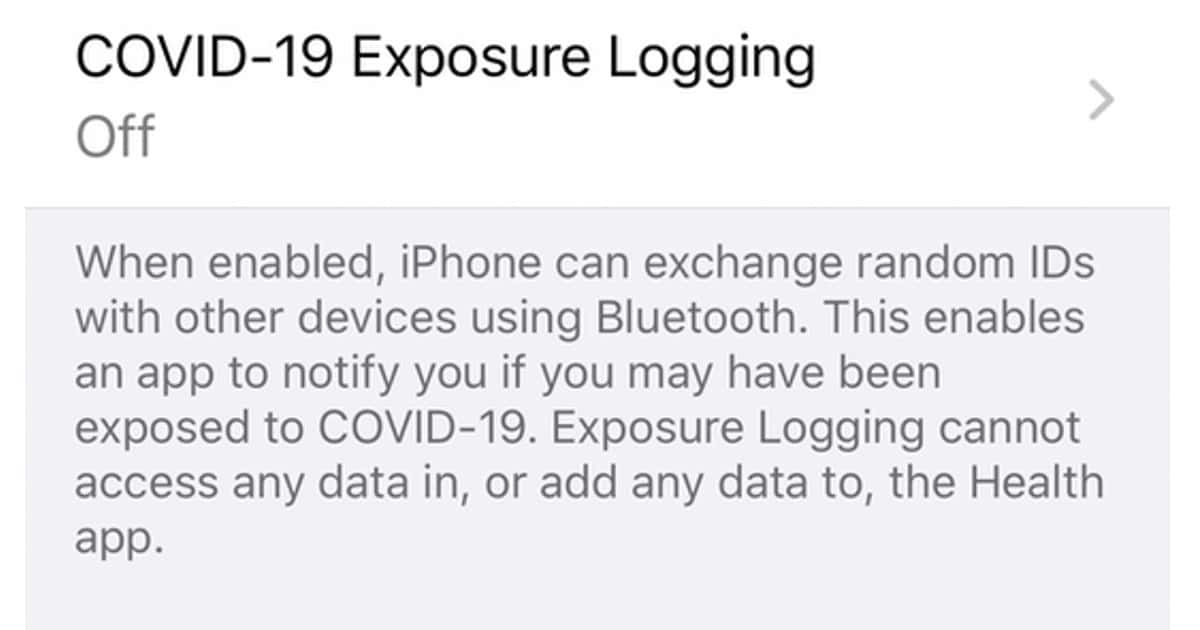
How to Turn on COVID-19 Exposure Logging on Your iPhone
In iOS 13.5, Apple has made COVID-19 Exposure Logging on the iPhone available. It can be activated through your device’s settings.

How to Turn Off Group FaceTime Moving Photos
Apple added Group FaceTime calls with iOS 12.4.1, and with iOS 13.5 you can now turn off Group FaceTime moving photos.

How to Screen Record on iPhone and iPad
With iOS 11 or later, Apple gave us the ability to screen record on iPhone and iPad. Andrew shows you how to do it and shares a handy tip on how to quickly stop recording.

How to Uninstall Apps on iPhone and iPad
Andrew shows you how to uninstall apps on iPhone and iPad in case you downloaded one and changed your mind.

How to Change iPad Mouse Settings Like Disabling Animations
Andrew shows you how to change iPad mouse settings, which includes button customization and disabling the way it morphs with the user interface.

How to Change Your Apple ID Email and Create an Email Alias
Apple has an account page where you can change your Apple email address, as well as other aspects of your account. But there’s a warning.

UPS Adds Sign In with Apple Login Functionality. Here’s How to Use It
In its most recent app update, version 8.8.0, UPS added Sign In with Apple for new and existing customers. Here’s how to use it.

There Are 2 Ways to Recover iCloud Drive Files
Did you accidentally delete a file or folder and want to get it back? Thankfully there are two ways to recover iCloud Drive files.

iOS: How to Find and Use iPhone Emojis
Andrew shows you how to turn on the emoji keyboard and start using it in apps. Apple adds new emojis just about every year.

How to Sign a PDF Document on a Mac
Starting with macOS Lion (10.7) Apple introduced a nifty method of adding a written signature to a PDF document. But the procedure has changed over the years. Here’s how to do it today.

How to Remove Mac Screenshot Drop Shadows in macOS Catalina
To remove Mac screenshot drop shadows in macOS Catalina, you’ll have to use a keyboard shortcut instead of a Terminal command. Andrew shows us how.
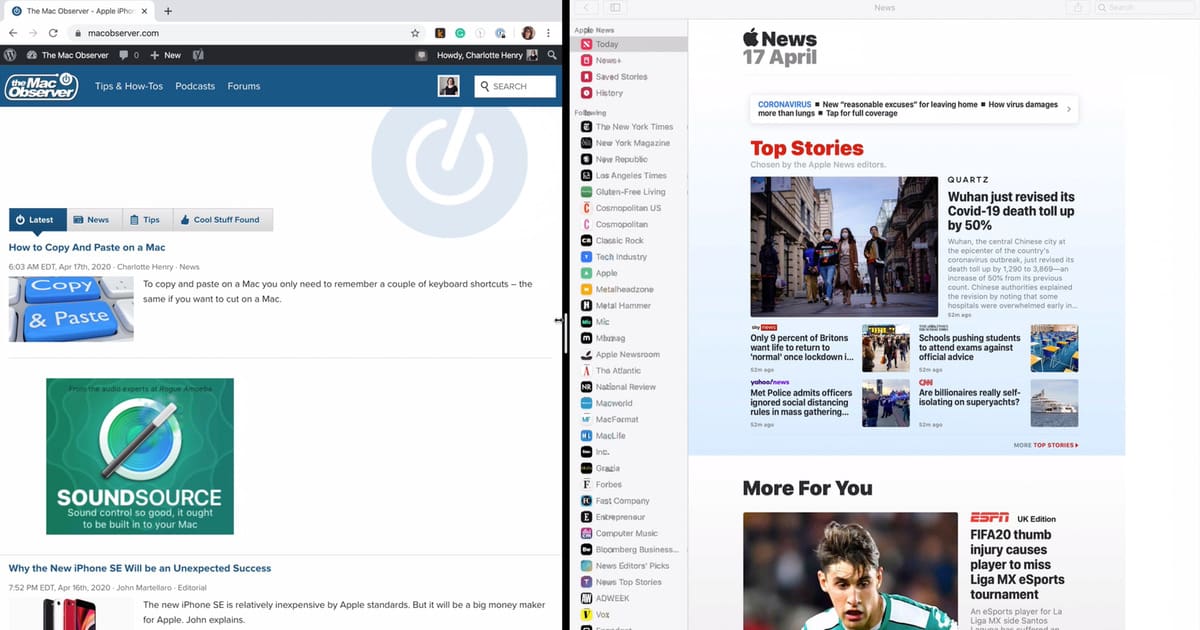
How to Use 'Tile Window' Function to Multitask on a Mac
The ‘Tile Window’ option is a really useful macOS Catalina function, and Charlotte show’s you how to use it a new video.

Here’s How to Connect AirPods to a Mac for the First Time
When you open the lid of an AirPods case it starts searching for devices to pair with. Here’s how to connect AirPods to a Mac.

How to Use Geofencing to Create Location-Aware Reminders
Apple added location-aware reminders all the way back in iOS 6. Improvements have been made since then, and Andrew walks you through them.

How to Lock Your Netflix Profile With a PIN
Netflix added several improvements to enhance its parental control features. One change lets you lock your Netflix profile with a PIN.
How to Use iCloud Folder Sharing Across iOS and macOS
iOS 13.4 brought back iCloud Folder Sharing after Apple had removed it in a previous release. Here’s how to use it on iOS and macOS.

7 Private Alternatives to Apple Apps and Services
Andrew found seven Apple alternatives to use if you don’t want your data shared with the FBI, including Bitwarden, Cryptomator, and more.

Zoom: How to Setup an Account, Join and Host Video Meetings
Charlotte guides you through how to set up a Zoom account, join a meeting on the platform, and host one yourself.