macOS maintains a listing of all software updates. That list contains a list of all previously applied security updates. John shows how to display those entries.
Tips
How to Add an Apple Gift Card to Wallet in iOS 13
If you got an Apple Store gift card for Christmas you can easily add it to your Wallet, so you can just use your phone to make a purchase.

How to Sign Up For Disney+ and Bill to Your Apple ID
The nominal way to sign up for Disney+ is to go to disneyplus.com and create an account. But it’s also possible to sign up from within the tvOS or iOS app and bill the subscription to your Apple ID. John explains how to do it—and the advantages.

End a Call with the iPhone's Power Button and Other Hardware Button Tricks
The iPhone’s hardware keys may seem like one of the more uninteresting parts of it, but they can perform useful extra functions.
How to Move Your Data to Your New Mac
If you got a new Mac for Christmas there are various ways to get all your data over to your new device so you have everything you need.

macOS Catalina: How to Make the Cursor Bigger
Apple’s operating systems have a lot of accessibility settings, and one of them is a way to make the cursor bigger on macOS.
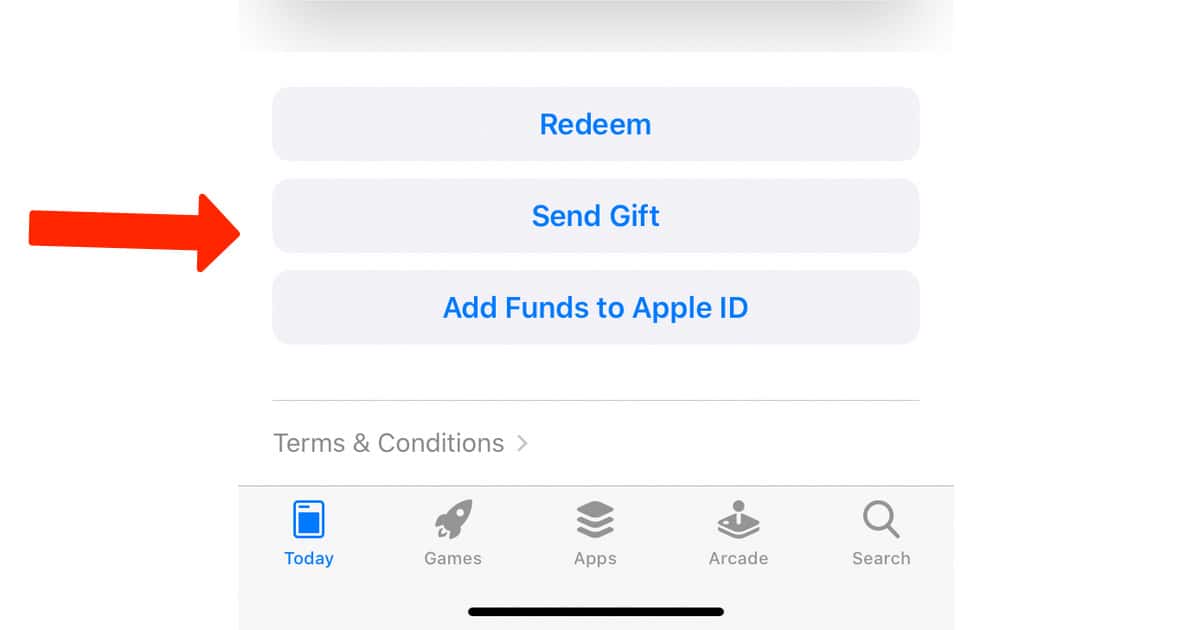
How to Send a Last Minute Gift Through the iOS App Store
Got an unexpected guest coming to Christmas dinner? Don’t panic – you can send last-minute gifts through the iOS App Store.

Optimize Your iPhone Battery Charging in iOS 13
Your iPhone has an often overlooked setting through which it optimizes charging in order to prevent the battery aging unnecessarily.

How to Scan Documents Direct to Mail in iOS 13
iOS 13 has a tool which allows users to scan documents directly within the Mail app, and send the document as an attachement.

iOS 13: How to Customize Control Center With Different Tools
Andrew explains how to customize Control Center to give you fast access to tools like camera, Wallet, calculator, and more.

Here’s How to Get Your Apple Music Replay Mix
Apple Music Replay lets you see the top songs, artists, and albums you’ve listened to this year. Here’s where to find it and download it.
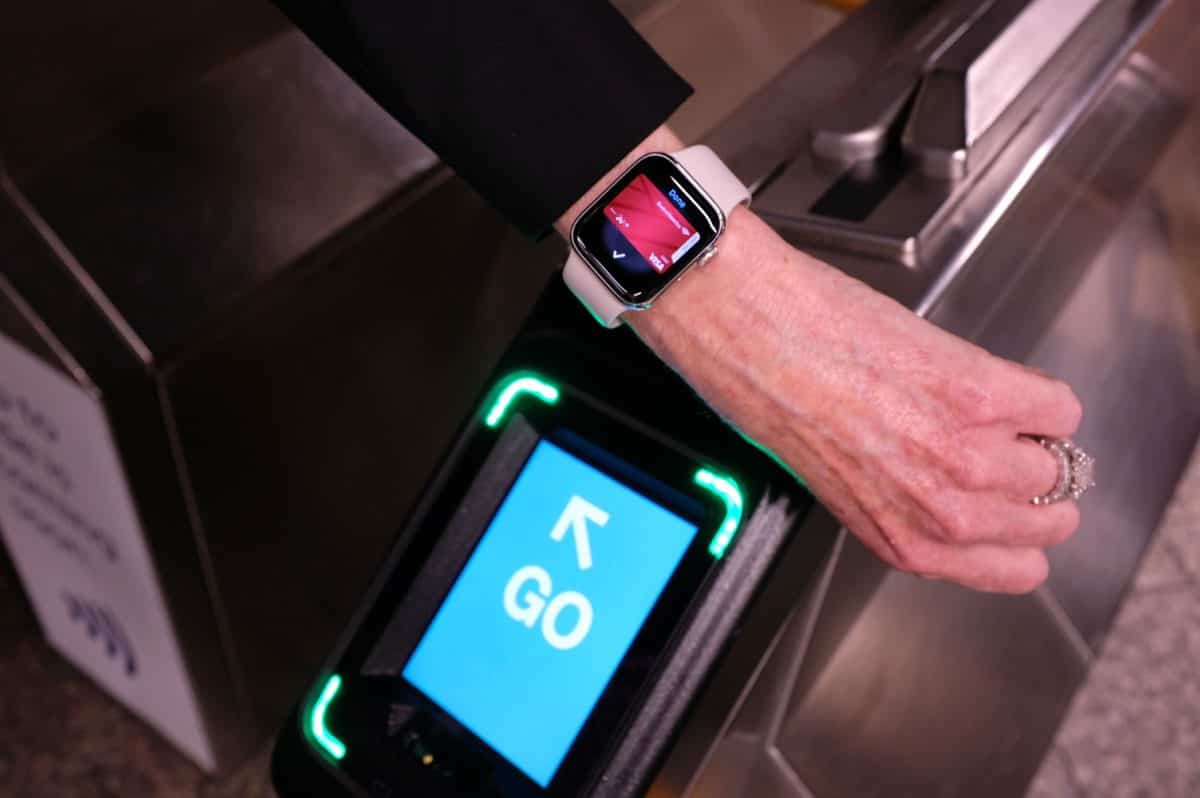
How to Turn on Apple Pay Express Transit Mode in iOS 13
Apple Pay Express Transit Mode is rolling out in more places, making it easier to pay for travel. It is also incredibly easy to turn on.

How to Sign up for Apple News Email Newsletter
You can sign up for an Apple News email newsletter to get daily updates on the top stories of the day, handpicked by Apple editors.

How to Track Christmas Packages With USPS in 2019
Christmas is just around the corner, and you might be wondering how to track Christmas packages that arrive via USPS. Here’s how.

Here's How to Track UPS Packages in 2019
We’ve covered all of the other popular package services, now we’ll show you where you can track UPS packages.

Use FedEx Package Tracking For Christmas Gifts in 2019
Use FedEx package tracking for your Christmas gifts. It’s easy to use and a convenient tool. You can also sign up for FedEx Delivery Manager.
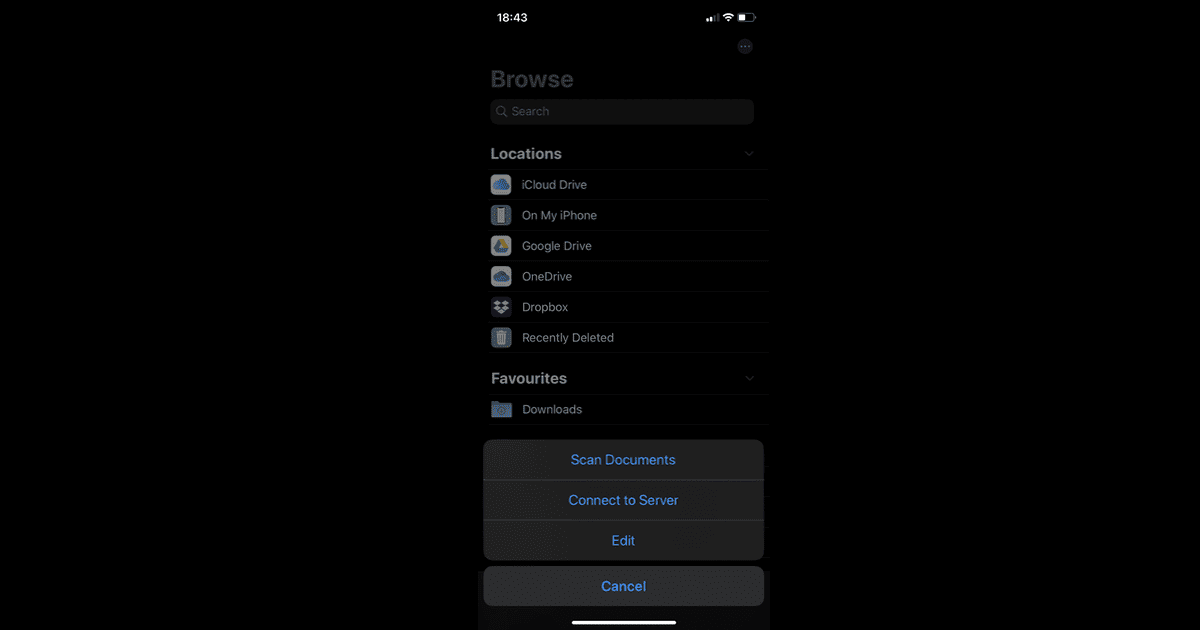
How to Use the Scan Tool in iOS 13
Apple introduced a document scanning feature in iOS 13 that allows users to scan multi-page documents and save them locally or in the cloud.

How to Use the Brand New VSCO Snapchat Lens
Today VSCO announced the launch of a VSCO Snapchat lens called Analog, giving people a chance to unleash their creativity. Here’s how to use it.

Fix Certain Photos Not Loading in iCloud Drive by Converting Them
Andrew noticed with iOS 13 that long, vertical photos wouldn’t display correctly in iCloud Drive and Apple Notes. But he found a solution.

Now That Google Bought Fitbit, Here's How to Delete Your Account
Google recently bought Fitbit, and if you don’t want an ad company using your personal health data, here’s how to delete your account.

5 Phone Car Mounts for Uber and Lyft Drivers
It’s pretty common for Uber and Lyft drivers to use phone car mounts. We’ve found five of them for you to check out.
macOS Catalina: How to Manage App Subscriptions on Mac
Here’s how to manage app subscriptions on Mac, because there are a couple of different ways to do it. This uses System Preferences.

iOS 13: How to Make Sure all Traffic is Routed Through Your VPN
ProtonVPN found an issue with iOS that affects VPNs: When you connect to a VPN some data is left outside of the network.
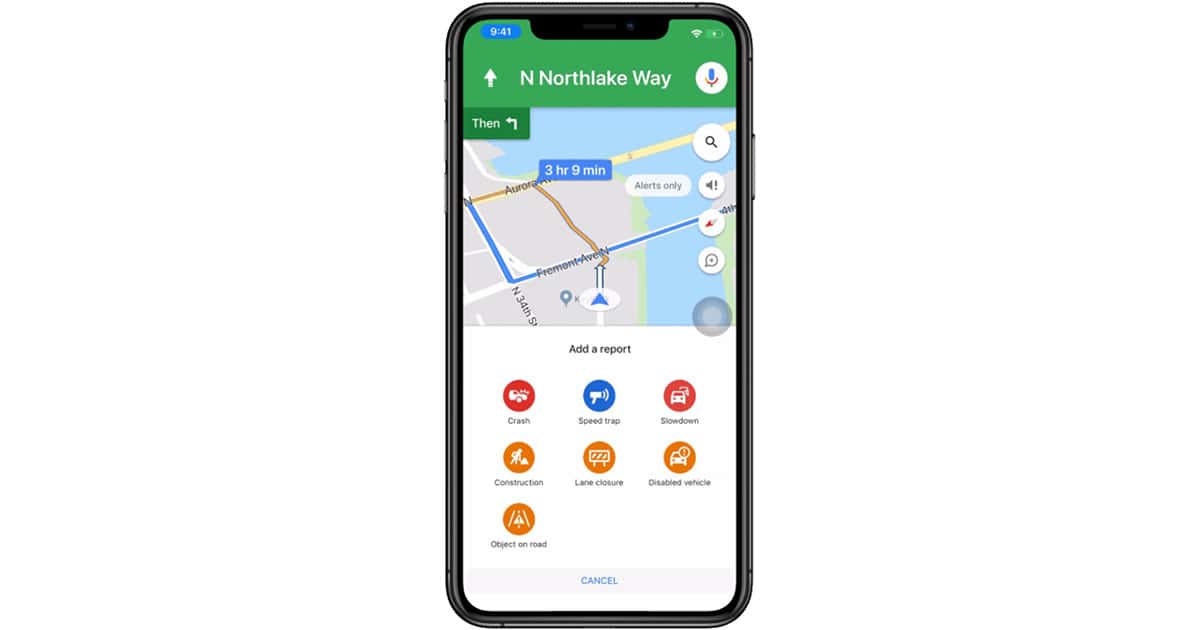
Google Maps Adds Ability to Report Accidents on iPhone
Google announced Thursday that iPhone owners will be able to report accidents directly in Google Maps, plus new types of incidents, too.