
You may have noticed in iOS 13 and iPadOS that double tap to zoom in Safari no longer works. Instead you’ll have to do something else.
Tips

iOS 13: How to Create Small Thumbnails in Reminders
Apple redesigned Reminders in iOS 13, and one change involves thumbnails (They’re huge now). Here’s how to enable small thumbnails in Reminders.

iPadOS: How to Open Multiple App Instances in Split View
iPadOS has great multitasking features like having two windows of the same app open at once. Here’s how to open multiple app instances.


Here's How to Fix iPhone 11 Wi-Fi Calling
Sometimes when you get a new iPhone you might find that Wi-Fi calling no longer works. Luckily there’s a quick fix for that.

iOS 13: How to Add a Second Person to Face ID
You can add a second person to Face ID on iOS devices. This is great for people who share their devices. Here’s how to do it.

How to Transfer You Music Library From Spotify to Apple Music With SongShift
Moving from Spotify to Apple Music? SongShift for iOS is an easy way to transfer your entire music library from one service to another.

iOS 13: How to Share Photos Without Location Data
The Photos app on iOS doesn’t have a native way to view a photo’s metadata, but iOS 13 does let you share photos without location data.
macOS: How to Manage Download Permissions in Safari 13
Although Apple hasn’t released macOS Catalina yet, it did update its browser to Safari 13. It has a new section for downloads permissions.

Want to Recycle an Apple Card? Use the Trade In Program
The Mac Observer has discovered that you can recycle your physical Apple Card using the Apple Trade In program.

4 iPhone 11 Screen Protectors You Should Check Out
You probably already bought a case, but don’t forget about iPhone 11 screen protectors. We’ve found four from around the web.
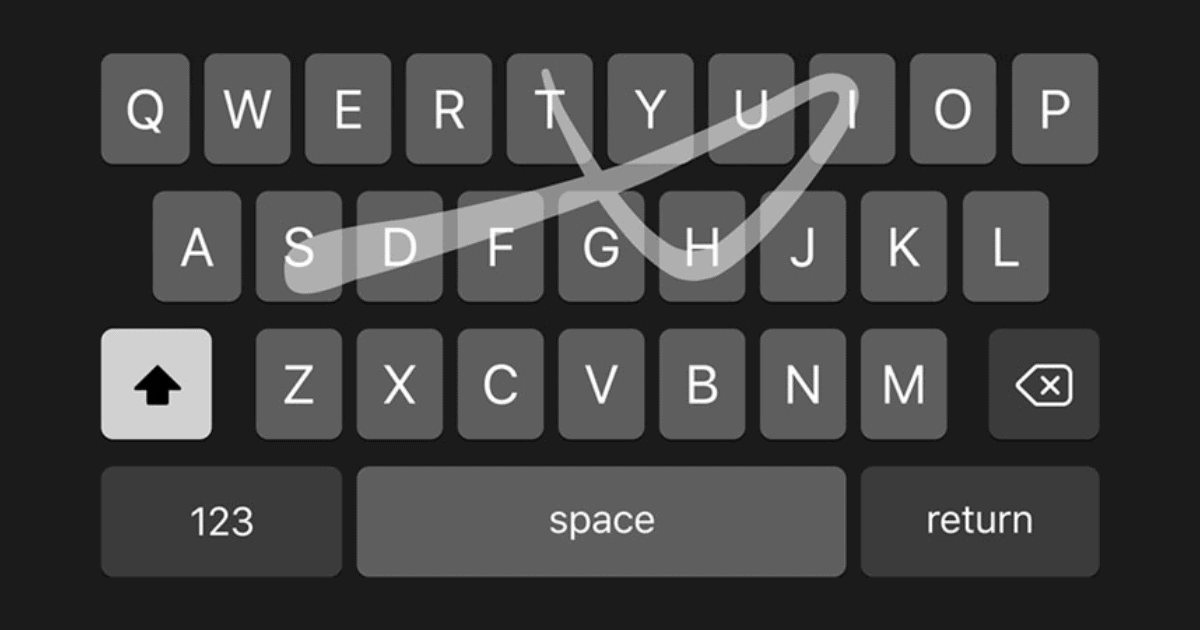
iOS 13: How to Enable the Swiping QuickPath Keyboard
Apple added a QuickPath keyboard to iOS 13, which lets you swipe from one letter to the next in order to type.
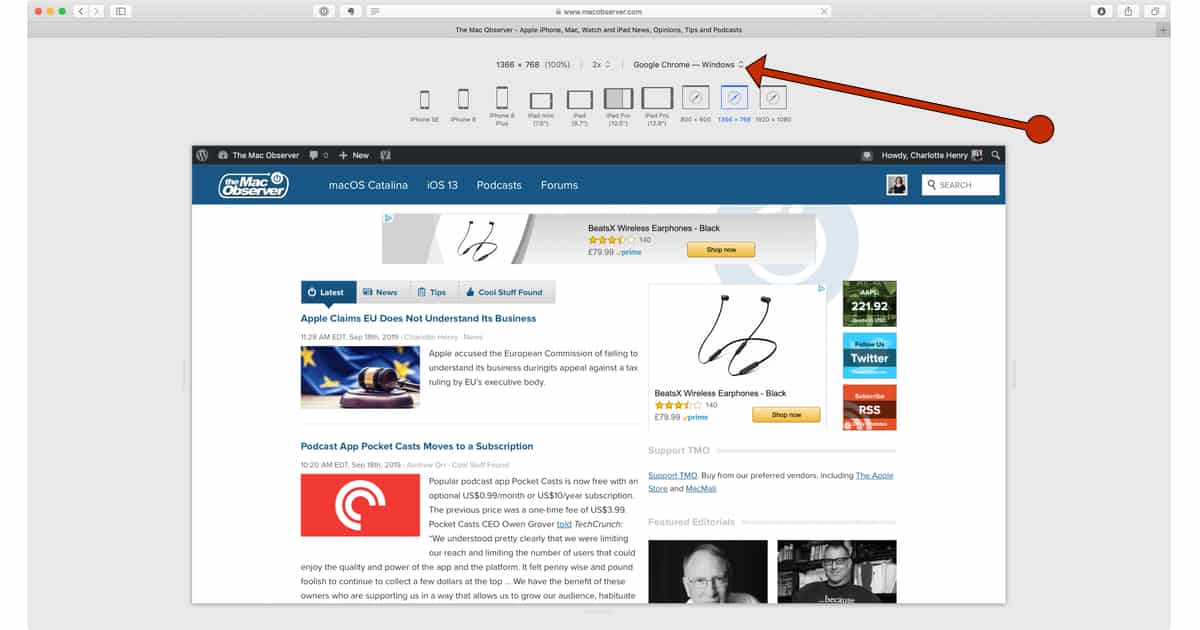
How To Enter Responsive Design Mode in Safari and See Your Website on Multiple Devices
There is a really easy shortcut for entering responsive design mode in Safari and testi how your website likes on different devices.
Simple ways to bring Safari tabs together
It is not entirely intuitive how to move a standalone window onto a window with multiple tabs in Safari, so Charlotte explains how.

You'll Probably Have to Unfreeze Your Credit for Apple Card
If you’ve frozen your credit, you’ll probably have to do a temporary unfreeze in order to get an Apple Card.

How to Reject the Apple Card Arbitration Provision
Redditor u/choledocholithiasis discovered an Apple Card arbitration provision in Goldman Sachs’ customer agreement. Here’s how to reject it.
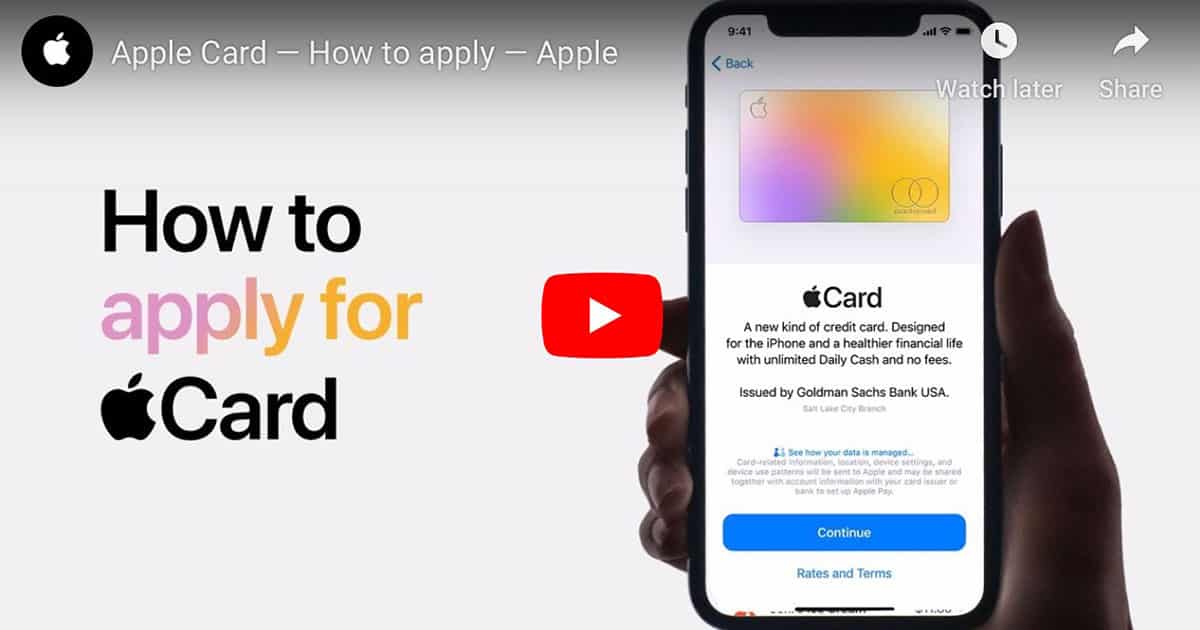
Activating Apple's Titanium Apple Card Differs Depending on Which iPhone You Have
It’s broken down by iPhone XS and XR, and then all of the older models capable of running iOS 12.4.

Capital One Hack: What We Know and What You Can Do
A Capital One hack was recently discovered, affecting over 100 million people. Here’s what we know, and what you can do to stay protected.

macOS: 26 Trello Keyboard Shortcuts to Speed Up Usage
Unsatisfied with point-and-click, Andrew recently discovered Trello keyboard shortcuts to speed up his usage of the app.

Here's How to Protect Yourself Against the Zoom Zero Day
Security researcher Jonathan Leitschuh recently published information of a Zoom zero day vulnerability. Here’s how to protect yourself.
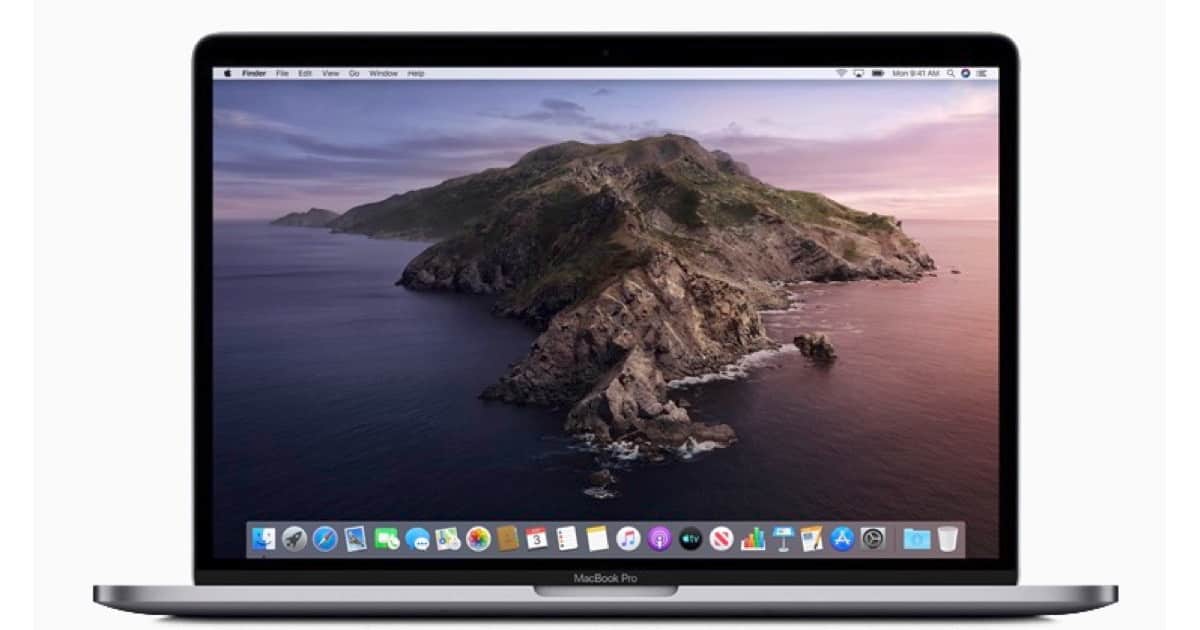
A Reference: All About macOS Catalina System Files
A recent article prompted John to pull together a reference page for some fundamental changes in the structure of macOS Catalina.

How to Download macOS Catalina Public Beta
Now that people aren’t hammering Apple’s servers all at once, it’s a good time to download the macOS Catalina public beta.
Try Salting Passwords if You Don’t Trust Password Managers
Andrew recently stumbled upon this sweet password trick from Password Bits, and he’s geeking out over the sheer genius of it.