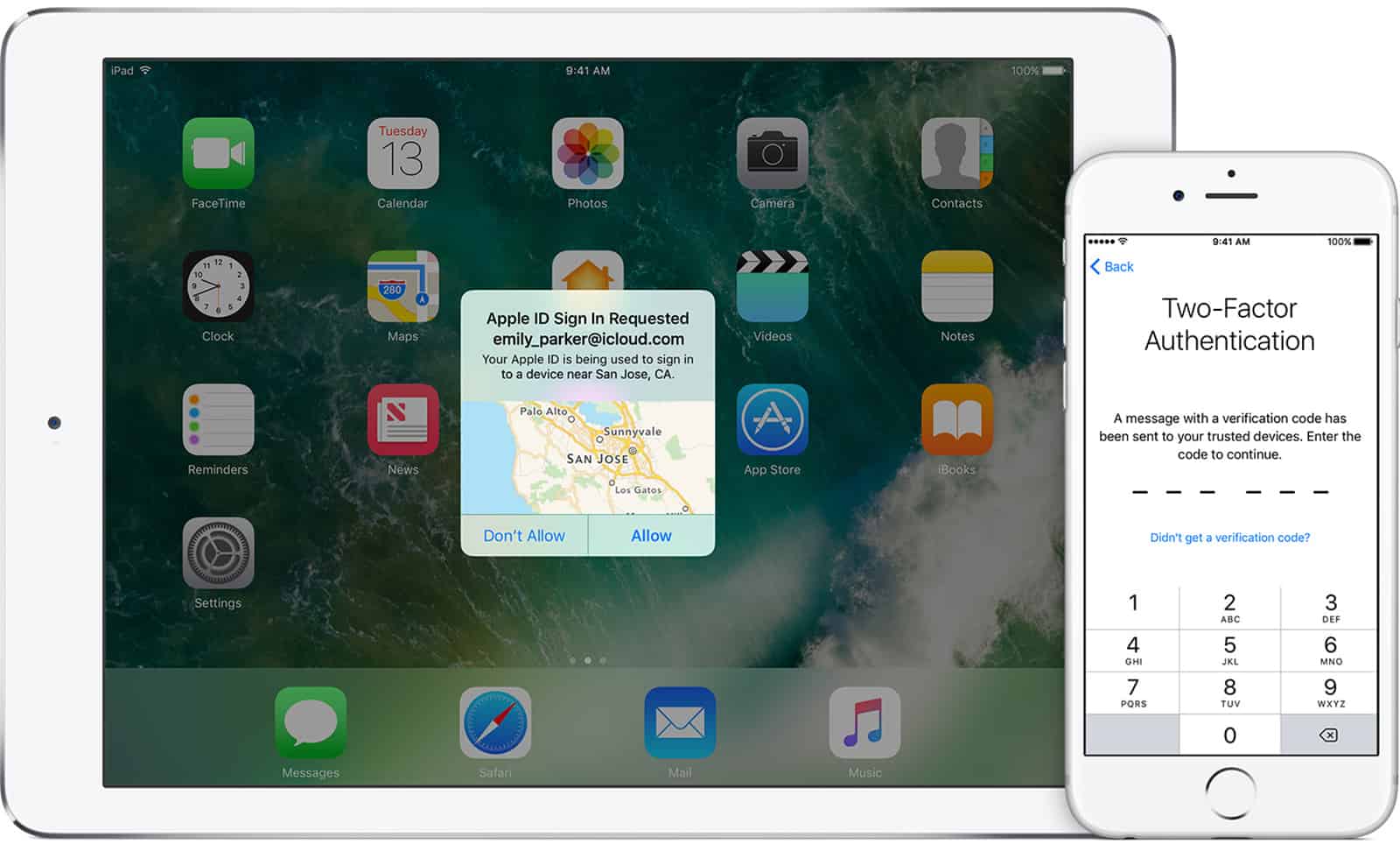
You may have read in the news that a hacker group is holding a number of iCloud accounts for ransom. If Apple doesn’t pay a certain amount of money by April 7, the hackers will reset the accounts and remotely wipe iOS devices. Andrew Orr shows us how to protect your Apple ID.
Tips

macOS: How to Empty the Mac Trash with a Keyboard Shortcut
Watch out though, this shortcut can be dangerous.
iOS 11: Closing All Open Safari Tabs
Today’s Quick Tip is all about how to close tabs in Safari on your iPhone or iPad—without having to interact with each one individually. Yes, you can get rid of all of them at once, and it’s simple!

Private Browsing Mode isn't Just for Porn
Not sure why you might need to use private browsing mode in Safari, Firefox, or Chrome on your Mac? Here’s how to enable the feature, and some ideas on how it can help online.
macOS: How to Change Your Mac AirDrop Settings
Finding AirDrop on the Mac is easy. The default Finder setting has it appear in the sidebar to the left.

Here's How to Check and Troubleshoot the Wattage on Your MacBook's Charger
Curious to see if your MacBook, MacBook Air, or MacBook Pro charger is outputting the wattage you expect? Here’s how to check it out and troubleshoot any problems you may find.
How to Listen to a Rain Storm on Your HomePod
Want to listen to a gentle rain storm on your HomePod or Amazon Echo to help you relax? It’s easy if you know what to say.
iOS: How to Change iOS AirDrop Settings on Your iPhone and iPad
AirDrop is a feature on Apple devices that lets you wirelessly share files with other Apple devices.

How to Disable Amazon's Photo on Delivery Feature
Amazon may be snapping pics of your house with its Photo on Delivery service. If that’s a little too creepy for you here’s how to turn it off.

How to Manage Hey Siri With Multiple Apple Devices
HomePod responds to most Hey Siri requests, even if there are other capable devices nearby.
Problems with Alphabetizing Mac Launchpad
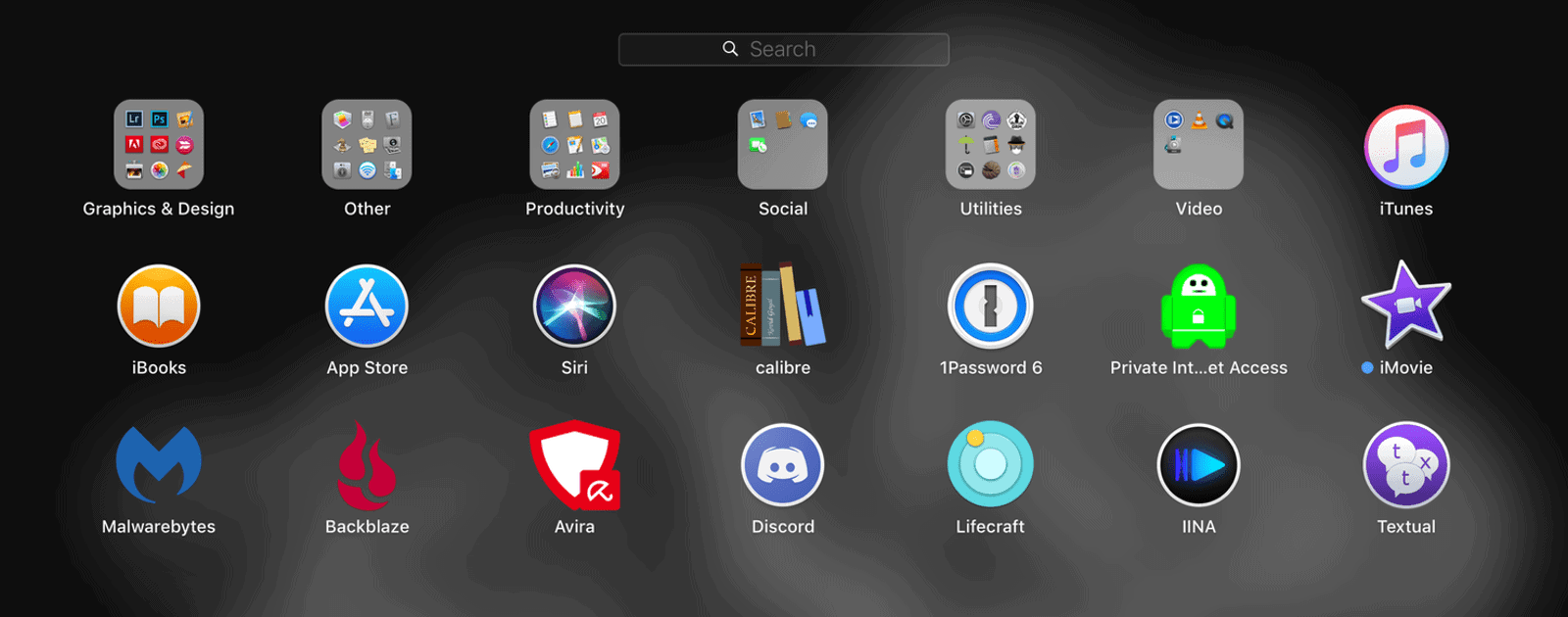
It turns out that it’s not an issue with macOS High Sierra.

How to Protect Yourself from Phishing Scams, and How to Recover if You Get Hooked
Here’s what to do if you think you were just tricked by a phishing email or message, and what to look for to minimize the risk of getting hooked.
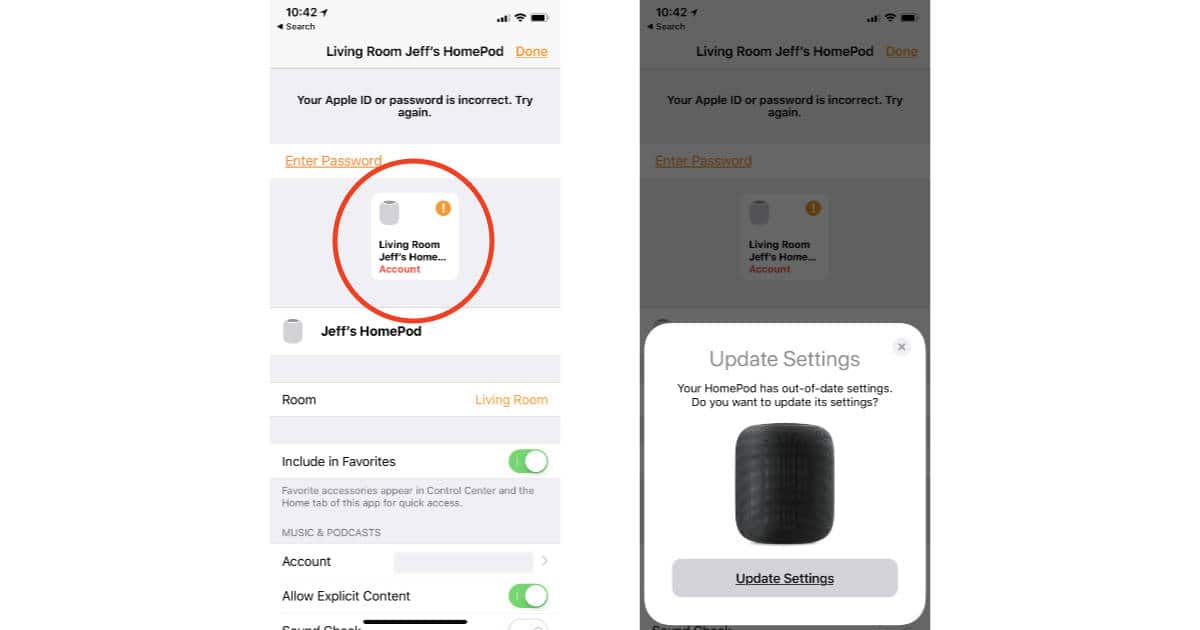
Here's How to get HomePod to Recognize Updated Apple ID Payment Information
If you change the credit card linked to your Apple ID because it expired or was stolen, your HomePod probably won’t recognize the new information and stop streaming Apple Music. Here’s how to get HomePod to see your updated information.

macOS: Prevent Settings Changes by Hiding System Preferences
If you don’t want anyone messing with certain System Preferences options, hide ’em! In this Quick Tip, we’re going to tell you how to do this on your own Mac—or even on someone else’s. If you have to do tech support for your family members, this could be sanity-saving.
How to Manage Slack Notifications on macOS and iOS
Andrew Orr shows us how to tame the beast called Slack.
Can't Print? Try Resetting Your Printer's Network Configuration
There’s a little-known feature of most printer models that’ll let you reset any network configurations to their defaults, which can solve all kinds of communication problems and flakiness in those oh-so-frustrating devices. We’ll talk about it in today’s Quick Tip!

iOS: How to Use Siri Hands Free From Your iPhone Lock Screen
Using Siri hands free with AirPods is great, but then I ran into a problem.

Need a Mac IRC Client? Here are 3 You Can Use
I spent a couple of days trying out different ones. Here are my thoughts.
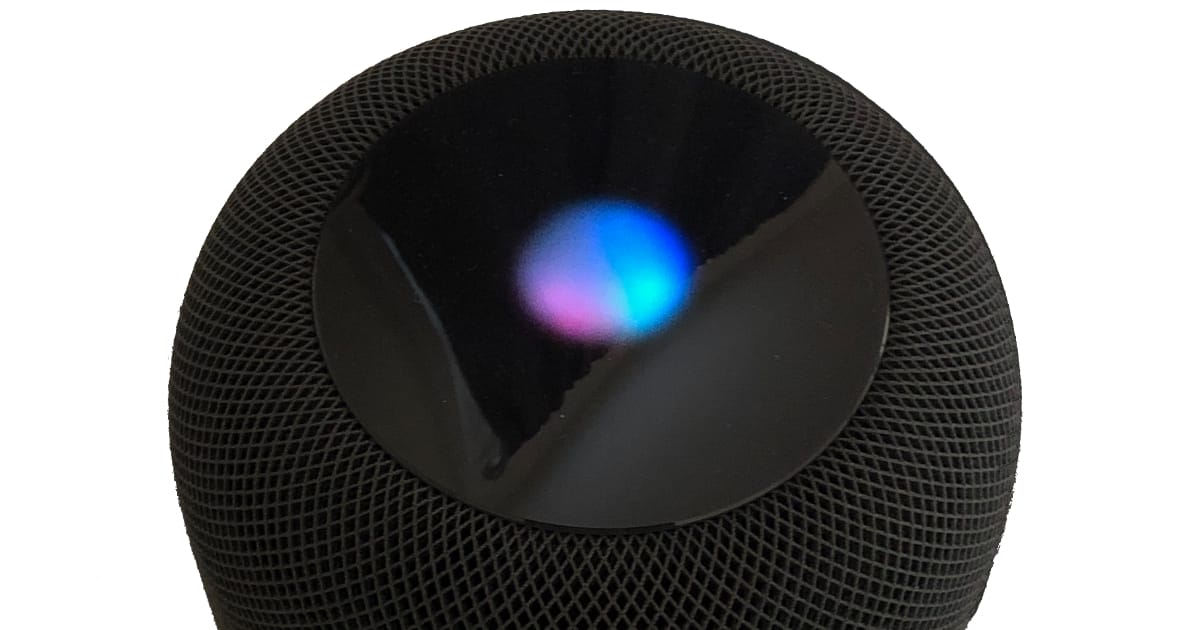
How to Turn Off HomePod's Siri Light
If you don’t want a pulsing light on top of your HomePod every time you say, “Hey Siri,” here’s how to turn it off.
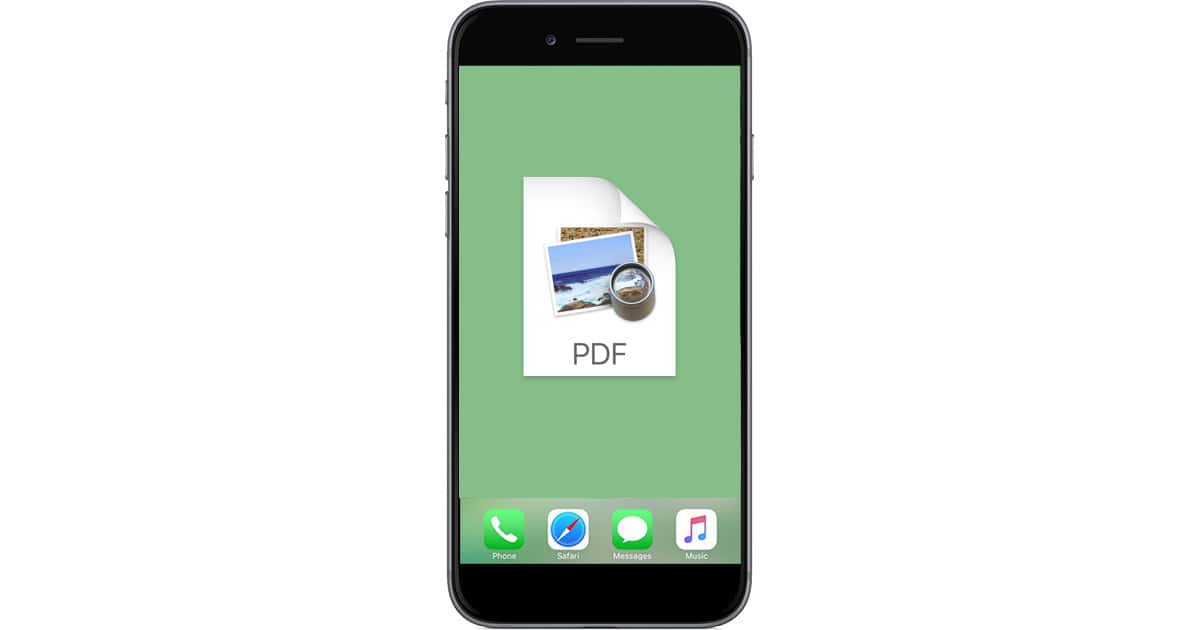
iOS 11: How to Save a Webpage as PDF & Store in Files App
In iOS 11, John shows how to create a PDF of a webpage, save it in Files, rename it and delete it.
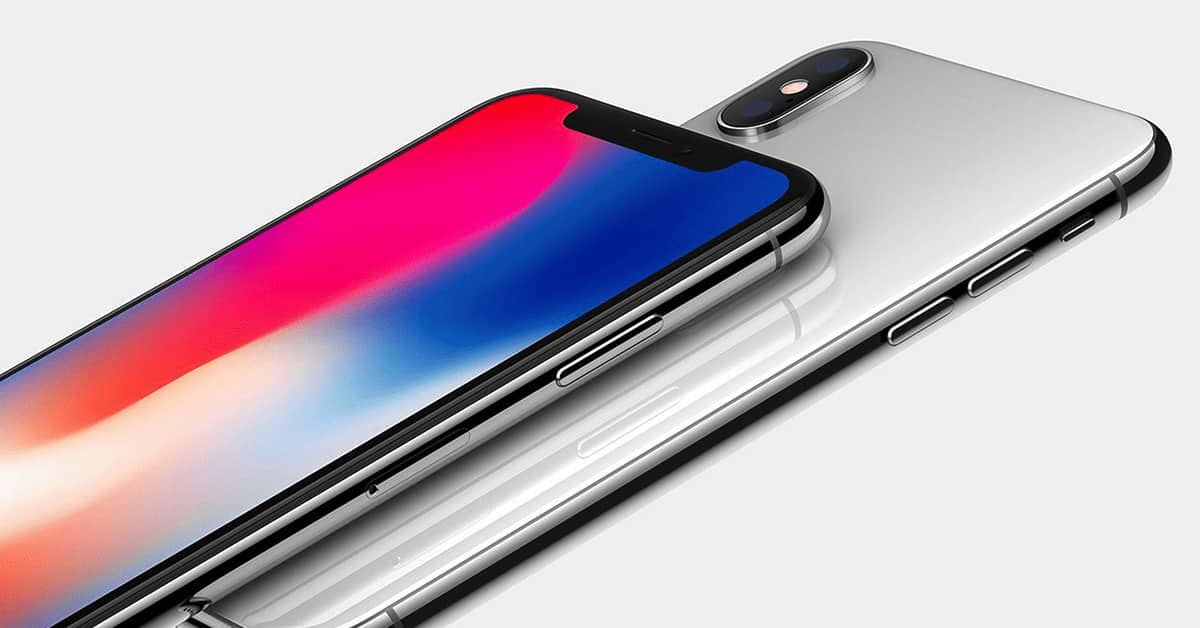
iPhone X: How to Go to Your Last App from the Home Screen
There’s a gesture that’ll let you go back to your last-used app from the Home screen on the iPhone X—without having to invoke the app switcher! In this Quick Tip, we’ll show you how.

Photos: Editing Your Images with an External Program
Photos has a nifty little feature that’ll let you edit an image in Photoshop, say, and have the changes reflected in its library, no importing or exporting required! In today’s Quick Tip, we’ll cover all of the details—including a big ol’ caveat that you’ve gotta know.
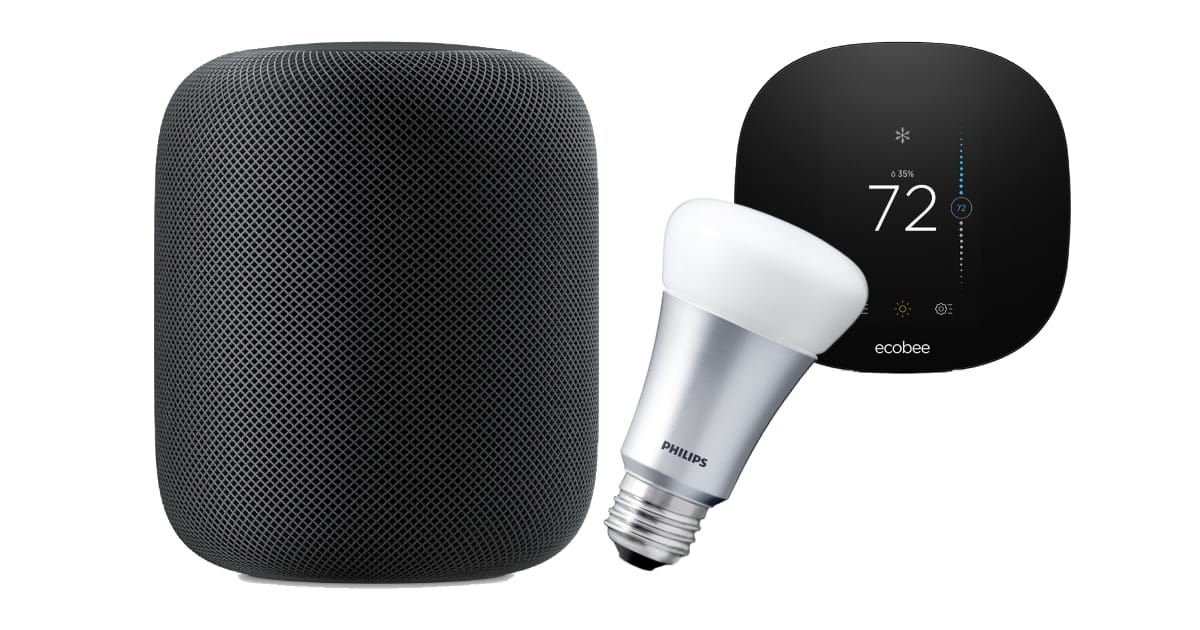
Everything You Need to Know about HomePod as a HomeKit Hub
Your HomePod is also a HomeKit hub, so what does that mean, especially if you already have an Apple TV. Read on to learn what that means for your smart home setup.
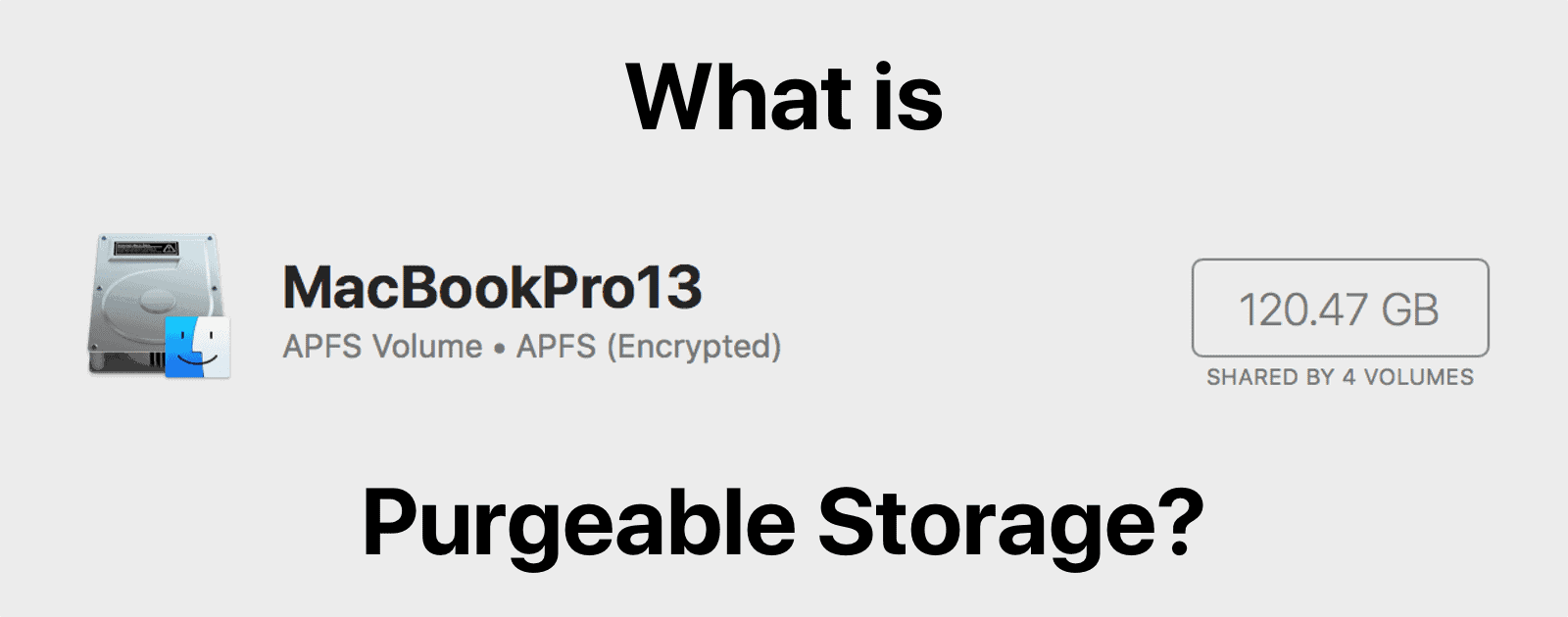
macOS: What is Purgeable Storage on Your Hard Drive?
What is purgeable storage, and is there a way to manually clear it out and reclaim storage space?