
Apple updates AirPods firmware automatically. At this time there is no way for iPhone users to do it manually.
Tips

How to Create a Personalized HTML Email Signature
Using an HTML email signature in Apple Mail is a little complex, and will require us to use the Terminal, but you can copy and paste the commands within.

How to Turn Off Instagram's "Last Active" Tracking Feature
If you aren’t keen on Instagram’s new feature that lets the people you follow see when you’re active in the app, here’s how to turn it off.

Podcasters: Replace Skype with Discord for Better Audio Quality and Web-Based Interviews
After 12 years of using Skype for our podcasts, we switched to Discord in November and haven’t looked back. With better audio quality and the ability to have interview guests participate entirely in their web browsers, Discord is a much better solution for today’s podcaster. We’ll show you how to get going.

macOS: How to Use "Reload Page from Origin" in Safari
Safari’s built-in “Reload Page from Origin” feature can be really helpful if you can’t seem to get a site to work properly, as it’ll force your Mac to bypass any cached information it has and load the page anew. All the details are here in today’s Quick Tip!

3 Tracking Apps to See Locations of Friends and Family
These are apps meant for you to do this in a non-creepy, non-stalker way. Don’t be like that mom from Black Mirror.

macOS: Using "Put Back" with Your Trashed Files
There’s a feature of the trash in macOS that’ll let you move items back where they came from with just a menu command or a keyboard shortcut, no dragging and dropping required! We’ve got the details in today’s Quick Tip.
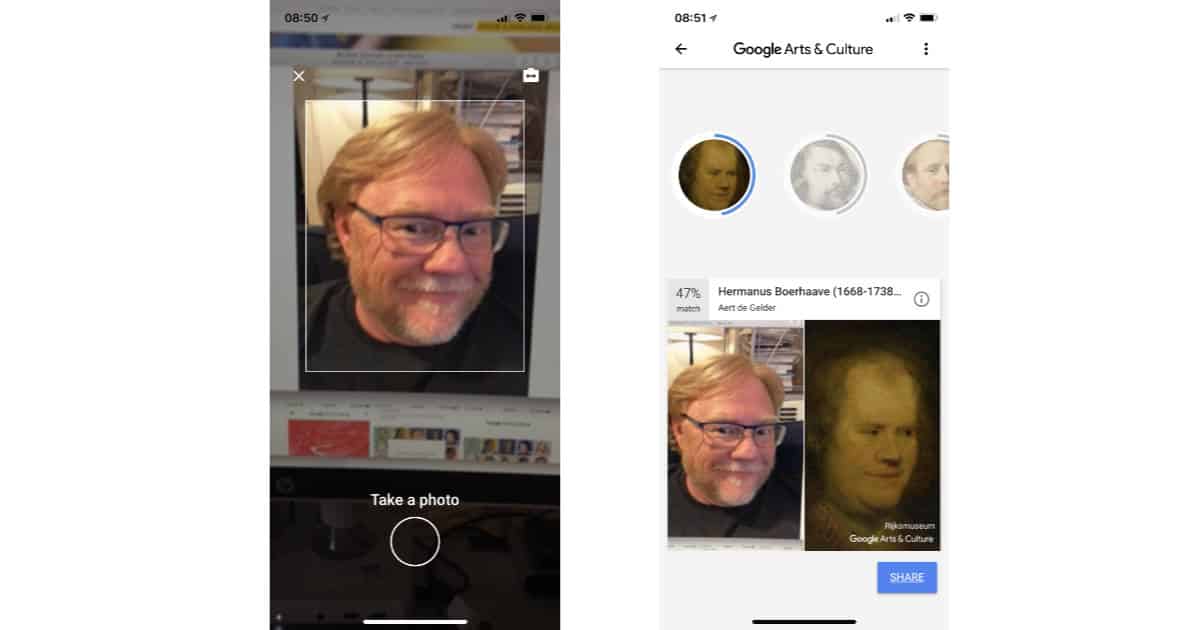
How to Find Your Art Doppelgänger with the Google Arts & Culture App
Here’s how to use the Google Arts & Culture app to find your museum portrait doppelgänger.

Solve Bufferbloat Problems with a DOCSIS 3.1 Modem
DOCSIS 3.1 modems bring more than just possible gigabit speeds, they also bring a solution to the Bufferbloat problem. Dave Hamilton answers Phil’s question about this and explains how and why.

macOS: Configuring Time Limits for Your Kid's Mac
If you’re a parent who doesn’t want your child on his Mac at all hours of the night, then Parental Controls are your friend. With this built-in feature, you can set daily time limits or a bedtime and lock your kid out of his own computer after the time has elapsed! We’re sorry for this Quick Tip, kids.
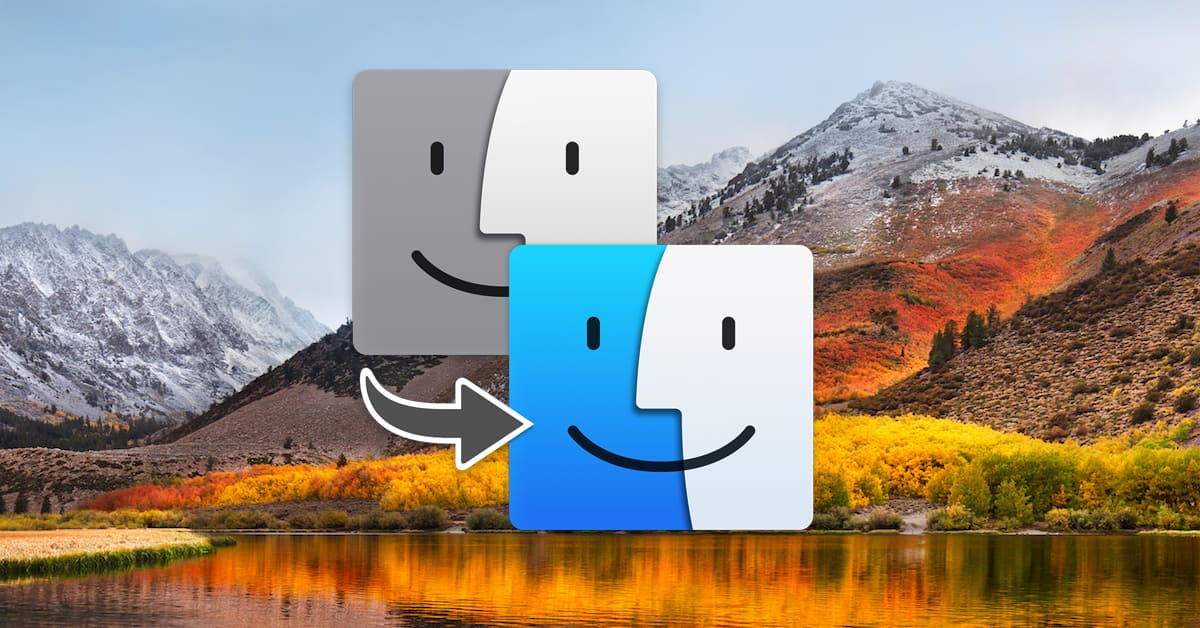
Three Tips on Migrating to a New Mac
Got a new Mac? Fun! Well, unless you have trouble moving your files to it, that is. In today’s Quick Tip, Melissa Holt will give us some tricks for making sure migrations go smoothly and some ideas for what to do if all else fails.

macOS and iOS: How to Turn Off Safari Autofill
Two scripts—AdThink and OnAudience—obtain information that can identify you from autofill forms.

Disable tailspind and spindump to Speed Up your Mac
Apple’s macOS High Sierra introduced enough performance enhancements that my dual-core, 2011 MacBook Air felt like it had new life breathed into it. Occasionally, though – and more and more frequently recently – events would cascade such that my CPU would run at full tilt for 5-10 minutes before finally settling in. When that was happening, Activity Monitor and/or iStat Menus would show two system processes chewing up CPU: tailspind and spindump. Thankfully, we now know how to stop that.
Here's How to Create an Apple ID For Your New Apple Device
You’ll use this ID on any Apple device you have, whether it’s an iPhone or a MacBook.

Here's How to Monitor Your iPhone Battery Health from your phone or Mac [UPDATE]
Want to stay on top of your iPhone’s battery health? Here’s how to do that from your phone or Mac.

iPad Set Up Guide: How to Get Started With Your New Device
Setting up an iPad is an easy process, and you’ll be using it in no time.

iPhone Set Up Guide: How to Set up Your New Device
Setting up an iPhone is easy, and all you have to do is follow the on-screen instructions.
tvOS: Use AirPods With Apple TV Much Faster With This Trick
This should also work with other Apple headphones as long as it has a W1 chip.

How to Use "Insert Pattern" in TextEdit to Clean Up Text
The Mac’s built-in TextEdit program has a little-known feature that’ll let you find tabs, paragraph breaks, and the like and replace them in text—or find patterns of them, even. It’s a very powerful way to clean up extraneous characters, so come read this Quick Tip!
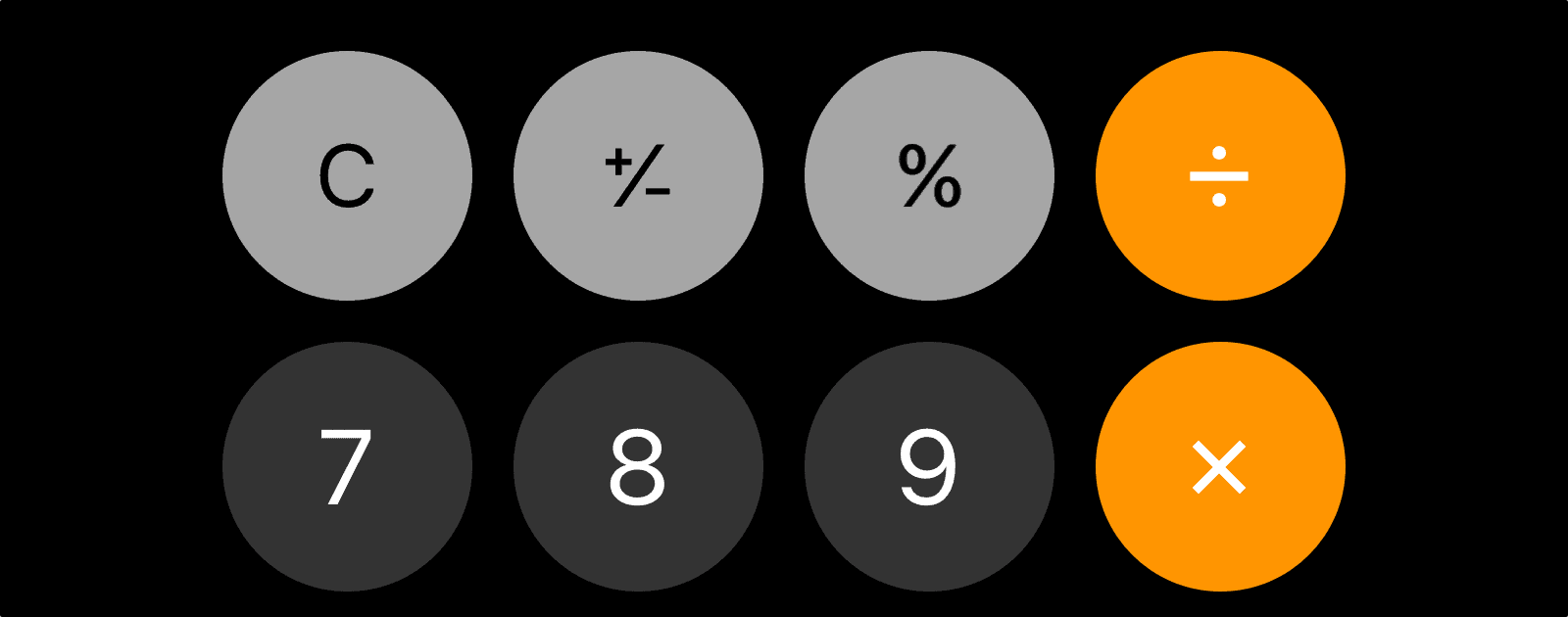
iOS: How to Delete Single Digits in iOS Calculator
Correct errors more quickly in the iOS calculator by using this tip.
How To Manage iCloud Mail with Rules and Folders
You can combine a rule and a folder in iCloud Mail to emulate the smart mailboxes on macOS.

iOS: Readjust Contact Photos by Using the Photos App
I’ve had this happen several times when I zoom in on a person’s face in a photo, and later it displays a different area of the image.

How to Install and Sign into Amazon Prime Video on Apple TV [Update]
Amazon Prime Video is available for the Apple TV. Here’s how to install the app and get logged in.

What's the Difference Between RSS Apps and News Apps?
Both news apps and RSS readers are useful tools to stay on top of the news you care about. Which type of app you choose depends on your needs.