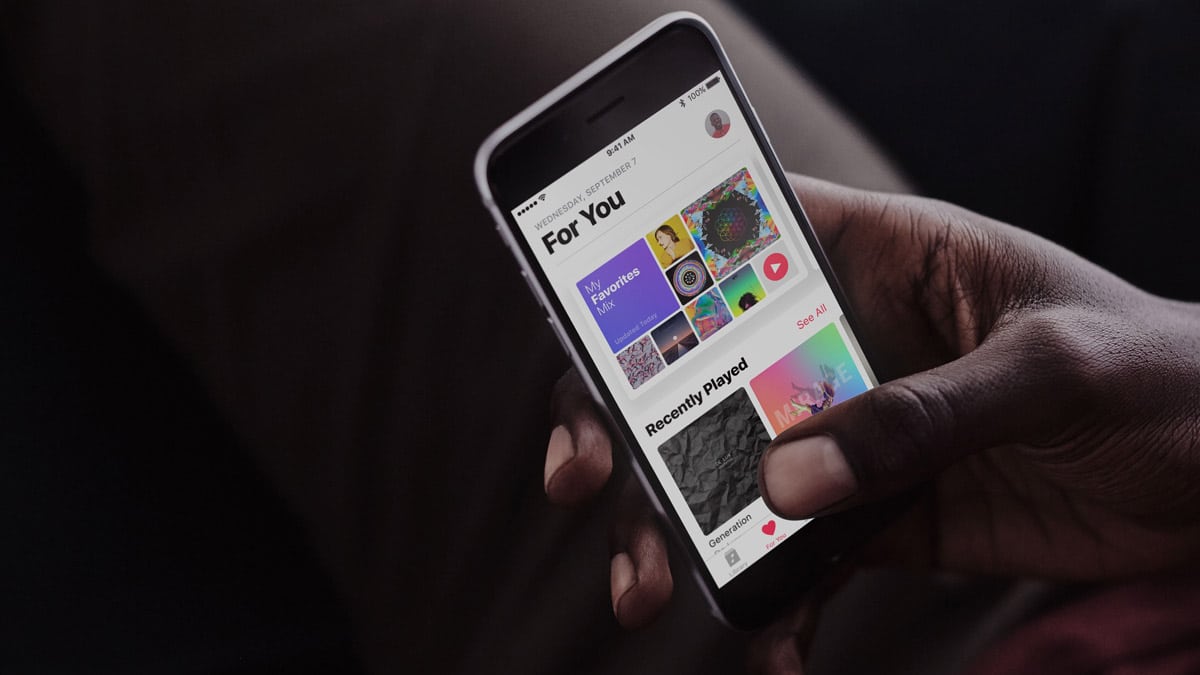
Got a subscription to Apple Music? Then if you’ve installed iOS 11, you can have Siri create personalized playlists for you using Apple’s so-called Personal DJ feature. We’ve got all the details in today’s Quick Tip!
Tips
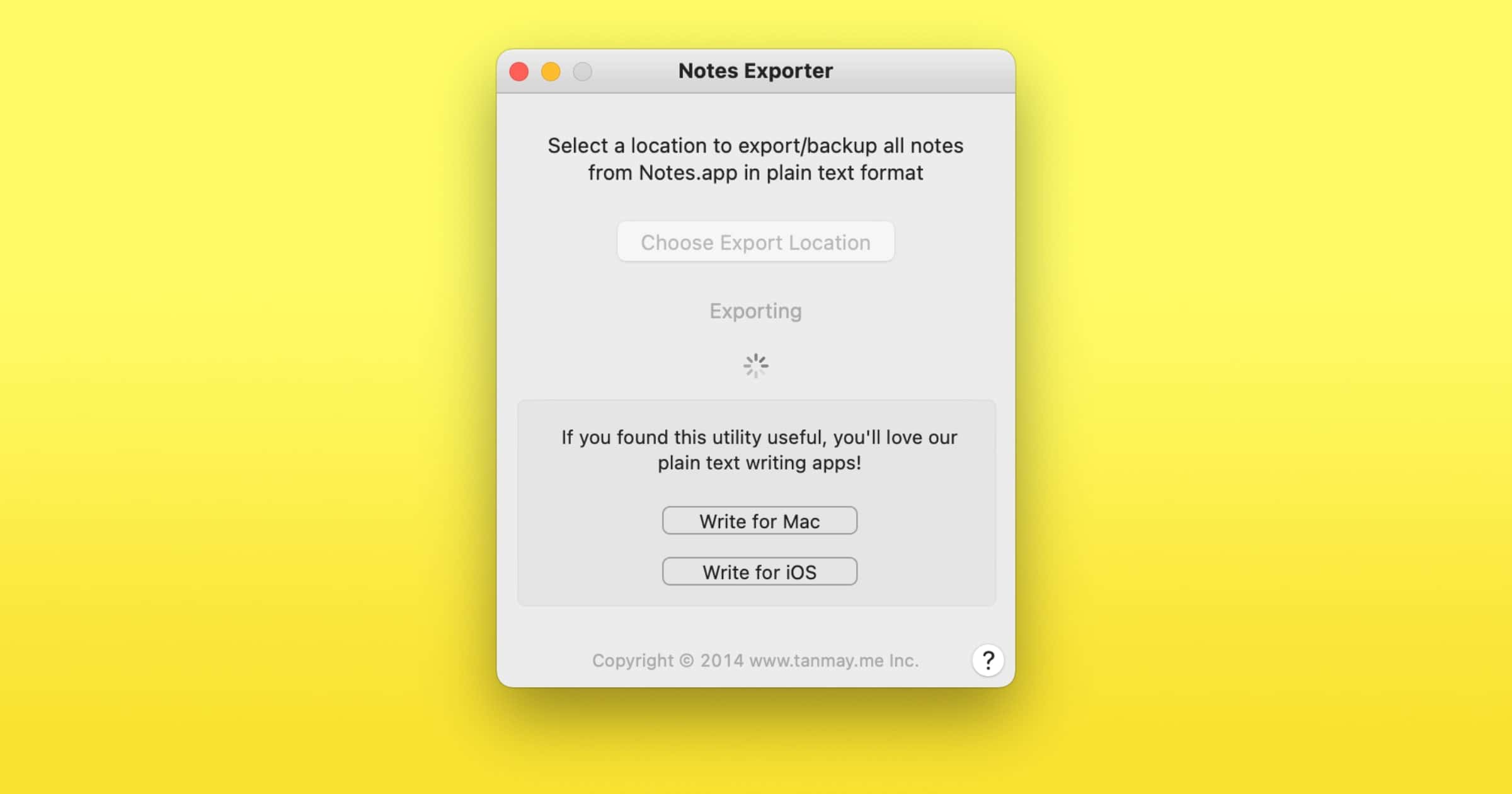
macOS: How to Export Apple Notes as Plain Text Files
I noticed that in a lot of the files, there is some weird HTML formatting in the text. This is normal though, because images or other attachments don’t get exported.

macOS High Sierra 10.13.1 Update Can Break the Root Password Security Patch, Here's How to Fix it
Updating to macOS High Sierra 10.13.1 after installing Security Update 2017-001 can undo the root password security patch. Here’s how to make sure it’s still in place.

iPhone Crashing with Apple's 12/2 Notification Bug? Fix it with iOS 11.2
Starting December 2nd, there’s a bug that causes some notifications to crash your iPhone. iOS 11.2 is the fix, and we’ll show you how to apply it and avoid these 12/2 crashes.

How To Rip Blu-Ray Movies to Watch on Your Apple TV
Note: In order to start ripping Blu-ray discs, you’ll need an Apple SuperDrive to use with your Mac, or another DVD drive compatible with macOS and Blu-ray.
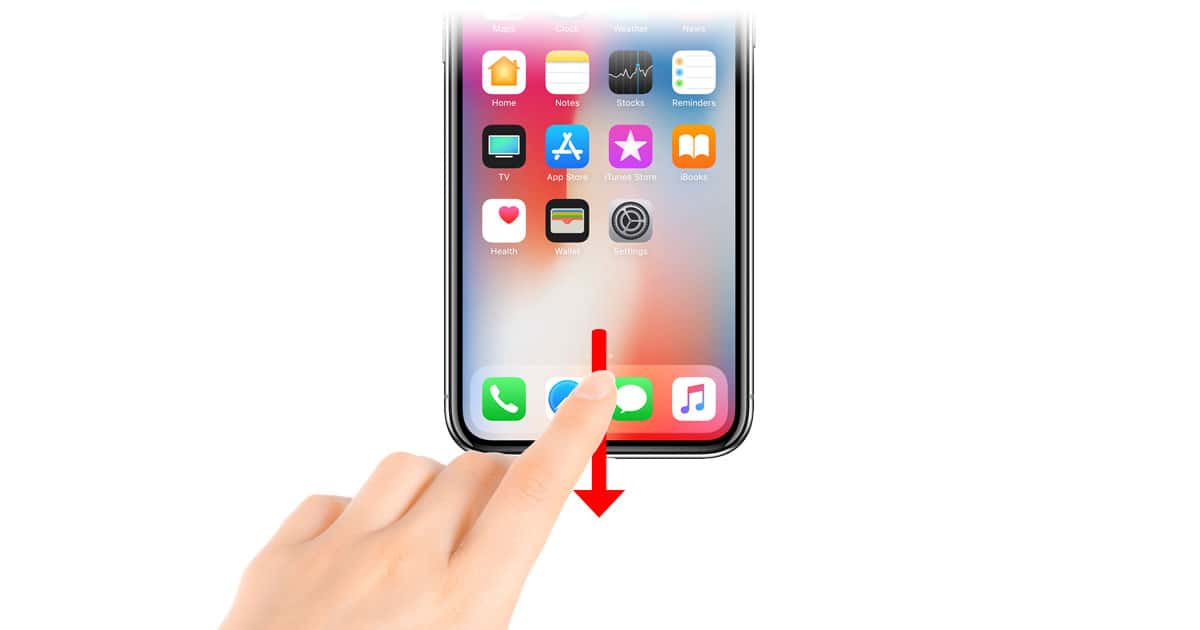
iPhone X: Using Reachability to Get to Control Center
With Reachability on the iPhone X, accessing Control Center is easier than you think. Come read this Quick Tip and find out how to use this one-handed Accessibility feature to bring everything closer to you!

How to Get 4K/UHD and HDR Content on Netflix with Apple TV 4K
Several technical pieces must be in place before you can enjoy 4K/UHD as well as HDR content with your Apple TV 4K and Netflix. John shows how to do it.

iPhone Privacy for the Paranoid: What You Can Do
Concerned about your privacy on the web? You should be. There is an entire industry that involves tracking people, collecting data about them, and selling it to the highest bidder.

Most Everything to Know About Apple TV 4K
The holidays are upon us, and so John put together (most) everything a buyer might need to know about the Apple TV 4K.

macOS High Sierra Has a Severe Vulnerability Giving Anyone Root Access - Here's How to Fix It [Update]
It gives anyone with physical access to your Mac immediate and easy root privileges, meaning access to everything on your Mac. Fortunately, there’s a fix you can do yourself until Apple fixes this mess.

PSA Reminder: You Can Gift Apple Music to the Android Users in Your Life
This seems like a good time to remind everyone you can gift Apple Music to the Android users in your life—here’s how it works.

macOS: Importing Stickies (And Evernote!) into Notes
If you’re using Stickies—or Evernote, for that matter—you should know that there’s a way to import the data into Apple’s Notes program, so if you’d like to move your stuff into that app instead, you can! In today’s Quick Tip, we’ll explore the options for importing and exporting between those applications.

Siri's Voice Missing from Your Apple Watch Series 3? Here's How to Get it Back
If Siri isn’t talking to you on your Apple Watch Series 3 she may not be giving you the cold shoulder; she may have lost her voice. Literally. Here’s how to get it back.

iPhone X: How to get the Best Shots with Portrait Mode's Stage Light Effect
Want to get the most out of Portrait Mode’s Stage Light effect on the iPhone 7 Plus, iPhone 8 Plus, and iPhone X? Check out TMO’s tips.

Kill Time With 5 Fun AR Video Games for iPhone
This Thanksgiving we’ve rounded up five fun AR video games to kill time when you’re traveling or just want something to do.
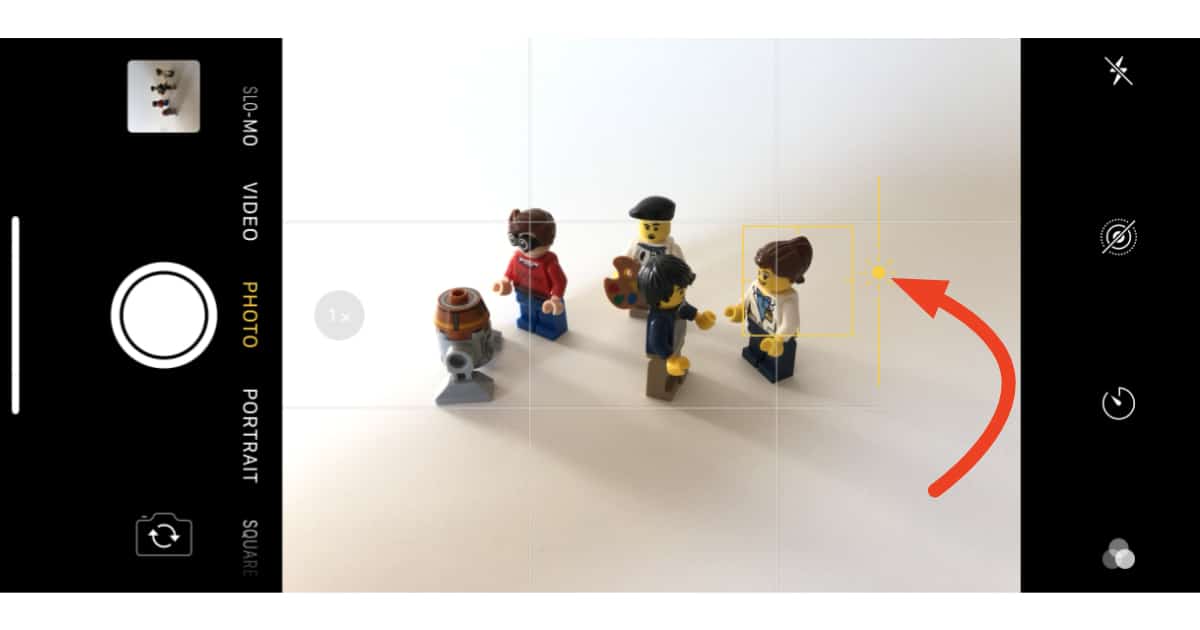
iPhone: Fixing Over and Underexposed Shots Before Snapping the Pic
Getting the lighting—not to mention all the guests—to cooperate for your holiday photos can be nothing short of a miracle. Luckily your iPhone’s camera can help out.

8 Dark Mode Apps That Look Great on iPhone X
Even if you don’t have the latest iPhone, these apps still look good on any Space Gray/Black/Jet Black model.

iOS 11: How to Remove Photo Metadata for Anonymous Images
Image metadata is typically called Exif data, and it can include date/time of capture, GPS information, type of camera used, and type of software used to edit the photo.

5 Composite Image Apps to Create Art on iOS
Composite images, also known as a photomontage, is a combination of photos to create a new photo.

Pages: New Options for Formatting Links
Within Pages, Apple’s word-processing program, typing in a URL will automatically create a link and underline it. But if you hate this behavior, you can turn it off—and the options you have for doing so are a bit different in recent versions of the program. We’ve got the details in today’s Quick Tip.

5 Video Editing Apps For iPhone Videographers
These video editing apps are for people of all skill levels, whether you need a video for social media or a more professional-looking video.
iPhone X: How to Reset Face ID
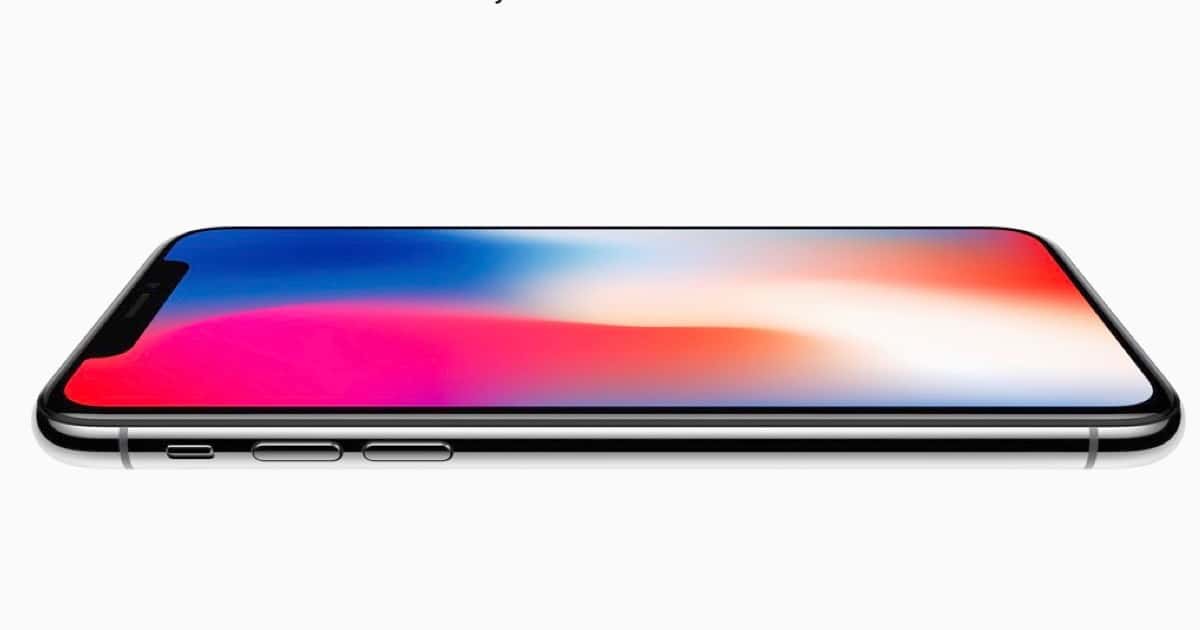
The iPhone X’s Face ID feature is awesome! Unless it’s not. If you’re having trouble getting yours to work properly and consistently, you can try a reset. We’ll tell you how to do just that in today’s Quick Tip!

5 Photo Art Apps to Spruce Up Your Images
Photo art apps are a cool way to make your images stand out. You can make your photos look like a painting, pencil drawing, and generally quirky.

5 Apps to Get Portrait Mode Bokeh on Any iPhone
Do you love bokeh but don’t have an iPhone with a dual lens camera? You can use these apps on any iPhone model.