
You can transfer just your health and fitness data from your old iPhone to your new one so you can get a fresh start with apps and data. Read on to learn how.
Tips
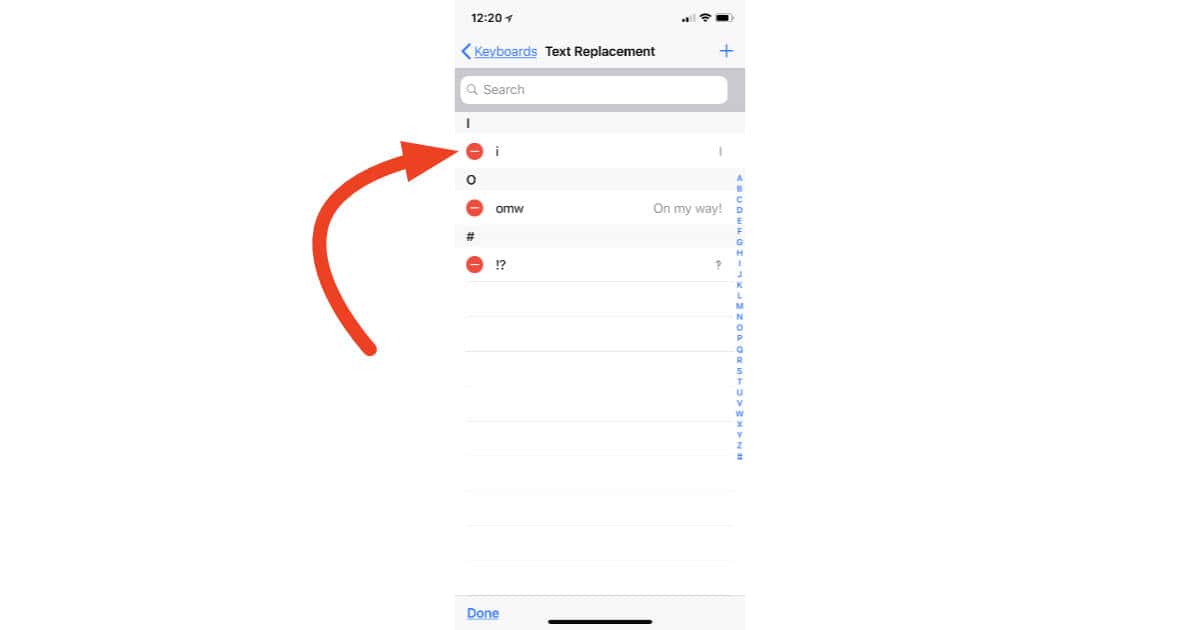
How to Delete the i-to-A Text Replacement Workaround
Now that iOS 11.1.1 is out with a fix for the annoying bug that changed “i” to “A” you don’t need the Text Replacement workaround I showed you earlier in the week. It’s easy to delete. Just follow along to see how.

macOS: Enhance Your Mac File Search With File Comments
Note that this is used better with Spotlight. Siri doesn’t seem to be able to make use of file comments.
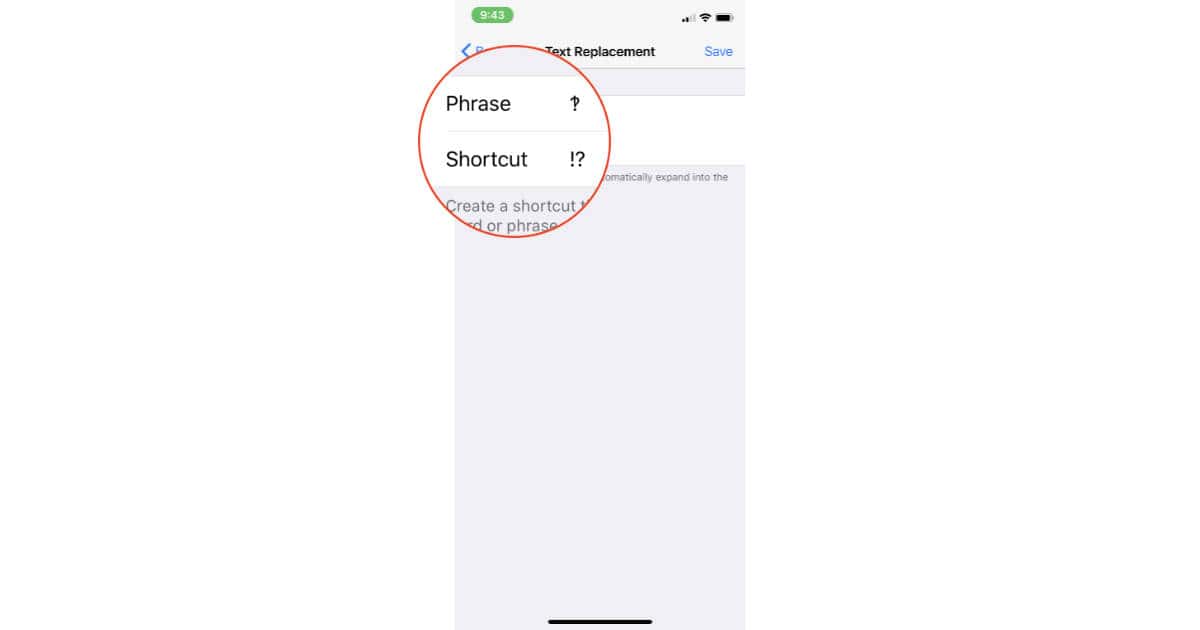
How to Type an Interrobang on Your iPhone or iPad
Let’s say you know what an interrobang is, and let’s also say you want to type one on your iPhone or iPad. Here’s how to make that happen.

How to Use iMazing to Manage Apps
Jeff Butts takes you on a tour through the new feature, showing how efficient and effective iMazing has become at app management.

watchOS 4: How to Find Your Resting Heart Rate
If you’re an Apple Watch fitness junkie, then you’ve gotta check out how watchOS 4 can help you track your resting heart rate! Since that’s such an important measurement for understanding how fit you are, it’s what we’re going to cover in today’s Quick Tip.
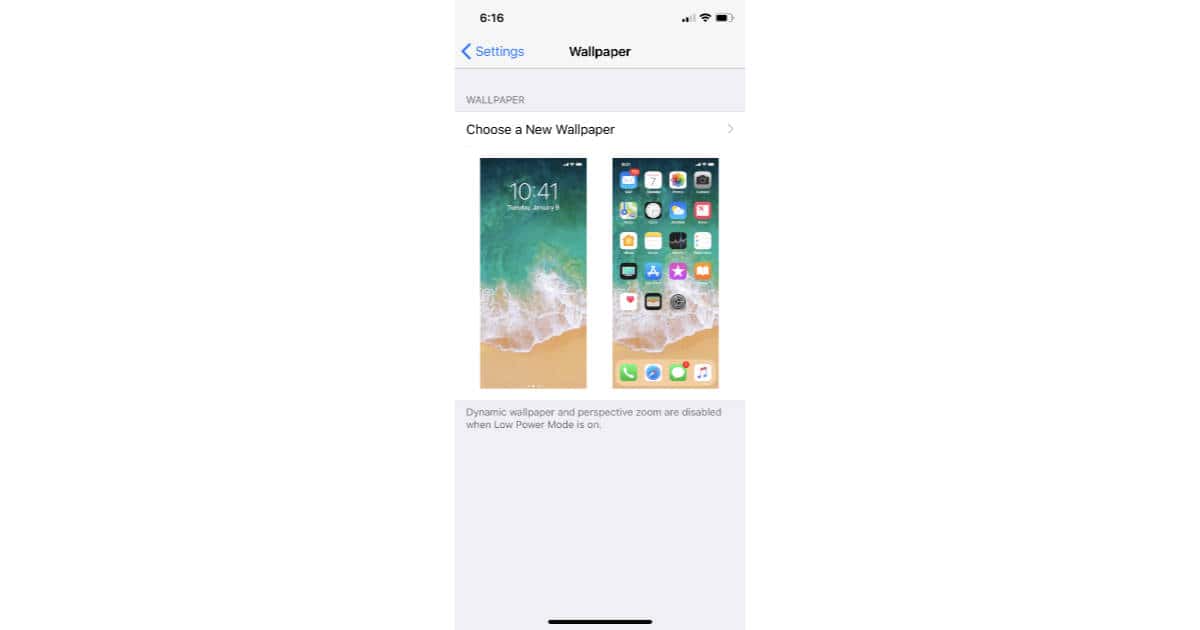
Use This Template to Avoid the iPhone X Notch in Your Custom Wallpapers
Want to make sure you avoid the notch when designing custom iPhone X wallpapers? Check out TMO’s template graphic.
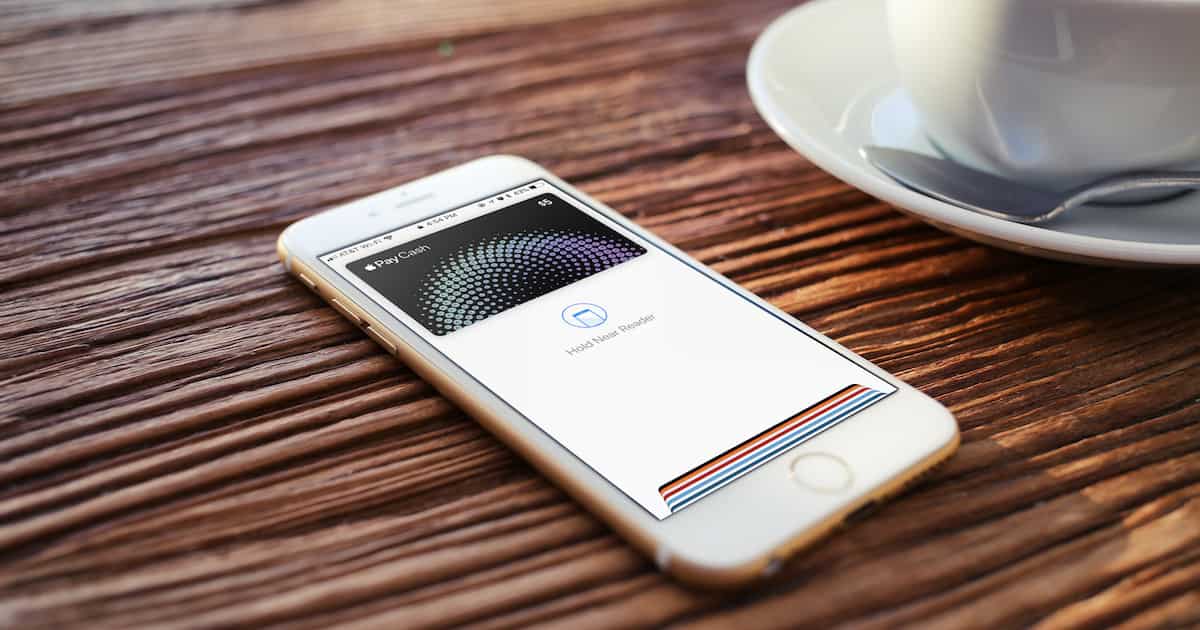
Everything Apple Pay Cash, From Setup to Sending Money
Jeff Butts takes one for the team and puts his money where his mouth is in this walkthrough and explanation of Apple’s newest service offering.

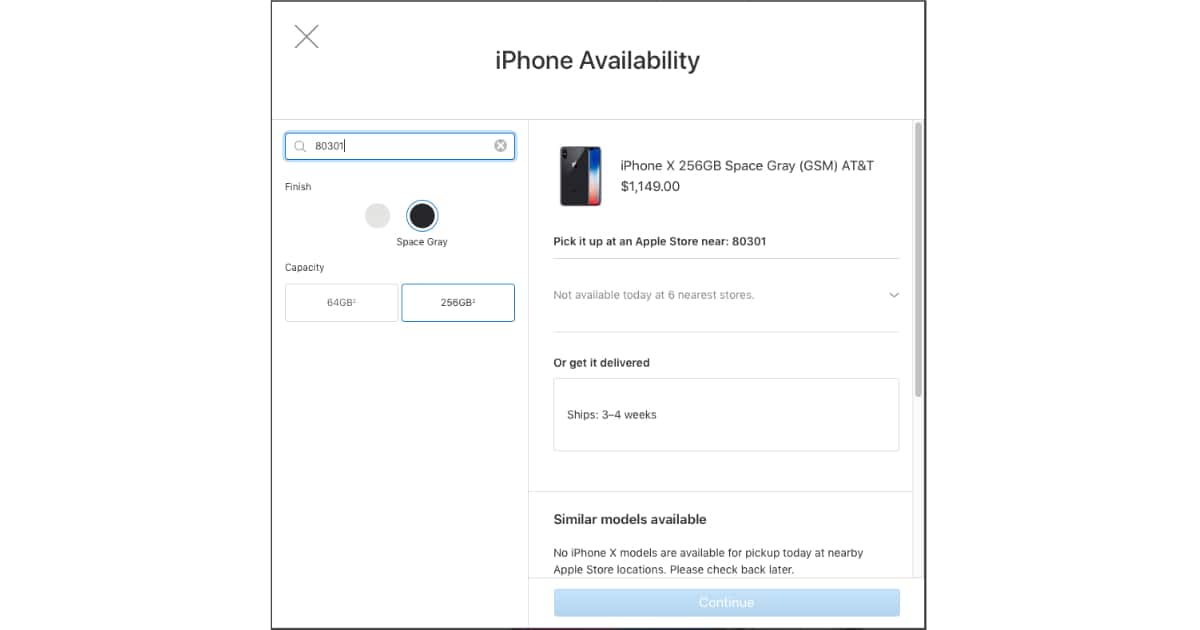
How to See Which Apple Stores Have iPhone X In Stock
You can use Apple’s iPhone X purchase web page to see which stores near you have any in stock.

The iPhone X Manual That Apple Forgot to Create
The Mac Observer has additional tips on how to use Reachability, and an iPhone X starter guide.
iOS 11: How to Install the iPhone X Ringtone on Your iPhone
Note that this only works for ringtone files with the M4R extension.
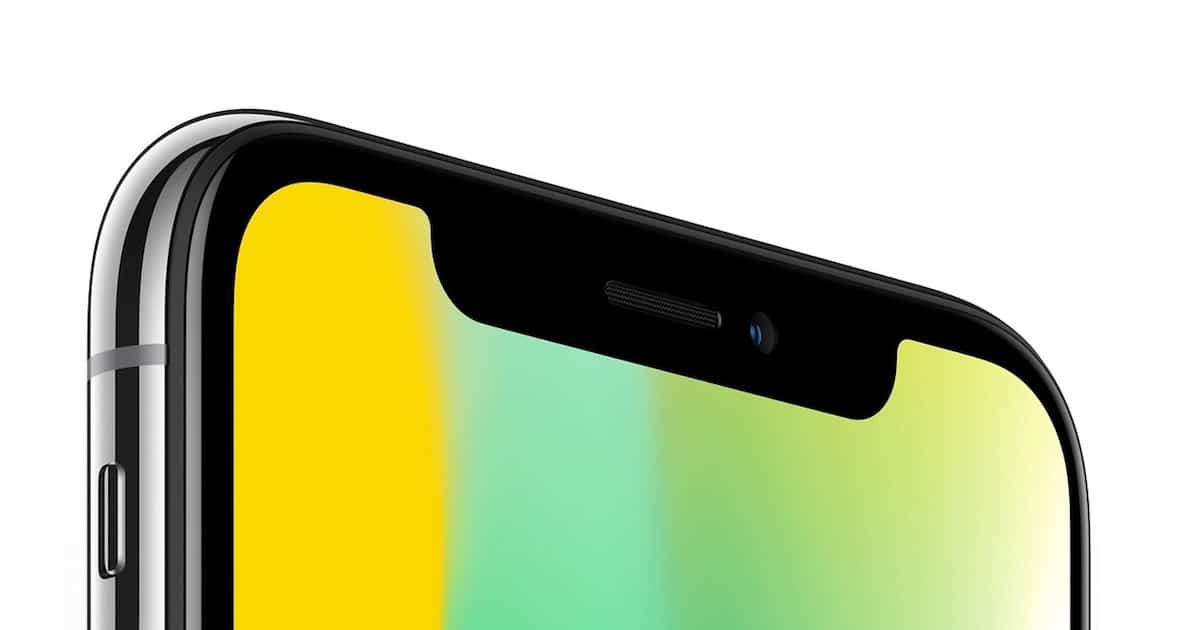
How to Hard Reboot the iPhone X
It’s definitely gorgeous, but you might need the speed and reflexes of a cheetah to perform a hard reboot on this device.

Switching Apple Watch to a New iPhone
It’s so easy, but you might forget about it until too late and then have to set up your smartwatch all over again.
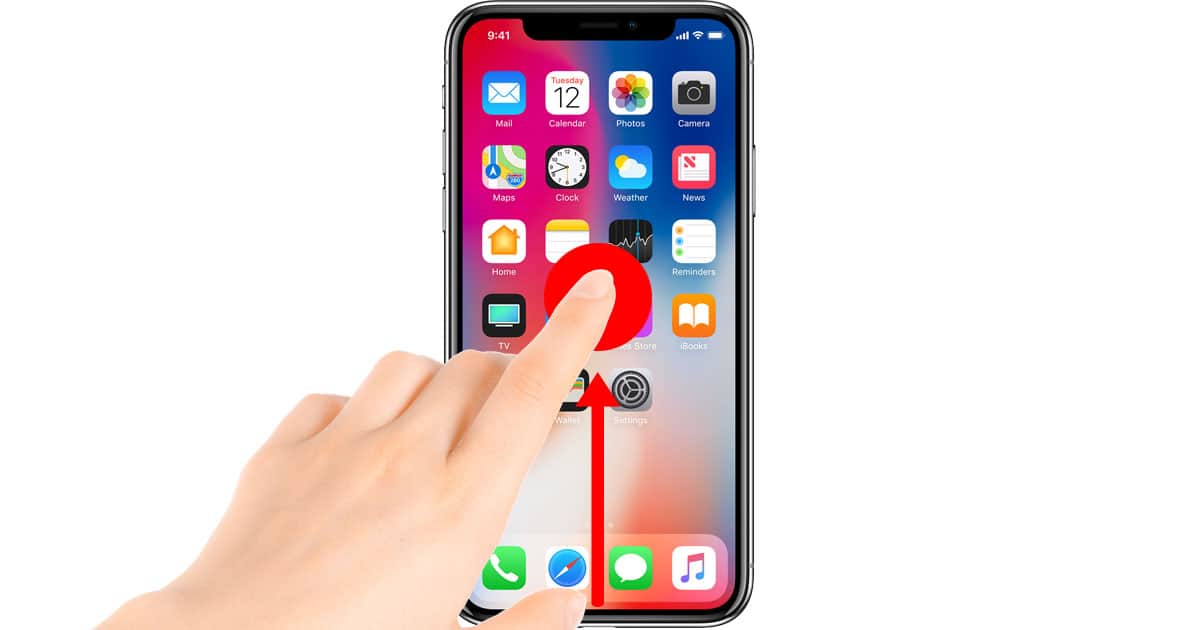
iPhone X: How to Use Fast App Switching
Getting to the App Switcher on the iPhone X is a little tricky since it doesn’t have a Home button. Here’s how it works now.
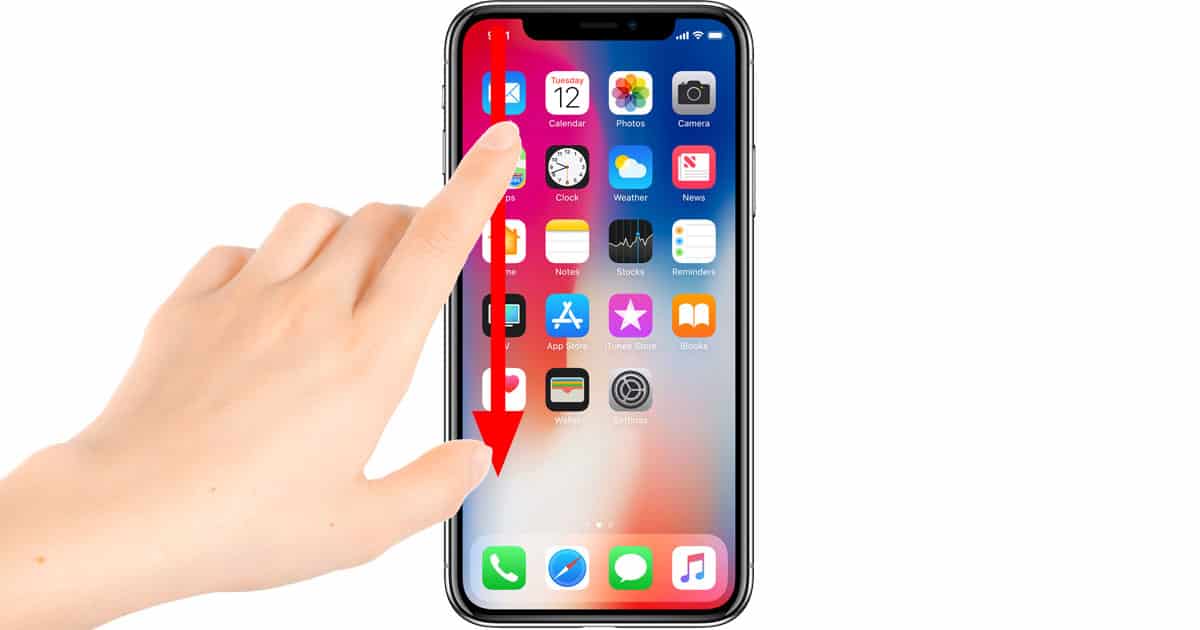
iPhone X: How to See Notification Center
The familiar gestures from the iPhone and iPad are shuffled all around on the iPhone X because the Home button is gone. Here’s the new gesture for seeing Notification Center.

5 iPhone X Bling Cases to Glam Up Your Device
Got an iPhone X and want to glam it up? The next series of cases you might look at are the “bling” cases.
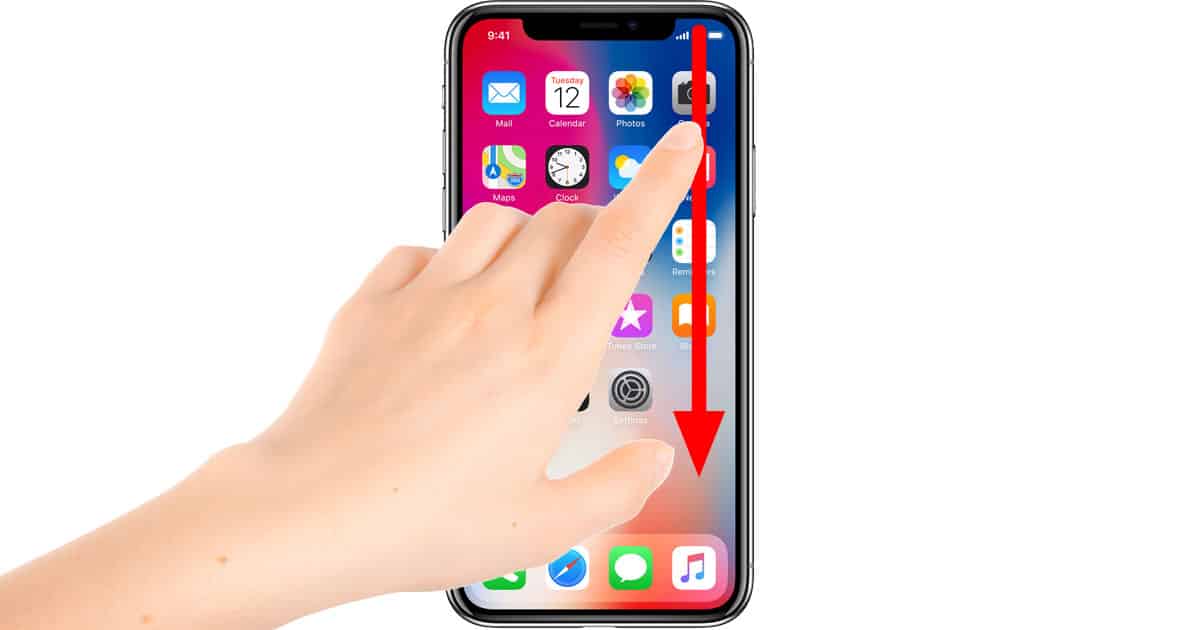
iPhone X: How to Access Control Center
Apple jumbled up gestures for the iPhone X, so now there’s a new way to access Control Center.
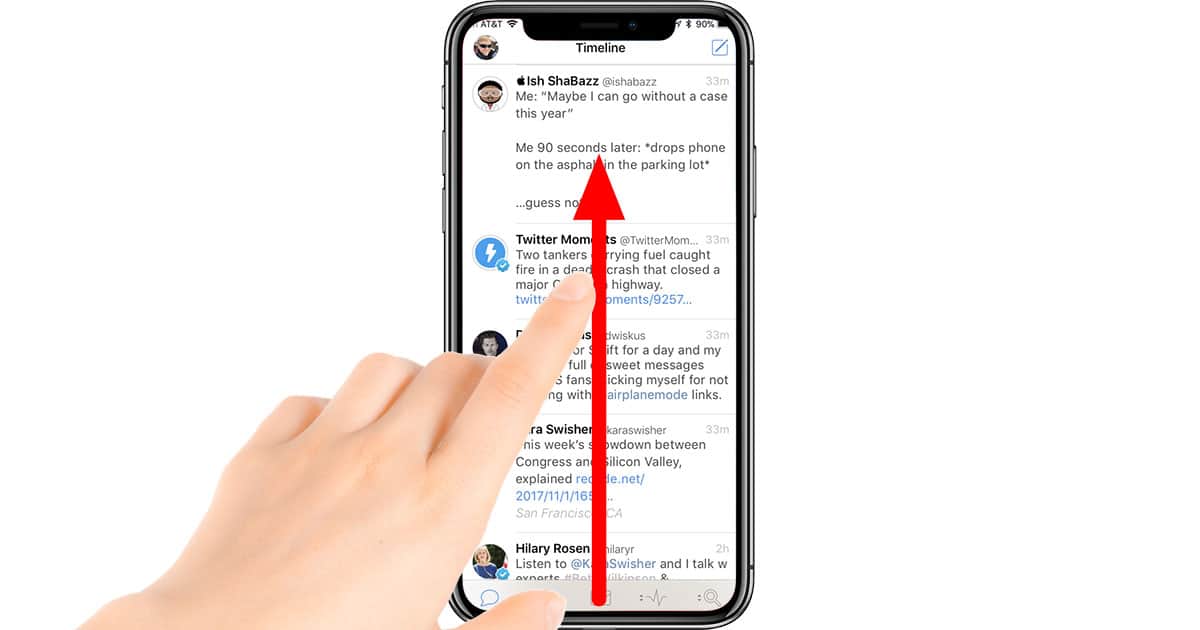
iPhone X: How to Get to the Home Screen
The Home button is gone from the iPhone X, so here’s how to get back to the Home screen with a gesture.

iOS 11: Adding the Magnifier to Control Center
The “Magnifier” feature on iOS has been around for a while, but now you can add it to Control Center for quick access. We’ll show you how to do that (and why you’d want to!) in today’s Quick Tip.

How to Use Apple Music and Radio Streaming in watchOS 4.1
watchOS 4.1 makes Apple Watch music playback a lot easier because you can get at your complete Apple Music library from your watch whether you’re on Wi-Fi or LTE. Read on to learn how Apple Watch music playback works with this new update.

The Top 5 Apple Watch Apps at Work
Whether your goal is better productivity, improved punctuality, or just adding a bit of fun into your workday, these Apple Watch apps will fit the bill.

macOS High Sierra: How to Disable Split View in Mail
Apple Mail in High Sierra has a new “split view” when you’re reading messages in full-screen mode. It’s nice, we think! If you’re not a fan, though, we’re going to tell you how to turn it off in today’s Quick Tip.
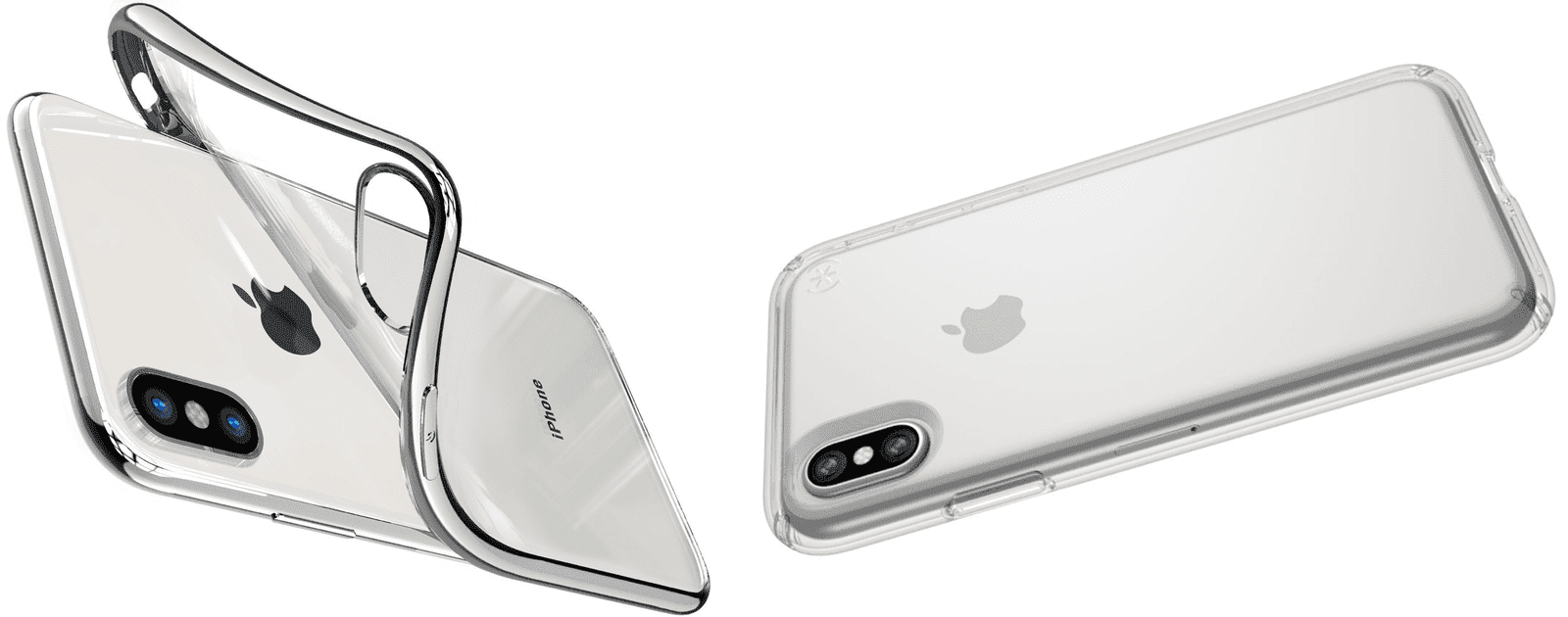
6 Clear iPhone X Cases to Show Off Your Purchase
If you want protection for your iPhone, but still appreciate the beauty of its design, clear iPhone X cases will be perfect for you.