Perhaps Apple doesn’t think we’ll ever need to reboot the device, but Jeff Butts has uncovered a couple of ways to do it anyways.
Tips
iOS: How to Add Shared Google Calendars on Your iPhone
It’s possible to add shared Google calendars in Apple’s Calendars app too. You don’t need Google’s Calendar app. Here’s how to do it.

iOS 11: How to Draw in Mail
If you want to add a quick sketch to an email message you’re crafting on your iPhone or iPad you don’t need to make a trip over to the Notes app first.
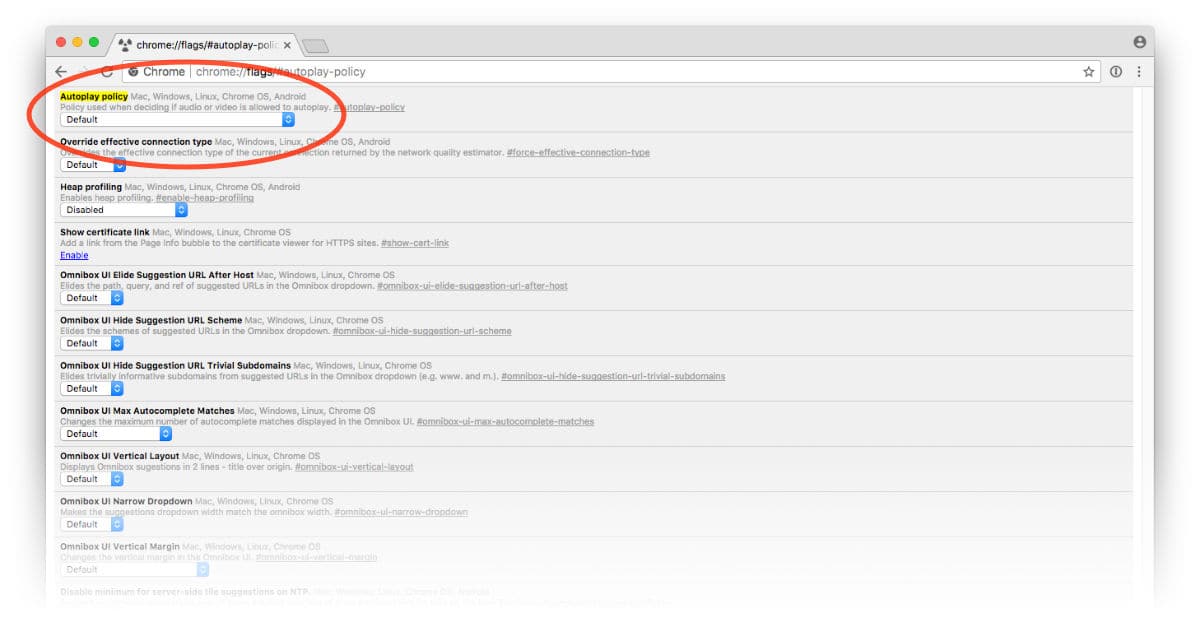
How to Disable Autoplay Videos in Google Chrome
Apple made it easy to block videos that autoplay on websites in Safari on macOS High Sierra and you can do the same in Google Chrome, too.
The iPhone Shutter Button: Where It Should Go
When Steve Jobs said, “You’re holding it wrong,” he wasn’t referring to taking pictures; still, the saying probably holds true for that use, too.
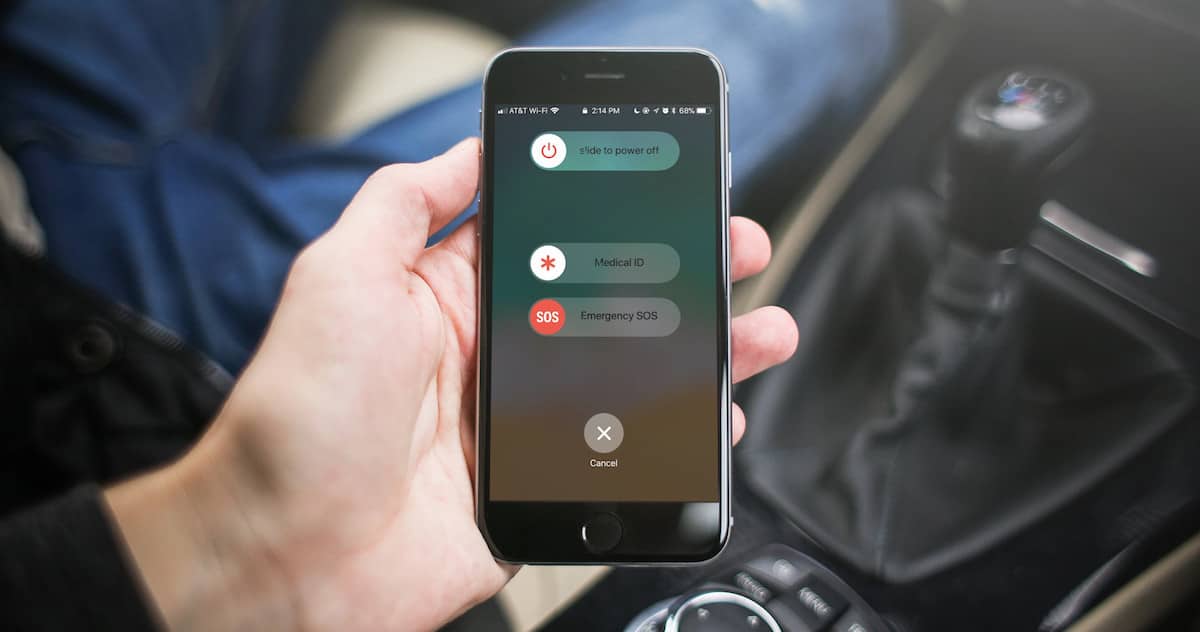
How to Use Emergency SOS on the iPhone
This is a great new feature, stymied by conflicting and confusing instructions for use that, strangely enough, vary depending on which model of iPhone you have.

Top 5 Apple Watch Fitness and Health Apps to Get Moving
In the Watch app on iPhone, Apple doesn’t provide a list of categories like the App Store. You can search for apps, but otherwise you’re stuck with the apps shown on the main screen.
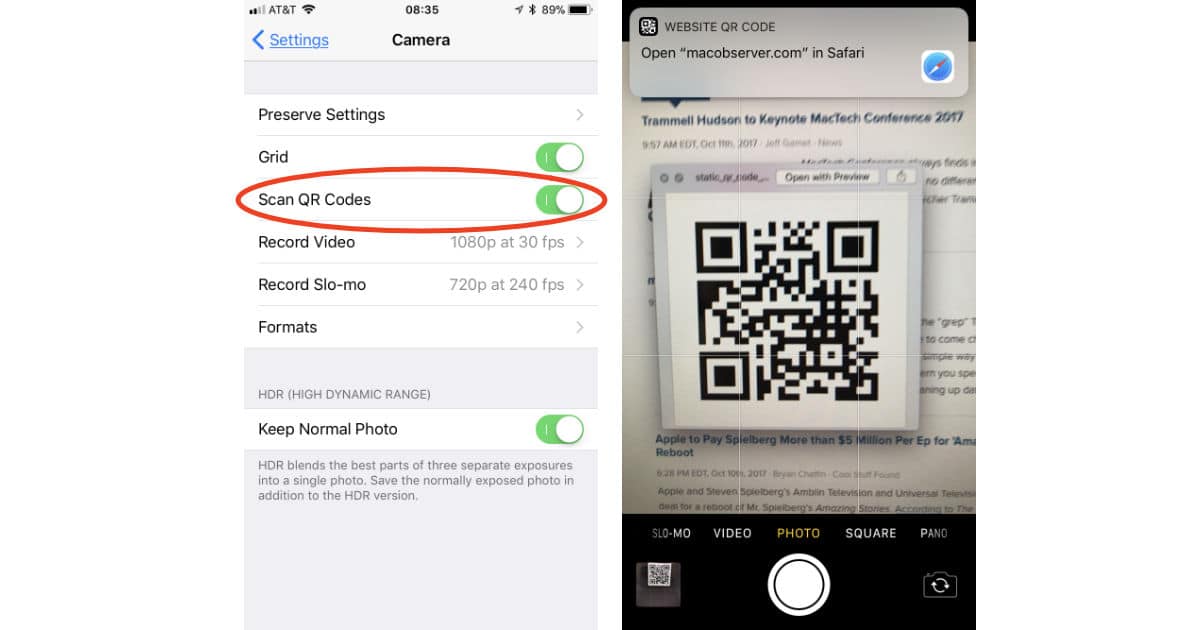
How to Scan QR Codes in iOS 11
We’ve had the ability to scan QR codes with our iPhone cameras for some time thanks to third-party apps, but with iOS 11 that’s built in so you don’t need any special tools. Here’s how to make sure QR code scanning is turned on and ready to use.

macOS: Using "Grep" to Find Matching Lines
If you’ve never heard of the “grep” Terminal command, then you have to come check out today’s Quick Tip. Using this is a simple way to find lines in a text file that match a pattern you specify, which can make separating and cleaning up data a breeze!
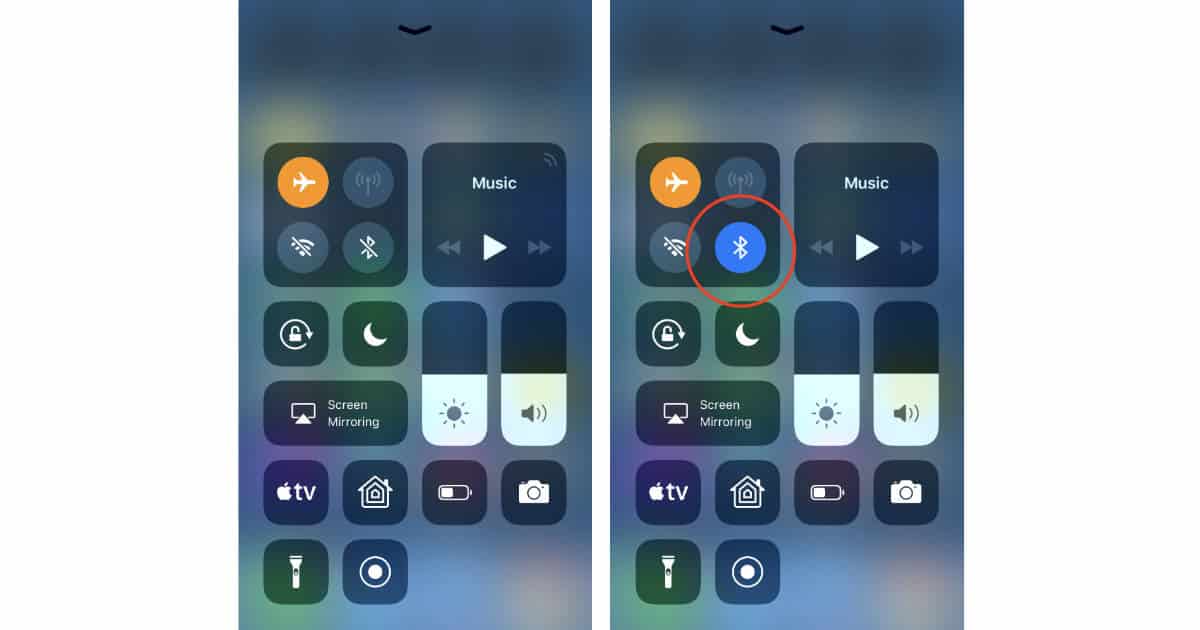
Here's How Airplane Mode is Different in iOS 11
Apple changed how Airplane Mode works on your iPhone and iPad in iOS 11 that could be a little confusing.
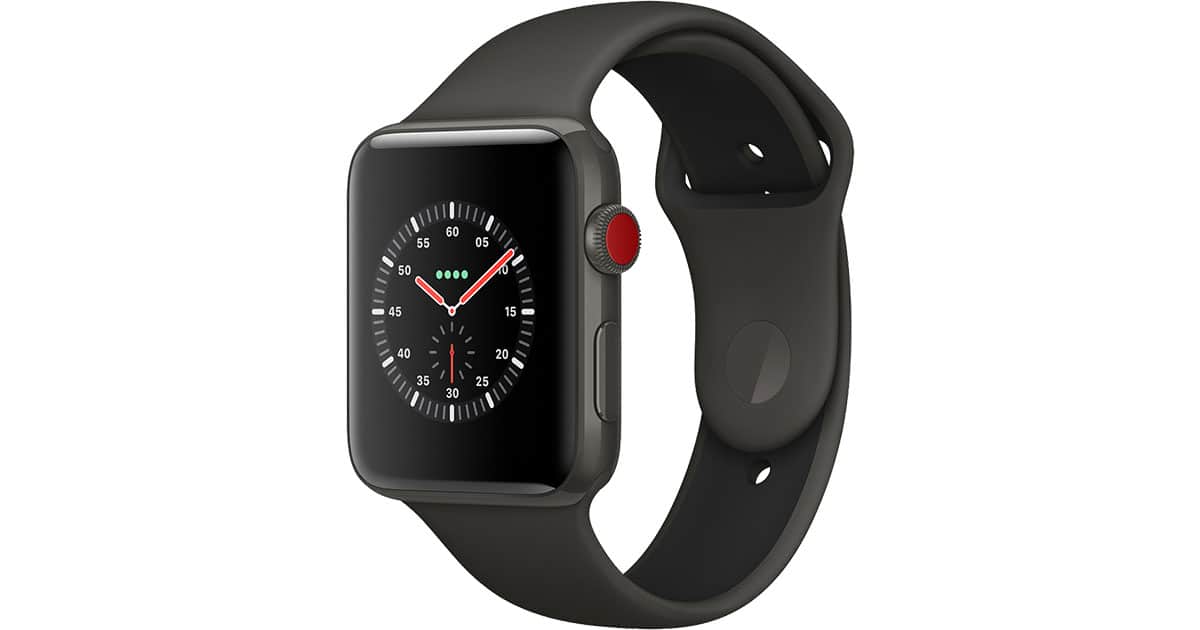
watchOS 4: How to See Favorites Instead of Recent Apps in the Dock
If you’ve found that your Apple Watch’s Dock (the list of apps accessed by pressing the side button) has switched away from your favorites to the stuff you opened recently, never fear! We’re going to tell you how to change this behavior back and reclaim your favorite apps list.

Create a Surround Sound System in macOS With Speakers You Already Own
Through the magic of Audio MIDI Setup, you too can have your own custom surround sound system in macOS, using speakers you’ve already got laying around.

Here's How to Get the App Store Back in iTunes
You can get the App Store back in iTunes if that’s something you want, but you need to know where to find the special download on Apple’s website.

How to Make Money from Bitcoin Faucets [Update]
Bryan Chaffin has been using Bitcoin faucets for years, shares everything he’s learned about making the most out of them. [Updated with new information.]
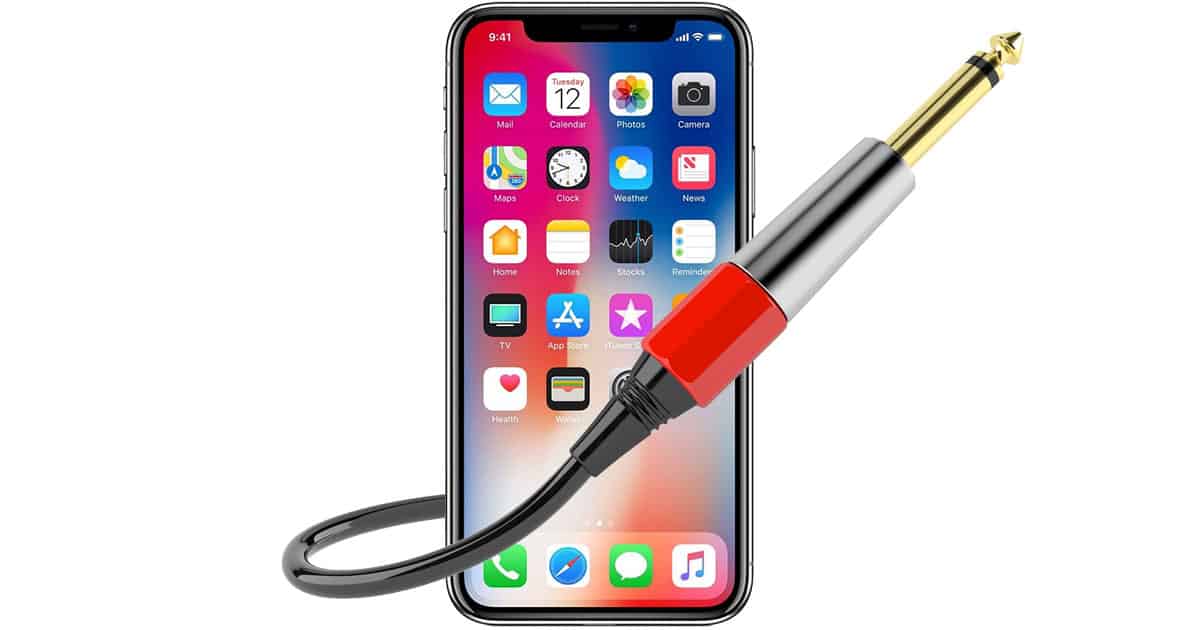
How to Use Your iPhone as an Audio Input on Your Mac
Your iPhone can serve as an audio input source for your Mac, which is handy if you need to play or record something on your computer that’s living on your iOS device.

Here's How to Block Cross-site Tracking in Safari
Apple promised a way to block websites from cross-site tracking in Safari in macOS High Sierra and iOS 11. Here’s how to see if it’s enabled.
iOS 11: How to Manage the App Drawer in the Messages App
iOS 11 introduces a handy drawer of apps that can integrate their data into the Messages app itself.
You Can Still Redeem App Store Download Codes in iTunes 12.7 on Mac
Bryan Chaffin found out when he plugged a code into iTunes just to see what happens, and it worked!
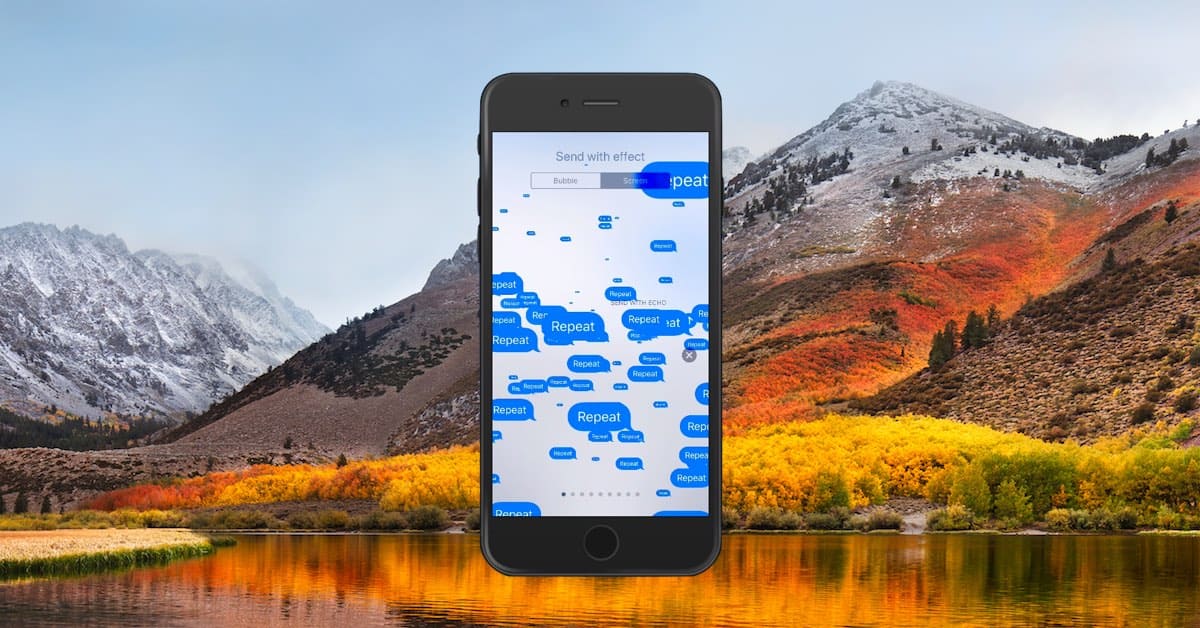
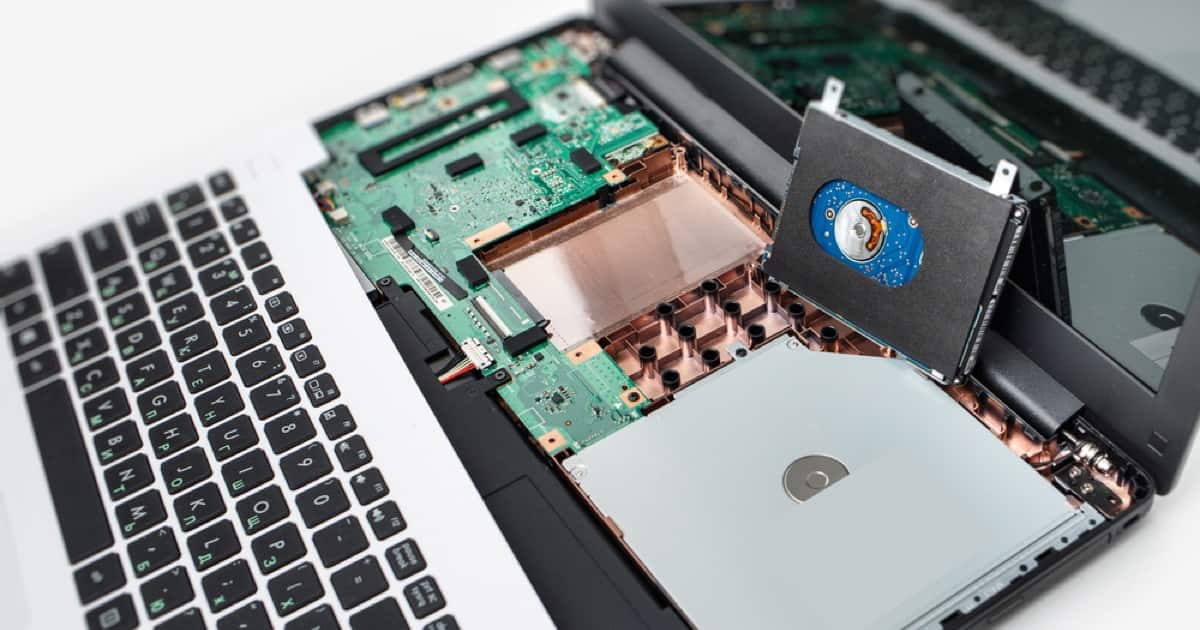
An APFS FAQ: Partitions, Volumes, and AFPS Containers
Apple’s new file system, APFS, introduces a few wrinkles, so here’s a short, easy FAQ to help you make sense of it all.

You Can Use AirPods on Airplanes
Want to use your AirPods on your next flight? Go ahead, because the FAA says it’s OK to use them—along with other Bluetooth headphones—on airplanes.

macOS High Sierra Disk Utility: A Video Walkthrough
Jeff Butts shows us a real “gotcha,” the fact that Disk Utility hides full volume trees by default, plus how to reformat an APFS container and volume to a macOS Extended partition.
How to Set your iPhone 7 and Newer to Take HEIF Photos
If you have an iPhone 7 or newer you can use the HEIF format for photos instead of JPEG and get better shots that take up less space.

Understanding the watchOS 4 Control Center
Too many buttons, you might say, but each one in the watchOS 4 Control Center serves a very important purpose.