
Need to temporarily hide All-Day events in Calendar on your Mac? Melissa Holt shows you how to declutter your schedule.
Tips

iOS 11: A Safari Finger Gesture to Open Links in the Background Immediately
This is a great feature because it’s faster to open links this way than long-pressing them or even using 3D Touch.

iOS: How to Retrieve Purchased Ringtones
It took some digging and searching, but Jeff Butts found out how to get back those purchased ringtones, almost by accident.

iOS 11: How to Focus Lock the iPhone's Default Camera
Locking the focus isn’t new in iOS 11, but since the user interface is different it’s time for a refresher.
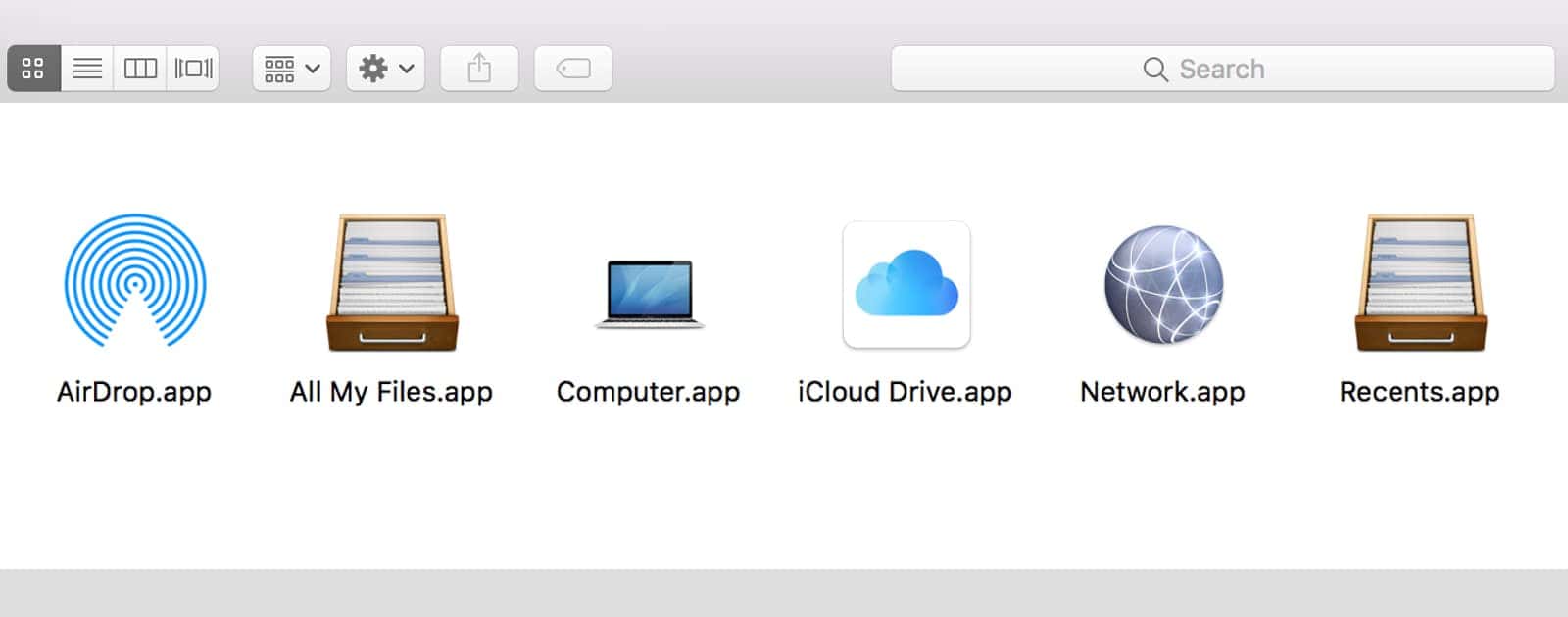
macOS: Put the iCloud Drive Icon on Your Dock
You probably wouldn’t know they are there because you’ll have to enter a specific file path in order to access them.

My USPS Lets You Preview Your Snail Mail
Believe it or not, the United States Postal Service actually takes a picture of every piece of mail you receive, and lets you view those images in most areas — slightly creepy, but very cool.
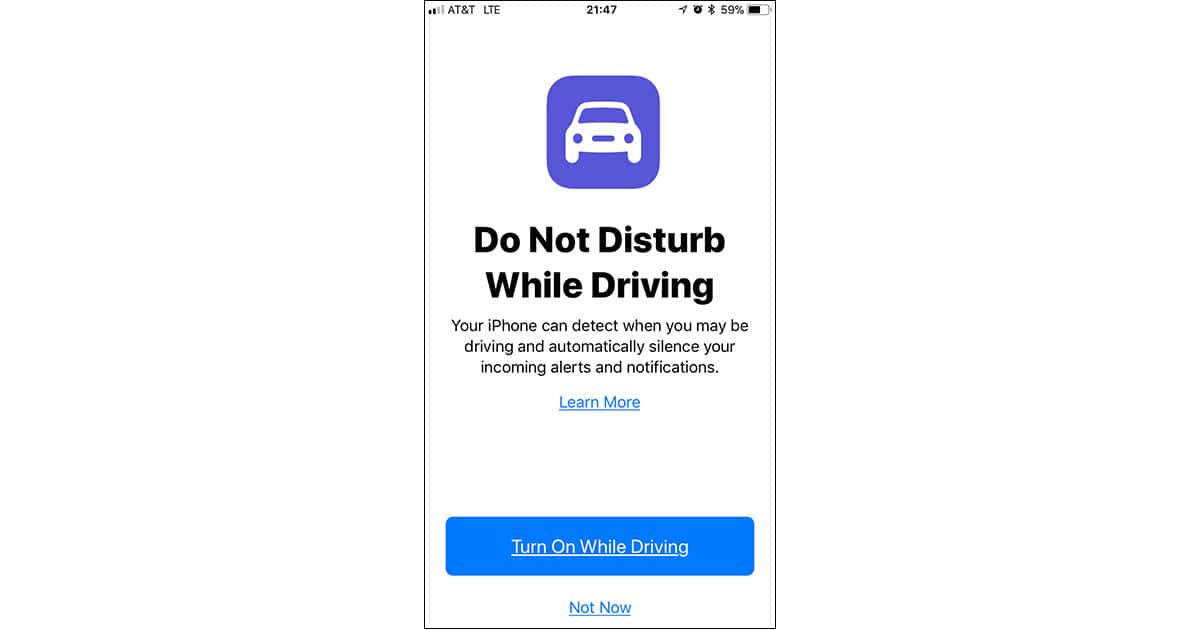
iOS 11: How to Set Up and Customize Do Not Disturb While Driving
Here’s everything you need to know to use and customize iOS 11’s Do Not Disturb While Driving feature on your iPhone.

How to Set Up Multi-room Music Streaming for the Echo and Echo Dot
Here’s how to set up Amazon’s new multi-room music streaming for your Echo, Echo Dot, and Echo Show devices.

Update Hackintosh High Sierra, the Painless Way
This used to be a no-brainer, but Apple has made it slightly more difficult with the latest builds.
macOS: How to Hide Rows in Numbers
Melissa Holt shows you how to hide rows in your Numbers spreadsheets on your Mac, and throws in Excel and Google Sheets, too.

Change the way macOS Displays Date and Time
Another hidden gem of a setting, you don’t even need to use the Terminal to change your date and time display preferences.

macOS: Inserting Line Breaks in Messages
This Quick Tip is all about a keyboard shortcut you can use in Messages on the Mac to insert a line break. So if you keep pressing Return hoping it works the same way as it does on iOS (and sending messages too early!), we’ve got the solution for you.

Here's How to Control Your WeMo Switches From Your Mac
Controlling the WeMo devices in your smart home isn’t a task that has to be limited to your iPhone or iPad—your Mac can get in on the action, too.
iOS: How to Prevent Your Child from Disabling Find My Friends
In case tracking your kid’s device at all times is necessary, this is how you’ll prevent anything being changed or disabled.

Archive, Compress, and Password-Protect Your Files With Automator
There’s a right way and a wrong way to password-protect your files, so let’s focus on the right, stronger way to get the job done.

Internet problems: Is it my Wi-Fi or my ISP?
If you have internet problems, perform these quick-and-simple tests before you drop a few hundred bucks replacing your router, just to confirm that’s the issue.

Mac Keyboard Shortcuts Speed Up Almost Everything
If these Mac keyboard shortcuts aren’t etched in your muscle memory, they should be.

Last Minute Tips for Taking Eclipse Photos With Your iPhone
Once the moon is completely between the earth and sun, you’ll only have about 2.5 minutes or less to take a photograph. If you have a tripod, go ahead and use it.
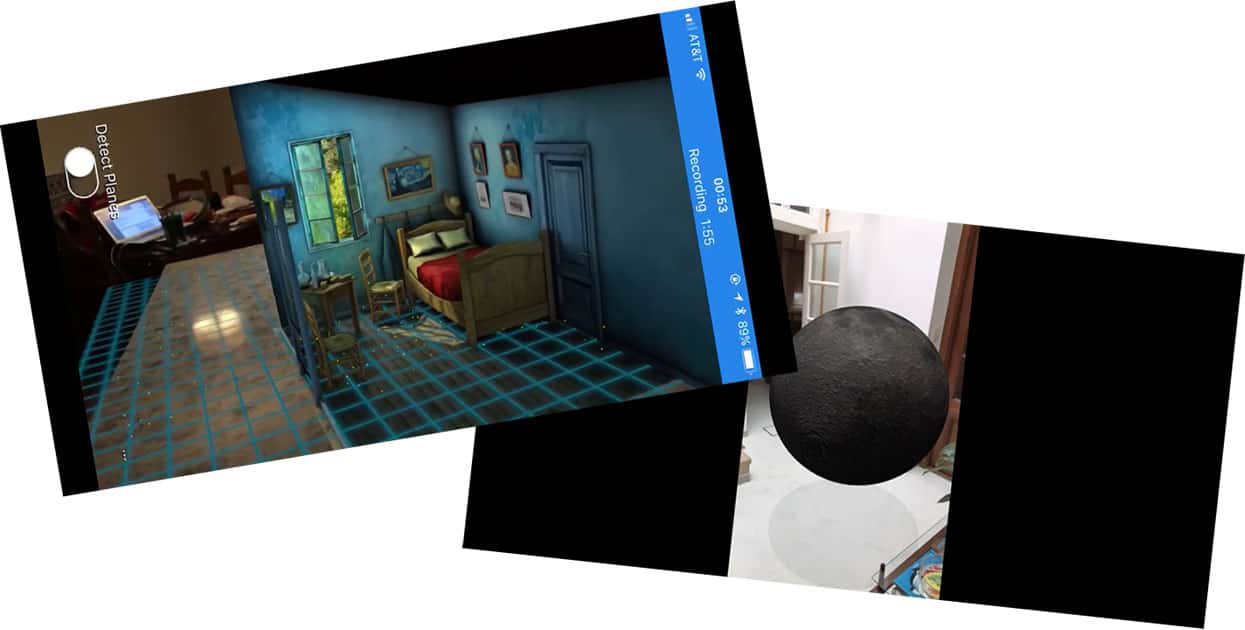
Here are the iPhones and iPads that Support iOS 11 ARKit
Just because your iPhone or iPad can run iOS 11 doesn’t mean it supports ARKit. Check out TMO’s list of ARKit-capable devices.

iOS 11 iPad Multitasking Explained
The way you work with multiple apps on your iOS 11 iPad has changed slightly, with some good changes but also a few that make Jeff Butts shake his head a bit.

iOS: How to Duplicate a Live Photo as a Still One
In Photos under iOS, you can easily duplicate a Live Image as a still one. So if you’d like to preserve the extra info in your live shot while creating a still version, you can!
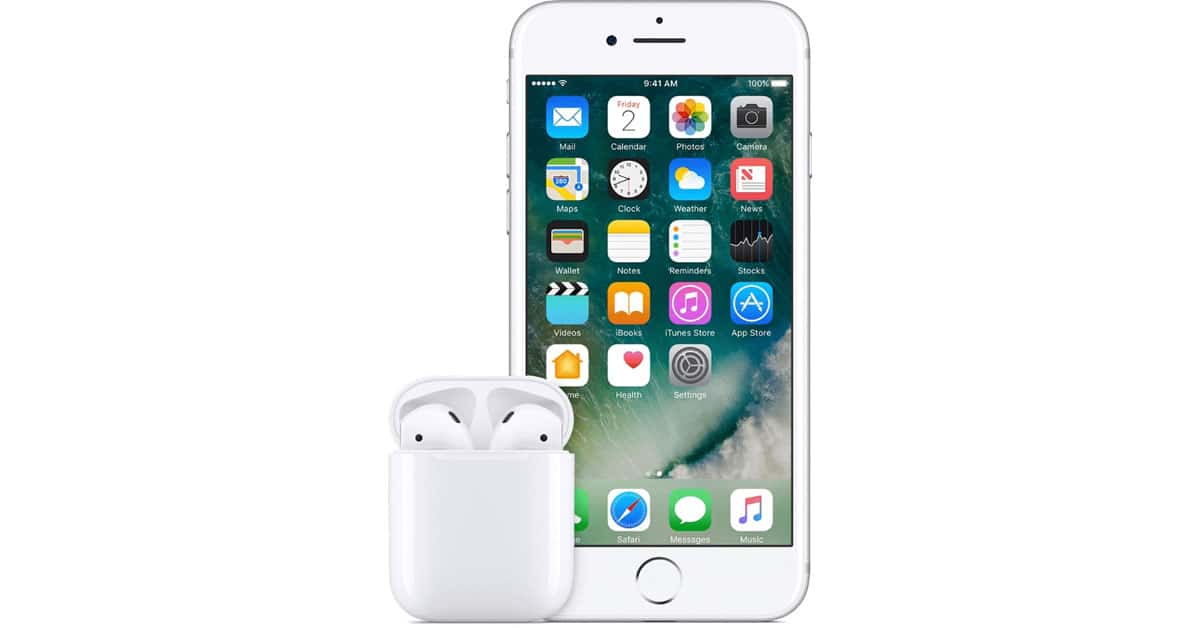
iOS 10: Change Your AirPods' Behavior
If you’ve got some of Apple’s awesome little AirPods, you should know that you can change how they work; you could adjust what happens when you double-tap them, for example. That’s the subject of today’s Quick Tip!
Your Mac Remembers Everything You Download. Here's How to Clear Download History.
This isn’t just Safari downloads. Any app that lets you download files will show up here. This can include torrents, cat photos, porn—anything.
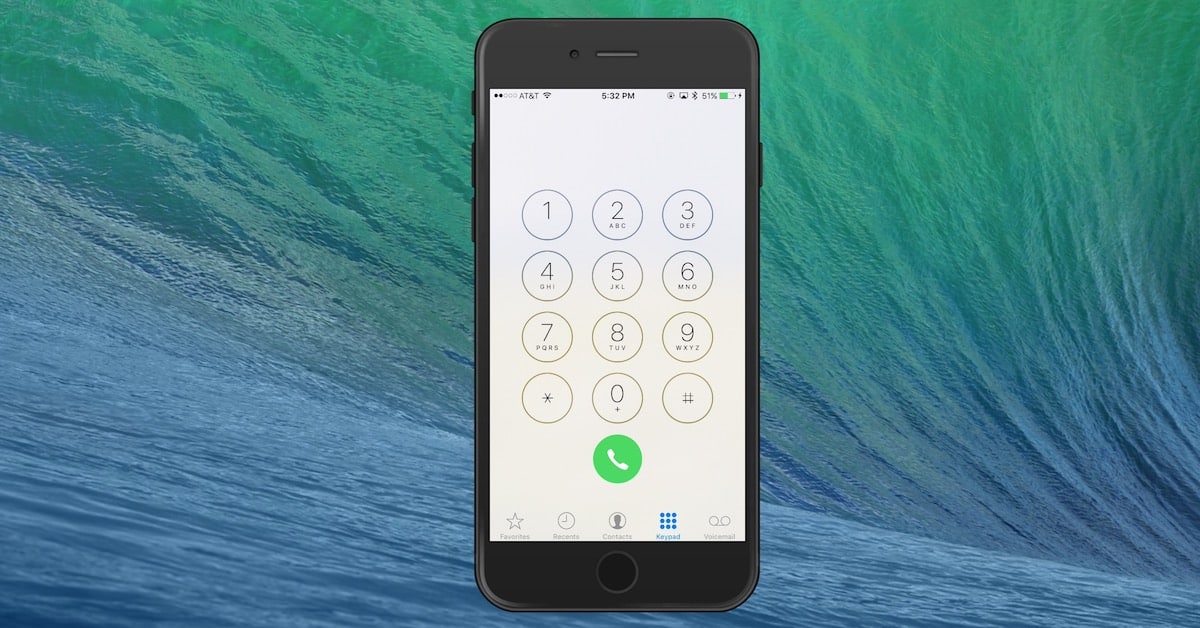
How to Use Redial on the iPhone
There’s a hidden redial feature in the iPhone’s Phone app keypad, and Melissa Holt shows you how it works.