
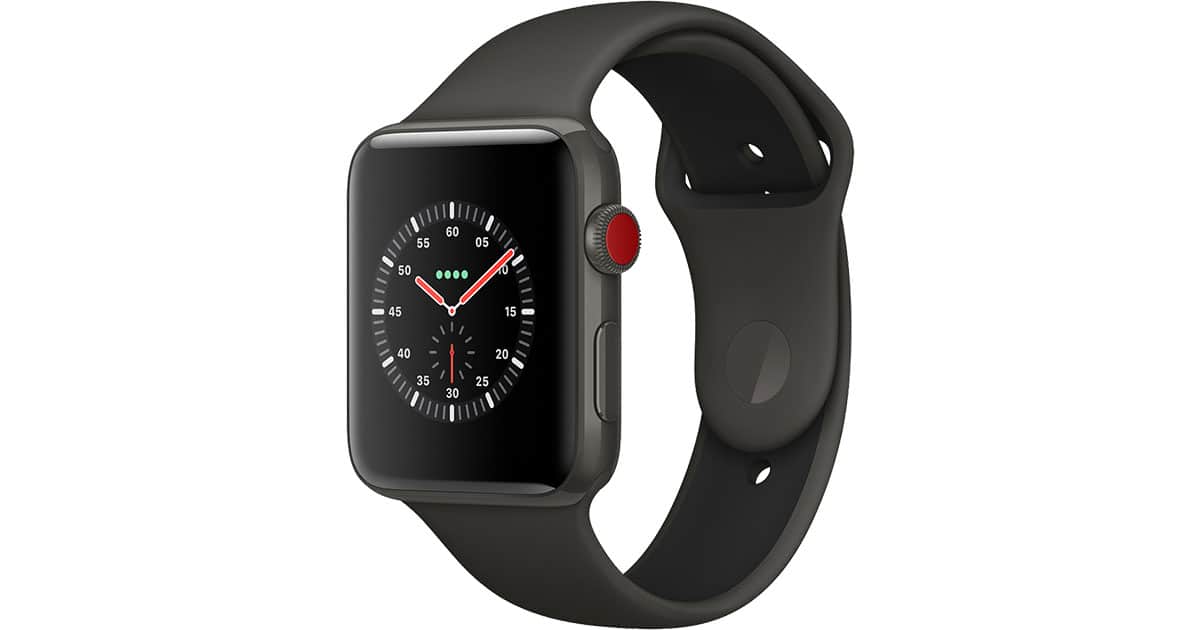
Apple just can’t seem to make up its mind about what the Watch’s side button should do.
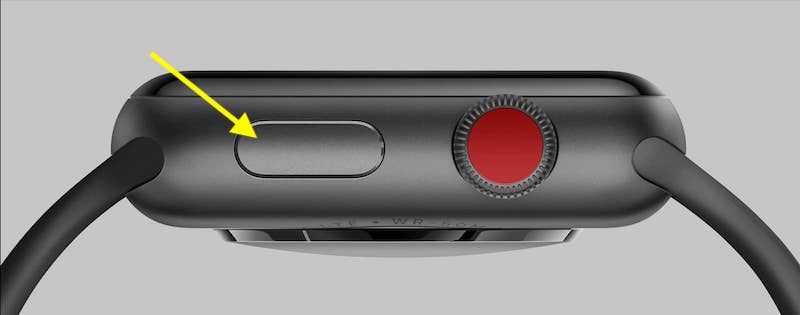
At first, pressing it opened up a view of our friends so that we could easily contact people (remember that?). Then under watchOS 3, that button invoked the Dock, which contained our favorite apps to give us quick access to them. With watchOS 4, Apple kept the Dock but switched its default behavior to opening our recently used apps instead of our favorites.
If you can imagine me heaving a long-suffering sigh here, do so.
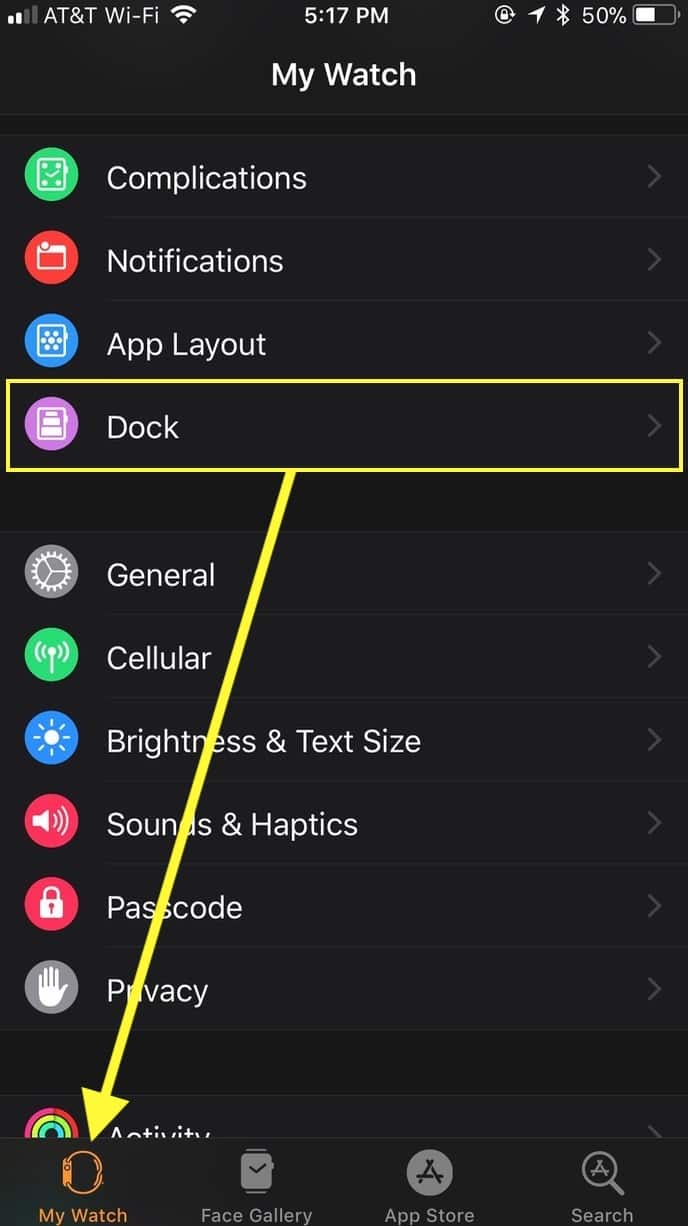
I’m not a fan of this—I always want, say, my Workout app, the Activity one, and Messages to show up in my Dock, whether I’ve used them recently or not. So if you’re like me and want to switch this back to the way things worked under watchOS 3, start by opening the Apple Watch app on your iPhone. After you do so, make sure you’re looking under the “My Watch” tab, then touch “Dock.”
Within “Dock,” then, just toggle from “Recents” to Favorites” at the top, and then you can organize things by using the steps I outlined in a previous tip.
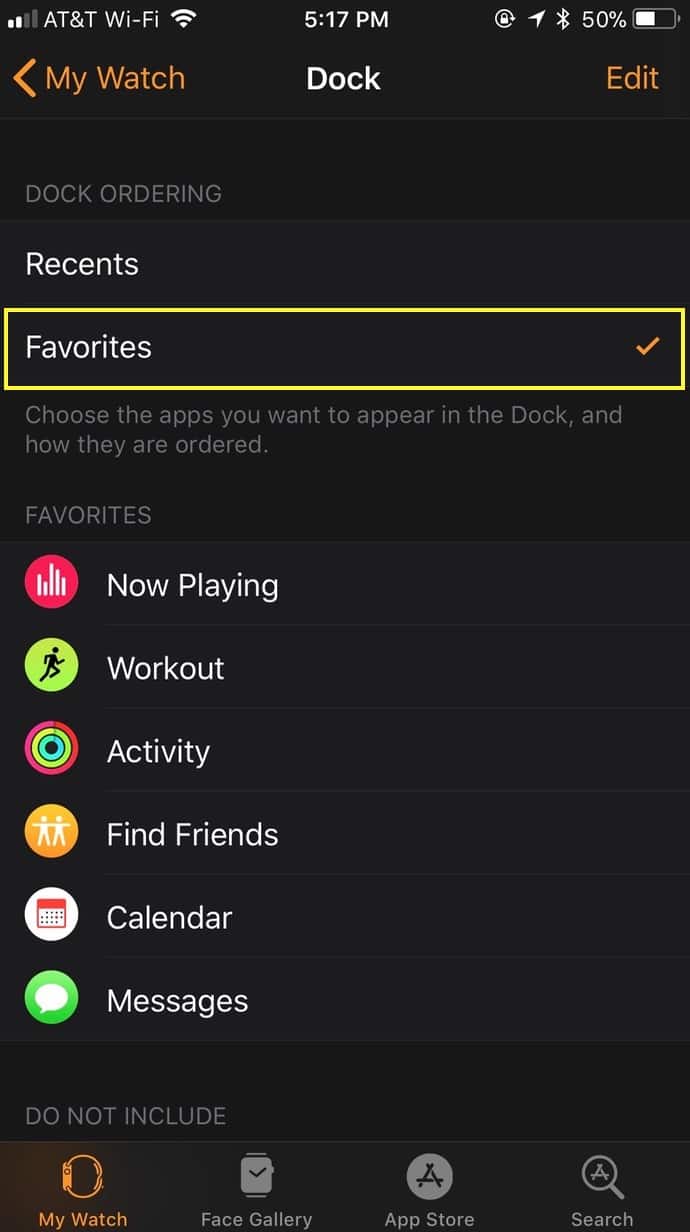
Afterward, pressing your side button will always show the same apps you’ve chosen, but there is one exception that’s pretty handy—you’ll see the last app you opened at the very top before your favorites are listed.
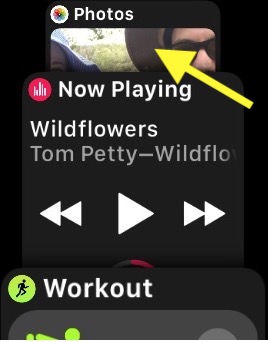
OK, Apple. That’s cool, I guess, so you’re forgiven. But stop messing with my favorites, all right?
Don’t miss the best of The Mac Observer
Set us as a preferred source and our Apple reporting ranks higher in your Google Search results and Discover feed — one tap, no account changes.




Good to know, Roger, thanks! The two Watches I have access to both switched to “Recents,” so the obvious conclusion is that Apple likes you better. 😉
My series 3 (restored from a series 0 running watch os 4j defaulted to favorites.
Well it is a work in progress, but yeah change can be exasperating.