

Designing custom t-shirts needs powerful, versatile software. It must handle vector and raster graphics well. Mac users have many high-quality applications available. These range from standard subscriptions to strong open-source tools. Your choice depends on your design style and budget. Also consider the desired output method. This includes screen printing, DTG, or vinyl cutting. The right tool ensures sharp lines and accurate colors. Thus, your vision transfers perfectly onto the fabric.
Table of contents
Top Graphic Design Applications for Apparel
1. Adobe Illustrator
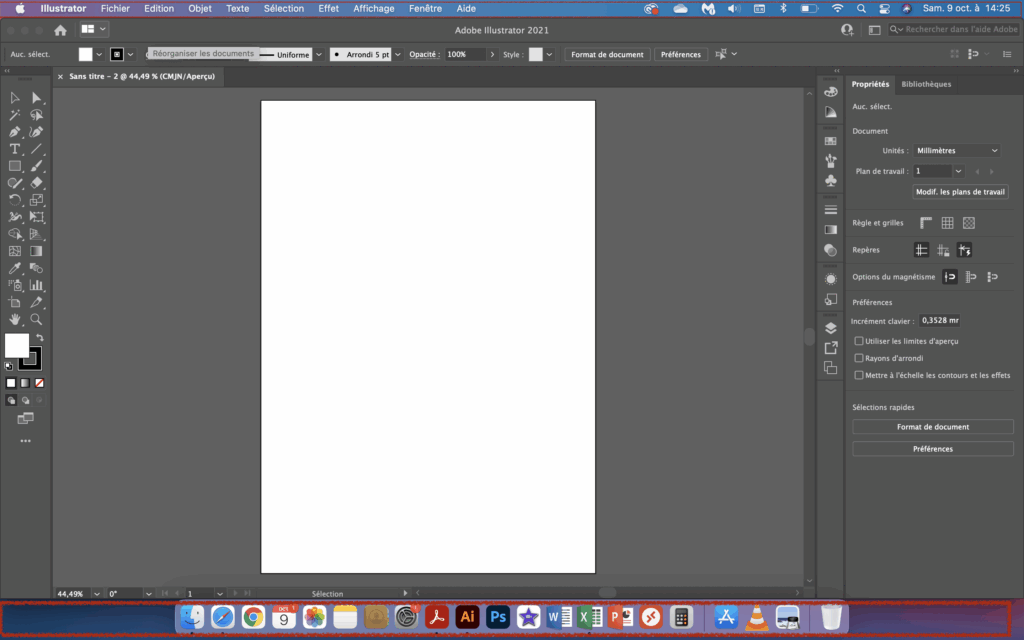
Adobe Illustrator leads among professional graphic designers. Importantly, it is a vector graphics editor. Designs are made of mathematical paths. This allows infinite scaling without quality loss. This feature is vital for t-shirt design. The graphic often changes size for garments. It does so without compromising its integrity.
Illustrator offers a complete tool suite. You can create complex illustrations, text, and logos. It ensures precise color separation for screen printing. Furthermore, it integrates well with other Adobe apps. Photoshop is a key example. This streamlines the design workflow greatly. It sets the industry standard for apparel studios.
Don’t miss the best of The Mac Observer
Set us as a preferred source and our Apple reporting ranks higher in your Google Search results and Discover feed — one tap, no account changes.
2. CorelDraw
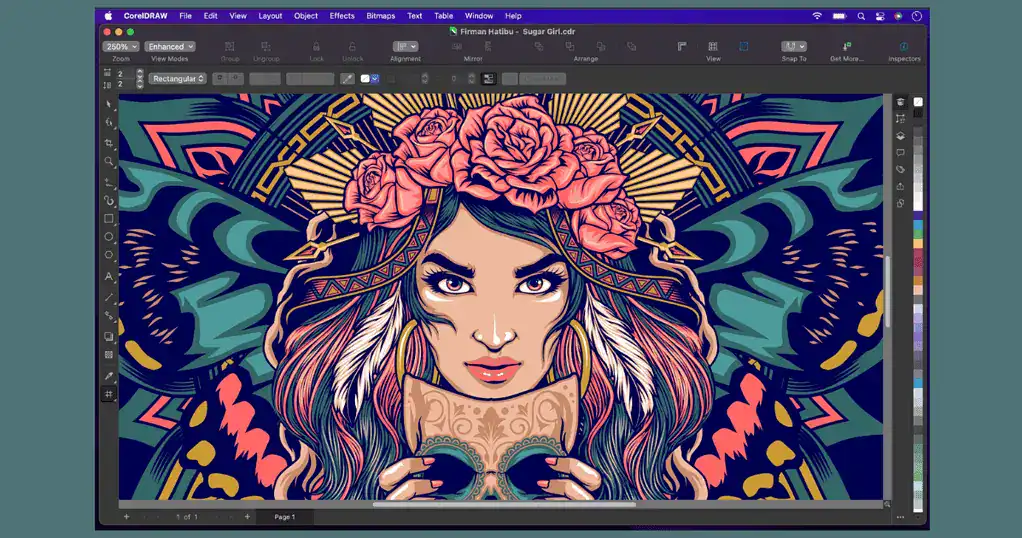
CorelDraw is a strong competitor to Illustrator. It offers powerful vector illustration tools. Also, it includes page layout options. It optimizes designs for physical products like t-shirts. Specifically, its features include tools for textiles. This helps with screen-printing preparation. It has sophisticated color management. It also offers efficient tracing capabilities.
Many decoration businesses rely on CorelDraw. They like its intuitive interface. Its dedicated textile features simplify things. This helps with color separation and print setup. Mac users can read a detailed CorelDraw review for Mac to evaluate its unique workflow benefits.
3. Inkscape

Conversely, Inkscape is great for budget-conscious designers. It is a free, open-source vector graphics editor. Inkscape is a high-quality option for Mac. It follows the W3C standard SVG file format closely. This makes it ideal for vector artwork. This artwork is necessary for professional printing. Therefore, it avoids recurring costs completely.
It may lack some advanced paid features. However, Inkscape provides all basic tools needed. This includes logo creation and typography. You can do detailed illustration easily. Designers also need specific spatial tools. For example, finding the top 3 floor plan software for Mac is often necessary.
4. GIMP

GIMP, the GNU Image Manipulation Program, is a free and open-source raster graphics editor for Mac. Vector software is usually better for sharp lines. Yet, GIMP excels with complex photos and textures. It handles designs needing detailed pixel work. High-detail DTG printing often uses these files.
It supports many file formats well. Moreover, it offers a powerful layer system. It is a strong alternative to paid editors. You can make intricate, photographic t-shirt graphics. It focuses on pixels. Still, it is a capable tool for designers. They primarily use photographic elements on apparel.
5. Adobe Photoshop

Adobe Photoshop is the top choice for raster image editing. It is essential for many t-shirt designs. These include photos, textures, or realistic shading. It is a pixel-based program fundamentally. Still, its tools for color work are unmatched. Its filtering and high-resolution prep are excellent.
Designers often prepare raster elements in Photoshop. Then, they import them into vector programs. Illustrator is one key example. This is for final layout and printing specs. Its robust features make it a top choice. It manipulates high-quality images effectively. You can learn more about photo editing software for Mac here.
FAQ
Always use vector software for logos. They must scale infinitely. This keeps them sharp on any garment size.
Yes, they are fully capable. They produce professional, print-ready graphics. Use them correctly for the printing method.
Optimizing Mac Tools for Custom Apparel
Choosing the right Mac software is key. It ensures quality apparel production. Professional tools offer complete features. Free alternatives provide excellent starting points. Understand each application’s strengths. This optimizes your final artwork. It matches the intended printing method. Finally, consider using the best AI software for Mac. This can enhance your design capabilities and workflow.


Discussion