
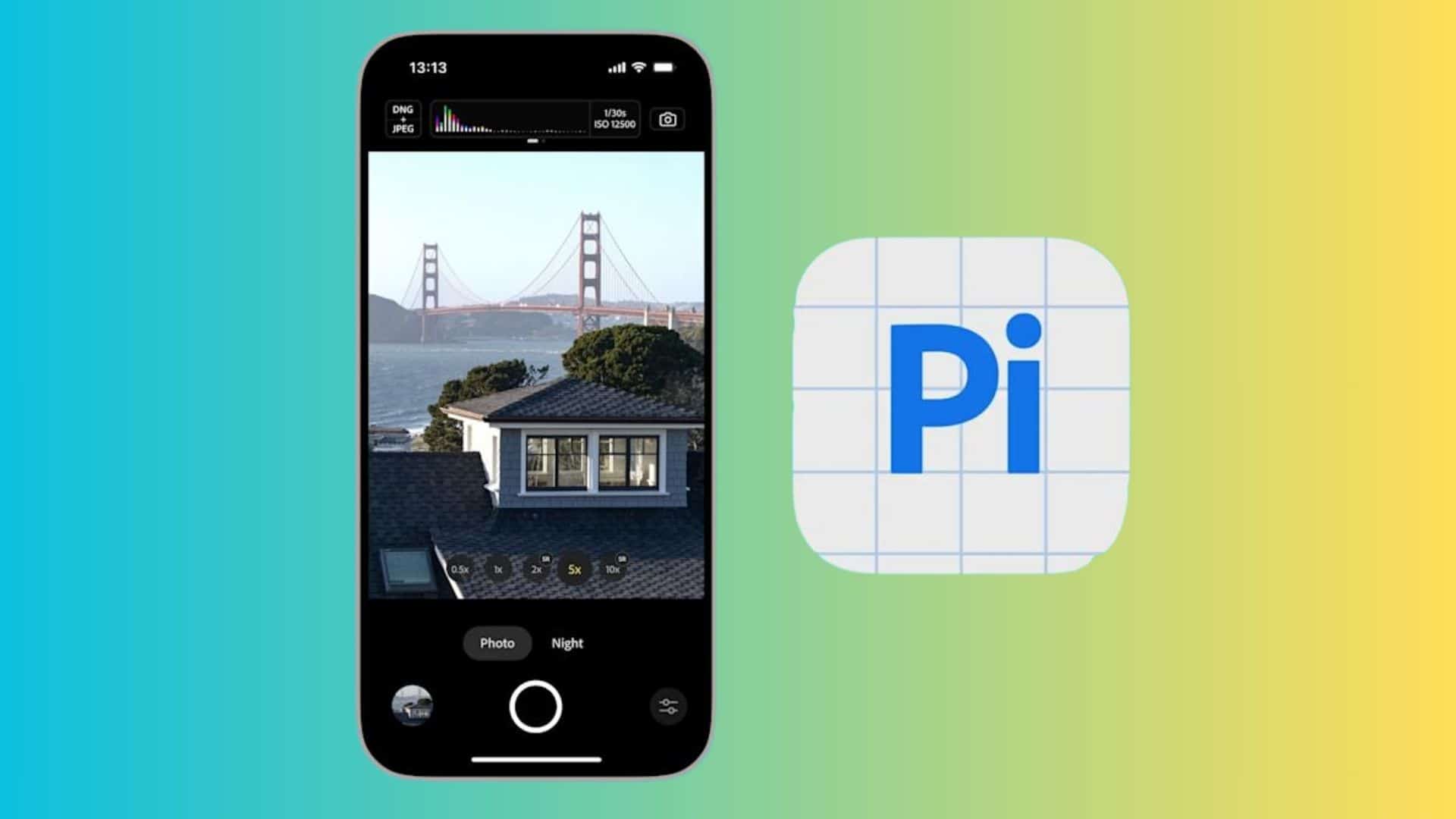
Adobe is updating its low-processing camera app, Project Indigo, to work with more devices. The experimental software uses a custom setup to produce natural-looking photos with minimal artificial intelligence interference. Originally limited to certain iPhone models, the latest update finally brings compatibility to the brand-new Apple iPhone 17e.
Adobe is also introducing initial support for select Apple iPads to reach a wider audience of photographers looking for an alternative to standard image processing.
Adobe Camera app is bringing support for select iPads and the new iPhone 17e
The biggest change in this update is device compatibility. Project Indigo is now available for the iPhone 17e, giving users of Apple’s newest budget phone a way to capture raw, unprocessed images.
Don’t miss the best of The Mac Observer
Set us as a preferred source and our Apple reporting ranks higher in your Google Search results and Discover feed — one tap, no account changes.
Adobe is also bringing the app to iPads for the first time. The tablet must have at least 6GB of RAM to run the software. This requirement means the app works on iPad Pro models from 2020 and later, newer iPad Air models, the latest iPad mini, and the 11th-generation iPad.
Adobe notes that the iPad version is not fully optimized yet, calling it an initial release that will improve over time.
It is also adding a new filmstrip grid view, photo filters, and a focal length display
Aside from new devices, Adobe added several new practical tools to make its app easier to use. The filmstrip now features a grid view. This layout lets people select multiple photos at once to share, delete, or quickly import straight into the Lightroom mobile application.
Users can also filter photos directly in the filmstrip and grid. The software offers sorting options to view all photos, just the Indigo album, or favorited shots. Finally, there is a new toggle in the capture settings that displays the 35mm equivalent focal length for rear cameras, giving photographers a better understanding of their framing.
The update is rolling out to the App Store right now. With these extra features and wider device support, Adobe is giving more people a chance to test its stripped-down approach to mobile photography.


Discussion