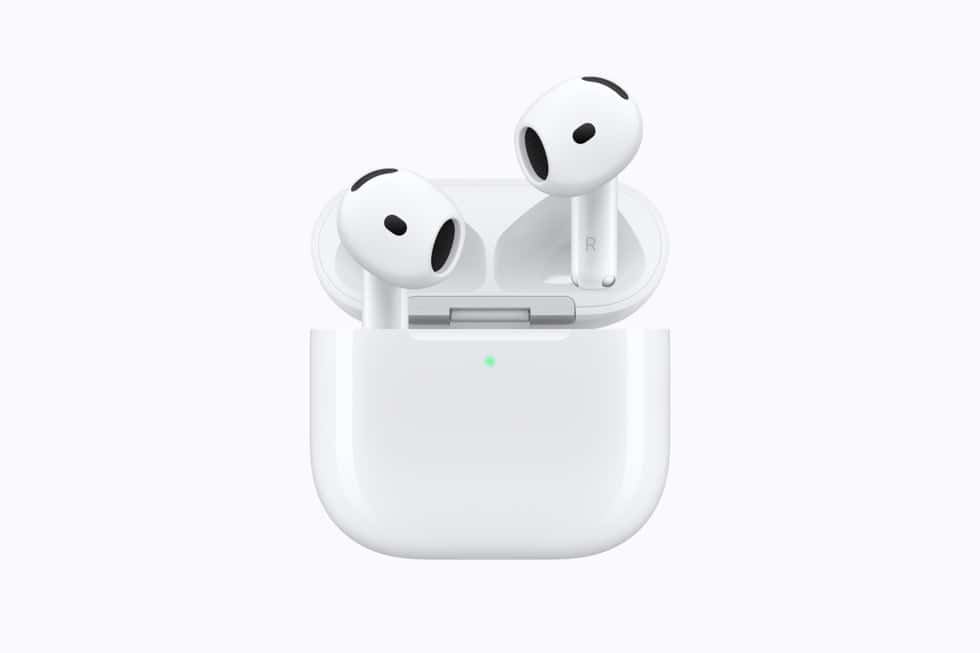
Nodding to take a call on AirPods 5 is not a single switch. Apple’s own guide says head gestures have to be turned on in the AirPods settings, and that using them to respond to Siri requires Announce Calls and Announce Notifications to be on as well, which means three separate settings before a nod does anything.

The gesture itself is simple. Apple describes nodding your head up and down to accept a call or reply to a notification or message, and shaking it side to side to decline or dismiss. What the press release did not spell out, and what our AirPods 5 announcement coverage took from that release, is the setup chain underneath.
| What has to be true | Where Apple puts it |
|---|---|
| Head Gestures turned on | Wear the AirPods, then Settings, the AirPods name, Head Gestures. On a Mac it is System Settings, then the AirPods name |
| Announce Calls on | Required for gesture responses to Siri, per Apple’s guide |
| Announce Notifications on | Required for gesture responses to Siri, per Apple’s guide |
| Nod up and down | Accept a call, reply to a notification or message |
| Shake side to side | Decline or dismiss |
Why the announcement settings are the hidden requirement
Head gestures answer something Siri has said out loud. If Siri is not announcing the call or the message, there is nothing to nod at, which is why Apple ties the gestures to the two announcement toggles rather than to the earbuds alone.
Don’t miss the best of The Mac Observer
Set us as a preferred source and our Apple reporting ranks higher in your Google Search results and Discover feed — one tap, no account changes.
That also decides where gestures are useful. They are a response mechanism for incoming alerts, not a general control scheme, and Apple does not list any gesture for playback, volume or noise modes.
The controls that do not need any of that
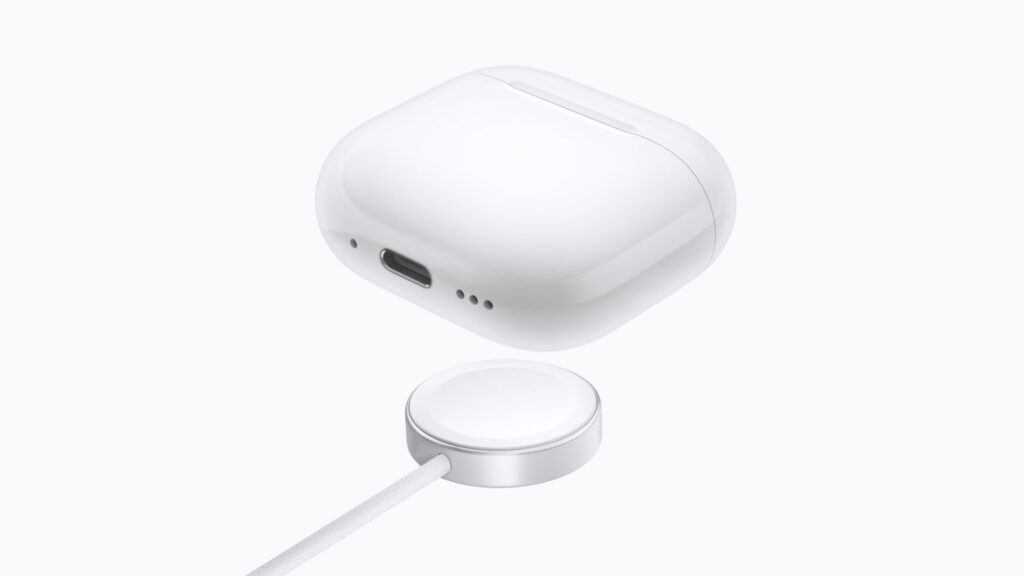
Stem controls work without the announcement settings, and Apple lists them for both AirPods 5 models. Only the volume swipe is restricted to one model.
| Control | What it does | Which model |
|---|---|---|
| Single press on the stem | Play, pause or answer a call | Both |
| Double press | Next track | Both |
| Triple press | Previous track | Both |
| Press and hold | Switch between Active Noise Cancellation, Transparency and Adaptive Audio | Both |
| Press and hold both stems together | Start Live Translation | Both, with the iPhone requirements Apple publishes separately |
| Force sensor with volume swipe | Raise and lower volume on the stem | $149 AirPods 5 with Wireless Charging Case only |
Apple lists a force sensor in the sensor row for both models, and adds volume swipe only to the Wireless Charging Case version, which it calls a first for the open-ear form factor. The $129 model keeps the presses and loses the swipe.
Apple’s support page has not added AirPods 5
The support article that documents head gestures lists the supported models as AirPods 4, both versions, AirPods Pro 2, AirPods Pro 3, AirPods Max 2 and Powerbeats Pro 2. AirPods 5 do not appear in that list yet, even though the feature is on the AirPods 5 tech specs page and in the press release.
There is no AirPods 5 support document or manual at all so far, one of several publishing gaps the event recap noted. The steps above follow Apple’s published description for the models it does list and may differ slightly once iOS 27 ships on September 14.
Hands-free Siri AI is a separate requirement again
Head gestures are not the same feature as the hands-free Siri AI that Apple promotes with AirPods 5. That one needs iOS 27, which arrives on Monday, September 14, and an iPhone that runs Apple Intelligence, which means iPhone 15 Pro, iPhone 15 Pro Max or iPhone 16 or later.
Gestures themselves are older than this launch, and Apple has not said they need Apple Intelligence. Anyone pairing AirPods 5 with an iPhone that cannot run the new Siri should expect the nod and shake to keep working while the assistant behind them does not change.
What Apple has not said
Apple has not published which notification types can be answered by nodding, has not published a language list for gesture replies, and has said nothing about how the earbuds distinguish a deliberate nod from ordinary head movement while walking or running. It has not said whether the two accelerometers in the sensor row are both involved, and it has published no way to remap either gesture.
Pre-event expectations gathered in our AirPods 5 rumor round-up treated gestures as a Pro feature moving down the range rather than as something with prerequisites. AirPods 5 reach stores on Friday, September 18, so the settings chain is worth walking through on the first evening, before the first call arrives.