
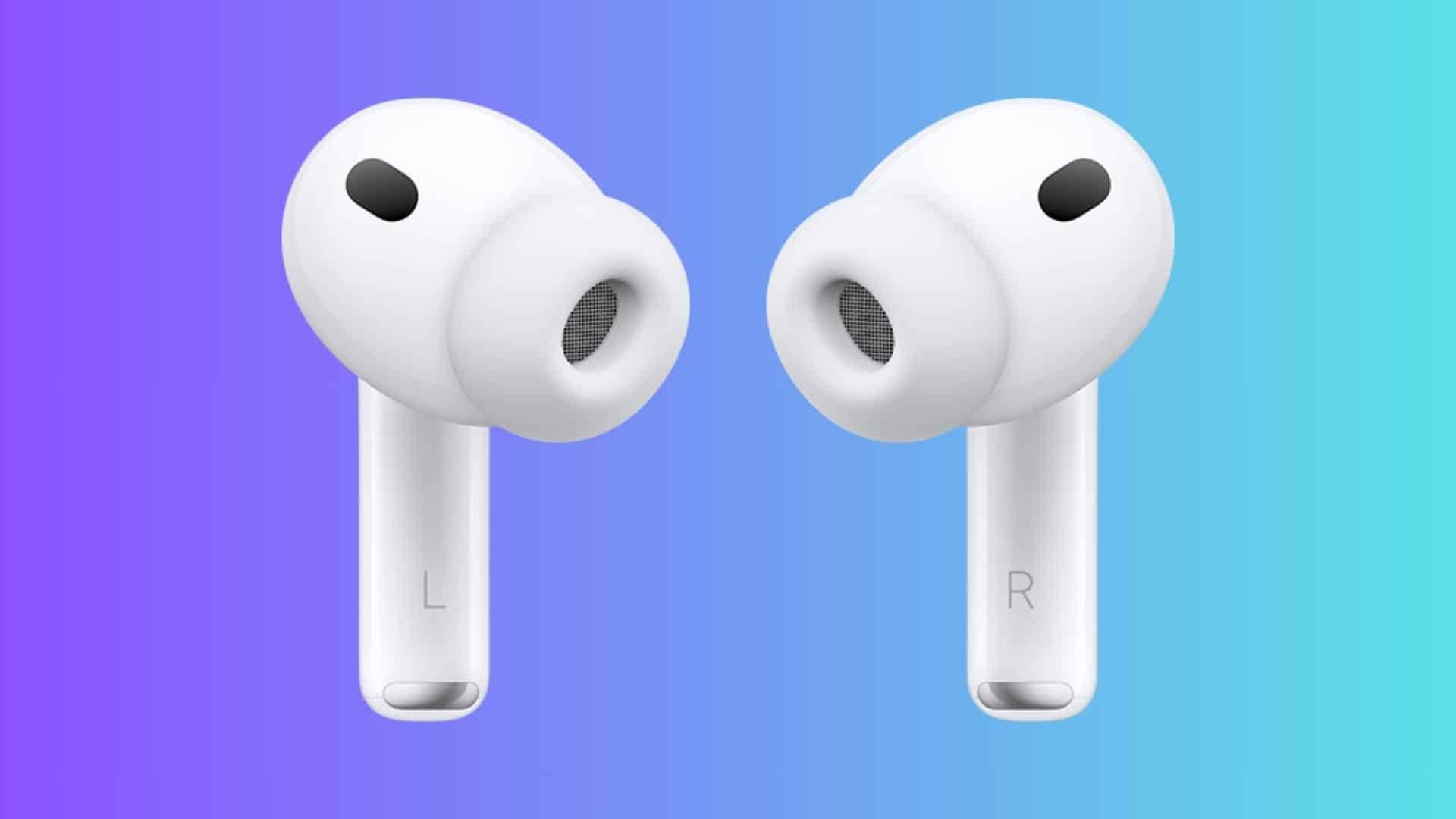
Apple built a new Acoustic Seal Test into the AirPods Pro 3 to help you find the ear tip size that gives the best sound and noise cancellation. The test uses audio feedback to confirm whether the ear tip makes a full seal in your ear canal. That seal improves bass, tightens active noise cancellation, and helps the earbuds deliver their advertised audio performance.
The AirPods Pro 3 ship with new foam-infused silicone ear tips that feel softer and less stiff than the previous generation. Apple now offers five sizes: XXS, XS, S, M, and L. The new XXS size aims to fit people who found earlier tips too large, and Apple also sells a five-size multipack for replacement or experimentation.
Here’s the thing about the built-in heart rate sensor. It needs skin contact inside your ear to read reliably, so the tip that gives the perfect acoustic seal is not always the best for heart-rate accuracy. Apple tells you to angle the stem toward your face at about 45 degrees, so the sensor rests against the skin. If your readings bounce around, try a different tip size and make sure the sensor is clean and dry.
Don’t miss the best of The Mac Observer
Set us as a preferred source and our Apple reporting ranks higher in your Google Search results and Discover feed — one tap, no account changes.
How to run the Acoustic Seal Test
Follow these steps on your iPhone or iPad:
- Connect your AirPods Pro 3 to an iPhone running iOS 26 or an iPad running iPadOS 26.
- Open Settings and tap Bluetooth.
- Tap the More Info button next to your AirPods Pro.
- Select Acoustic Seal Test.
- Tap Continue and then tap the Play button.
- Review the results. If the test shows a poor seal, adjust the AirPod or switch to another ear tip size.
- Run the test again until both sides report a good seal.
You may need different sizes for left and right ears. That is normal. If the test reports a poor seal on one side, try re-seating the AirPod first, then swap tip sizes until the test reports a good seal. For heart-rate accuracy, use a mirror to confirm the sensor sits against the skin inside your ear and clean the sensor if needed.
Apple announced the AirPods Pro 3 on September 9, 2025, and they will become widely available on Friday, September 19, 2025. The earbuds carry the company’s latest computational audio and sensor upgrades, including the new fit workflow and the heart-rate sensor that works during workouts.
Use the Acoustic Seal Test first to lock in the best sound and ANC. Then check heart-rate readings. If readings look off, try alternate tips or a different tip on one ear. The fit matters for both audio and sensors, and the AirPods Pro 3 give you the tools to tune both.
Quick steps and practical tips
- Make sure your iPhone or iPad runs iOS 26 or iPadOS 26.
- Put the medium tips in first. Run the Acoustic Seal Test.
- If the test suggests a change, try larger tips if seal fails, smaller tips if the tip feels too big.
- Angle the stem toward your face so the heart-rate sensor rests on skin.
- Clean and dry the sensor if heart-rate readings look inconsistent.
For detailed, official instructions on fit testing, ear tip sizes, and heart-rate guidance, check Apple’s support pages and the AirPods Pro 3 technical specifications.



Discussion